Questions & Answers
- Model:
- CP312-1HN-34Z7
- |
- SKU:
- 6607903
Highly rated by customers for: Overall Performance, Portability, Speed
$319.00
Save $130
Comp. Value: $449.00
Page Showing 21-30 of 30 questions
Q: QuestionHow good are the speakers? Is there just one, or two?
Asked by Jayo.
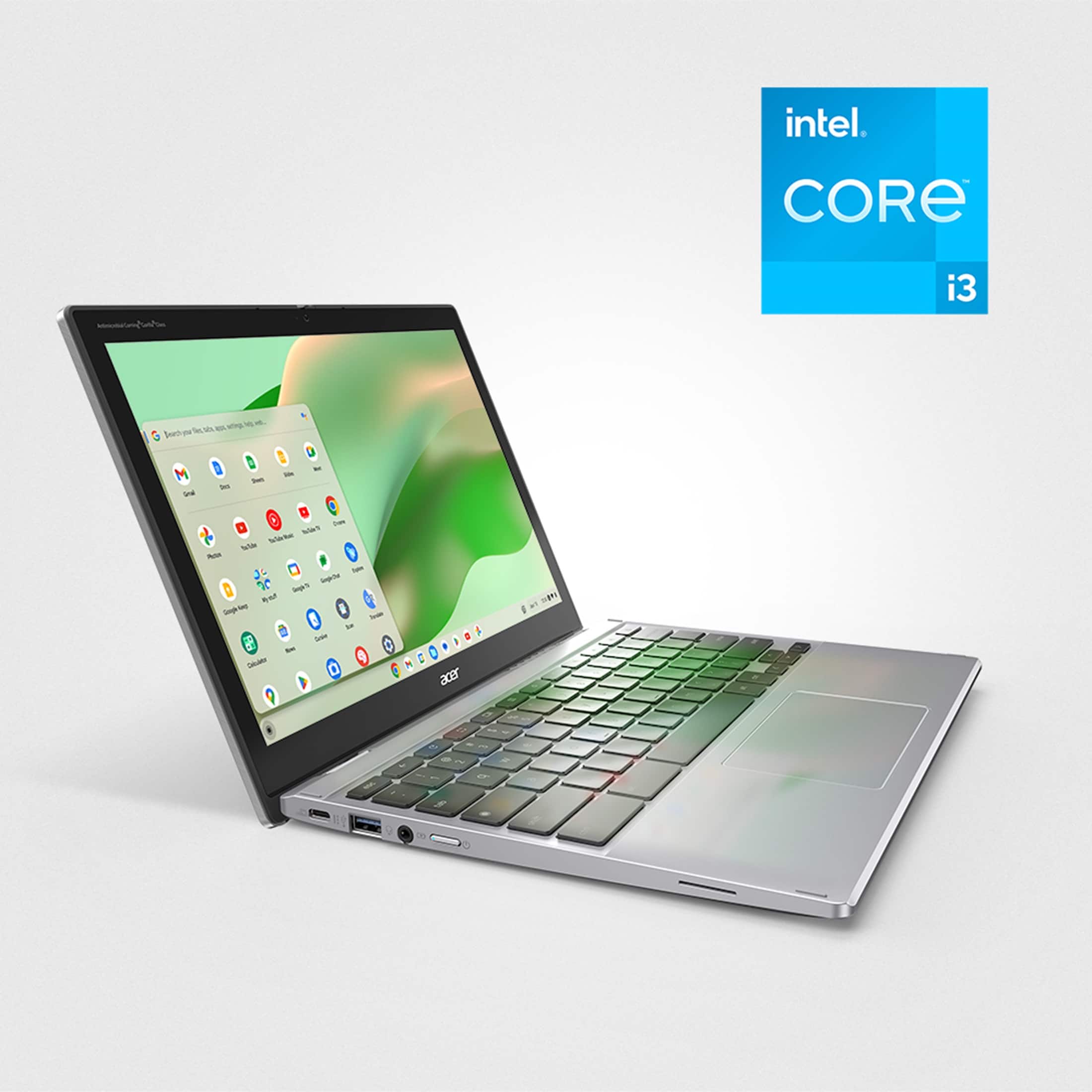
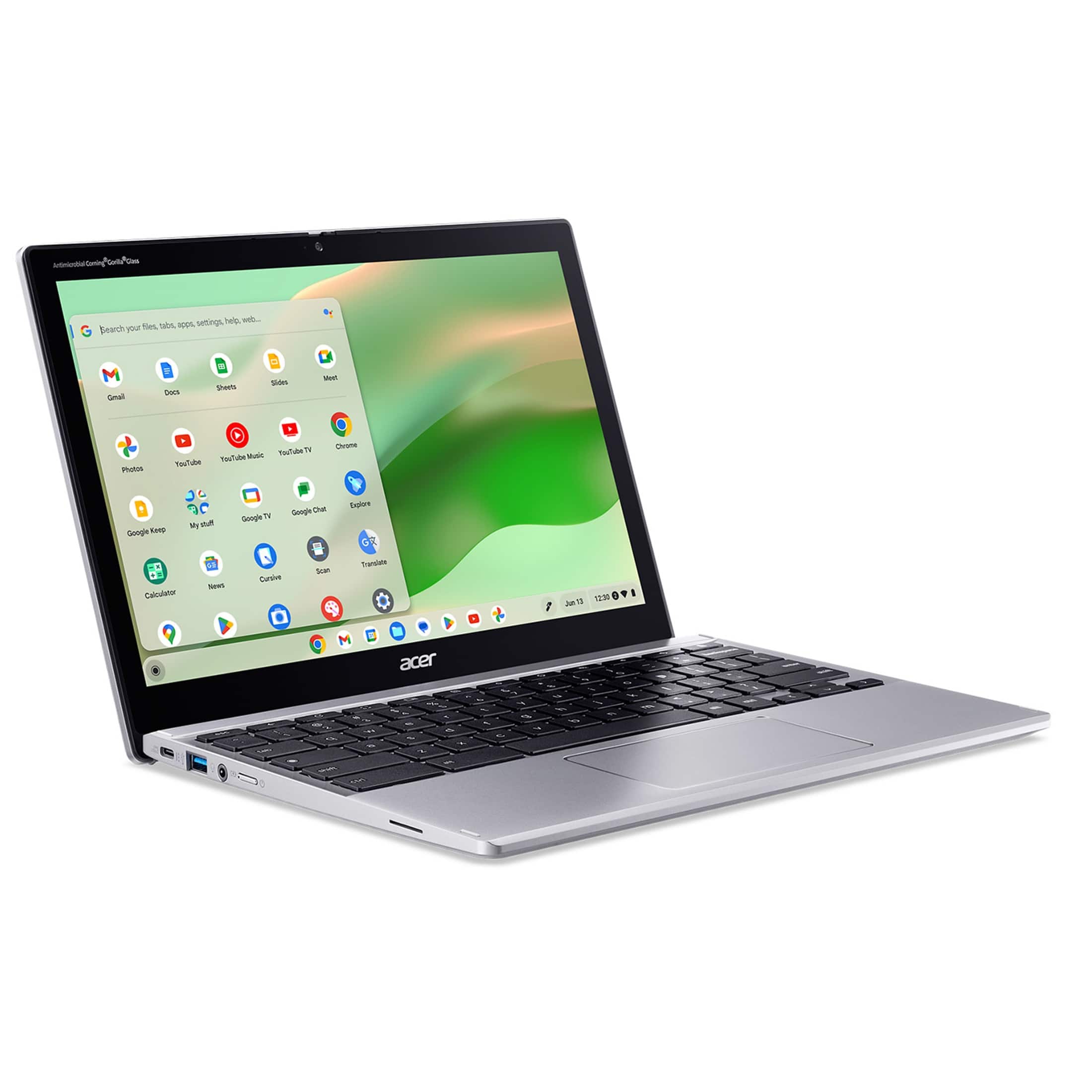
- A:Answer This Chromebook has two side-firing speakers that get reasonably loud.
Answered by TeamAcer
Q: QuestionDoes it have good speaker volume?
Asked by Jayo.
- A:Answer This Chromebook offers decent speaker volume, which is considered good for a Chromebook in its price range.
Answered by TeamAcer
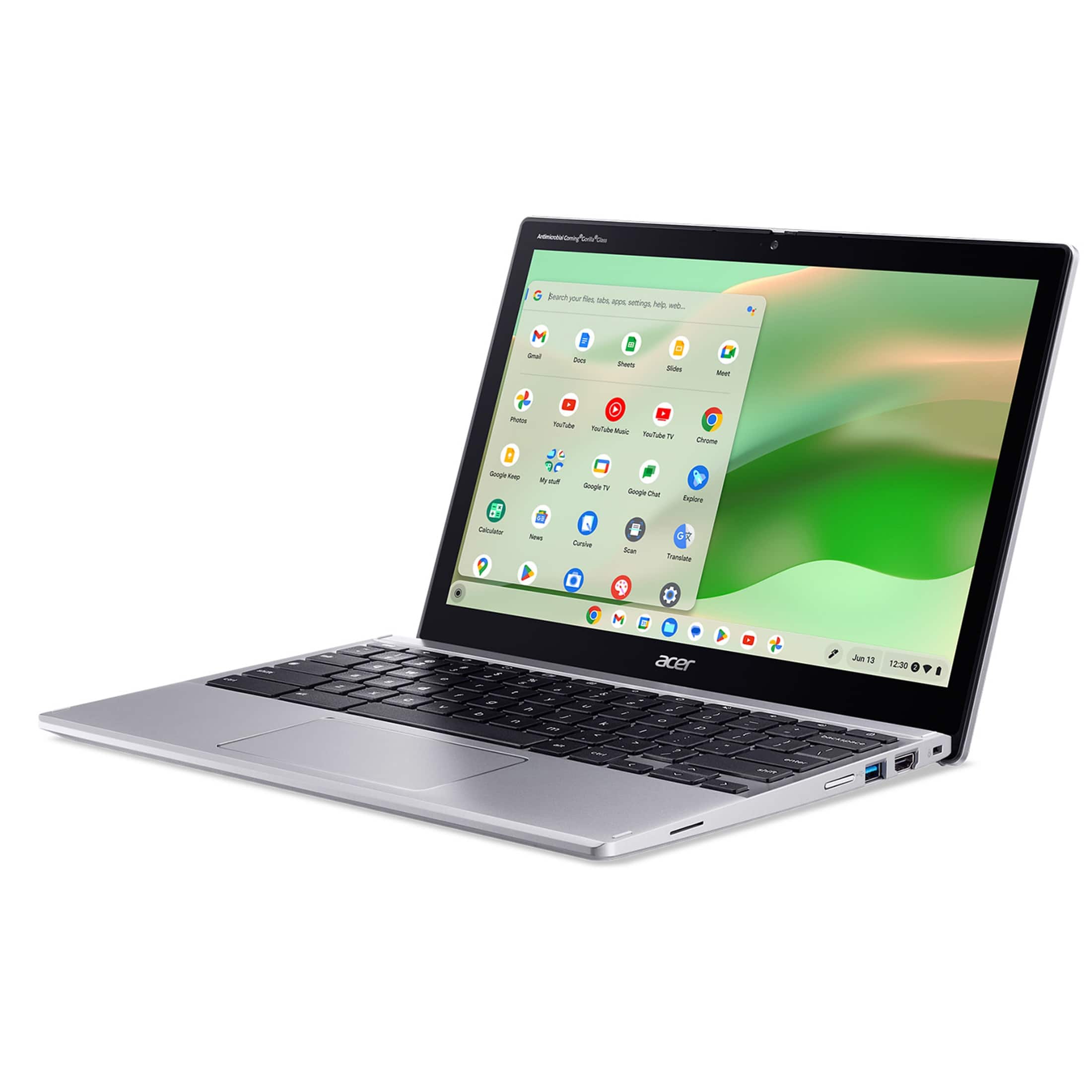
Q: QuestionCan this be used in portrait (vertical) mode?
Asked by ramc.
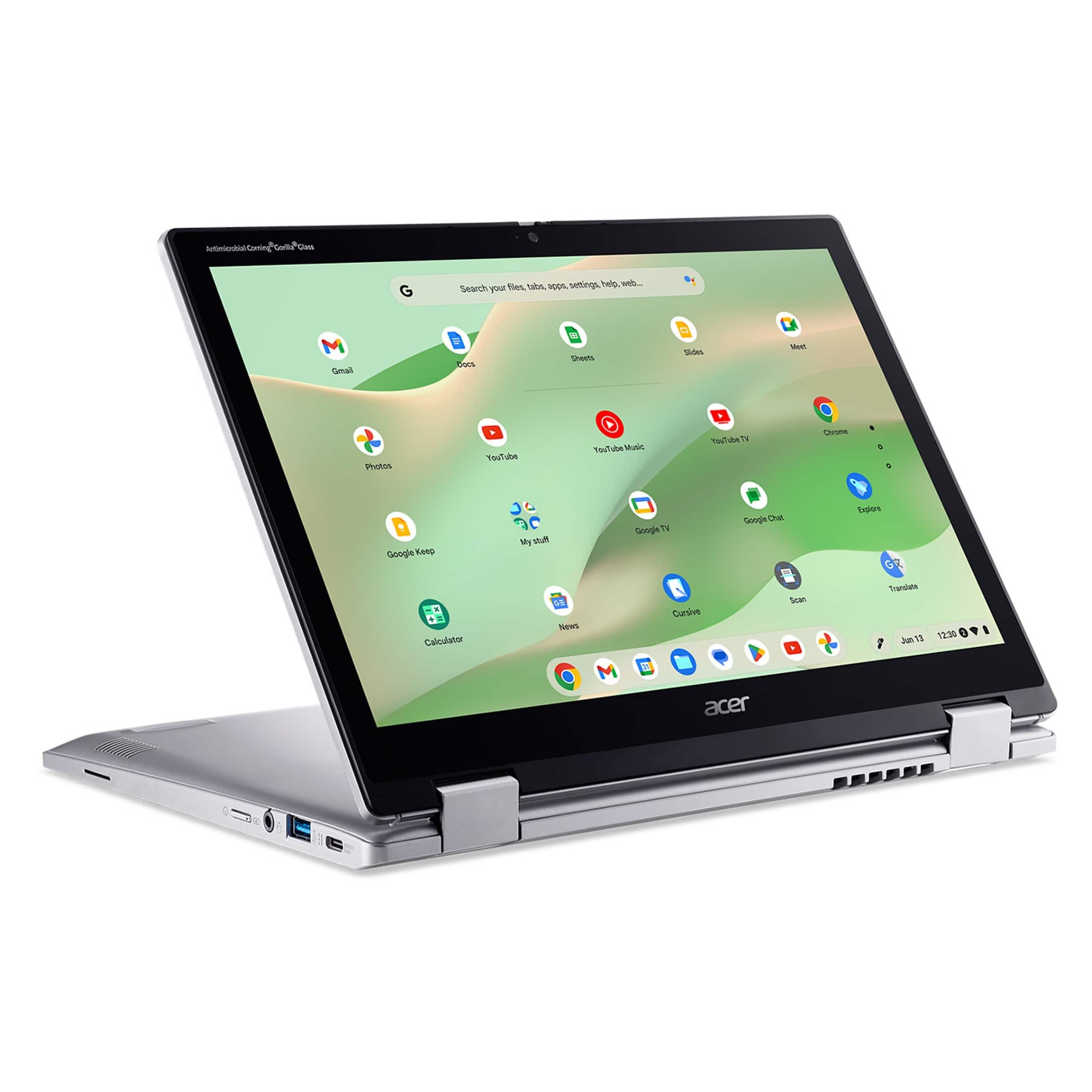
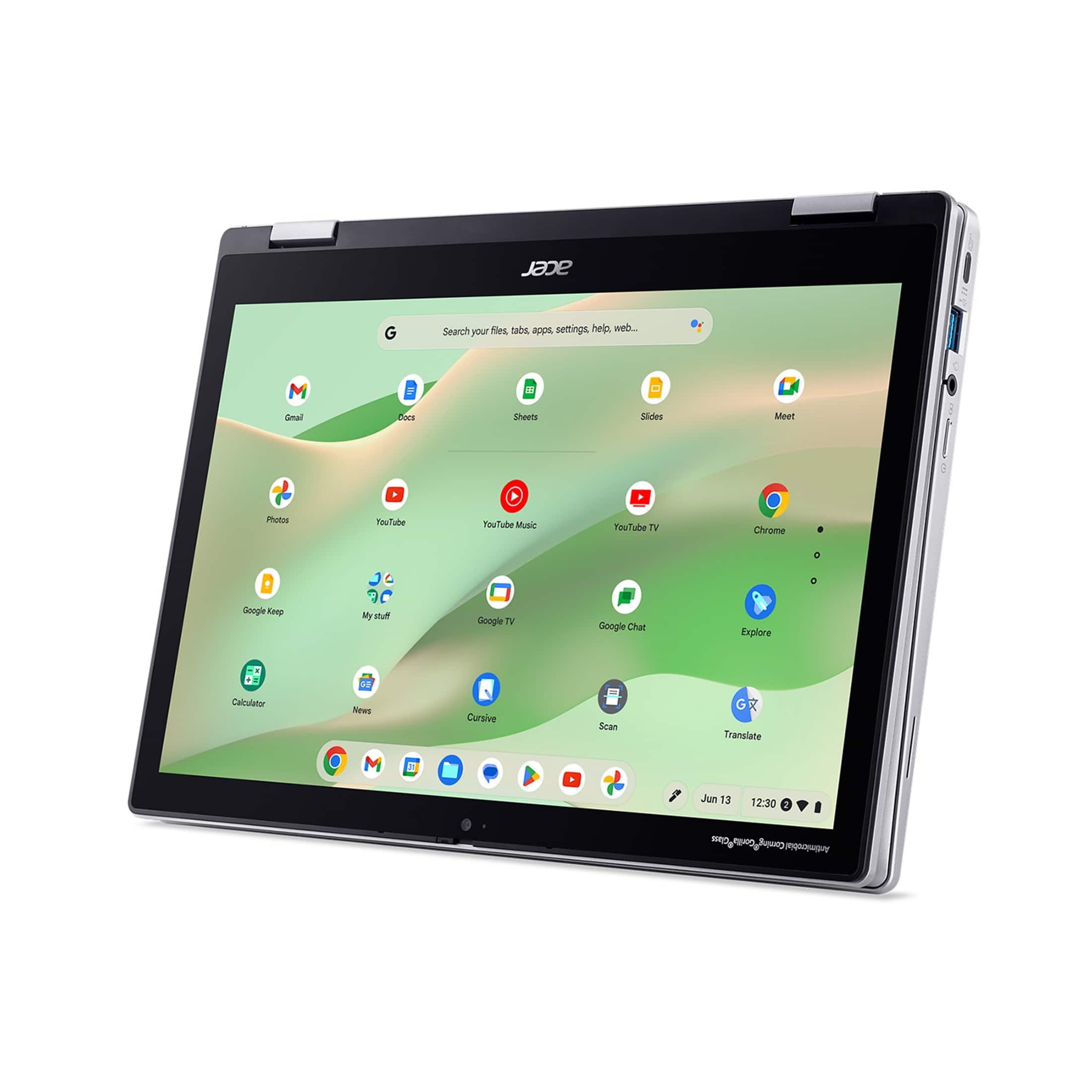
- A:Answer Yes it can.
Answered by TeamAcer

Q: QuestionWill the HDMI output broadcast to a TV?
Asked by Anonymous.
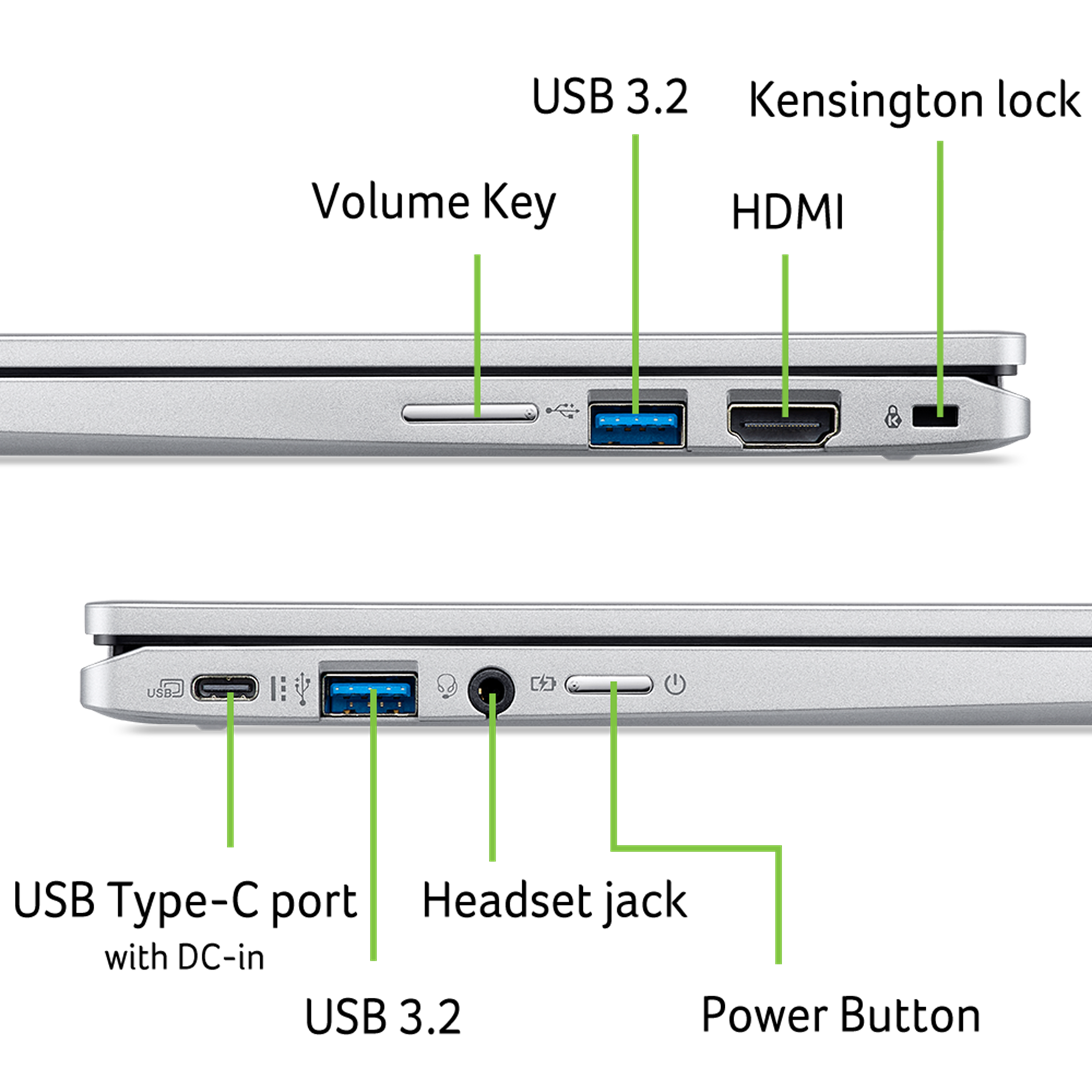
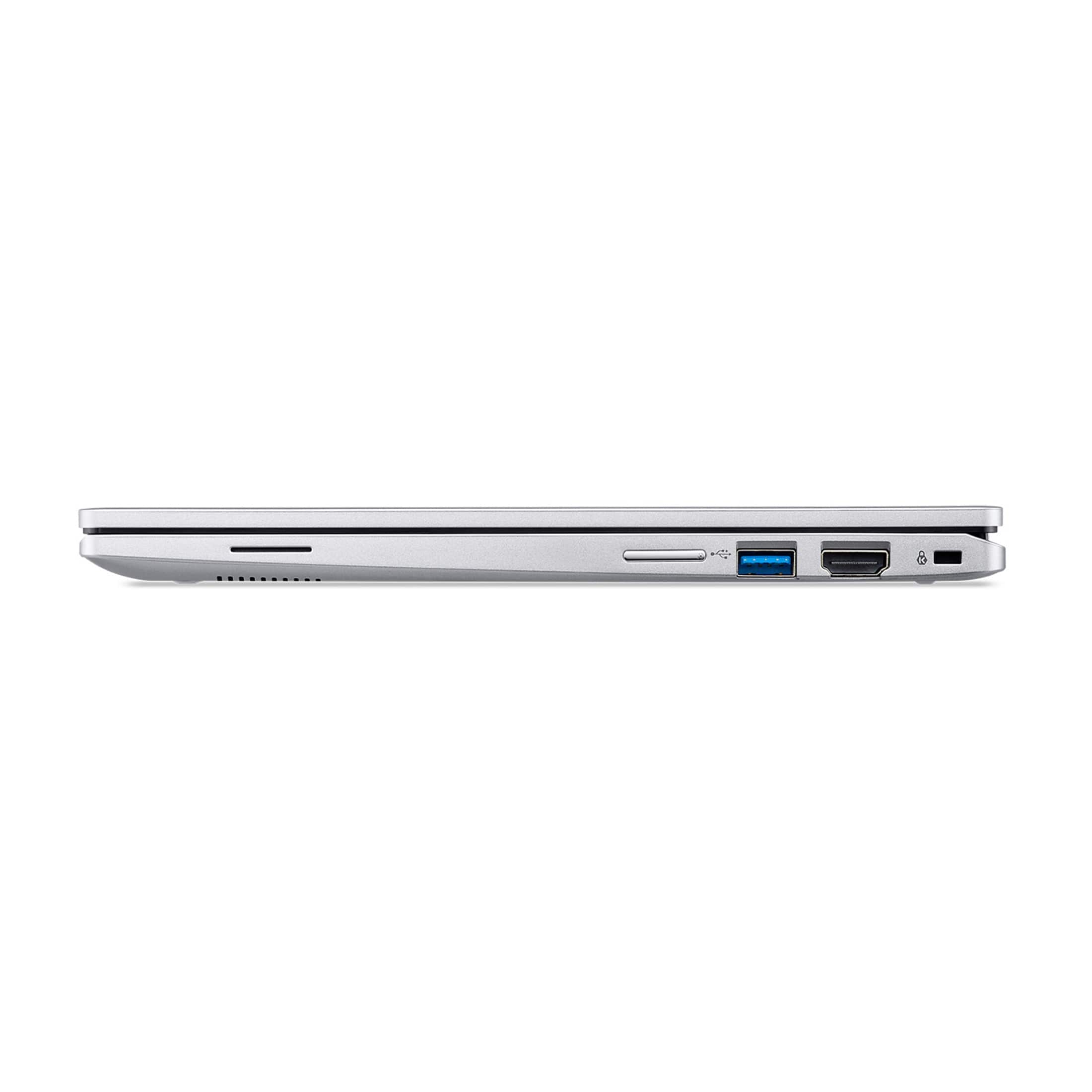
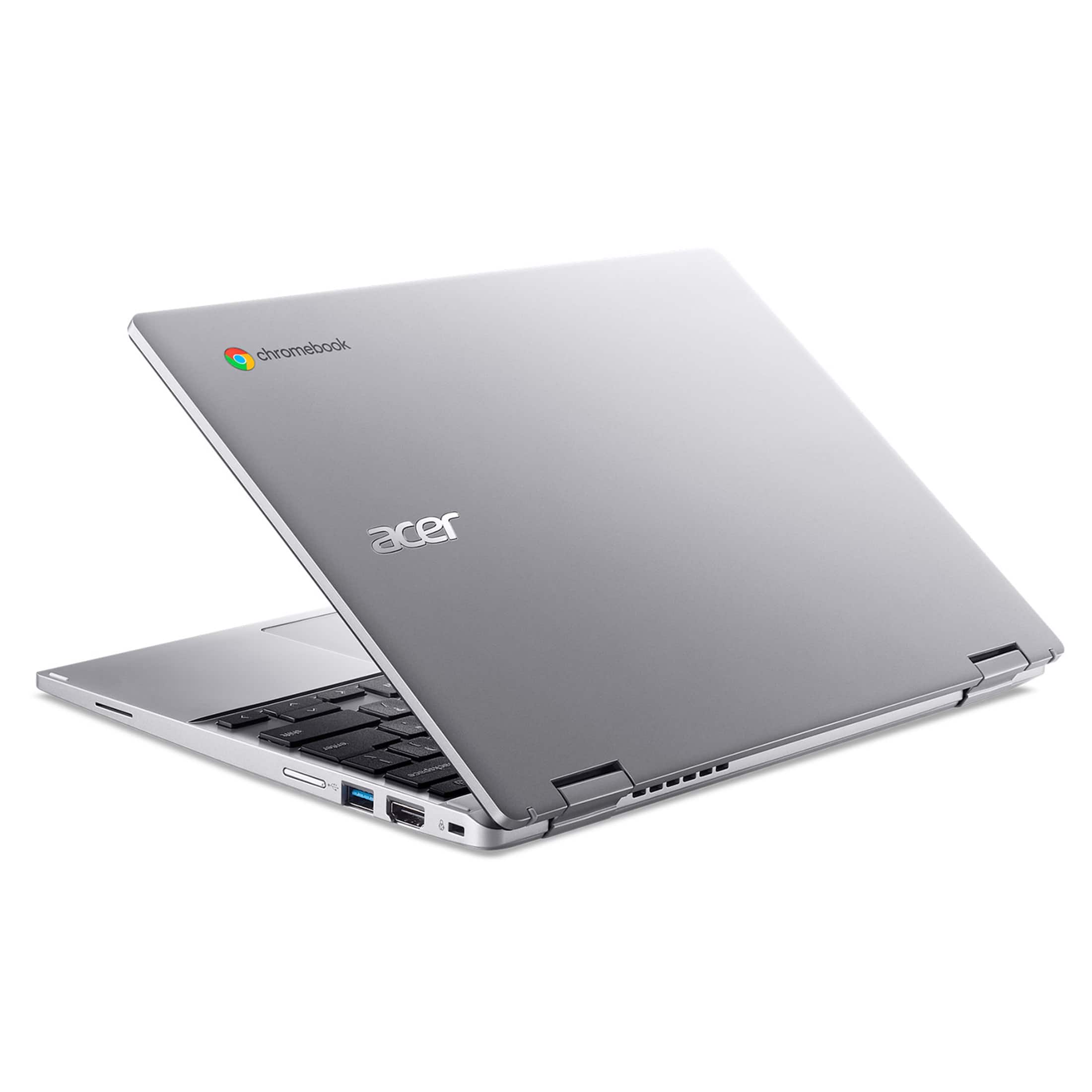
- A:Answer Yes you can connect a Chromebook to a TV using an HDMI cable.
Answered by TeamAcer

Q: QuestionCan it take an sd card
Asked by Cannnnn.
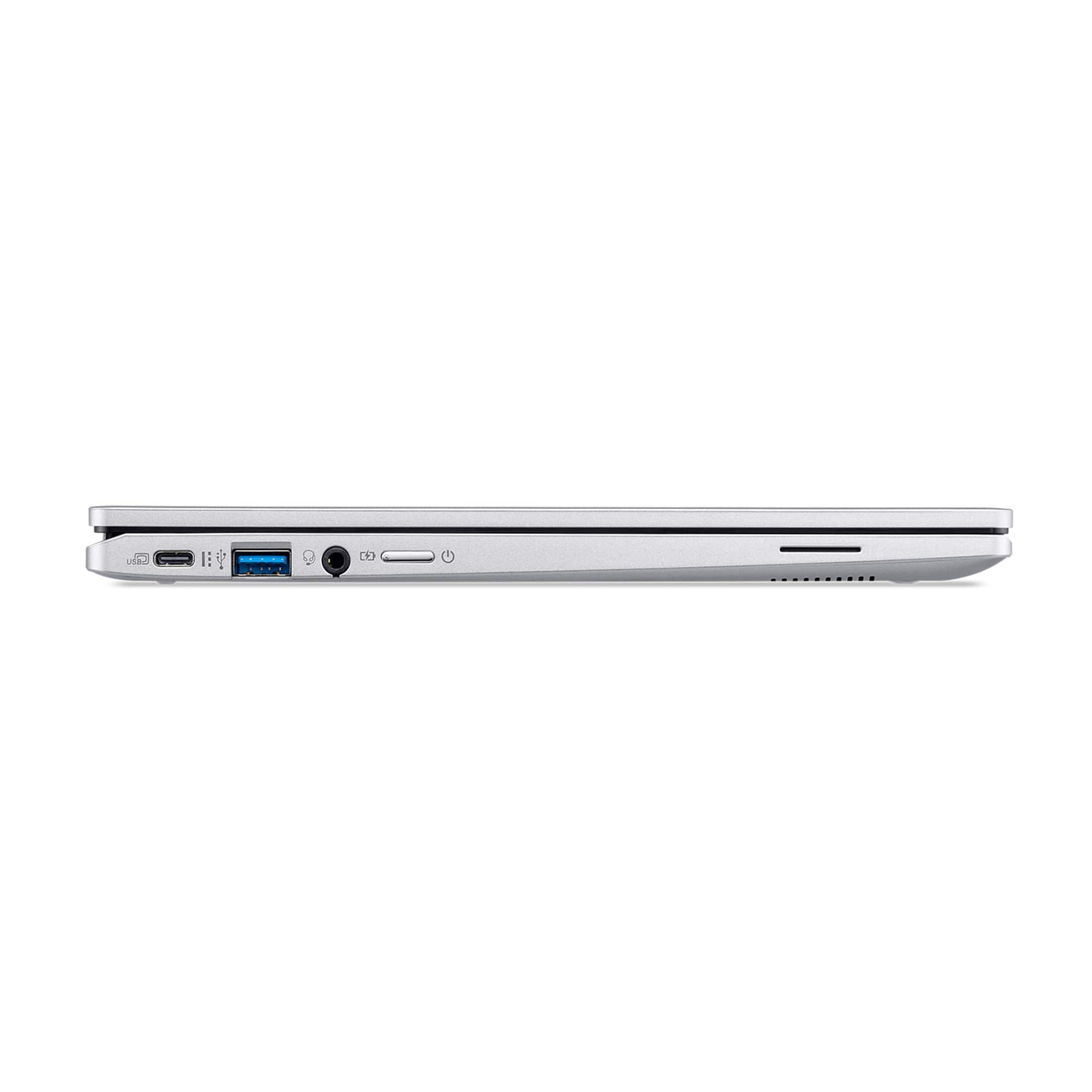
- A:Answer This Chromebook does not have an SD card reader.
Answered by TeamAcer

Q: QuestionIs this Acer 312 model CP312-1HN-3427 Chromebook Plus Certified and therefore eligible for all related perks?
Asked by Anonymous.
- A:Answer No Acer reserved CB+ for the 5 and 7 series not the 3 series which is a bad move IMHO, because this CB has what's needed for it.
Answered by Anonymous
Q: QuestionCan u use any Stylus ?
Asked by Eve.
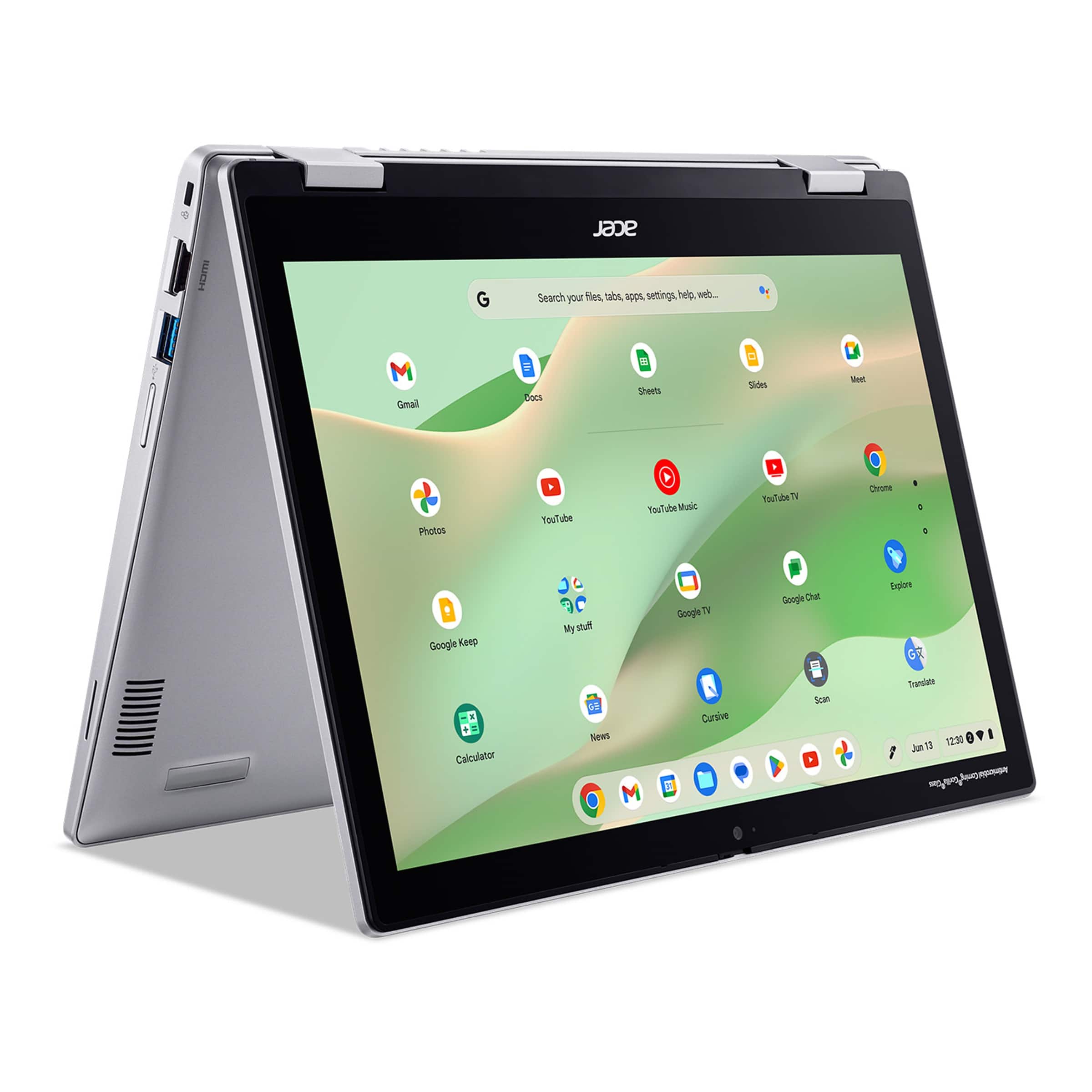
- A:Answer This Chromebook supports a capacitive touch type stylus. It also supports the following active styluses: Wacom NP.STY1A.010 Wacom NC.23811.05P Wacom NC.23811.05A Wacom 60.H93N7.003 Wacom 60.H99N7.005 These styluses can enhance touch precision and support features like pressure-sensitive drawing.
Answered by TeamAcer

Q: QuestionHow many nits for the display brightness
Asked by Rhodester.
- A:Answer 300
Answered by peacock255
Q: QuestionWill Youtube work on this one. Thinking of buying. Just use it on the treadmill for music
Asked by Hobo.
- A:Answer yes
Answered by Anonymous
Page 2, Showing 21-30 of 30 questions


![The text on the image is a keyboard layout, which includes the following keys:
1. 2. 3. 4. 5. 6. 7. 8. 9. 0. - + = backspace tab q W e r t y u i O p { I } ] - / a S d f g h j k L ; : a - enter shift Z x C V b n m < > - ? / shift ctrl alt alt ctrl < A.
These keys are arranged in a standard QWERTY layout, which is commonly used on computer keyboards.](https://pisces.bbystatic.com/image2/BestBuy_US/images/products/2720b97f-e5d3-47f0-b5b2-e282b6e92b96.jpg;maxHeight=54;maxWidth=54;format=webp)