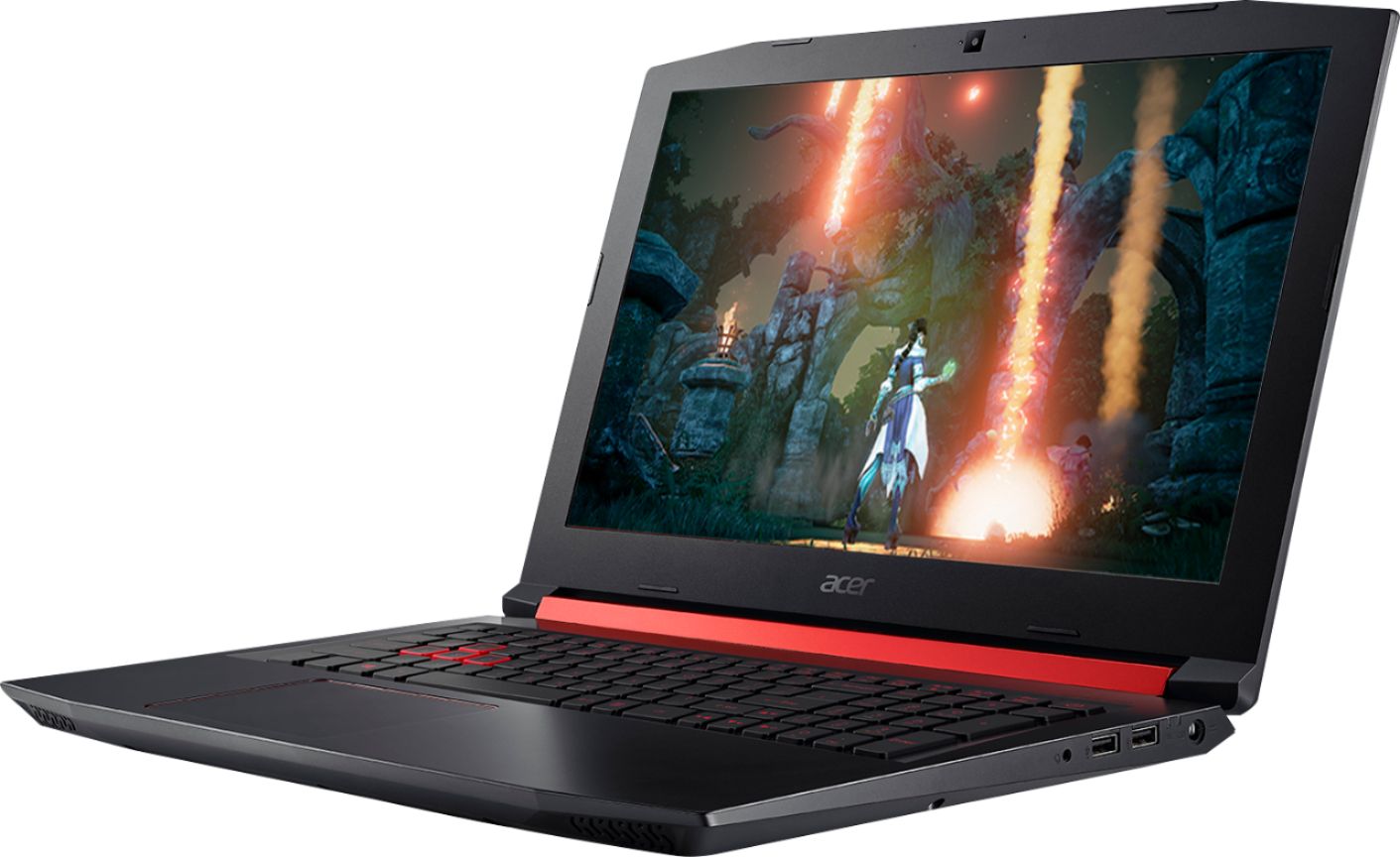
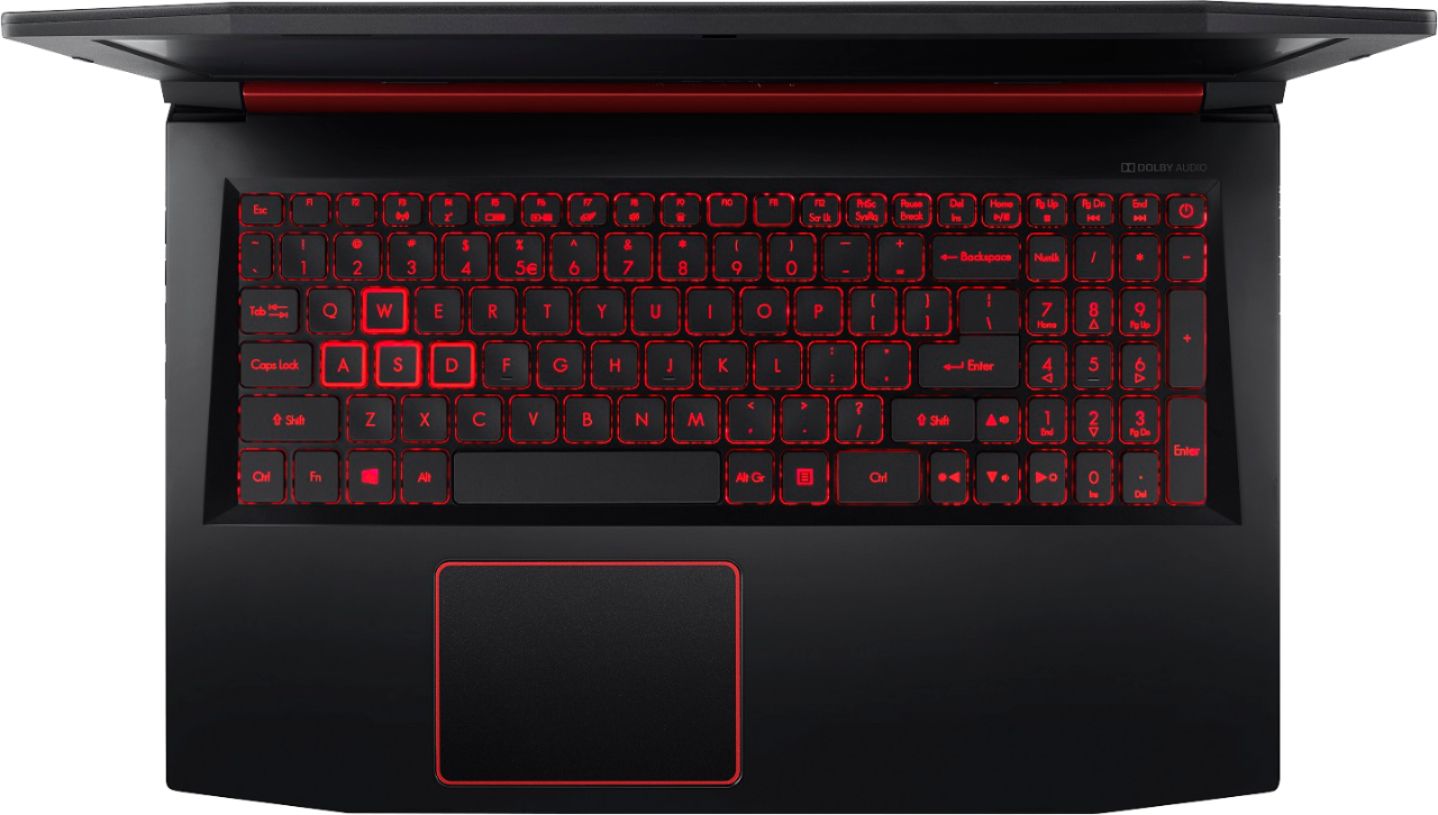
A:AnswerI called the Microsoft store and they said that it is vr compatible I am also getting this in a couple of days to run vr so I will keep u posted.
A:AnswerThis is the perfect reason to get this bad boy. It is great for surfing because it has a 1080p screen for crisp clear viewing. This is also a high power gaming computer as well. You will not be sorry to get this.
A:AnswerI personally dont own this, but am thinking about getting this model. I have a similar laptop now, which has an a10 9630p and a rx 560 and it plays WoW on medium settings around 30 fps with BFA content. This models processor is easily double what my current processor is in benchmarks, so it should play real smooth on medium, high graphics, based off the specs this laptop has.
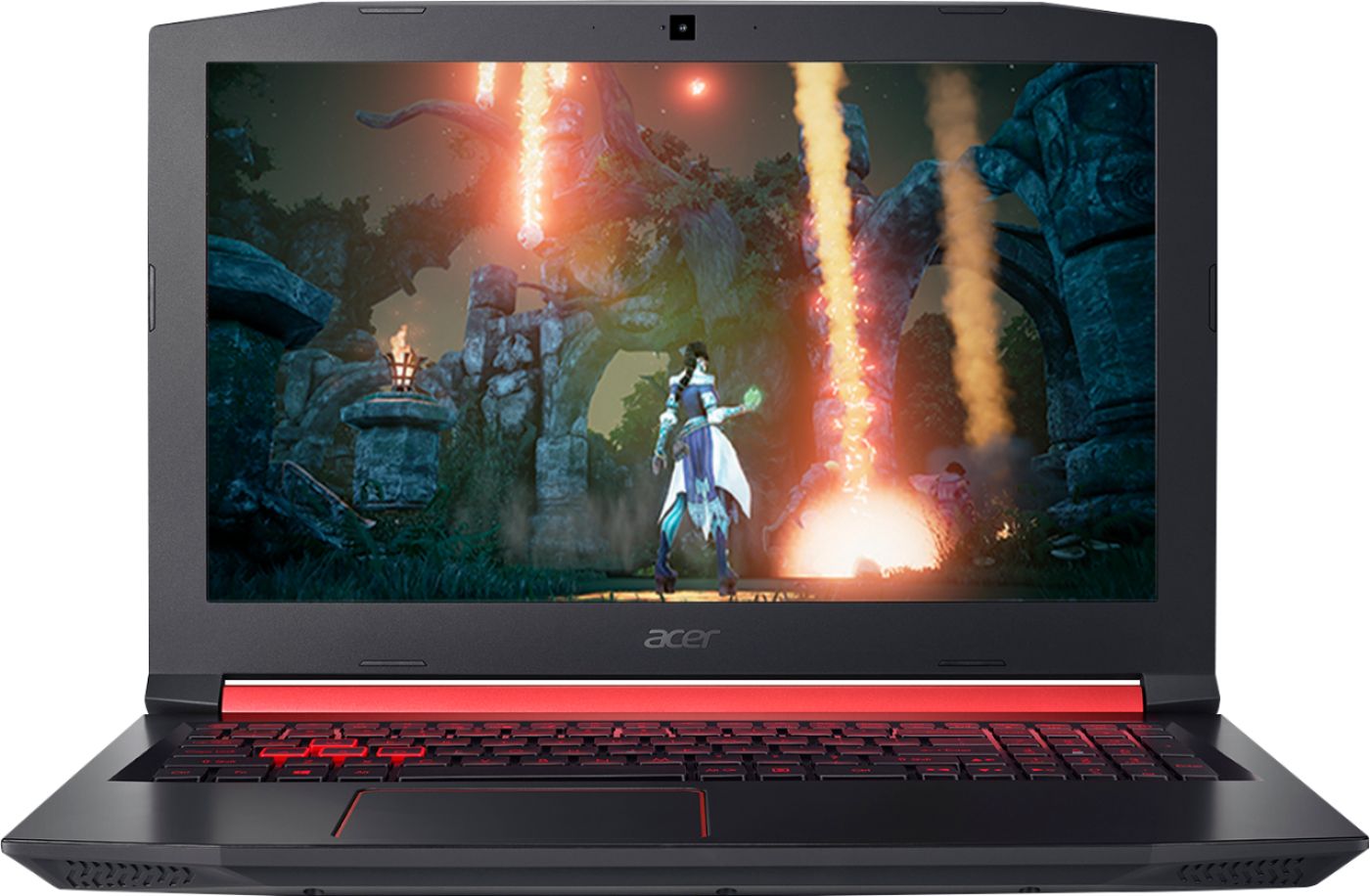
A:AnswerUpdating the video driver would be the best place to start.
1. Go to https://www.amd.com/en/support
2. Select RX 560X on the drop down menu and click submit
3. Select the latest driver, and click download
4. Install the driver that you download.
A:AnswerIt's a second generation Zen APU (CPU/GPU Combo) and since it can set its speed depending on the load, it's extremely energy efficient, but it can also kick up to 3.7 Ghz which makes it adequate for most tasks. Also, it's a quad core processor which can handle 8 threads at a time. In most applications, it outperforms most i5 CPU's by Intel.
A:AnswerThis would work fine for video editing or Youtubing. While Acer does not test many gaming applications we would recommend you check that the computer meets the system requirements of the application/game to determine if it will work. You can also contact the software vendor to see if they can provide information on compatibility with their software. You might also post your question on the Acer Community where there are many users that post questions and offer help and advice on Acer products. The link is: https://community.acer.com/
A:AnswerYou can install an additional M.2 SSD. It'll accept both NVMe and SATA 3. Just have to remove the back of the laptop, which is very easy. There are plenty of tutorials on youtube. As for me, when i did it, i completely wiped windows and did a fresh install
A:AnswerI play Fortnite, Rainbow 6, WOW without any issues. The only requirement is I added one stick of 16g Corsair memory and the graphics on Rainbow are at 80% but all others run at max without a bit of issues.
A:Answertotal war saga on steam. but yes this laptop will play all of them. but you have to adjust the graphic settings from default to rx560. and might have to play on medium to high settings. upgrade your ram and other memory and definitely will play smooth.
A:AnswerYes I play those games on it. I did have to upgrade to a sata ssd as laptop mechanical hard drives are very slow. Too slow for games. I also added 8gb of ram but now I play some pretty demanding games without much trouble. I run most games at med to high settings and get some good fps. To put things in perspective I can run FFXV , star citizen, elite dangerous and get over 40 fps. I think this laptop is pretty nice. One more note , peeps on my discord say that my mic sounds good too especially for a laptop mic
A:AnswerYes. In fact that was part of why I bought this. It plays really well though tbh I haven't raided with it yet. The fps is decent and I can turn the graphics to high.
A:AnswerThis laptop supports either DDR4 2666 SO-DIMM, or DDR4 2400 SO-DIMM, 260-pin memory. You can also remove the memory stick from the laptop and take it with you so they can match it up properly for you. Brands tested were, but not limited to Hynix and Kingston.
A:AnswerBattery life is anywhere between 1.5 and 4 hours, depending on use. If you are gaming on battery power you can expect around 1.5 hours. Here is an article that has good information on the battery life you might find helpful: https://www.windowscentral.com/how-acer-nitro-5-battery-life