A:AnswerIt is not replaceable. I have seen a damaged one opened up. I have read that it is manufactured in several different locations and based off that some parts are different inside but are built to the same specs. Crack it open.
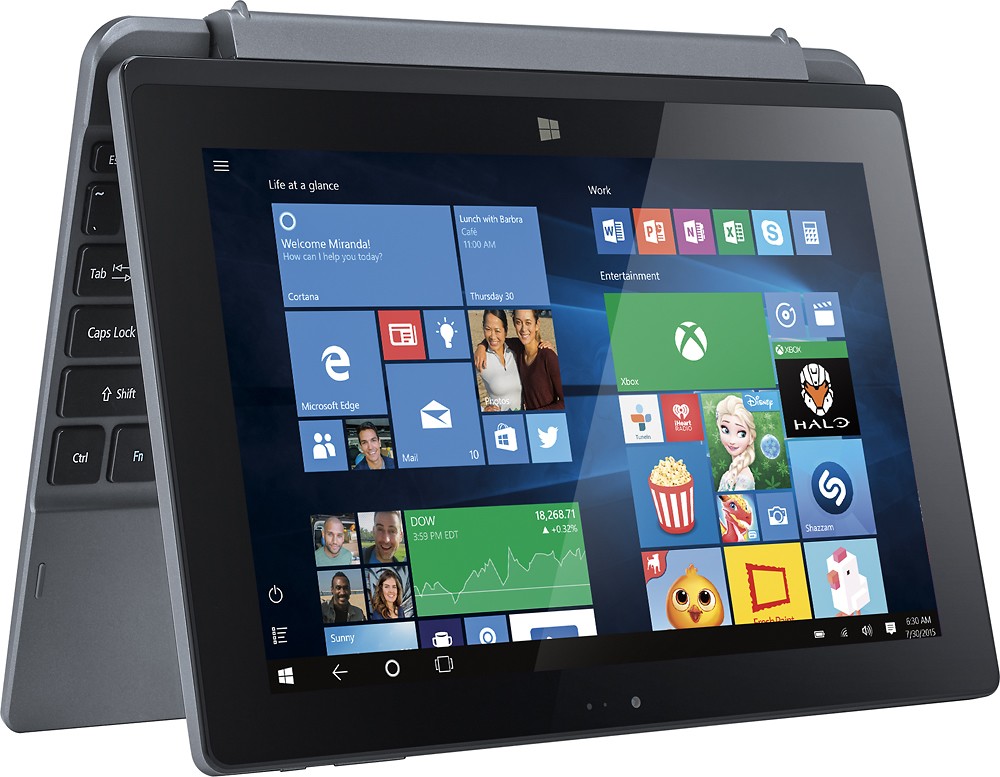
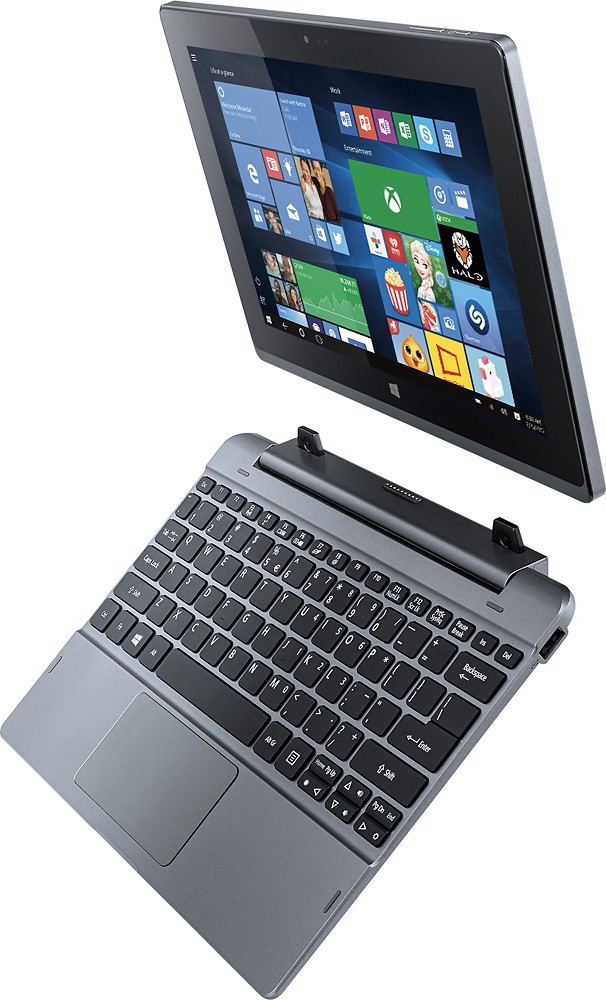
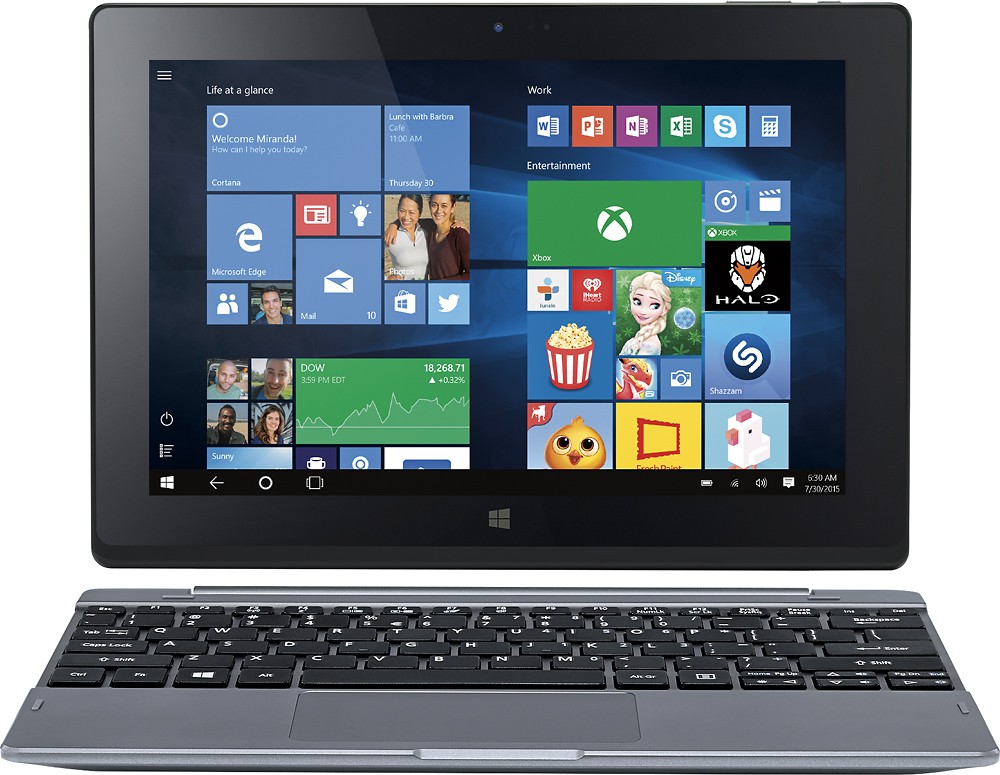
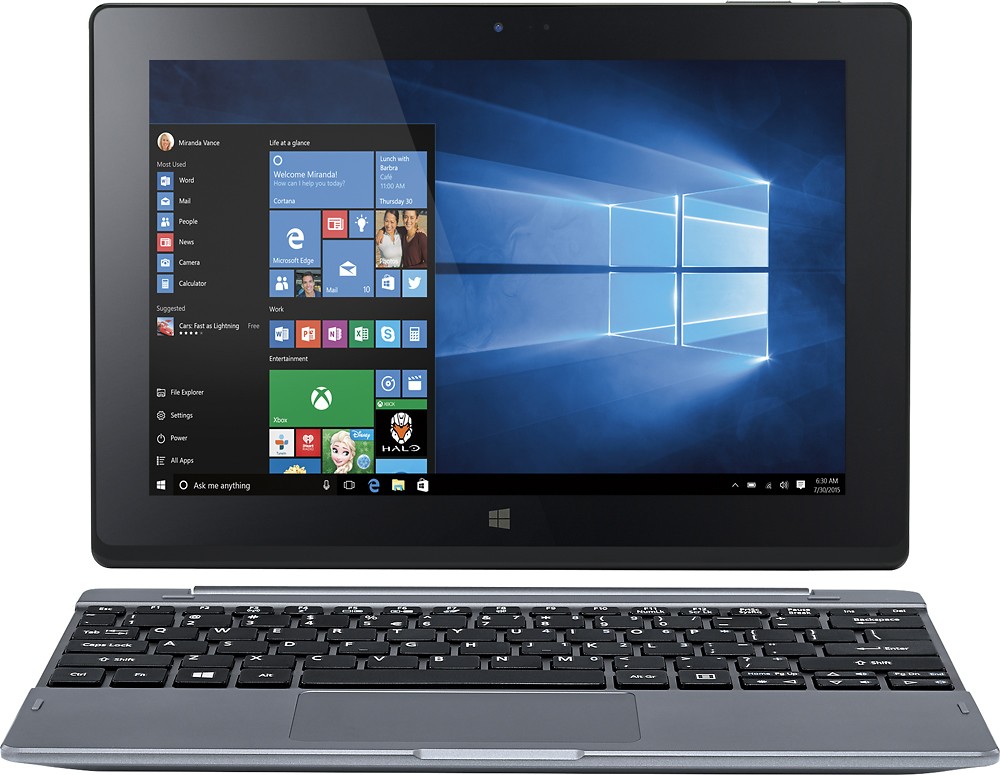
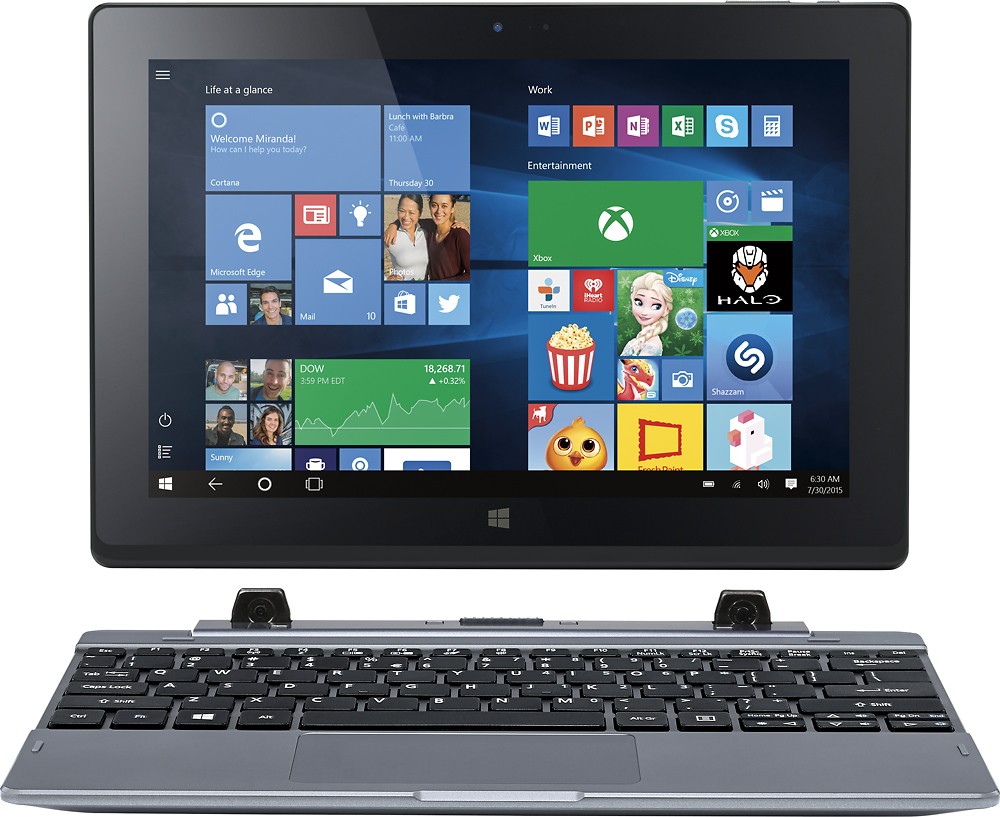
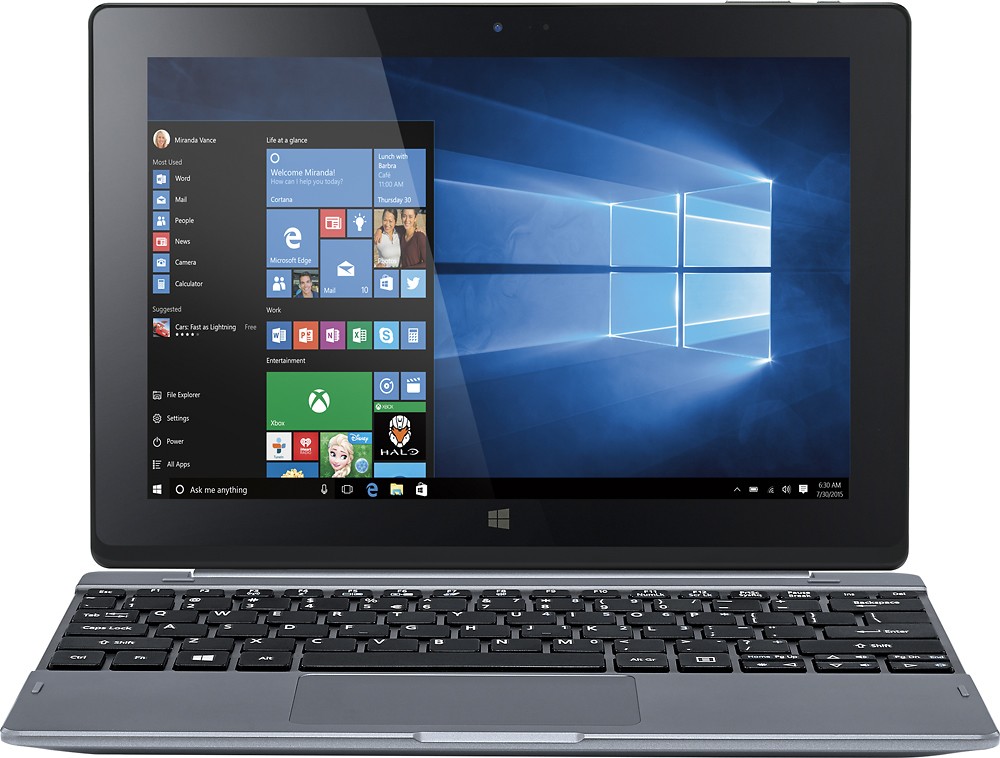
A:Answerthe keyboard is kind of small. I find it okay because I am a small person (5'2") and my hands fit perfect on it, I don't have to move them to reach any key, although I have to place the laptop a little far from me or else my elbows would point out too much and it would feel awkward. The keyoard doesn't have great a great travel distance but it's okay because soft press actions the keys with not issue
A:AnswerSince it has the 32bit version I think it uses about 28gigs
I went through and deleted all the stuff I did not want... Ended
Up with just shy of 96gigs...
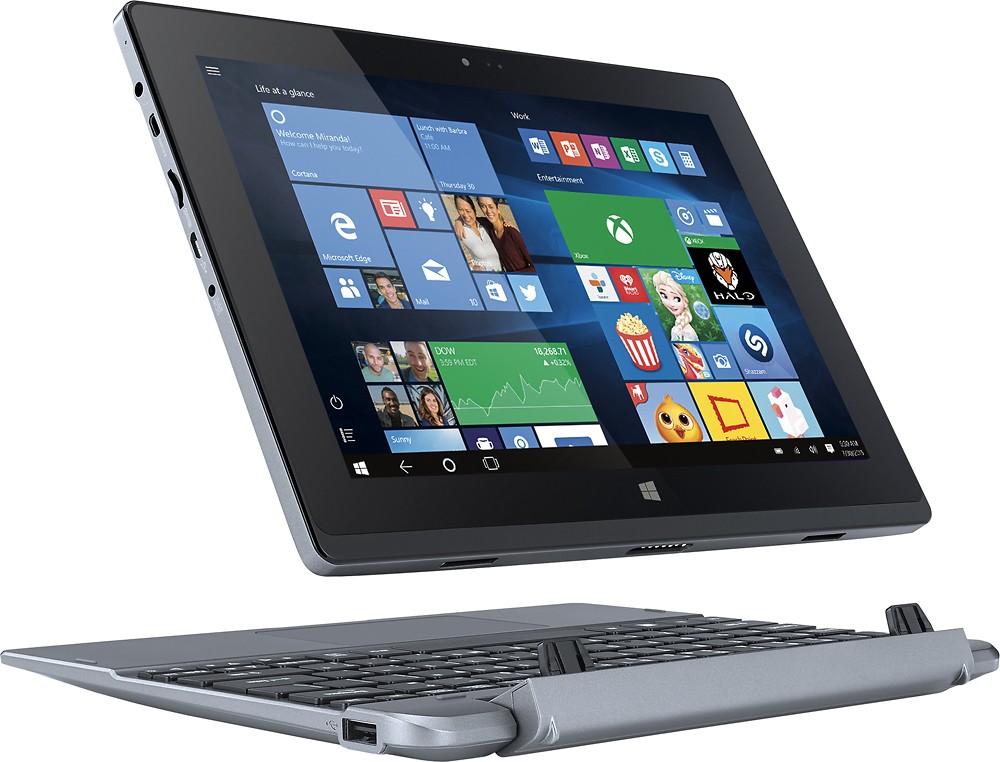
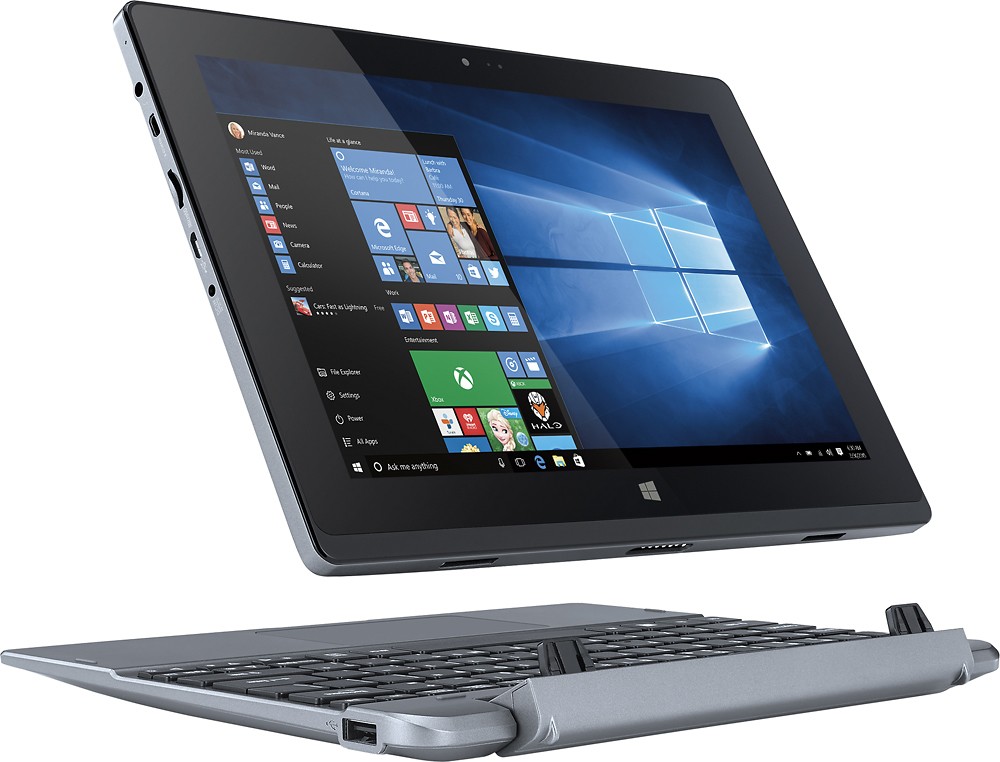
A:AnswerThe tablet has to be connected to the keyboard dock for it to work, if it is not you can visit our Acer Community website (http://community.acer.com/t5/Windows-Tablets-and-Convertibles/bd-p/tablets-win) to see if someone has a similar model that has a solution to this issue.
A:AnswerYes, since it's Windows 10 you should be able to print to any wireless printer that you have a driver for (which would be most major ones). Only hurdle may be downloading the software for your printer from the manufacturer since there's no optical drive on the table to use an installation CD/DVD.
A:AnswerIf u have a android device that you have played it on then there is a way around it. You will need to download an app called blue stacks and u can play all games that you would play on an android device