A:AnswerDoesn't appear to be a way to configure it in the bios for RAID. On previous recent models you go into the bios (F2), then hit F1 for advanced settings, then goto I believe is the Main section then hit CTRL+S and the SATA mode would appear and could change it to RAID and setup the RAID0 or RAID1. On this model you cant configure it.
The only way I could get it working is I put both m.2 in my old laptop which is intel 11 series also using the VMD controller, setup the 2 drives in RAID 0, then put them in the ACER, and the ACER did see 2 drives as 1 RST RAID 0 Drive. So the bios does support it.
If anyone has found a way to do this on this model please let us know.
A:AnswerYes..
The Acer website is also still getting the product support references sorted out but they are there. They just take a bit of poking around to find.
I think mostly because it's a new version and acer didn't do a very good job clarifying the versions. I don't really think it's best buys fault. It's just too new yet..
A:AnswerAcer provides a domestic warranty in the country of purchase and an International Travelers Warranty for the laptop products. This applies to genuine travelers only; if you travel a lot we highly recommend you read the terms and conditions on our website under Support. This page also provides links to the ITW service locations, ITW FAQ, and ITW Service Limitations. Please note if you purchase the system in the US but live outside North America, you will not get a domestic warranty in your country of residence. If local repair and support is important to you, we recommend you purchase the system in the country of residence.
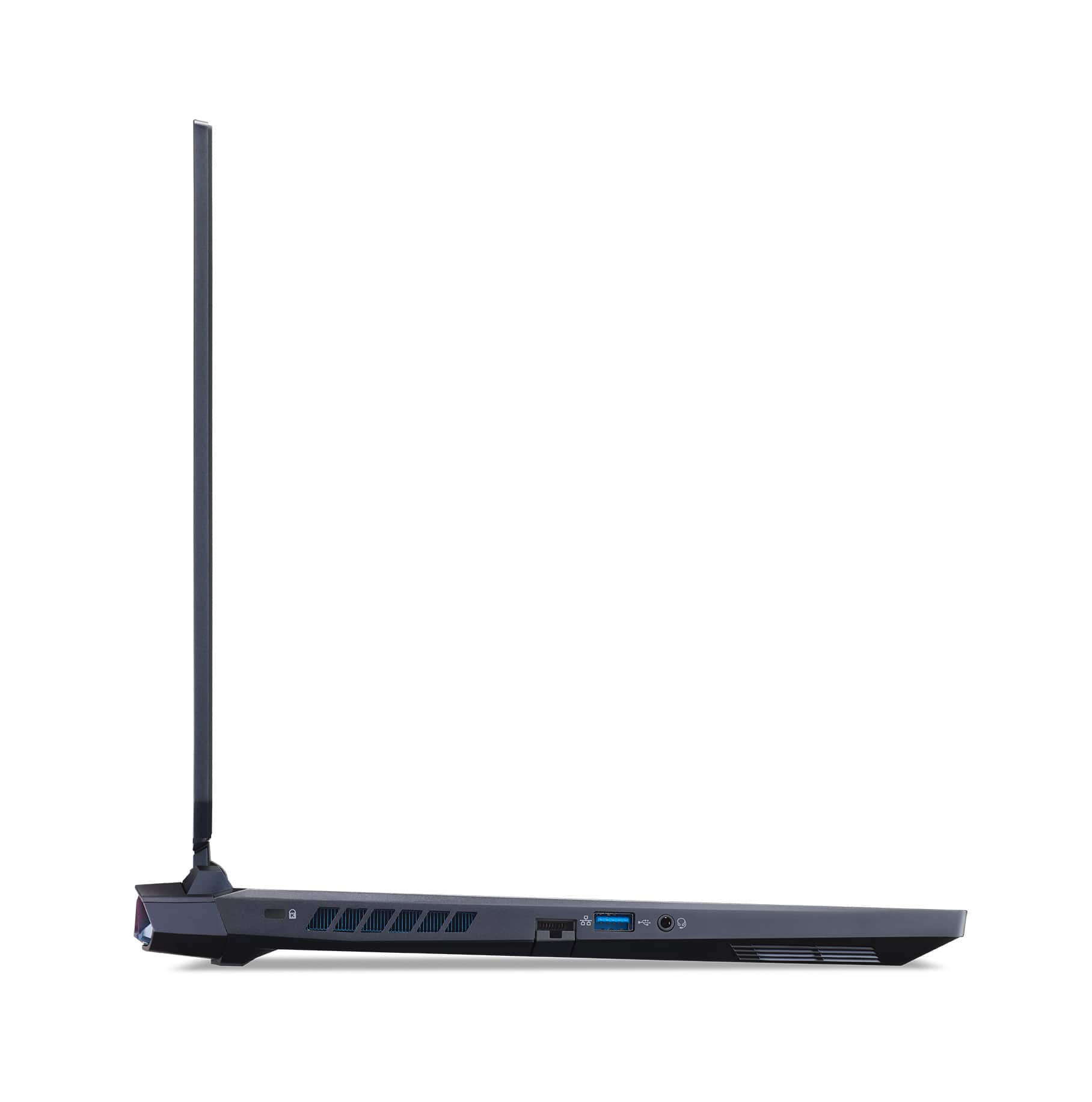
A:AnswerThis has a TBT4 Type-C port on the front, connects to USB devices with a TBT4 Type-C
connector.
• Supports HDMI 2.1/DP1.4
• Supports Thunderbolt4
• Delivers up to 3A at 5V up to max 15W DC for USB charging
• Not support power delivery
A:AnswerThe crucial 2x32 booted into Windows ok.
The first time after the change it took a couple minutes to post. I think it also needs to be plugged in during the initial loop. I gave up the first time off just the battery.
The metal plate over the ram has small clips along its edge that you need to be careful with. There are also heat pads on the ram and inside the case bottom for the SSDs. I don't know if what's there is sufficient for a double sided ram chip. I may try improving that some. No heat testing done w the new parts yet but don't despair.. just wait longer.
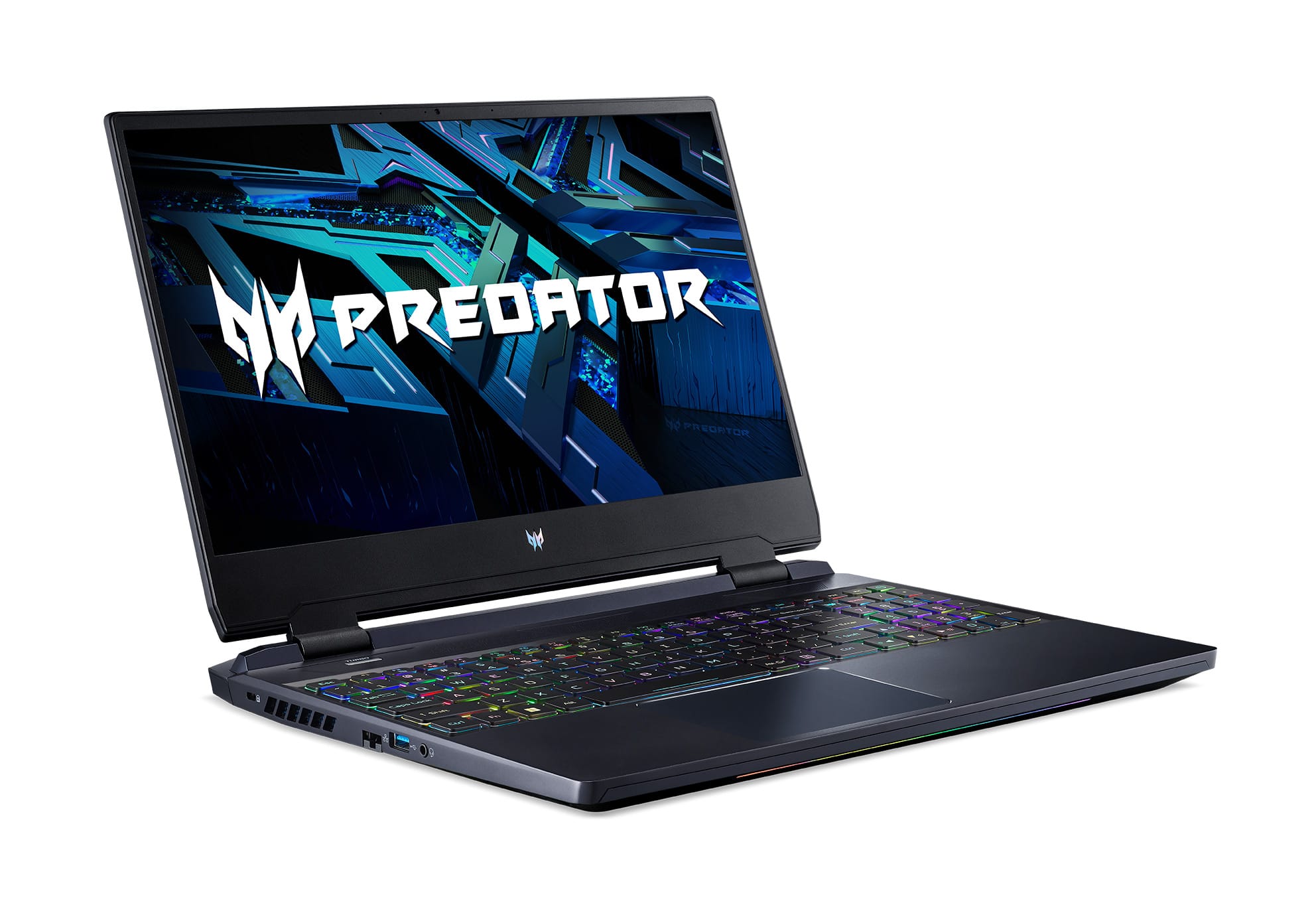
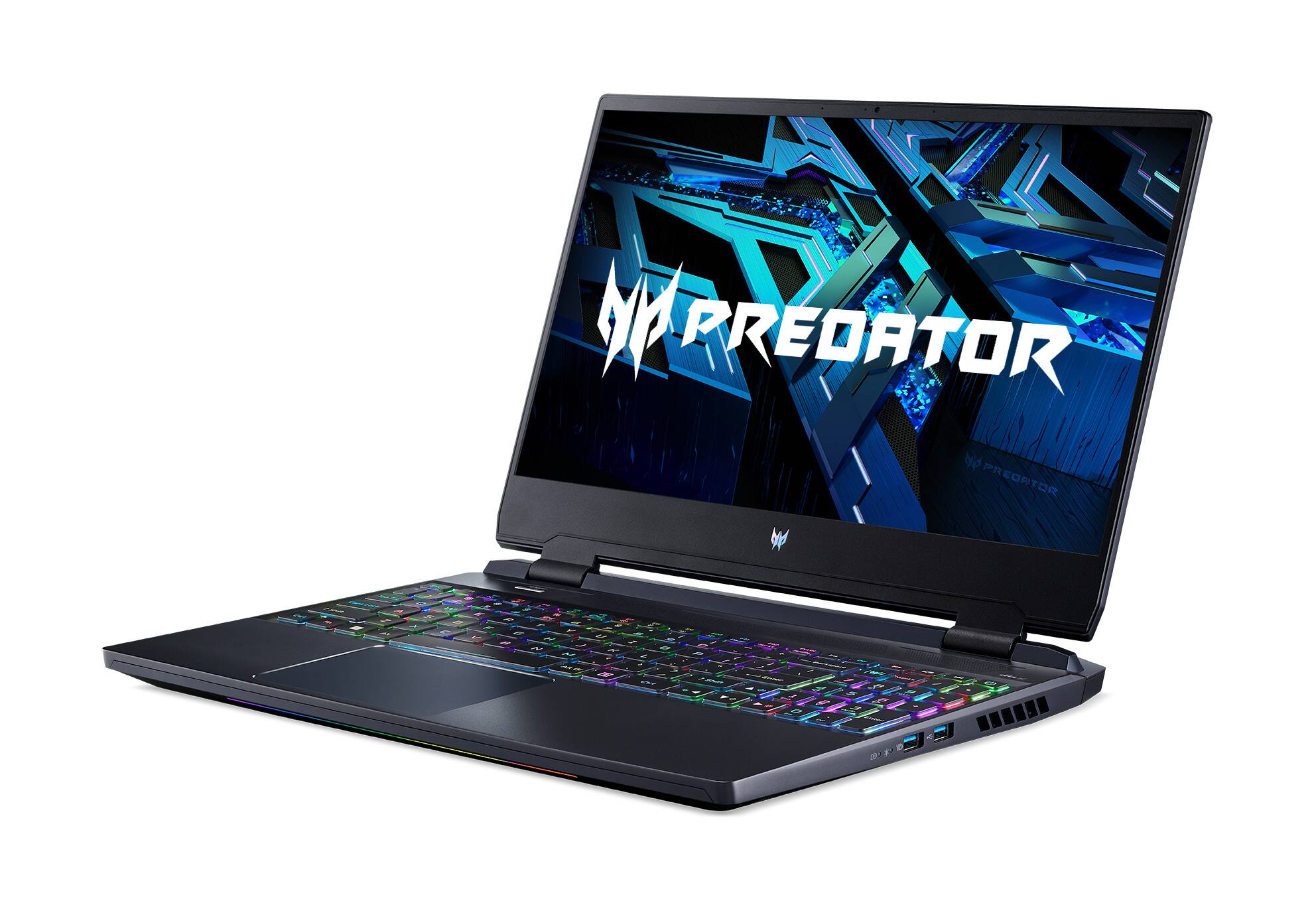
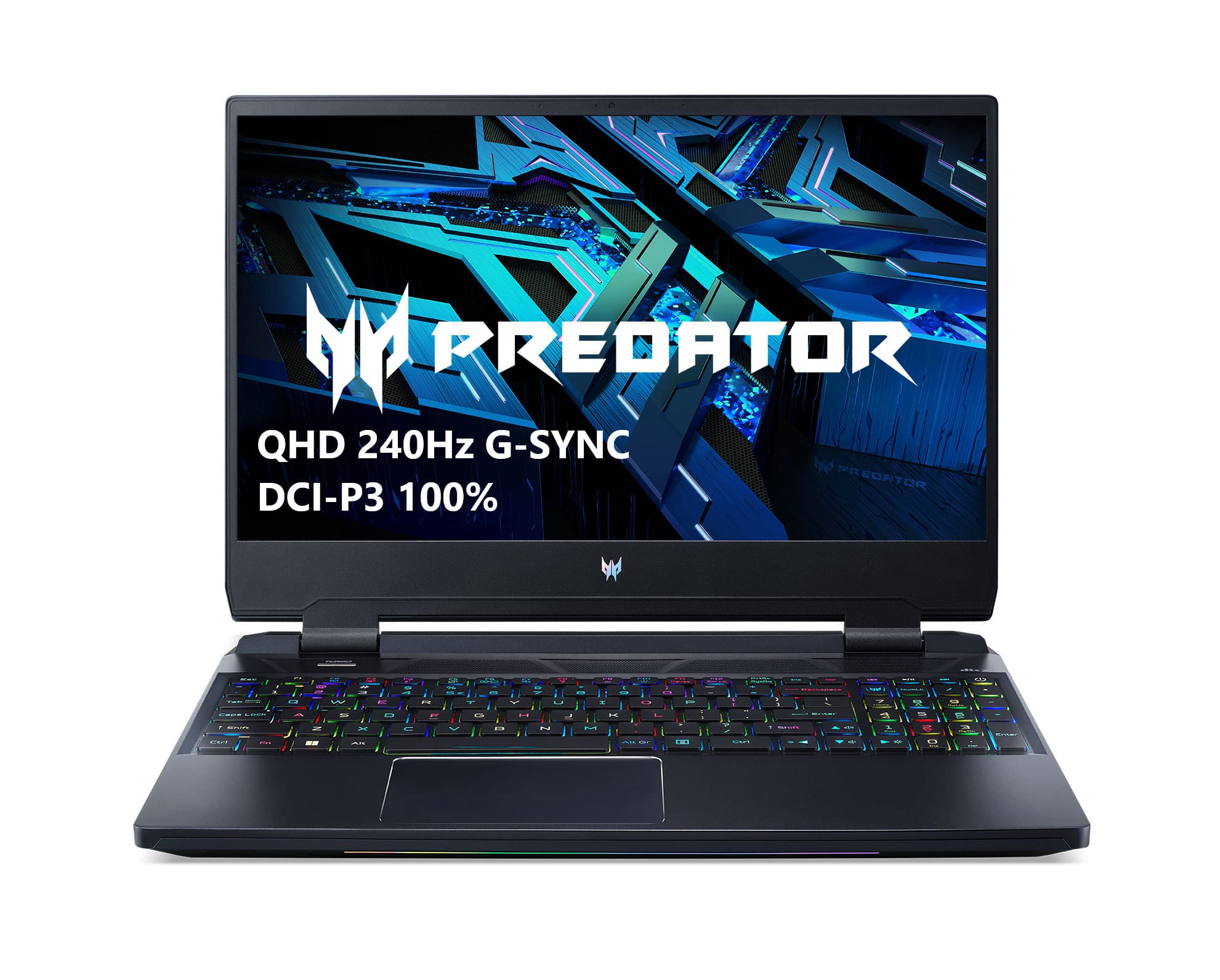
A:AnswerThe screen is qhd at 240hz..
It does have the mux between the GPU and CPU. You can select either or auto.
The processor is an i7-12700H at 2.30 GHz.
A:AnswerI have the Crucial 64gb 4800 mhz kit installed and have been enjoying it for several weeks now. Be aware that it took Windows 11 a few minutes to boot after upgrading the Ram and adding a 4tb Crucial ssd. I freaked out for a couple minutes and then it was fine. Boots nice and fast now. Loving the Laptop so far. Replaced a MSI G66 stealth that just died on me.