Questions & Answers
- Model:
- PM161Q
- |
- SKU:
- 10133659
Highly rated by customers for: Overall Performance, Portability
$44.99$44.99
Page Showing 1-4 of 4 questions
Q: QuestionI want to use this with my Surface Tablet 5. It has a mini display port. What size is the HDMI port of this screen?
Asked by FlyGuy.
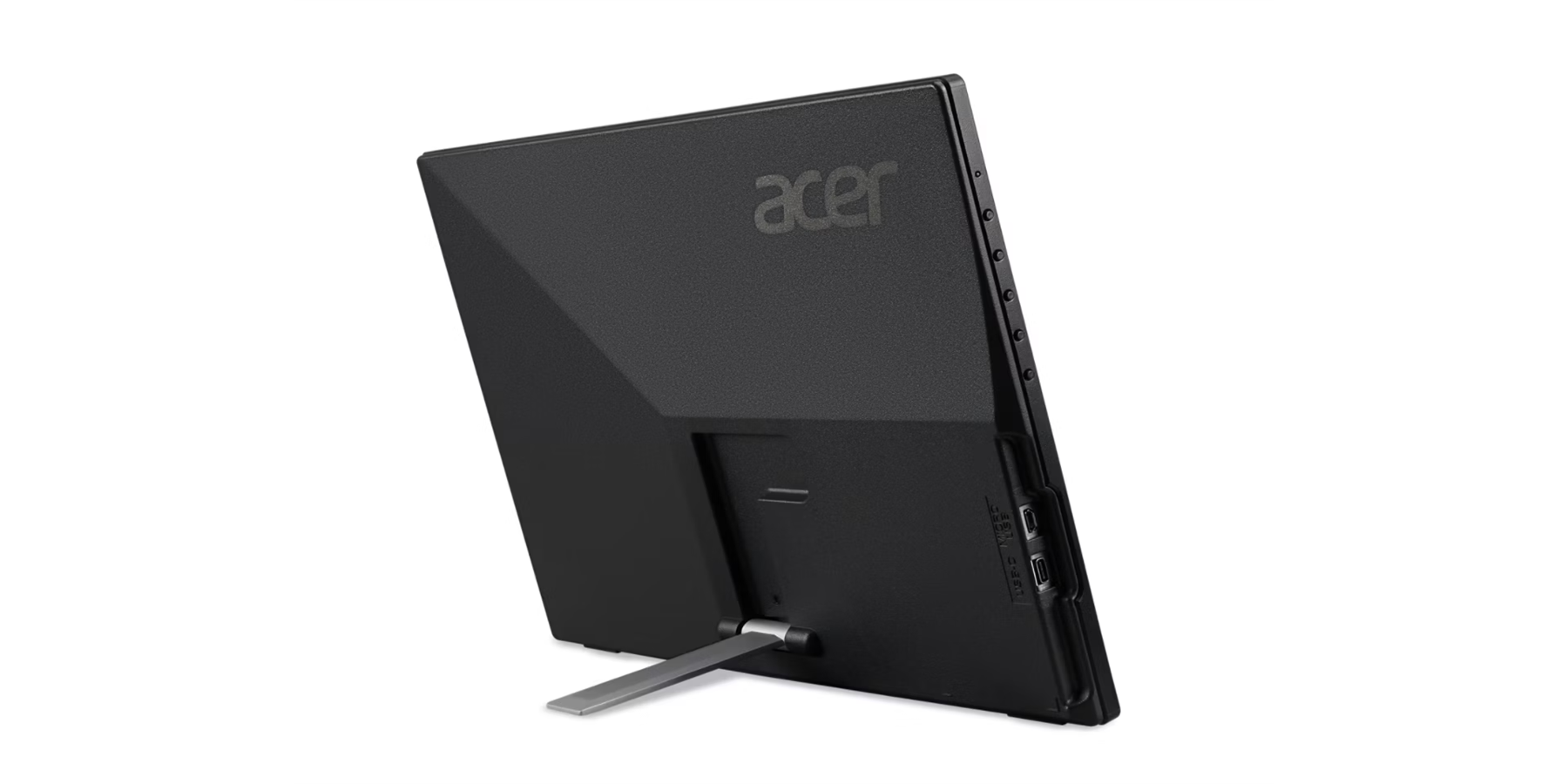
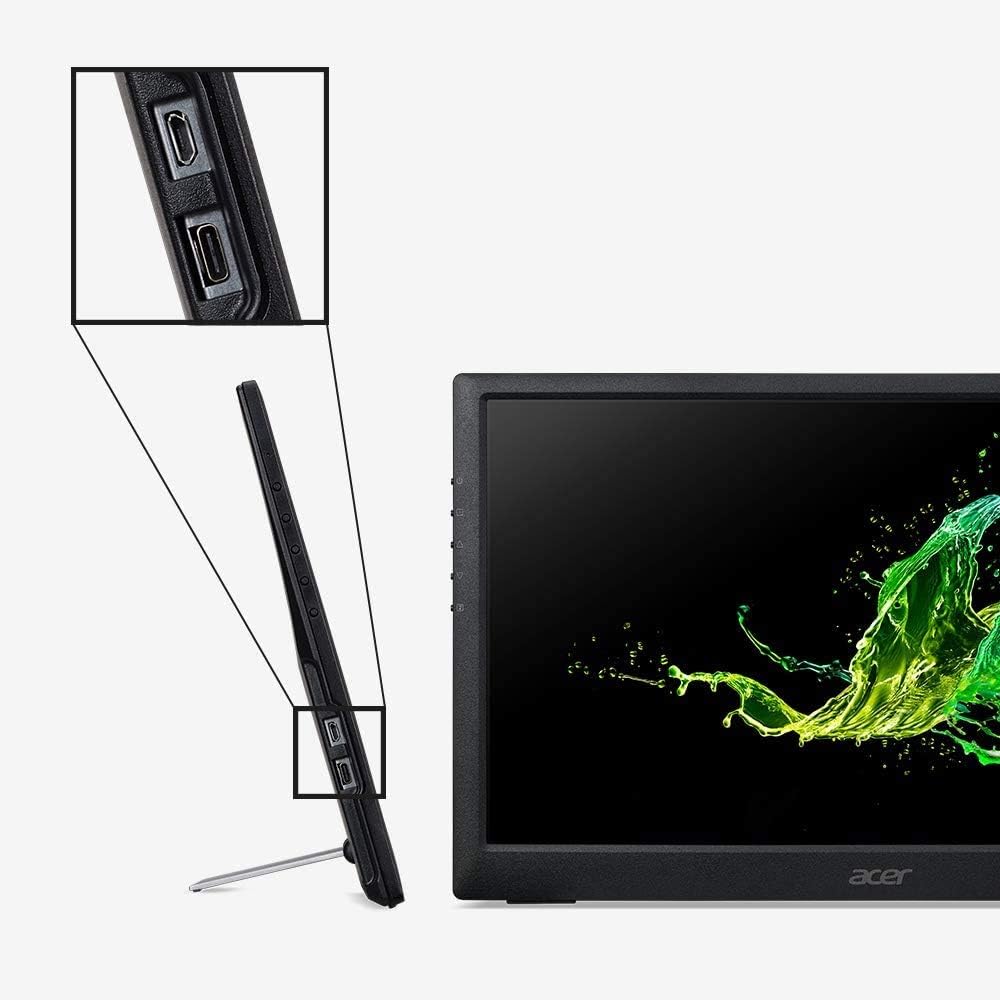
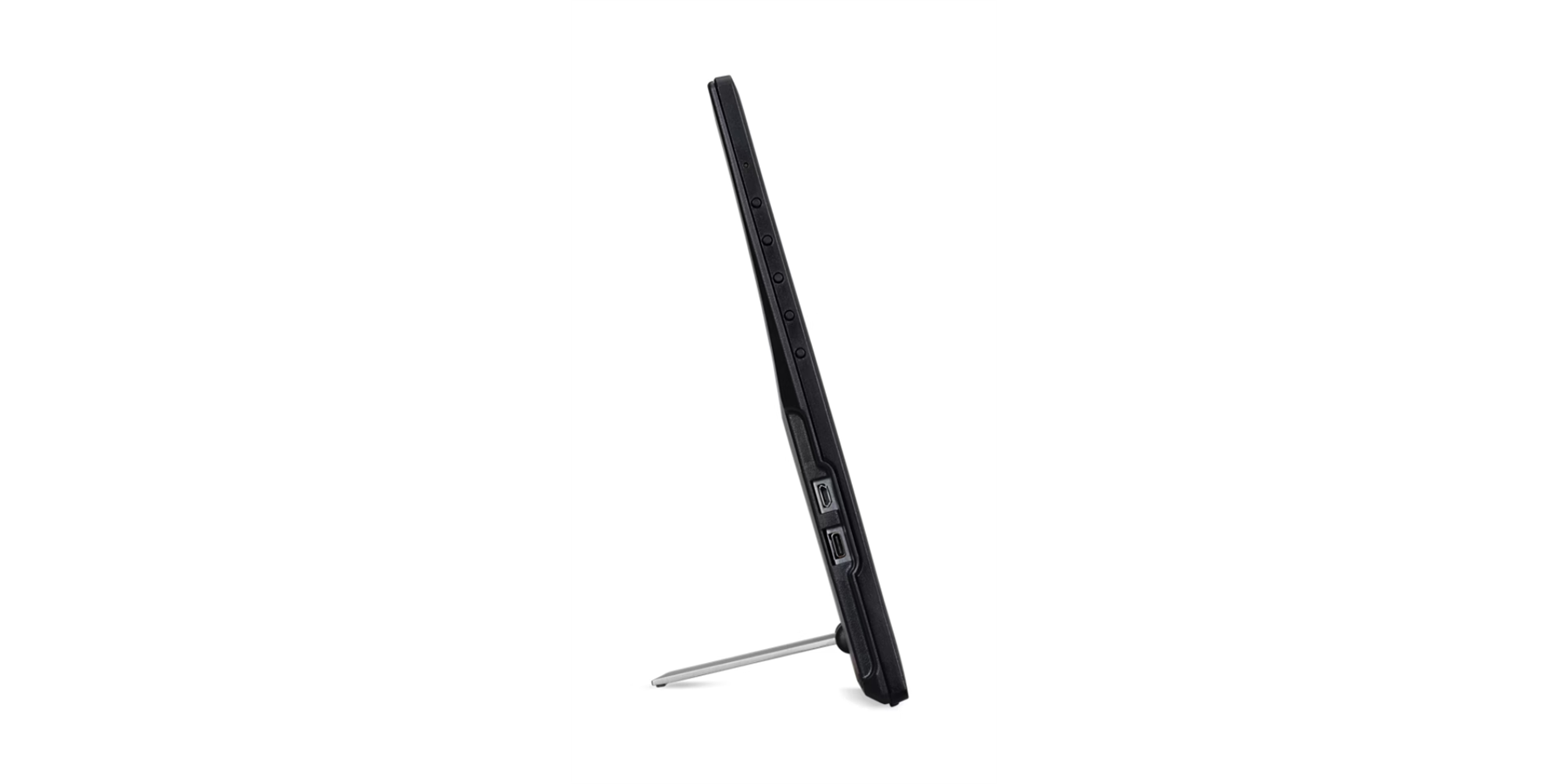
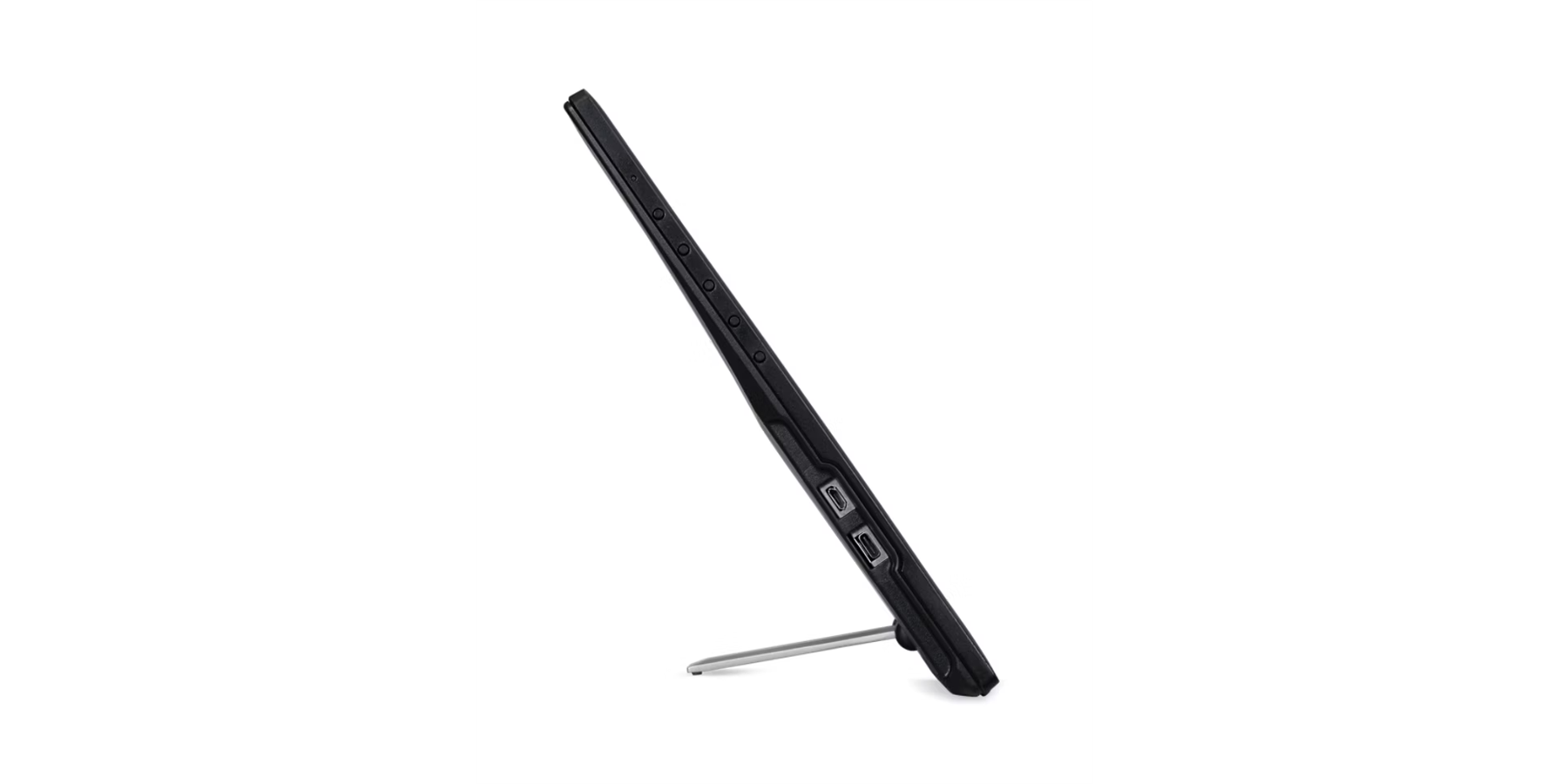
- A:Answer It is not a standard, full-sized HDMI port. However, the monitor typically comes with a Mini HDMI to standard HDMI cable, which allows you to connect it to an adapter.
Answered by TeamAcer
Q: QuestionJust verifying ... this comes with it own adjustable height stand ? Will be using in a (3) three monitor situation
Asked by mwardsec.
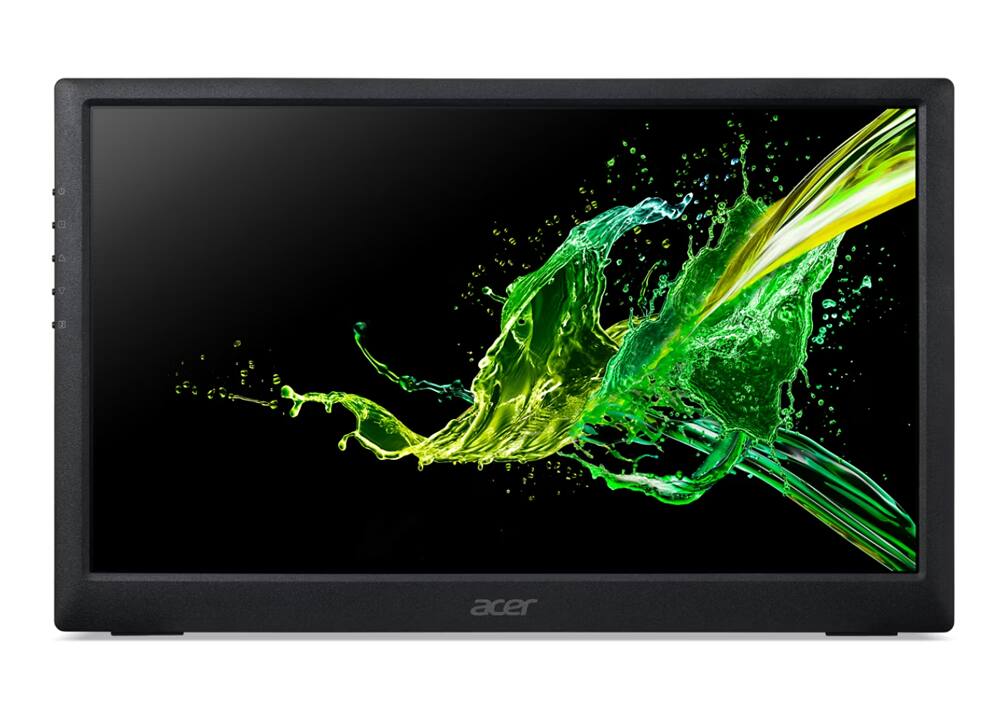
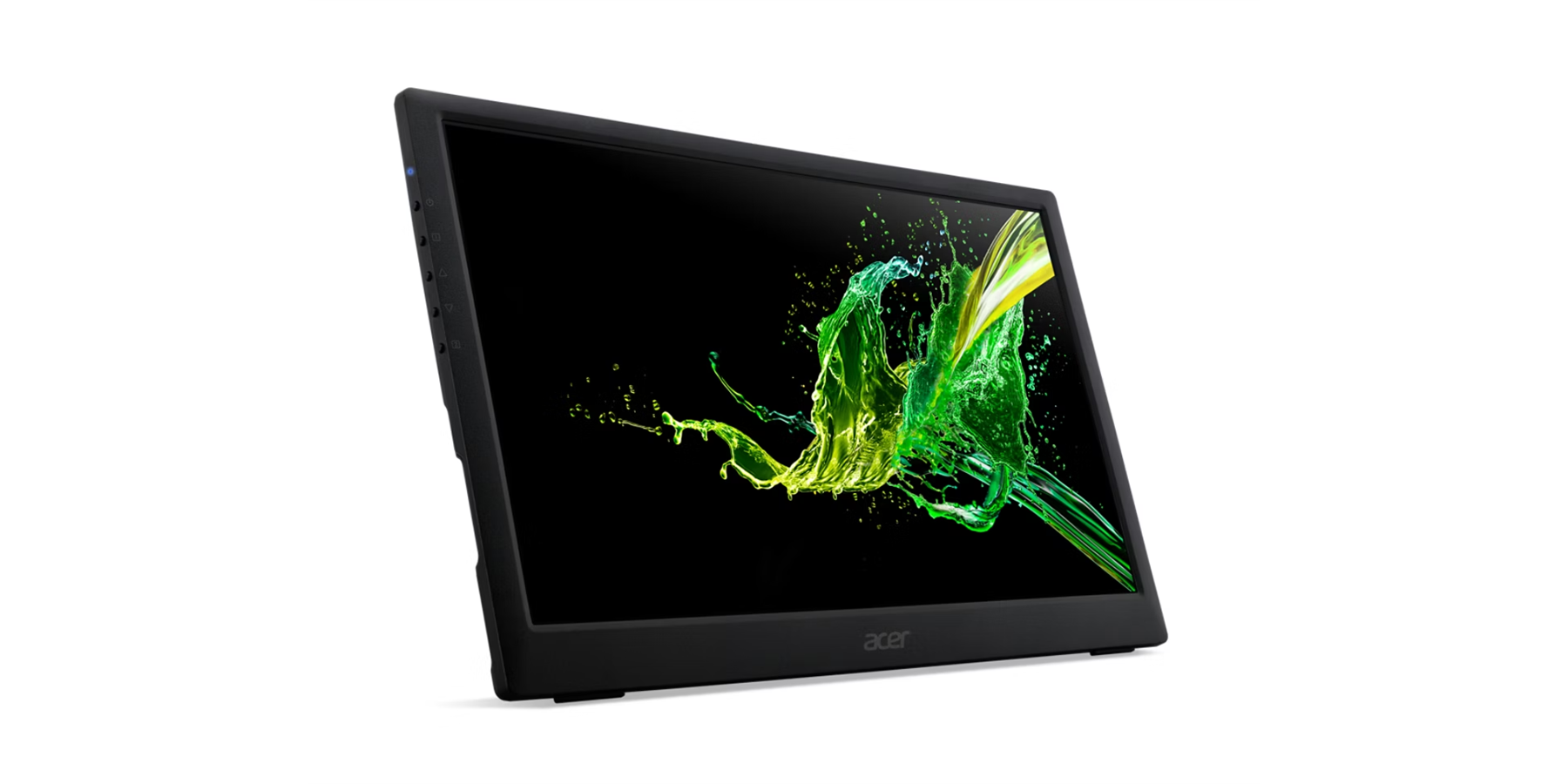
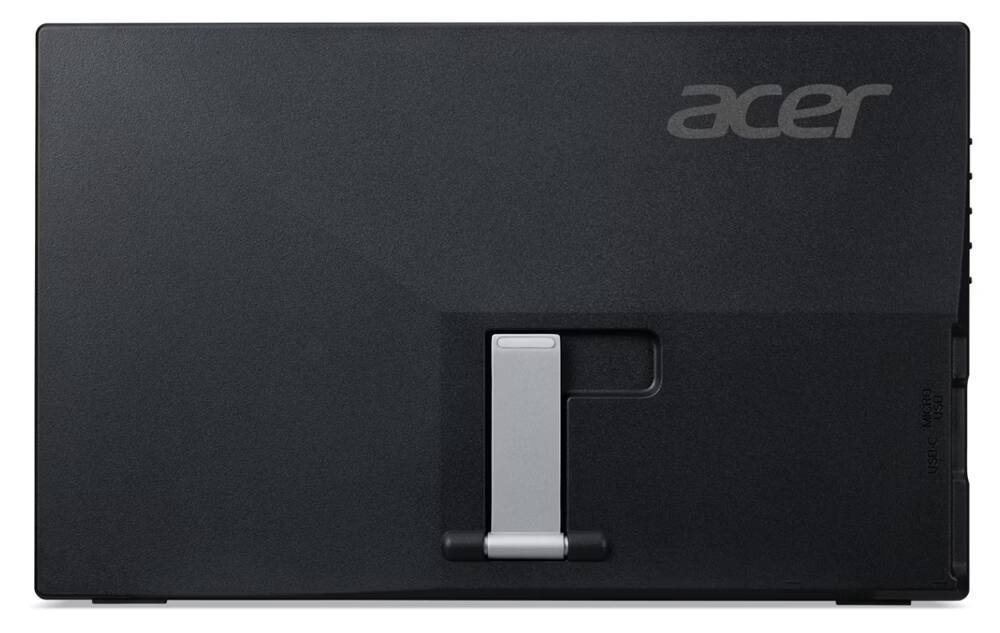
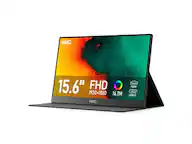
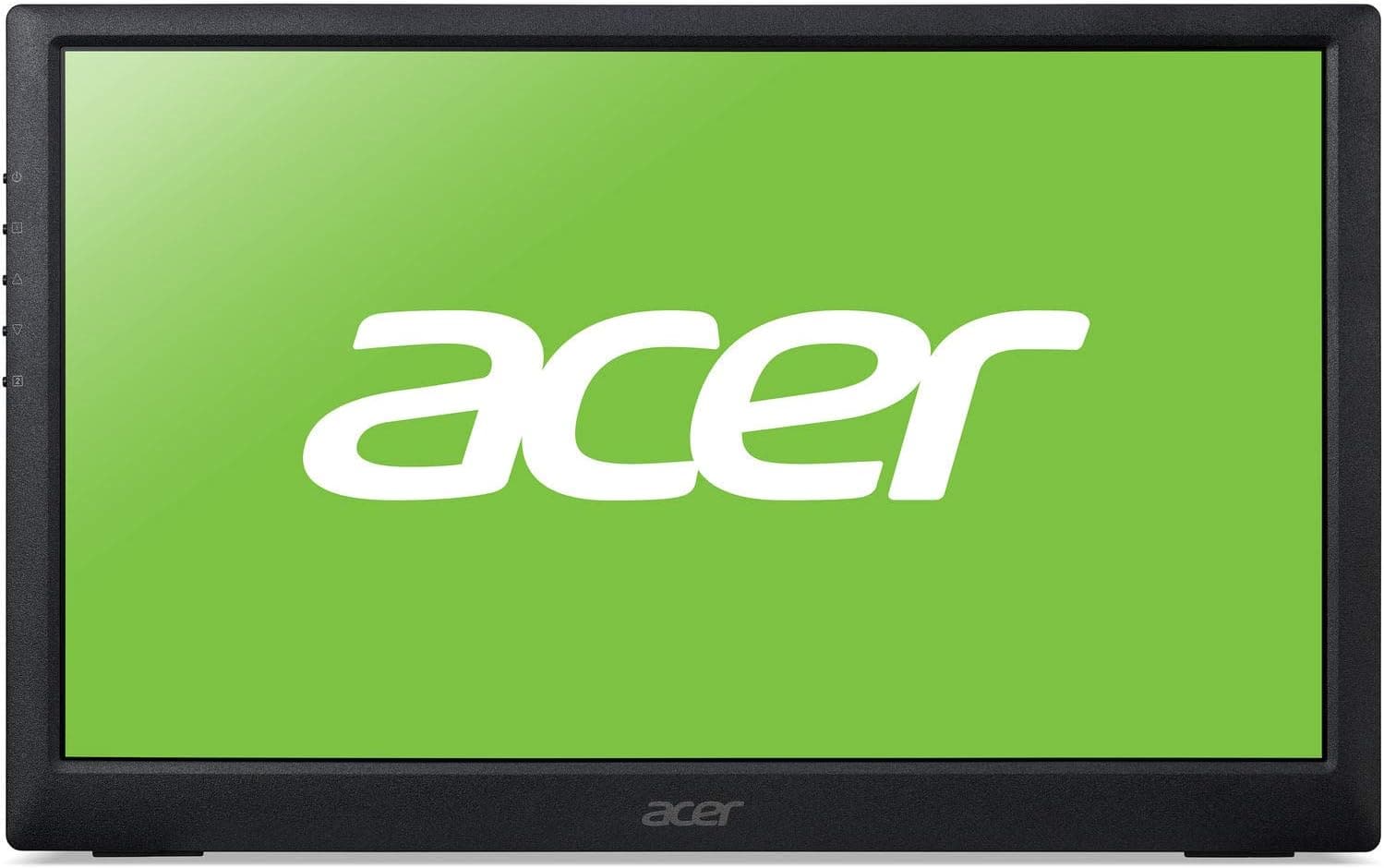
- A:Answer This portable monitor comes with a protective sleeve/case that doubles as a stand. It is VESA compatible 75mm x 75mm.
Answered by TeamAcer
Q: QuestionCan this monitor come with its own adapter to power it from a regular wall plug, or does it require a usb-c port on my desktop?
Asked by tojomcfarlin.
- A:Answer Mine did not. You need your own adapter. However, it did come with a usb-c to regular usb cable, which plugs into any old usb phone power adapter you have lying around.
Answered by tojomcfarlin
Q: Questioncan it be used as a main monitor from a mac mini m4, if travel and bring my mac mini m4 and the portabe monitor can the usb c calbe from the monitor turn on by only connecting to the mac mini m4?
Asked by RK.
- A:Answer You can use the PM161Q portable monitor with a Mac Mini M4 by connecting a USB-C cable from the monitor to a compatible USB-C port on the Mac Mini. The monitor should turn on and display an image automatically because it receives power and video signal through that single USB-C cable, provided your Mac Mini's port supports video output.
Answered by TeamAcer
Page 1, Showing 1-4 of 4 questions
Most-viewed items
- $169.99$169.99The price was $229.99
- $199.99$199.99The price was $269.99
- $599.99$599.99The price was $659.99
- $419.99$419.99The price was $519.99