Questions & Answers
- Model:
- ACER-UC409-BBY
- |
- SKU:
- 11810492
$27.99$27.99
Save $4
The comparable value is Comp. Value: $31.99
Page Showing 1-2 of 2 questions
Q: QuestionIs this compatible with Acer chromebooks for dual external monitors?
Asked by AnnieMP82.
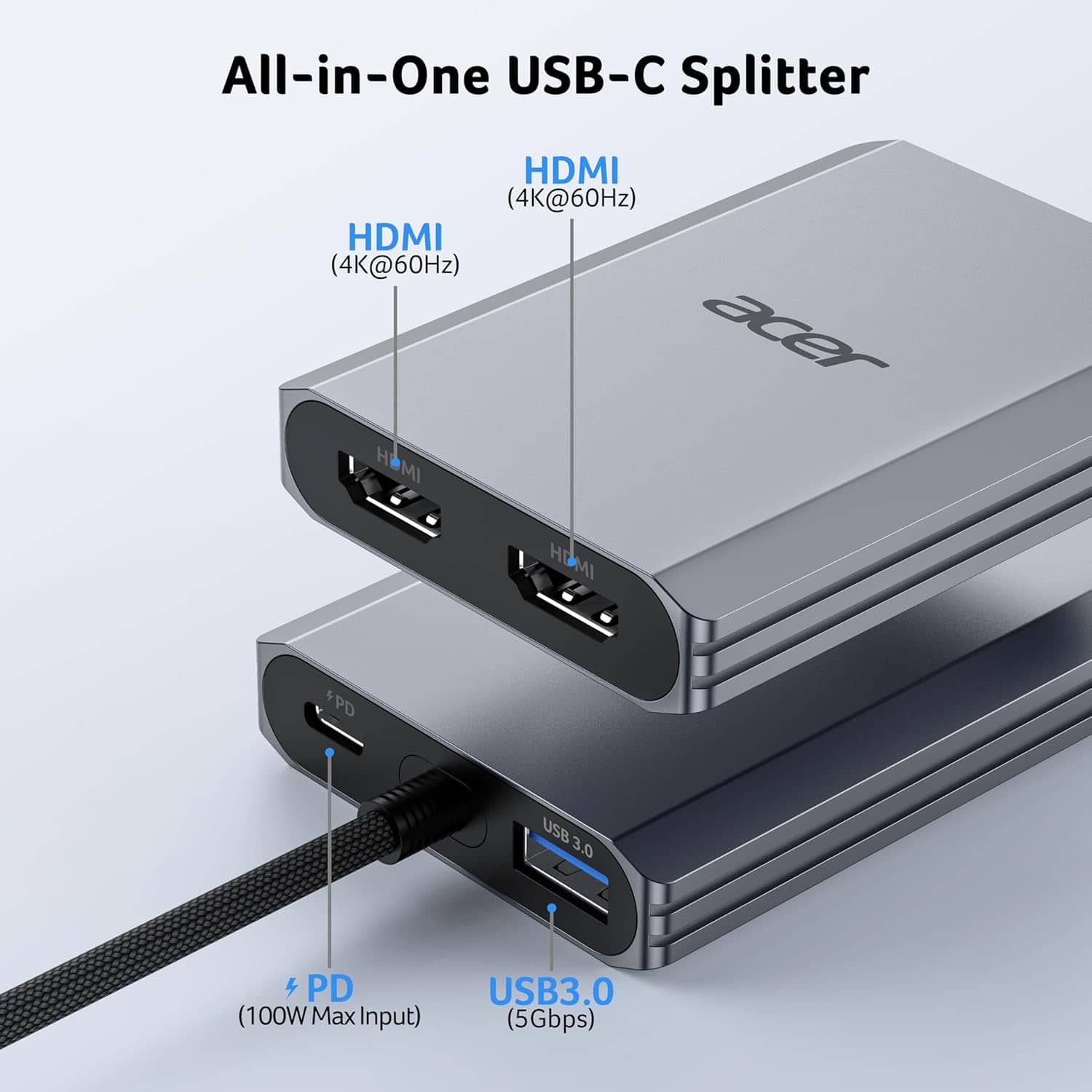
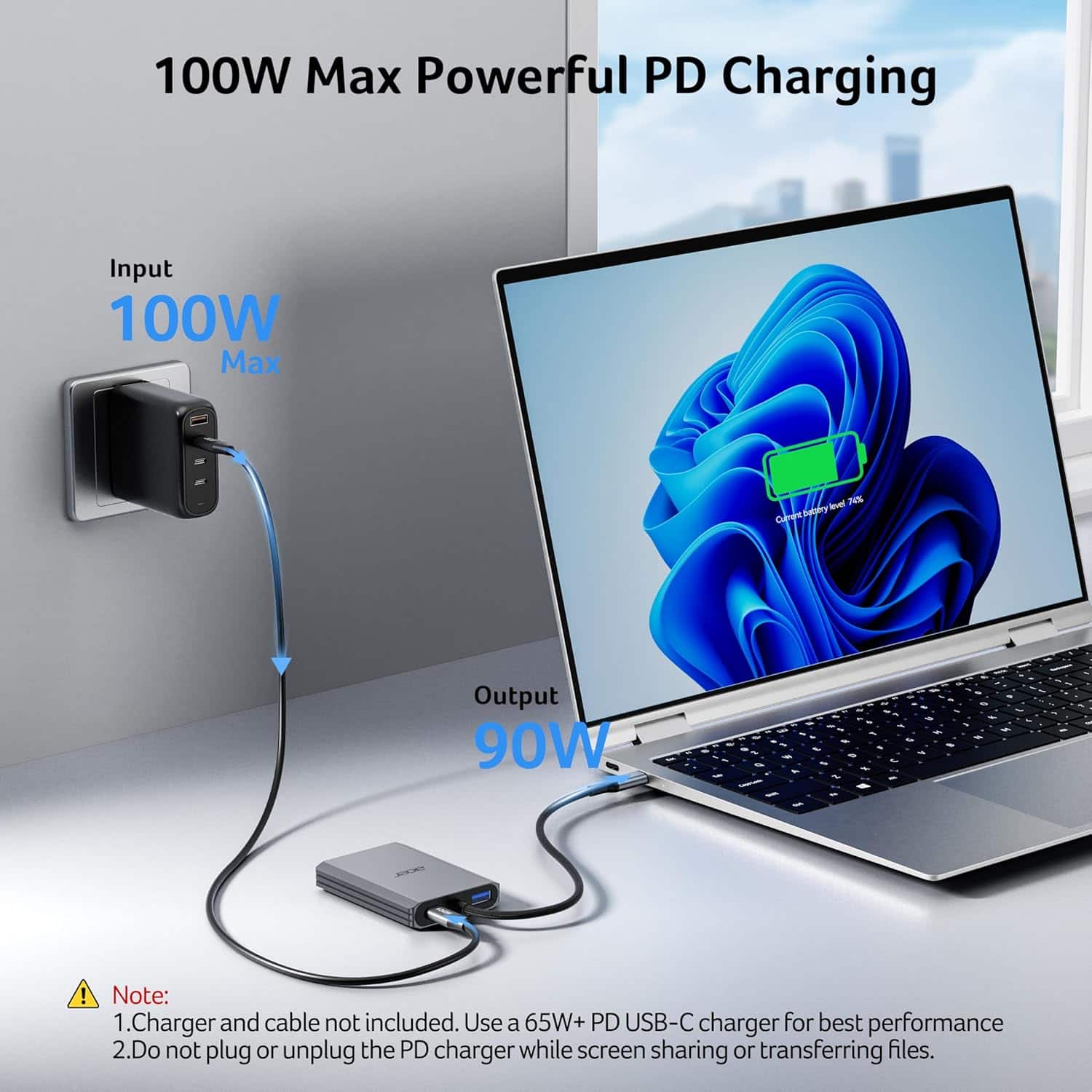
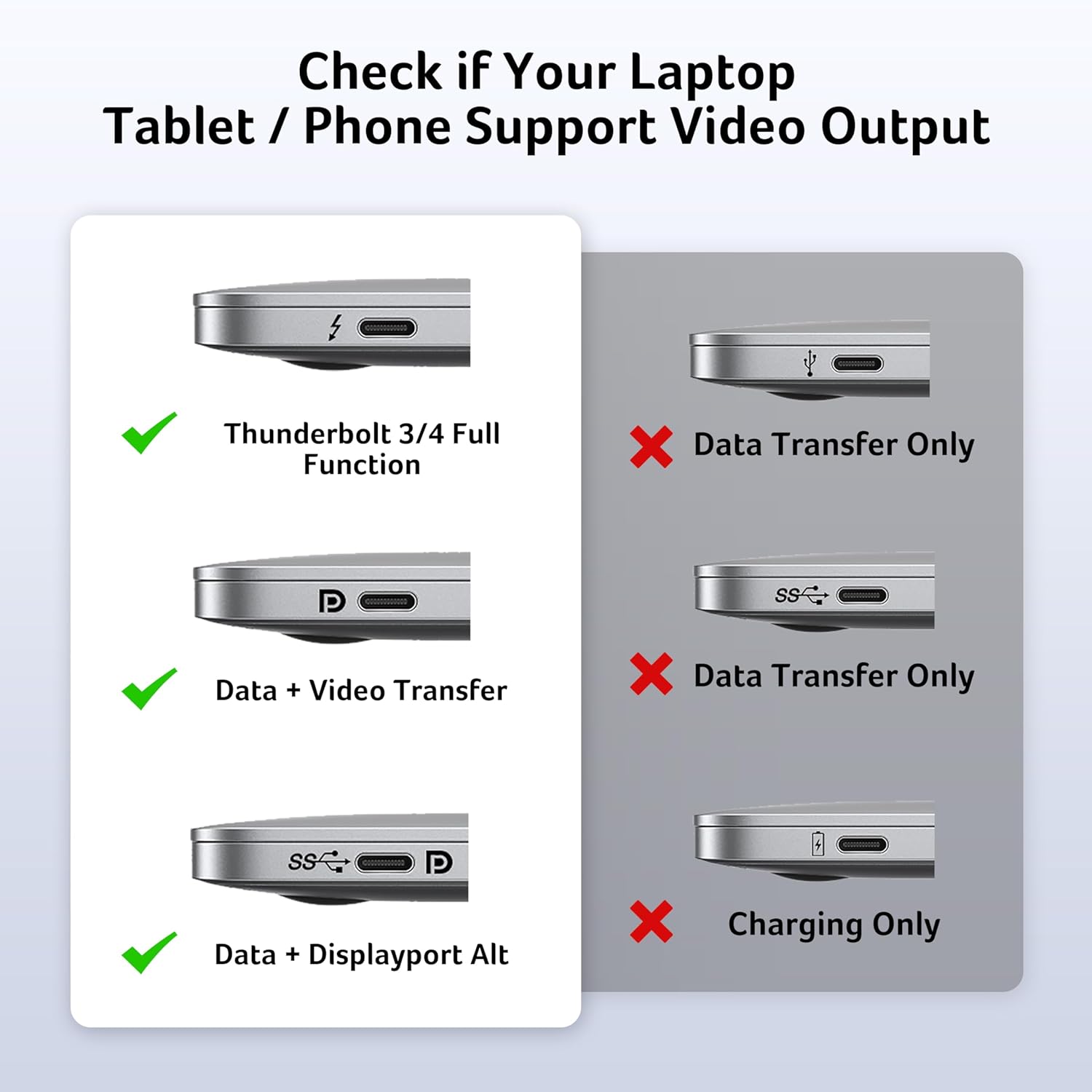
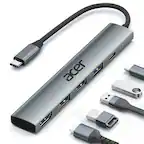
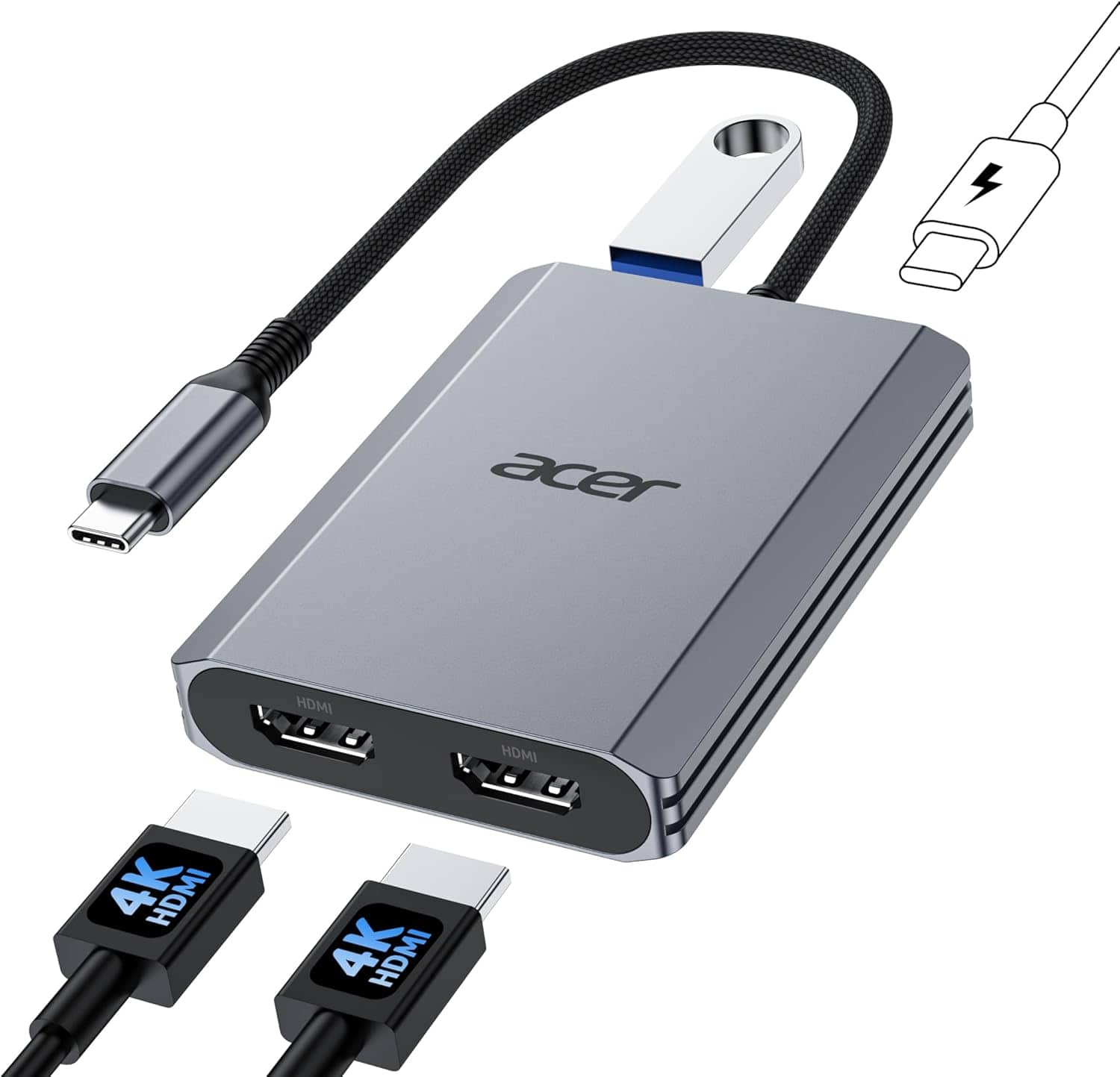
- A:Answer Yes, the Acer UC409 is designed to work with Chromebooks. It is compatible with devices supporting DisplayPort Alternate Mode (DP Alt Mode), enabling display, charging, and data transfer via USB-C.
Answered by TeamAcer
Q: QuestionI have a Dell Laptop, Windows O/S. Will this allow me to have dual monitors showing different images at the same time? If it depends on something within my laptop that can be checked, please provide the steps I should do to check it. Thanks.
Asked by JayQ.
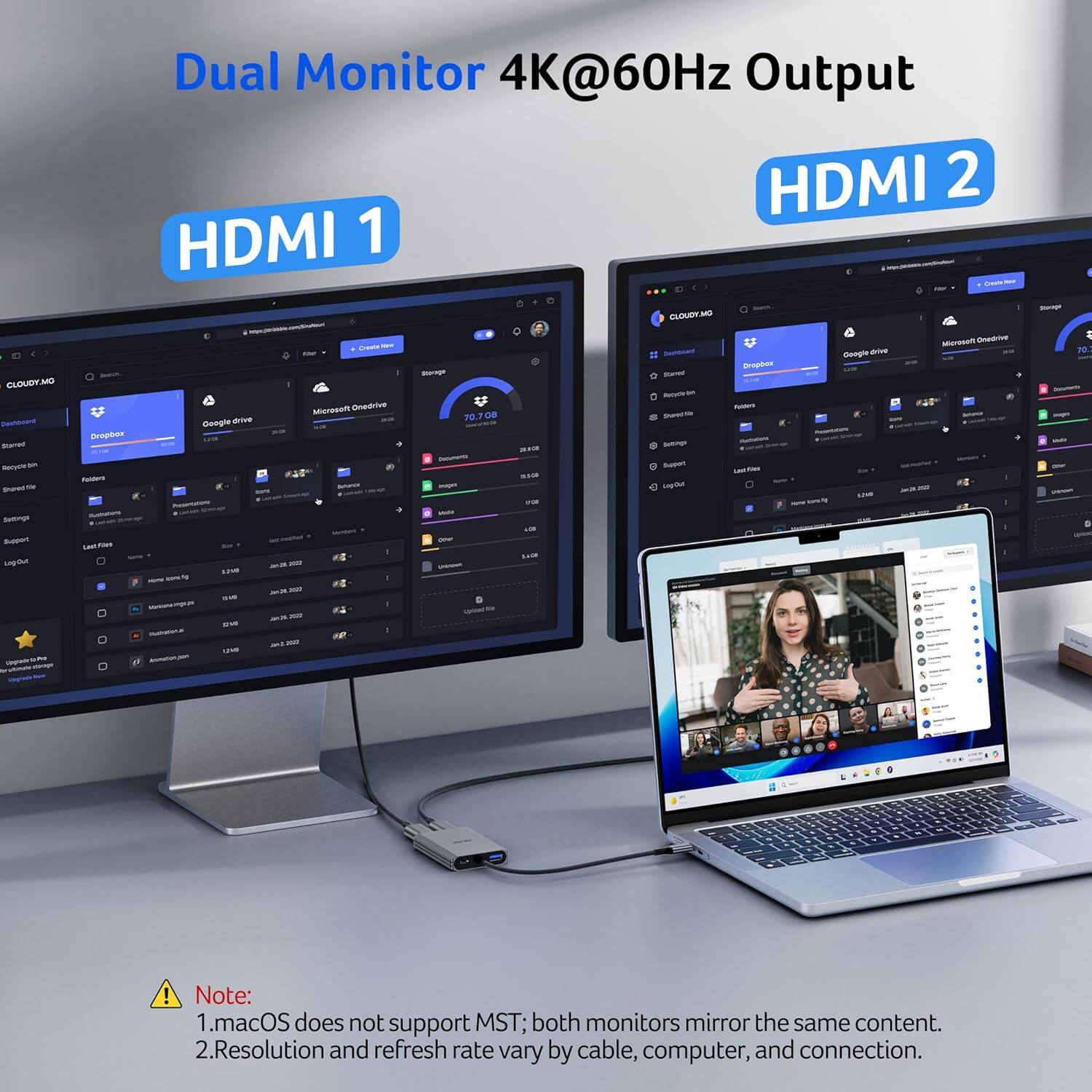
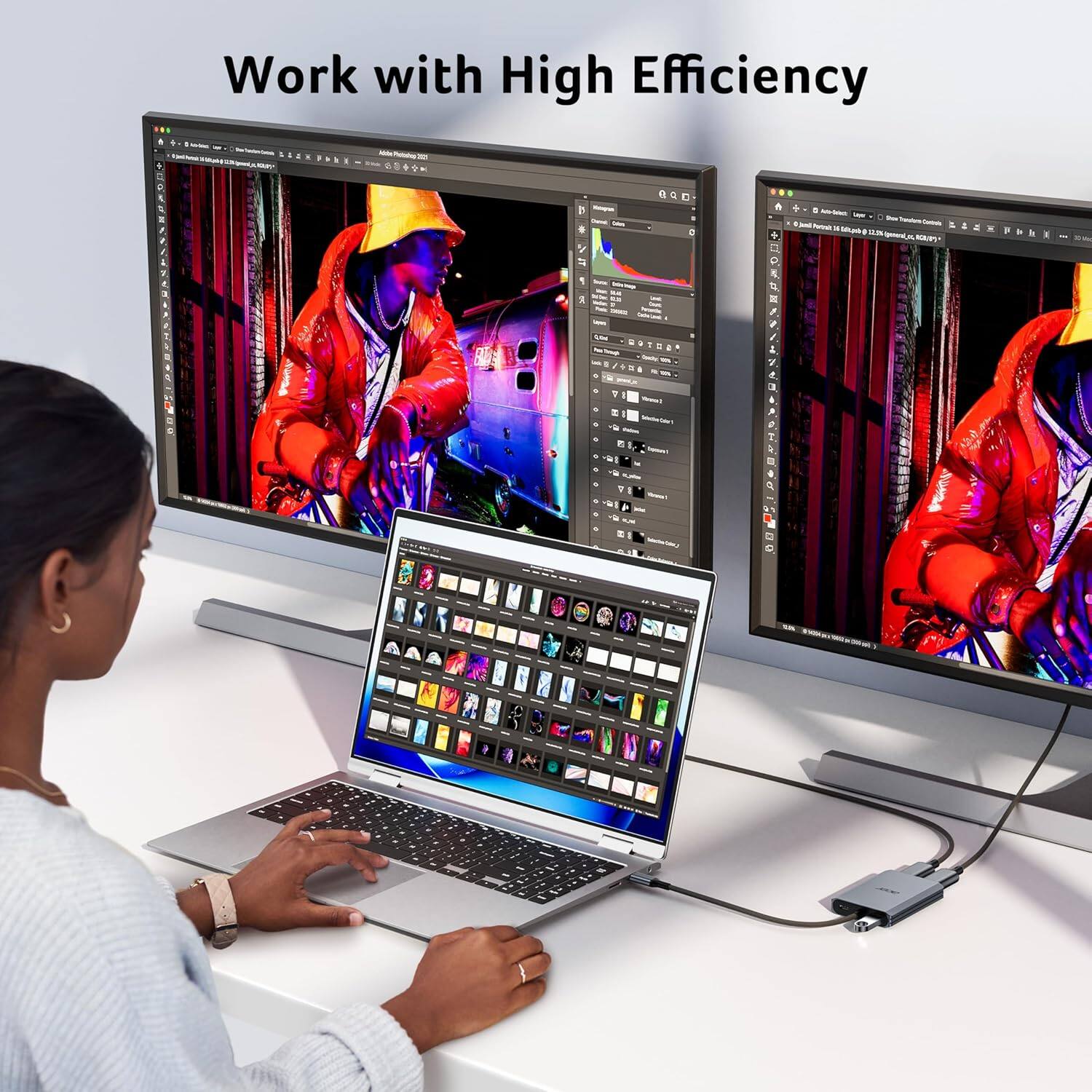
- A:Answer Yes, the Acer USB-C Dock will allow you to have dual monitors showing different images (extended display setting in Windows) at the same time on a Dell Windows laptop.
Answered by TeamAcer
Page 1, Showing 1-2 of 2 questions
Top Rated
- $120.99$120.99The price was $149.99
- $57.99$57.99The price was $69.99
- $249.99$249.99The price was $299.99
- $39.99$39.99The price was $79.99
- $48.99$48.99The price was $64.99
- $204.49$204.49The price was $399.00
- $199.99$199.99The price was $259.99
- $18.98$18.98The price was $24.99


![Multiple Display Modes
Windows
- Mirror Mode (A-A-A)
- Extend Mode (A-B-B)
- MST Mode (A-B-C)
macOS
- Mirror Mode (A-A-A)
- Extend Mode (A-B-B)
- MST Mode (A-B-C) [X] NOTE: The macOS System doesn't support MST(A-B-C) Mode](https://pisces.bbystatic.com/image2/BestBuy_US/images/products/73a4b63e-c857-439a-a79c-db61efc784fe.jpg;maxHeight=54;maxWidth=54;format=webp)