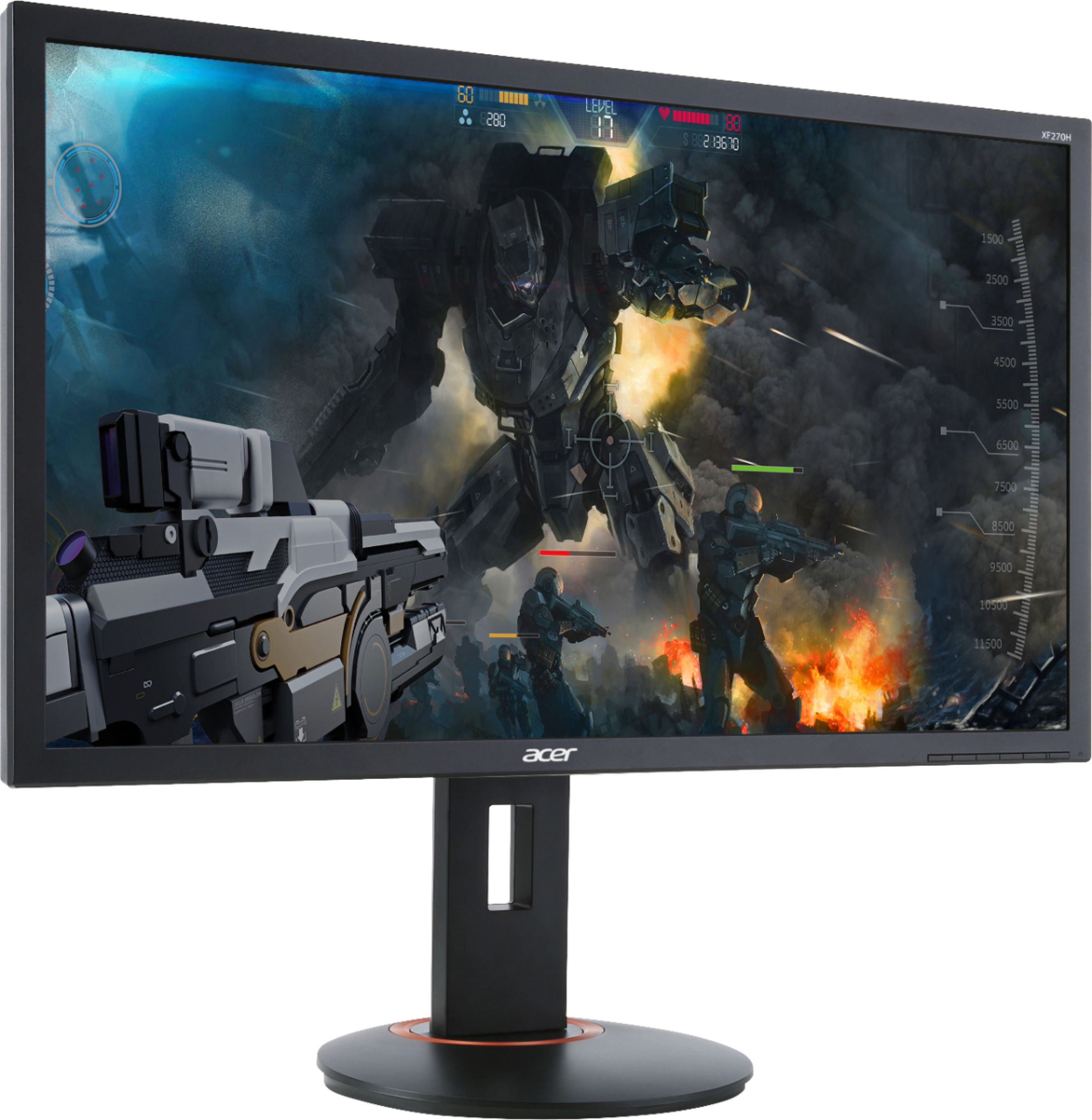
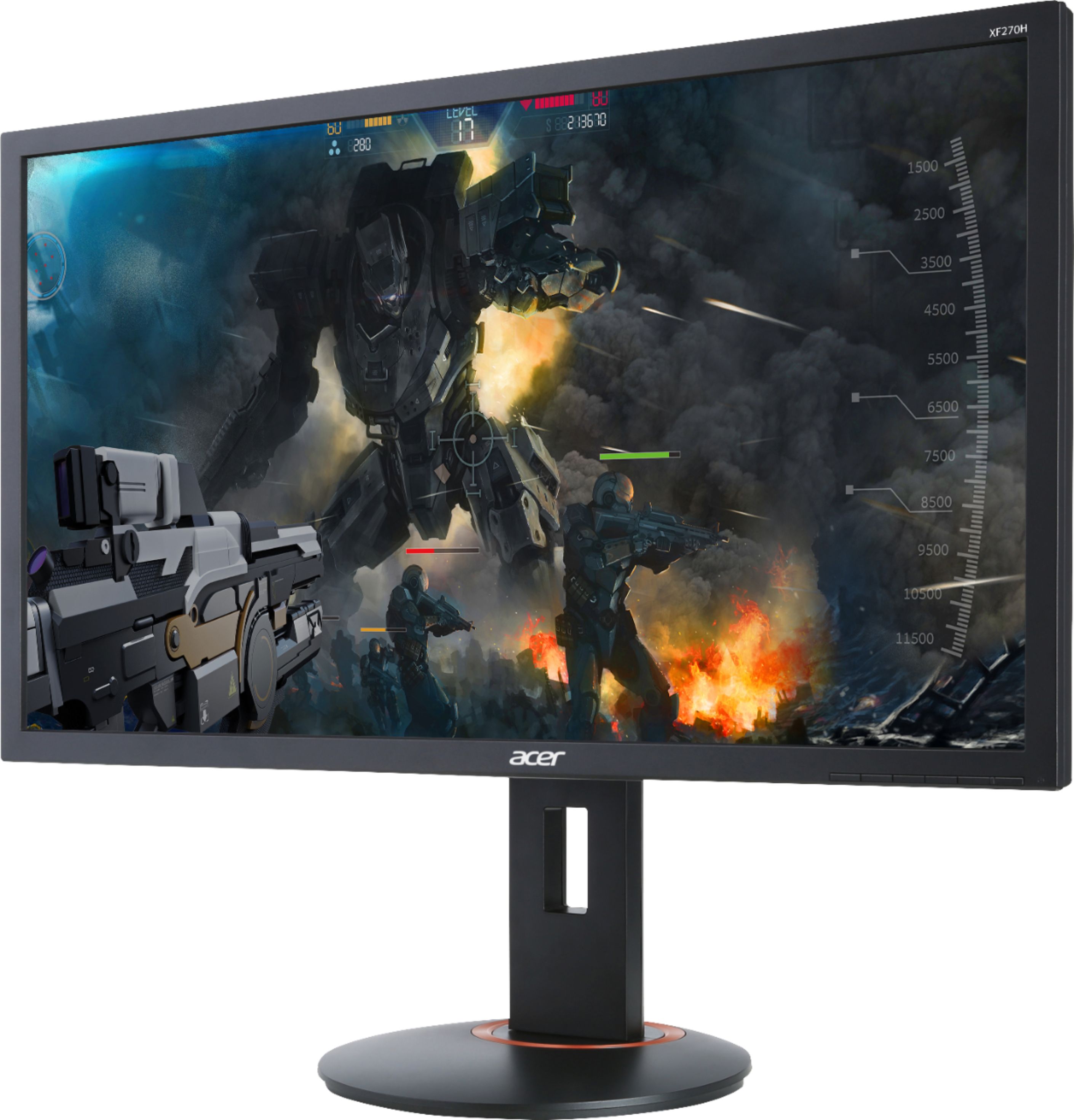
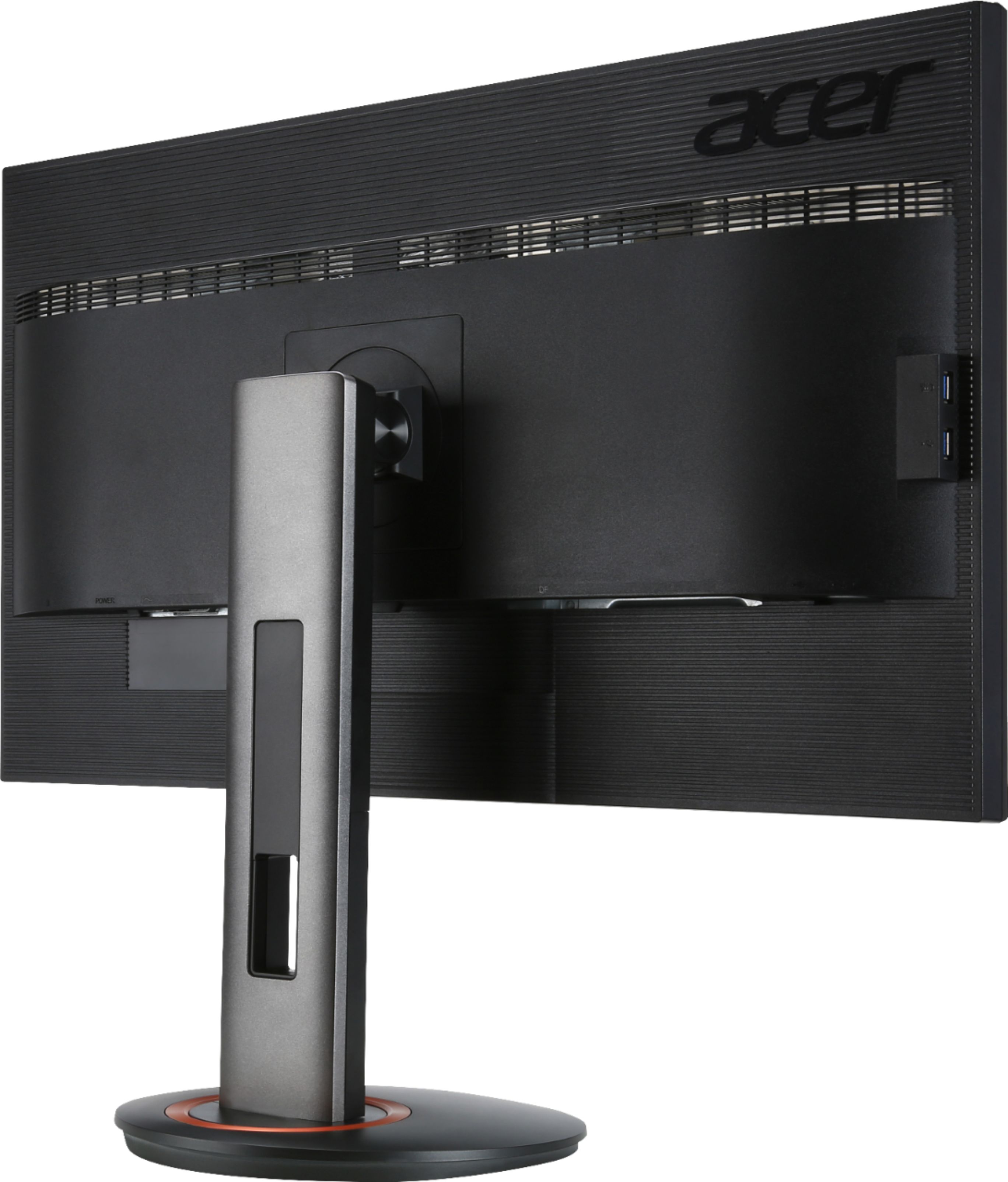
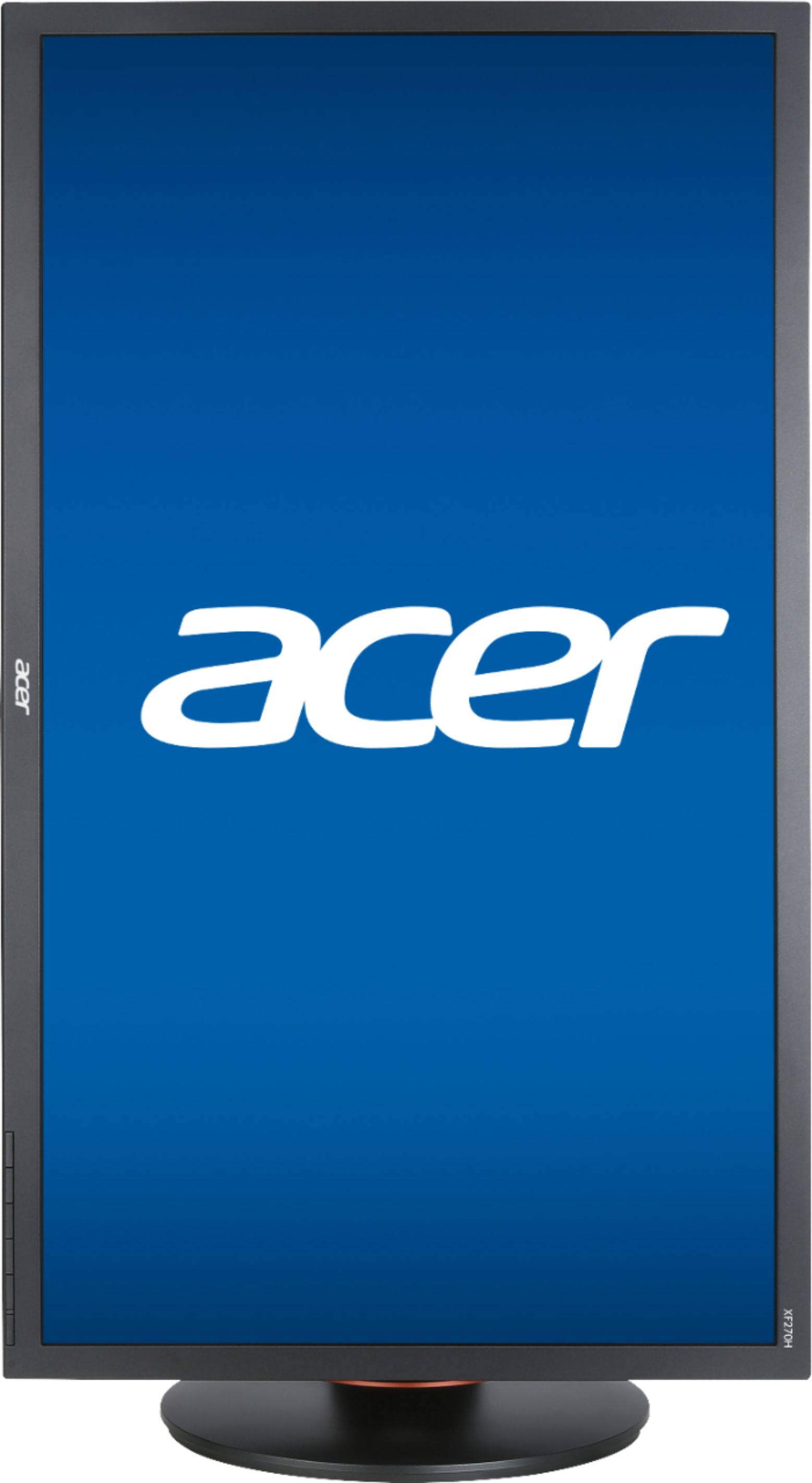
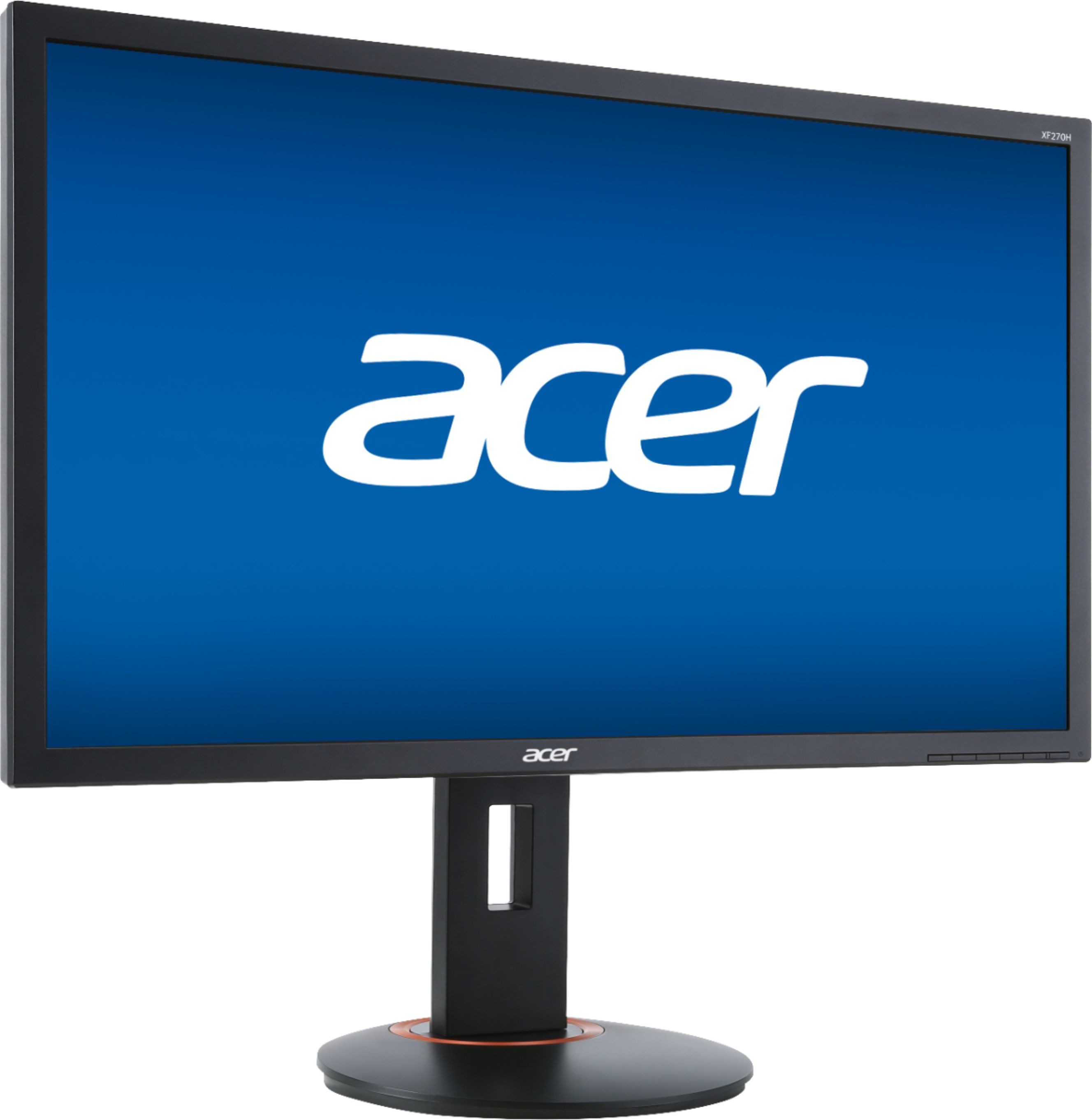
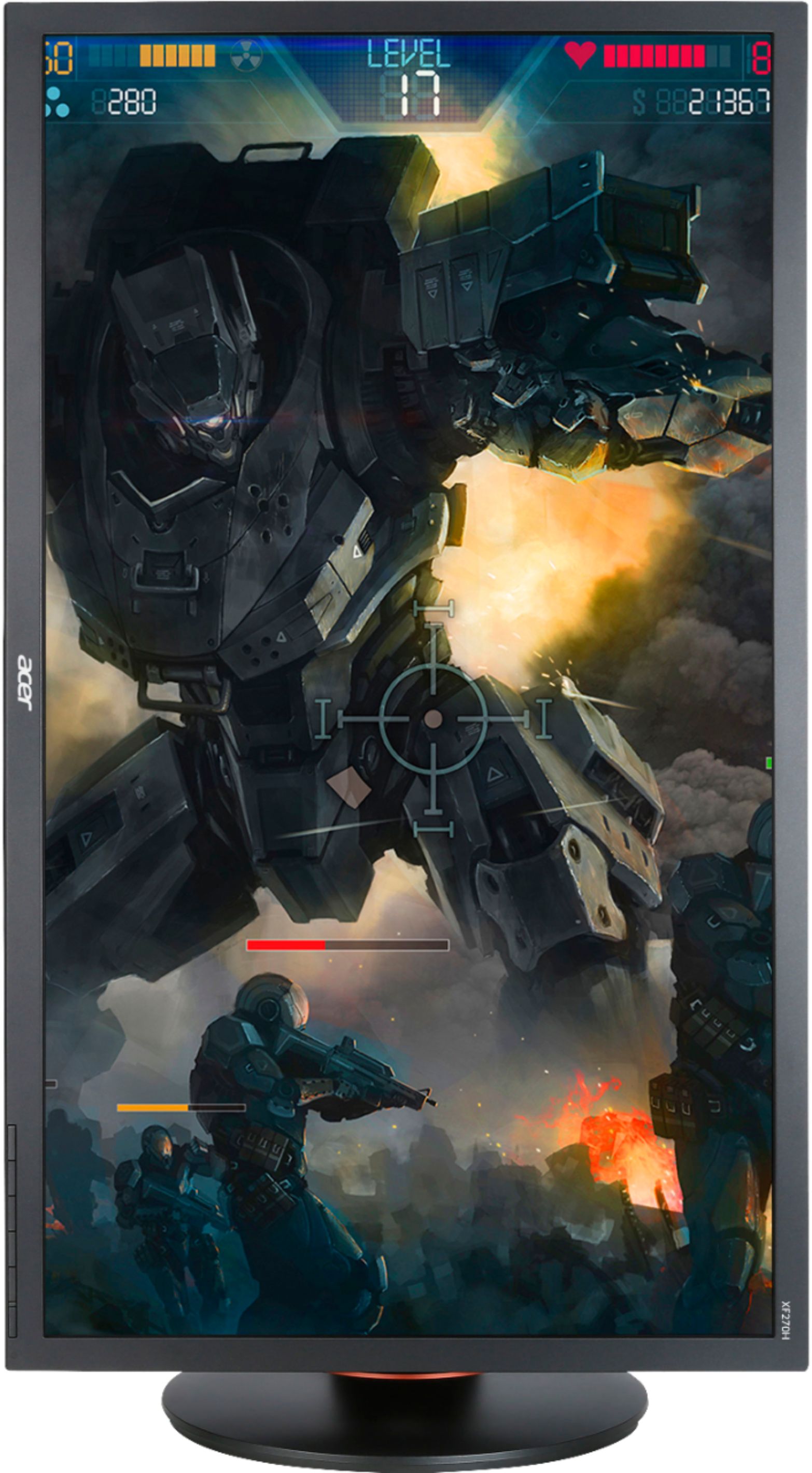
A:AnswerYou don't need anything other than your HDMI+Speakers. I say you need speakers because all monitor speakers suck. They're in the back and very low, and you can hook your speakers up to it with the 5mm port in the back. This monitor has 2 HDMI ports, and one display port. I have my PC, PS4, and Switch plugged into it. :)
Settings? I'd say use the preset "cool" instead of "warm" warm was way too bright, and it was hurting my eyes. Other than that, just mess around with everything til it looks good for you.
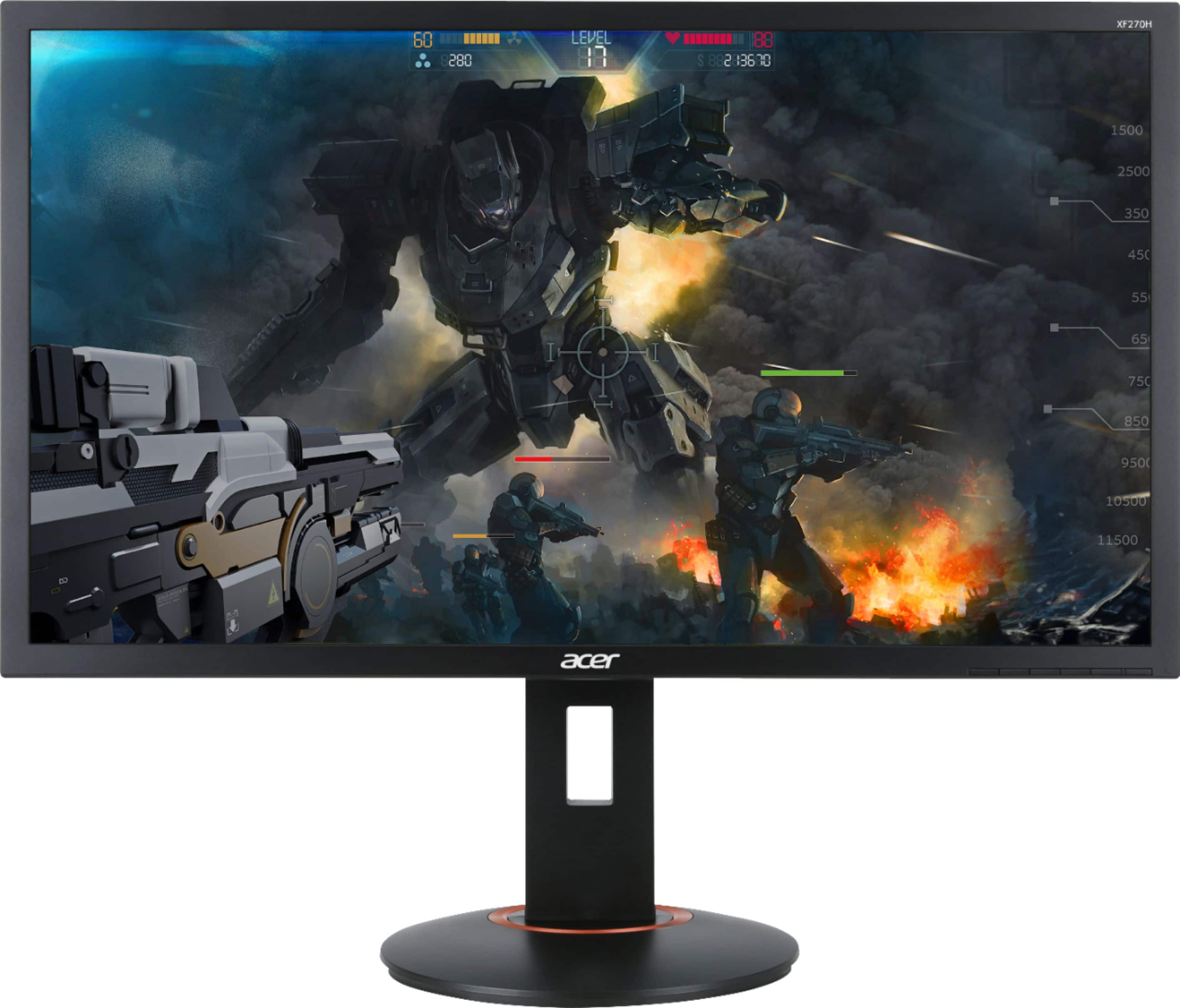
A:AnswerI plugged it into my Windows 10 system with HDMI cable, and it knew it was 144. You may have to use the menu on the monitor by using buttons on the back to adjust it, though. But it definitely is working at 144.
A:AnswerYes it is compatible with a MB Pro. I connect my work PC lap top then quickly and easily switch to my personal MacBook Pro. Picture is fabulous.
A:AnswerThis XF270H monitor has two HDMI and one DisplayPort connection. The iPad uses Apple's proprietary port, but you might try using an adapter. We recommend you check with Apple to see if their device is compatible.
A:AnswerYes, this supports 144hz via HDMI, but if your GPU does not support this refresh rate you will be capped at the max the GPU supports. If you are certain that your GPU supports 144hz via HDMI, please contact Acer support for assistance with your monitor. They can be reached at 866-695-2237.
A:AnswerIf it works when connected to the laptop, this indicates the hardware is working as it should. You might post your question on the Acer Community where there are many users that post questions and offer help and advice on Acer products. The link is: https://community.acer.com/
A:AnswerI know in experience that some hdmi to DP or DP to hdmi are directional in some cases.
EXAMPLE: DP at PC to hdmi at monitor works. Not not the other way around hdmi at PC to DP at monitor.
A:AnswerDepends on your graphic card. Mine has 2 display ports and 1 HDMI. Just use two ports an go to your AMD or Nvidia control panel an set up multiple displays.