A:Answerboth - if you don't have a drive, you can download the installer
Either way, write down/copy the serial numbers, it'll save a lot of grief later on.
A:AnswerMy understanding is that you can install this on a primary and secondary computer - such as a a laptop and desktop when you use both. However, the program cannot be run on both devices at the same time.
A:AnswerThis is a full working photoshop editor, but keep in mine this is not Photoshop CC. It has build in guides for the most command tasks for those just beginning.
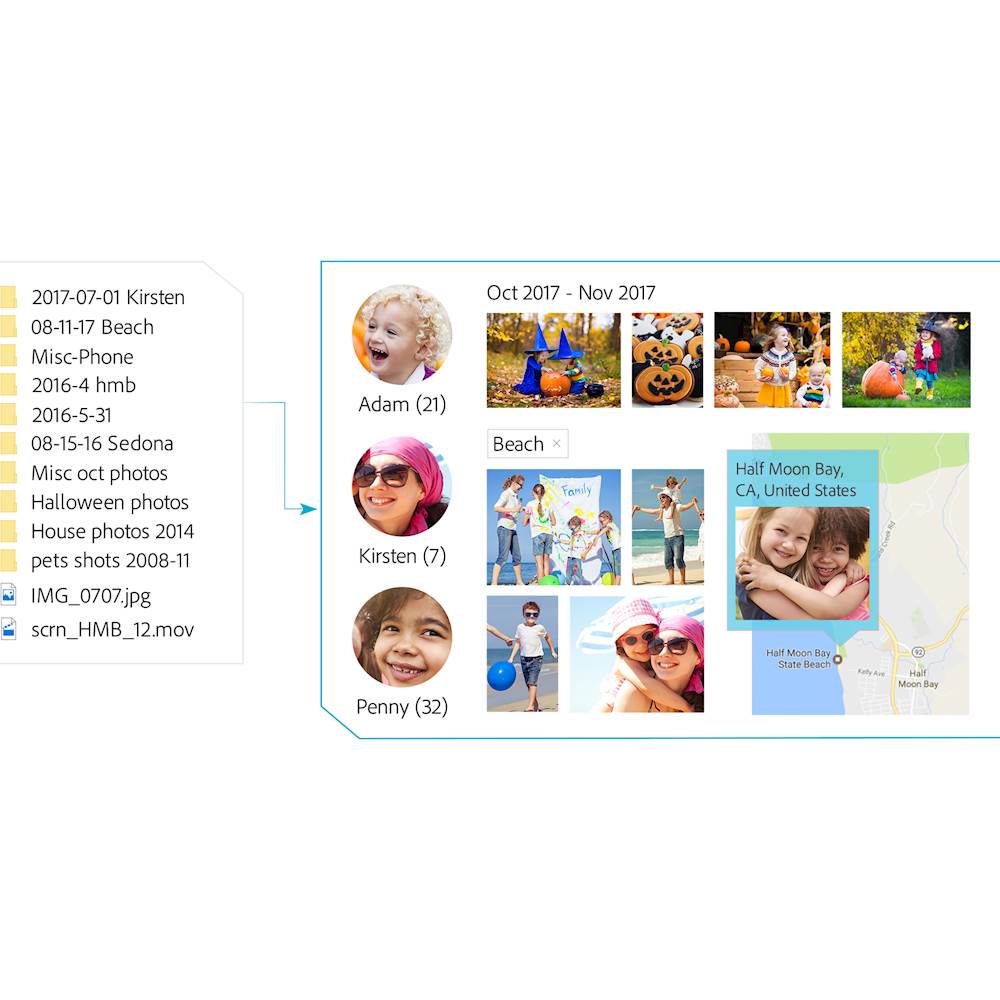
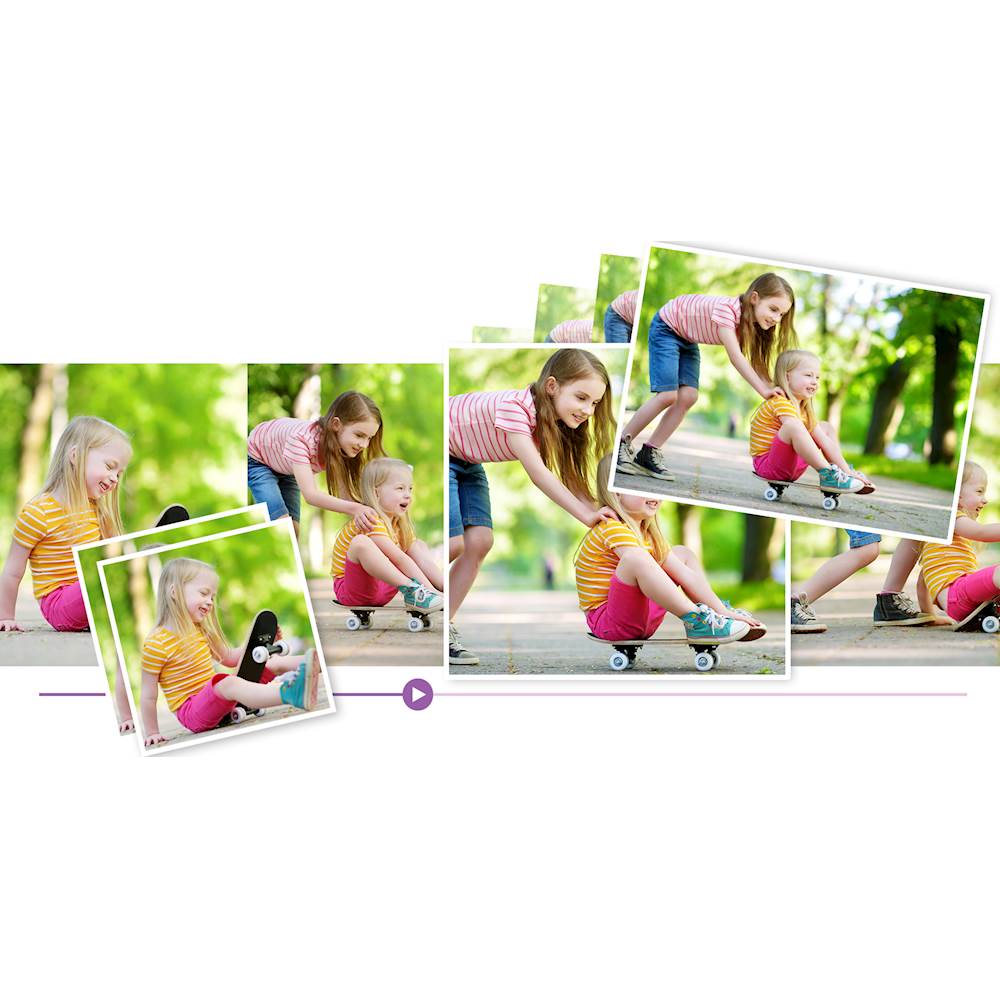
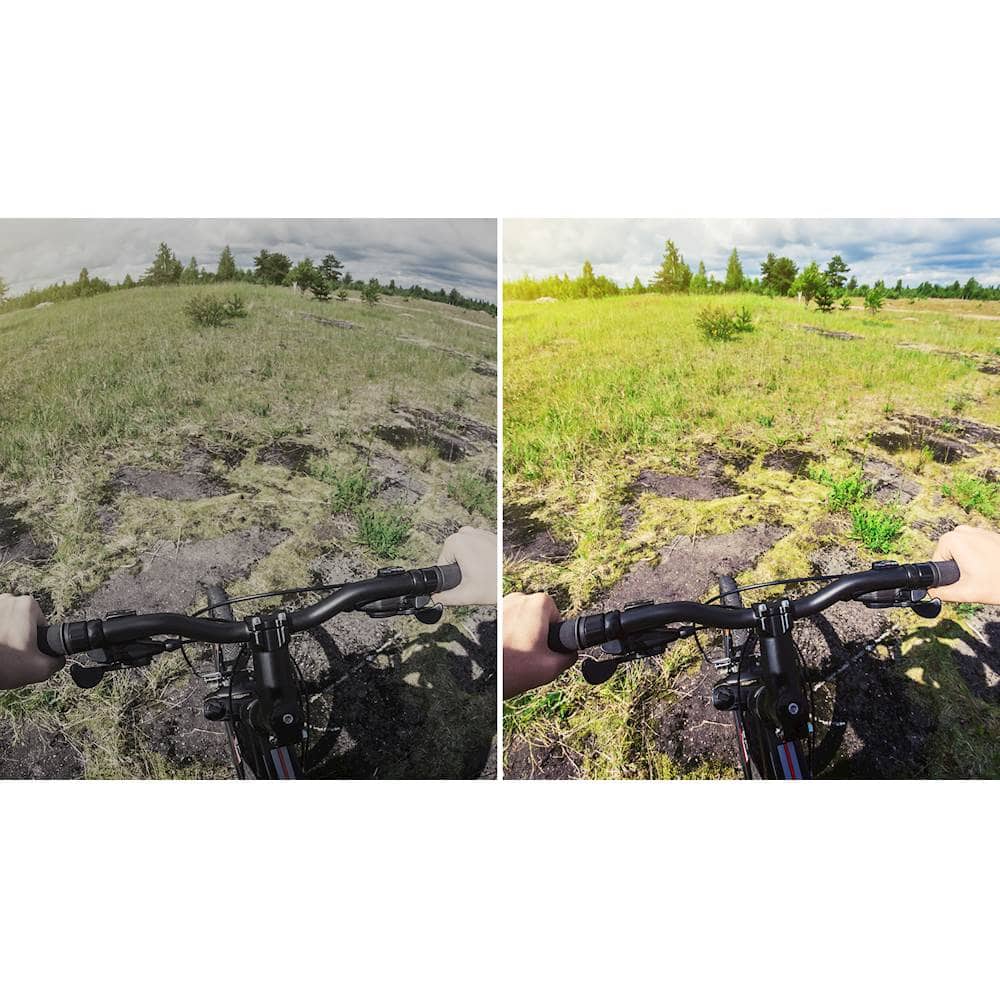
A:AnswerPhotoshop elements and premiere elements are kinda of the consumer versions of their editing products. Meaning they are created for the beginner to intermediate photographer who needs editing software. They are a one time purchase to load on your PC. Updates are produced periodically and you need to repurchase them to upgrade. Adobe creative suite is a cloud based service that has more sophisticated tools to edit video and photos geared toward the professional. It has a monthly subscription fee. Many of the tools exist in both versions and some only in the cloud version. Whne a tool sexists in both versions, the cloud tool will have more options. I have used photoshop elements and premiere elements for years and it meets my needs. The interface is very polished and easy to use. They have good tools to clean up pictures that were not taken at optimal settings such as when you incorrectly use DSLR aperture priority or manual settings. There is an organizer that can keep track of hundreds of photos and allow you to tag them for names, locations etc. For example, you can select a family member's name and see all your tagged photos of them.
A:AnswerYes, we installed it on a very similar dual purpose hp laptop/tablet with a touchscreen and it works perfectly. Even with having to download it as our laptop doesn't have a disk drive which made me a bit leary but I was worried for no reason. Hope this helps and if you want to make sure it will work then you can download a trial version to test it out with but not all functions work on the trial software, just so you know.
A:AnswerOnce you purchase this, it should be on your pc, this version should be on your hard drive for the duration. Other newer versions would be available for upgrade, maybe, but this version should be no your pc forever.
A:AnswerWhen I loaded the program, I only saw Photoshop and premiere elements 2018. as options There are many types of guided edits that can be made to pictures and video, but none of those edits contain the title you mention. Try adobe videos, there maybe info there for you.
A:AnswerIt works with the MacBook pro I'm not familiar with the mini. I will say I was disappointed when, after finally getting it installed and editing some photos, I tried to share them on Facebook and was stopped by a pop-up message.The message said that FB no longer allows sharing of images from 3rd party applications. There is a way around the policy but it's kind of inconvenient IMO.
A:AnswerThis particular software requires PC with Win 10 or MAC IOS. Adobe does have apps for phones and tablets that perform some photo enhancing and video editing but nothing like a full PC version