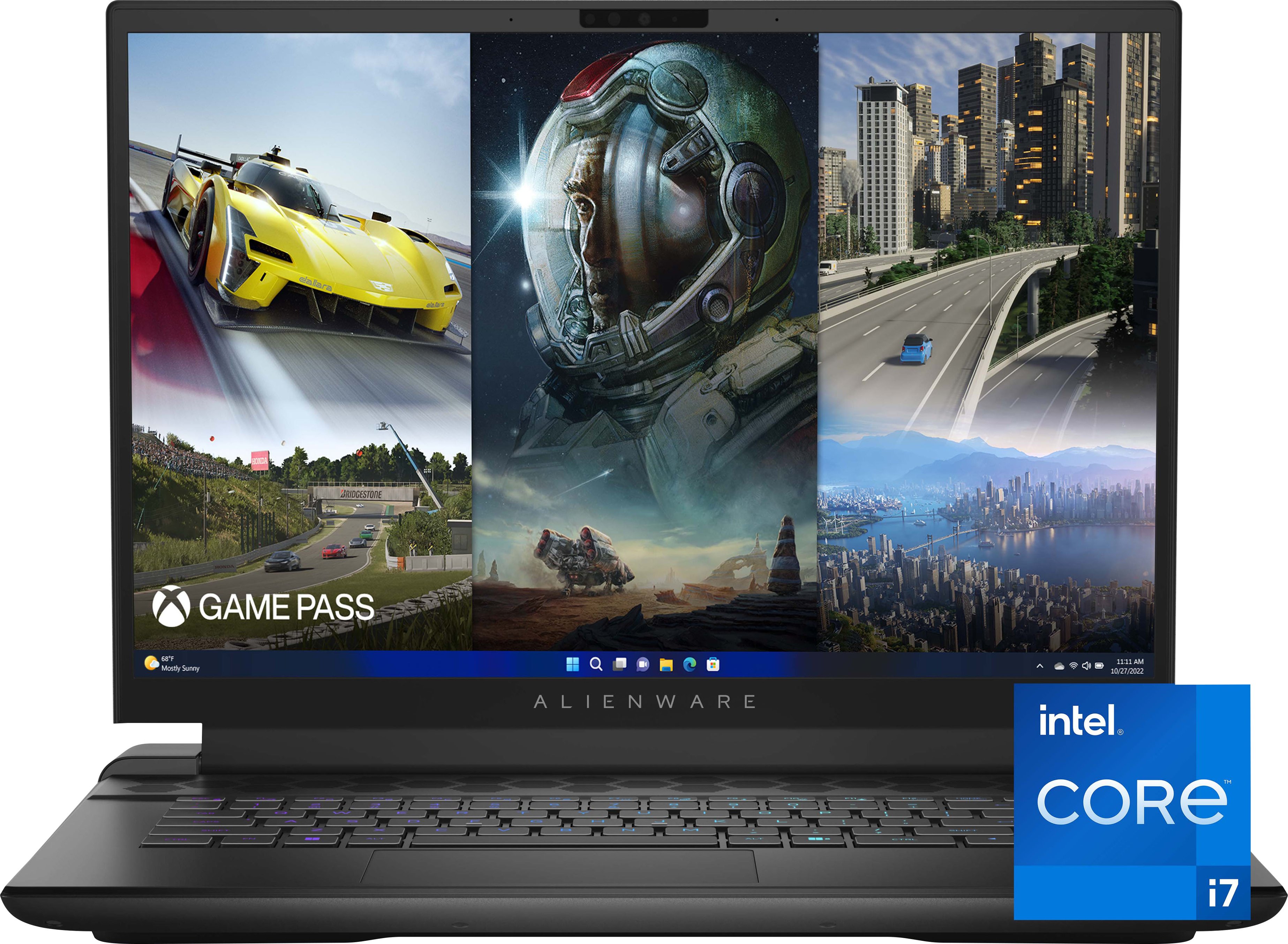
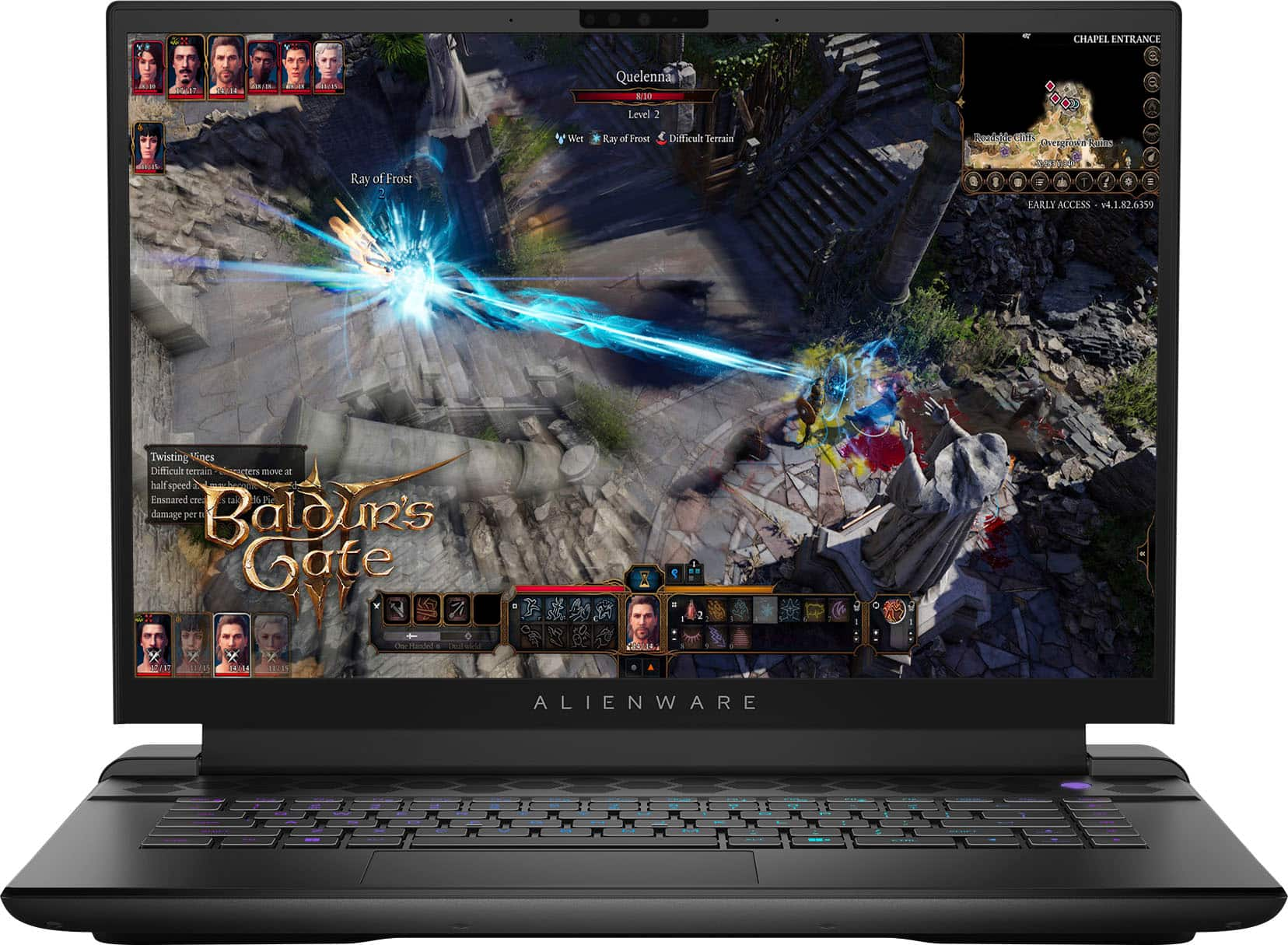
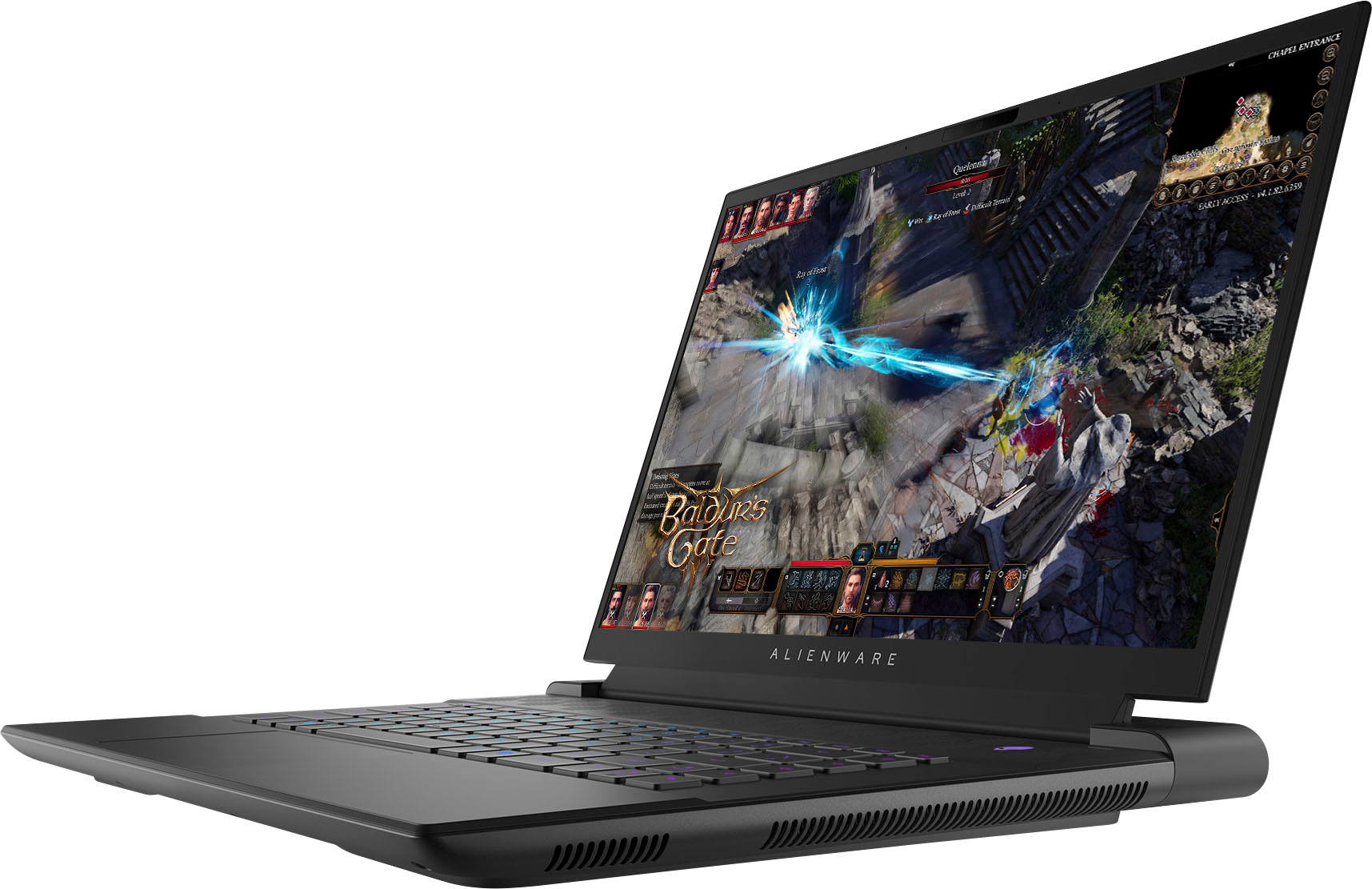
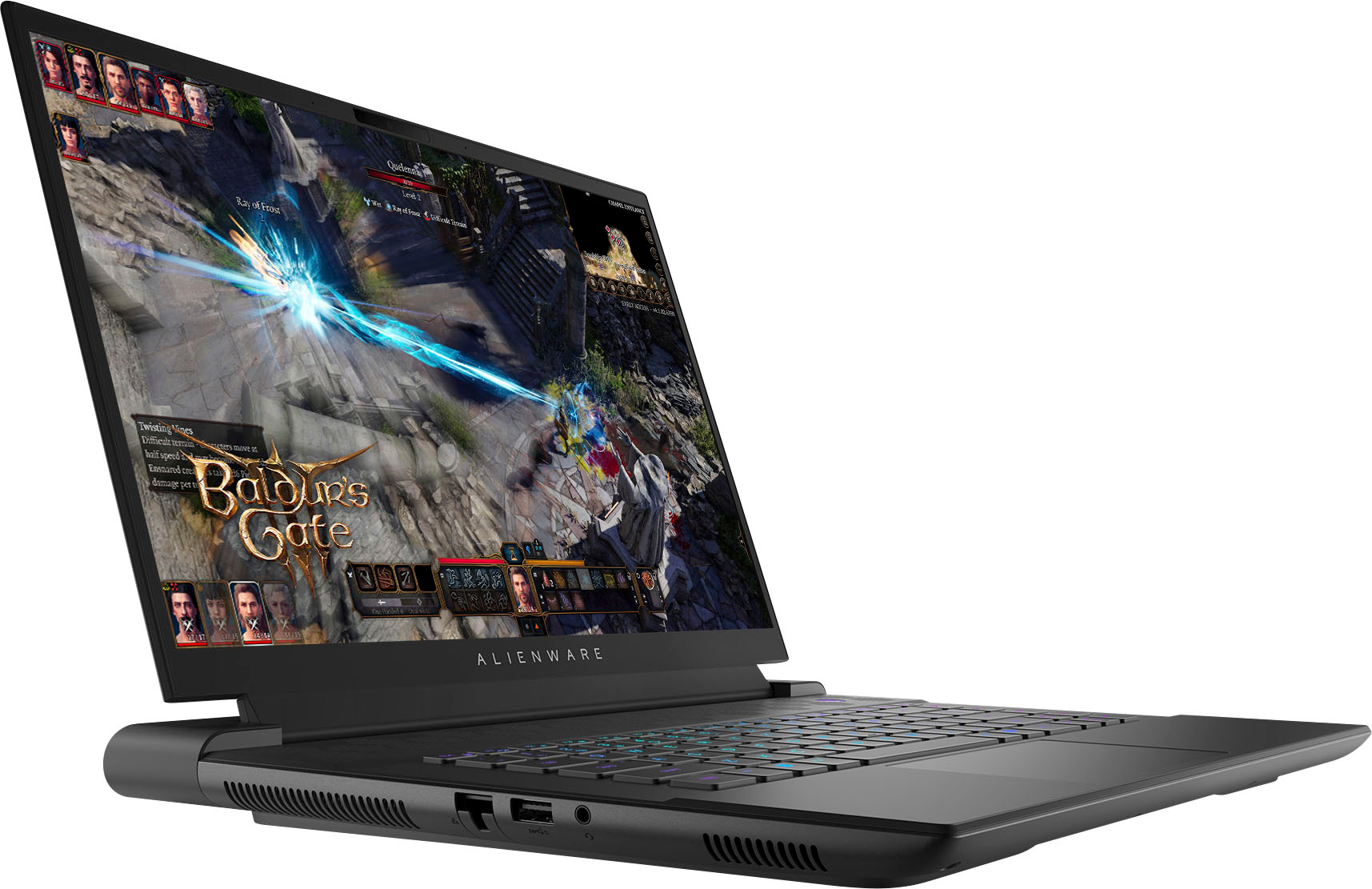
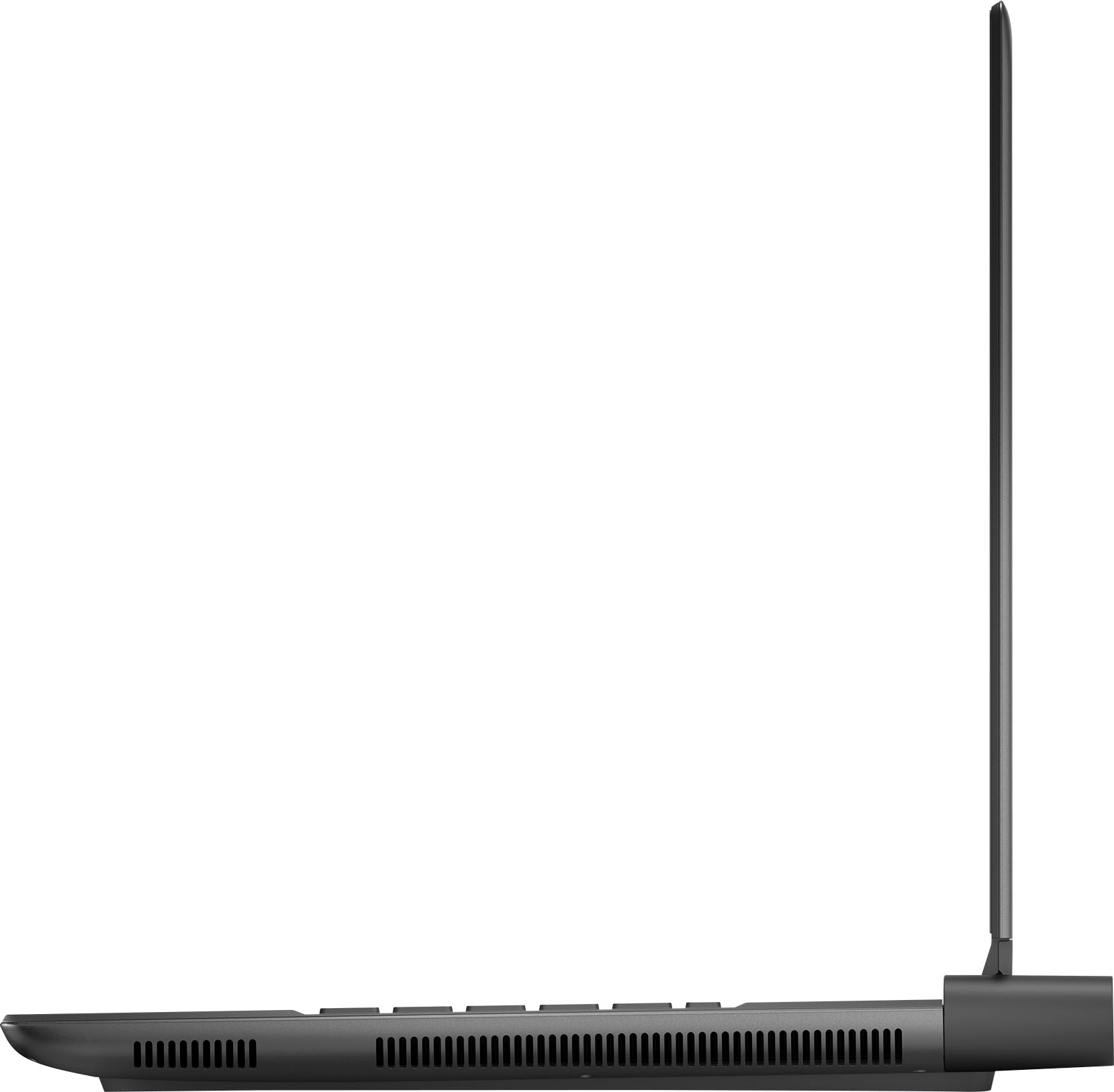
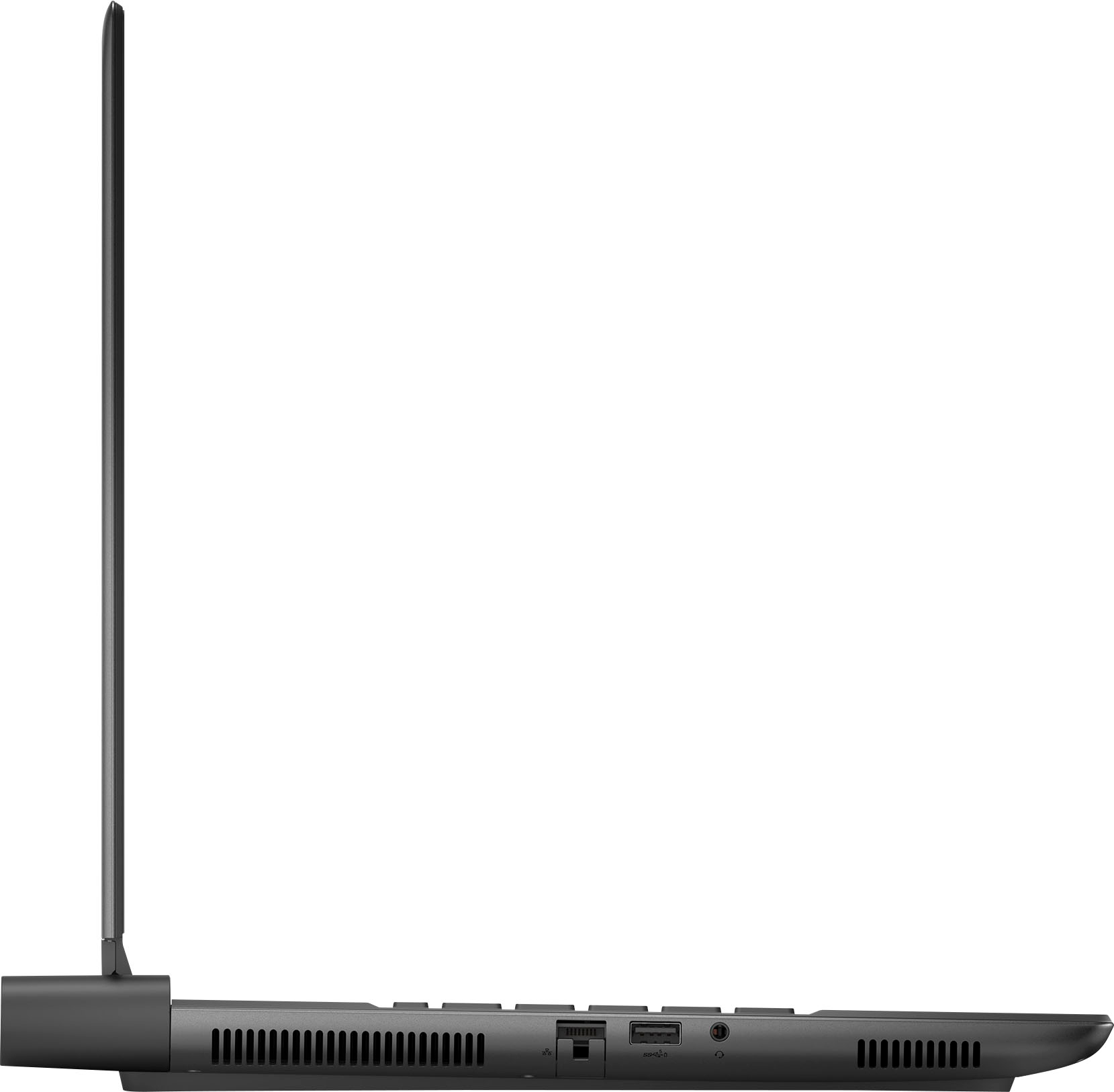
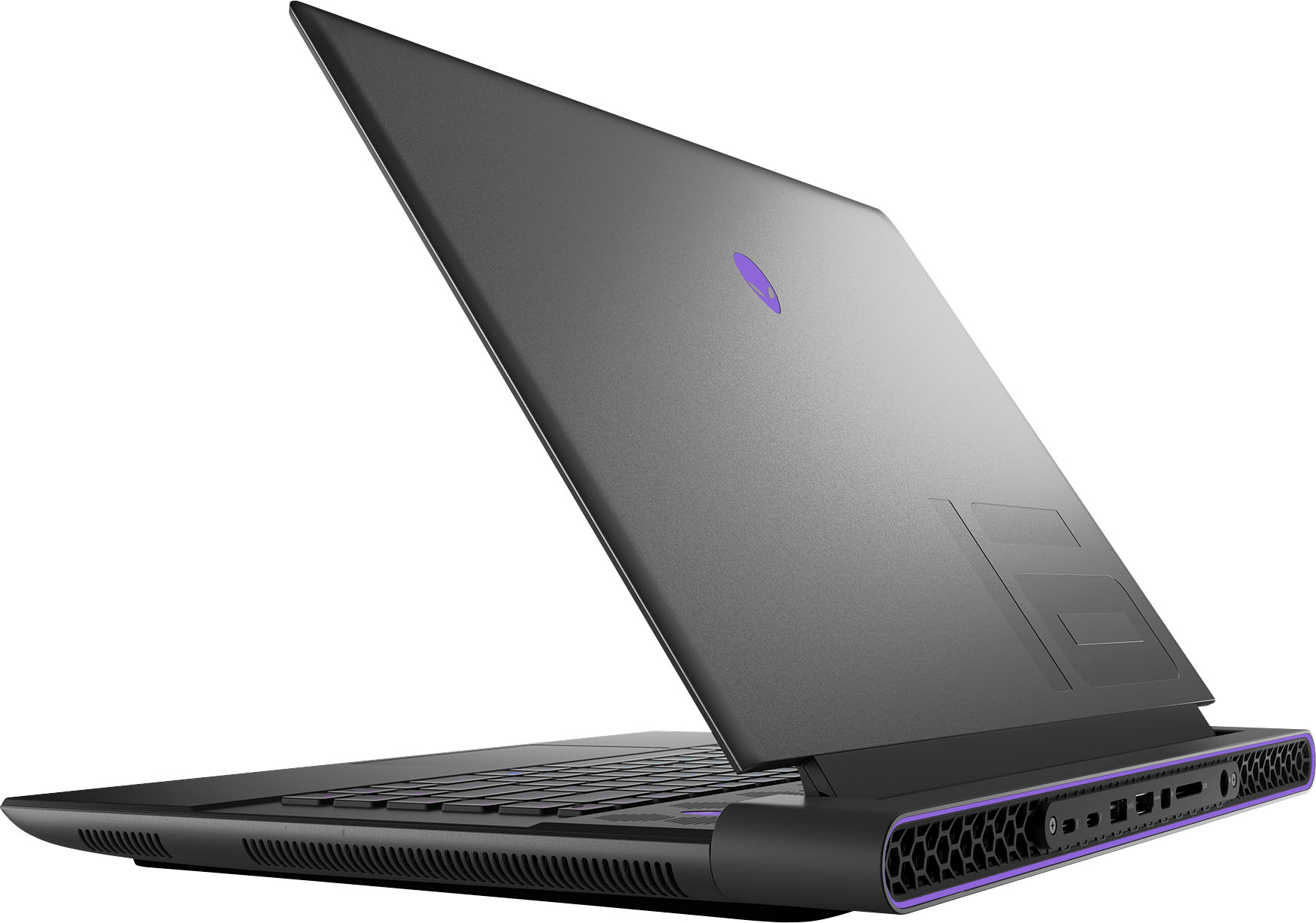
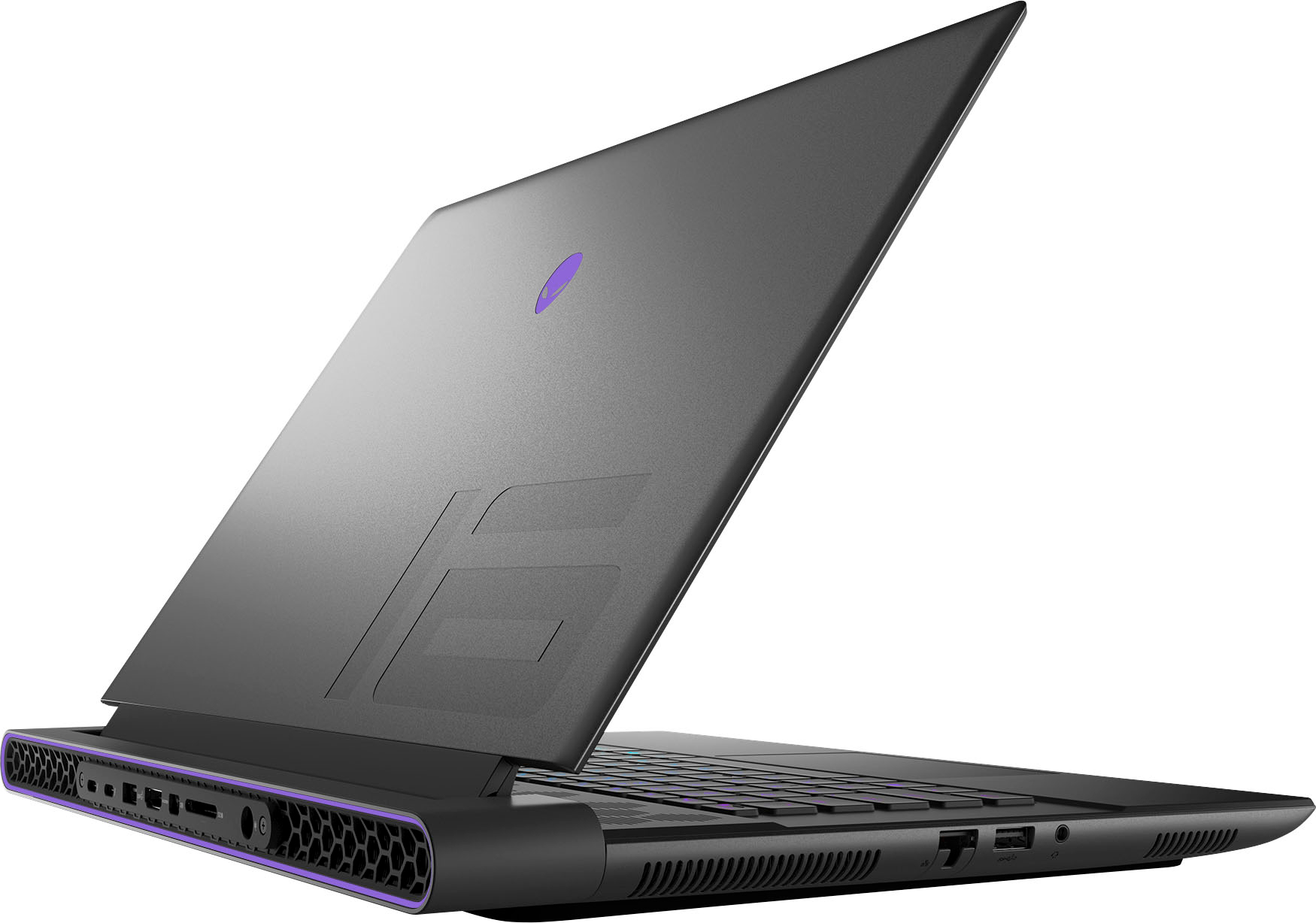
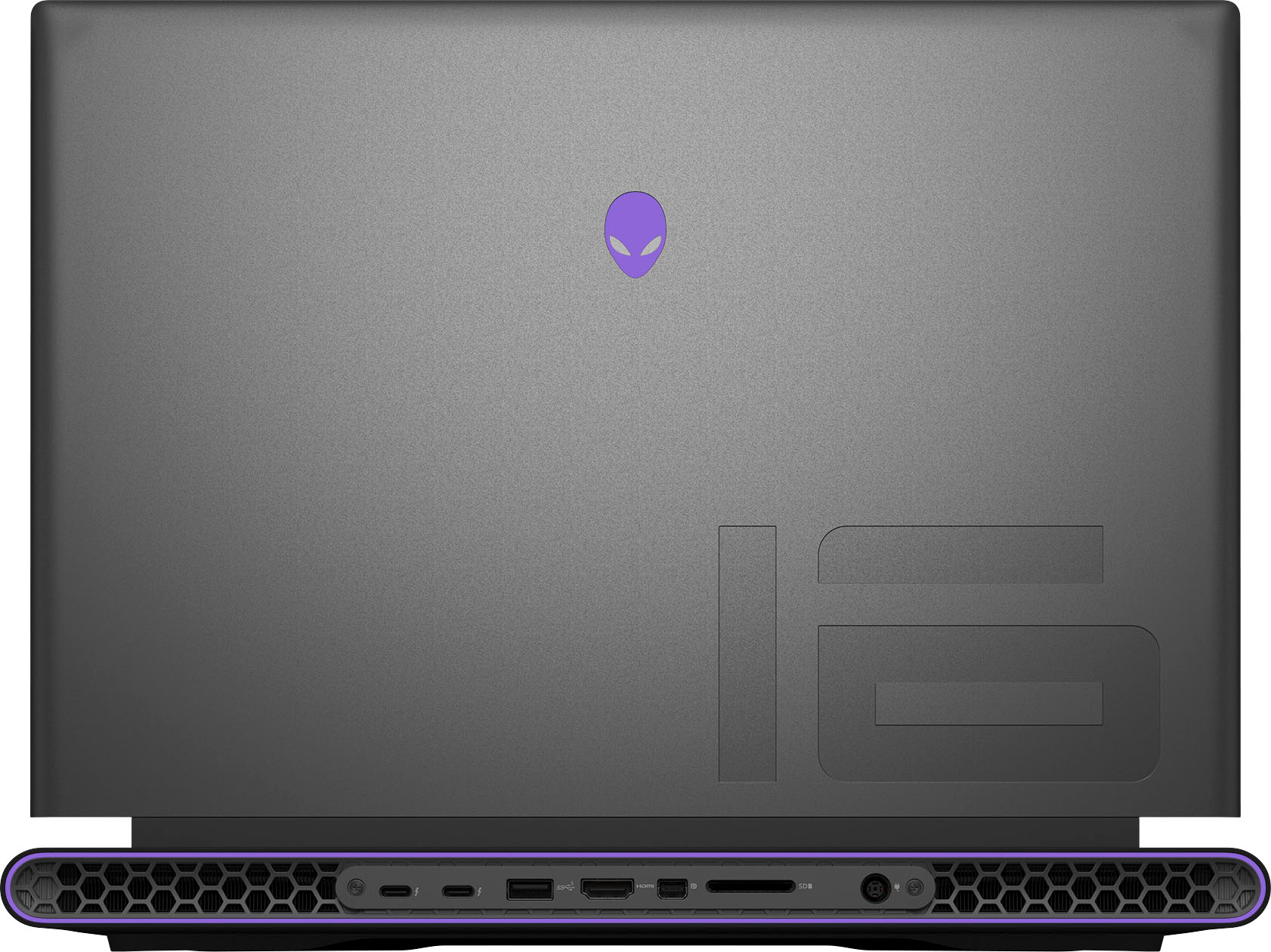
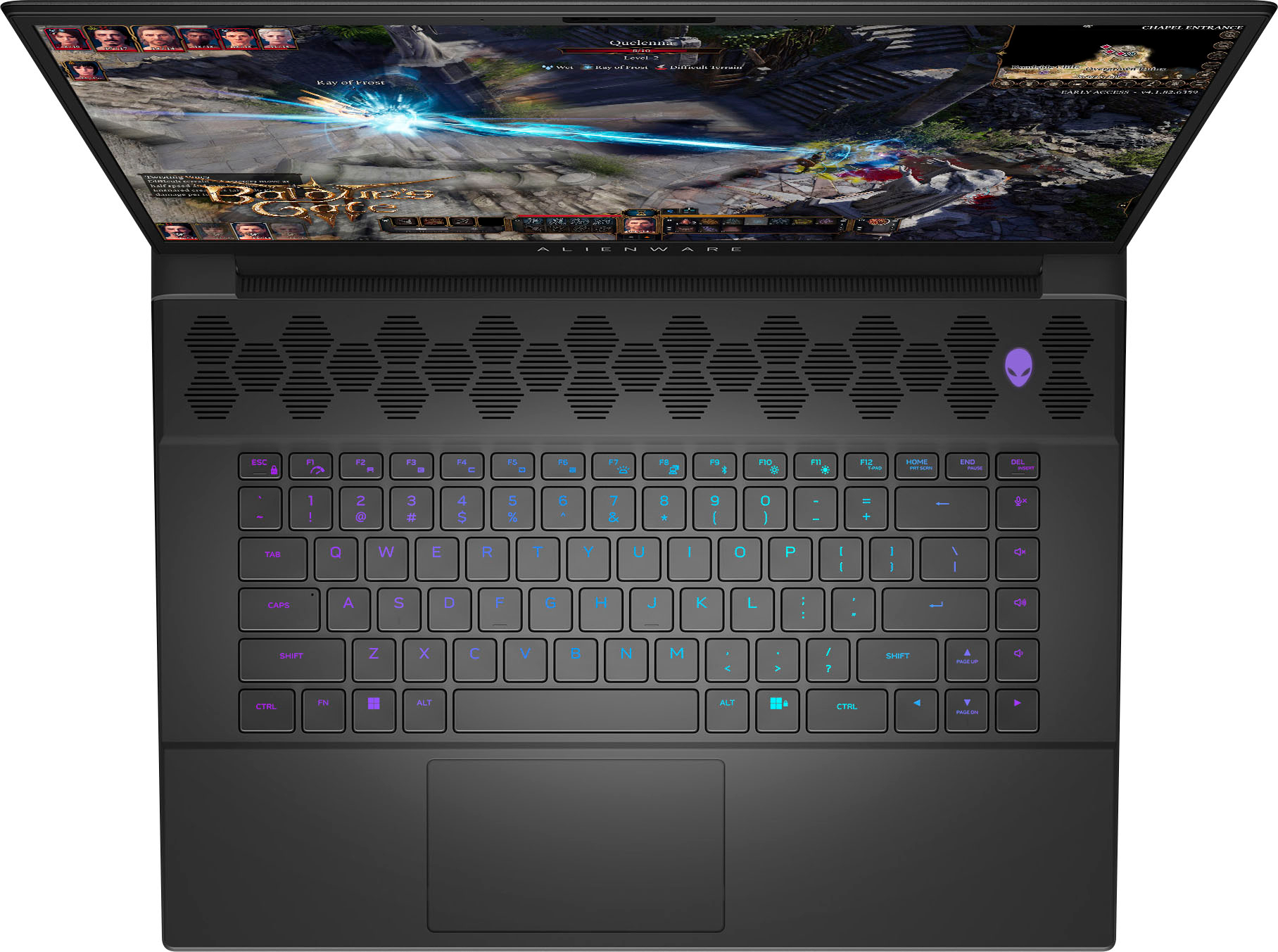
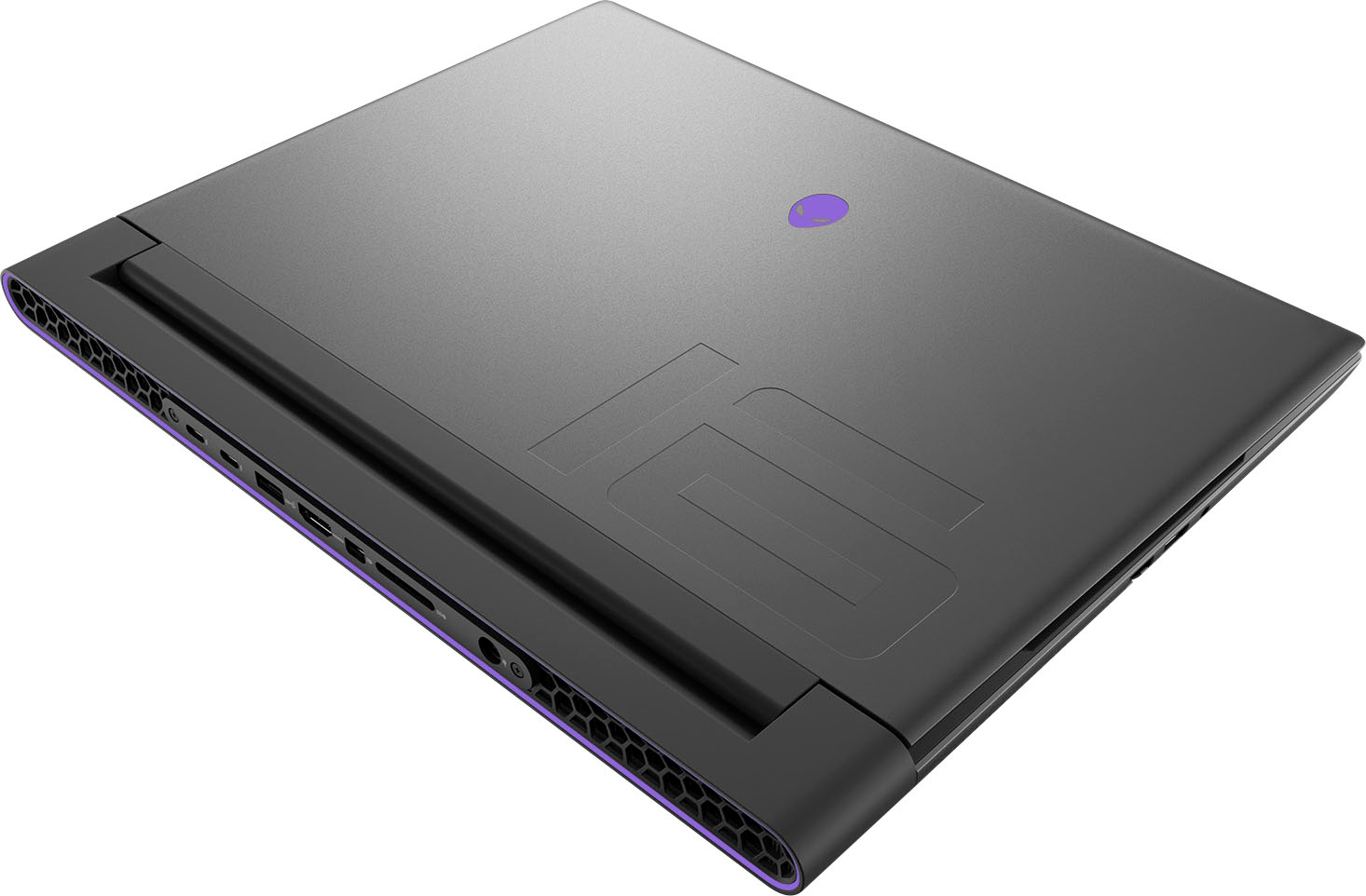
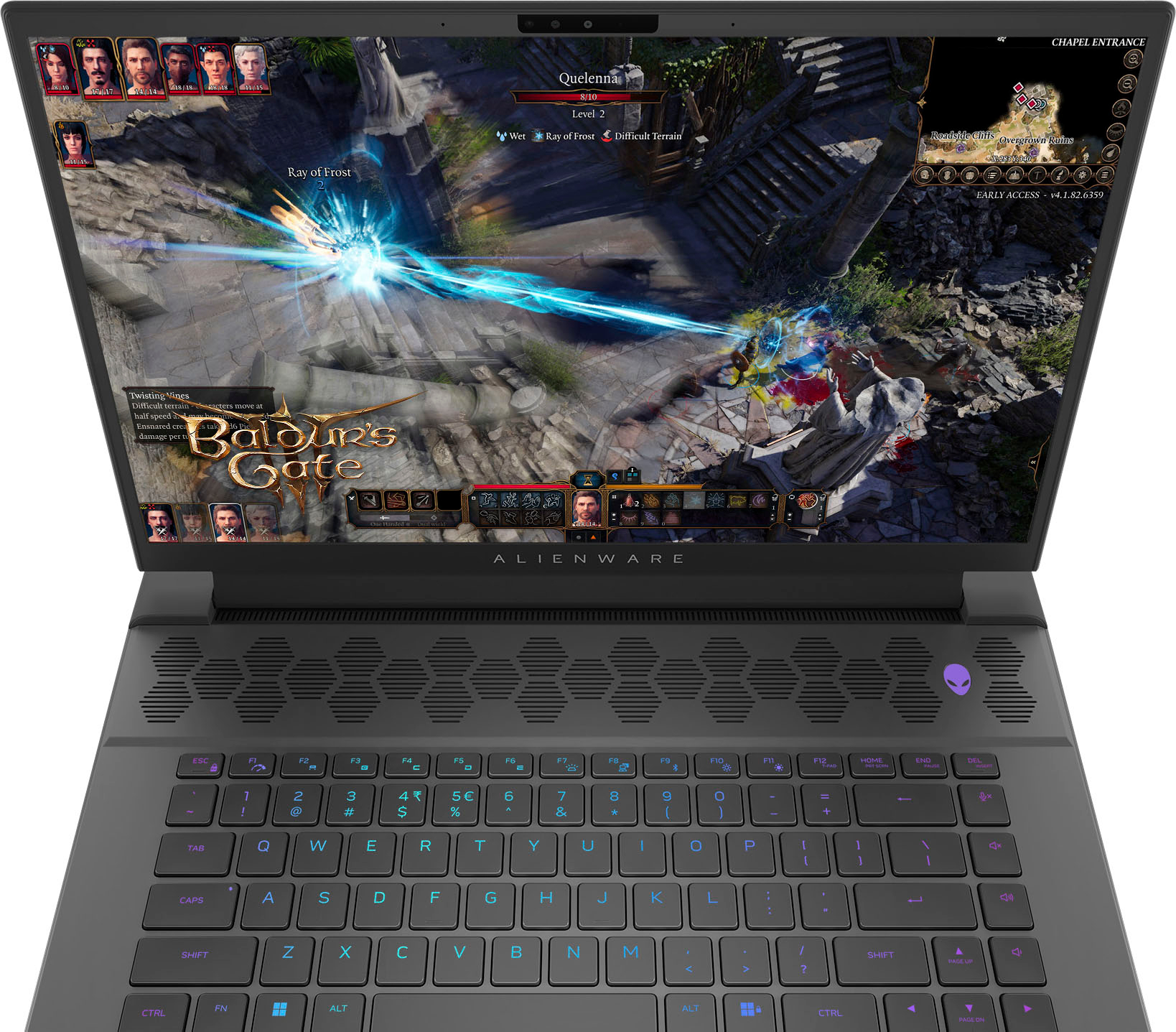
A:Answer The Alienware m16 QHD+ Gaming Laptop with an NVIDIA RTX 4070 supports an additional M.2 SSD slot, and your Samsung 990 EVO 2TB PCIe Gen 4x4 SSD should be compatible in terms of interface (M.2 PCIe Gen 4x4 is supported by the laptop). However, if your new SSD isn't appearing in the system's browser or recognized by the laptop, here are some steps you can take:
Steps to Troubleshoot:
Check BIOS Settings:
Ensure that the SSD is detected in the BIOS. To access the BIOS, restart your laptop and press F2 or Del during boot-up. Look for storage information to see if the SSD is listed.
Format the SSD:
New SSDs may not be formatted. Once in Windows, go to Disk Management:
Right-click the Start Menu and select Disk Management.
Locate the new SSD, right-click on it, and select Initialize Disk.
Then, format the drive by right-clicking the unallocated space and selecting New Simple Volume.
Update Drivers:
Ensure that your system and SSD firmware are up-to-date. Check Samsung Magician for any firmware updates for the SSD and the Dell/Alienware support website for system BIOS updates.
Reseat the SSD:
If the SSD is still not recognized, try reseating it in the M.2 slot to ensure it's properly connected.