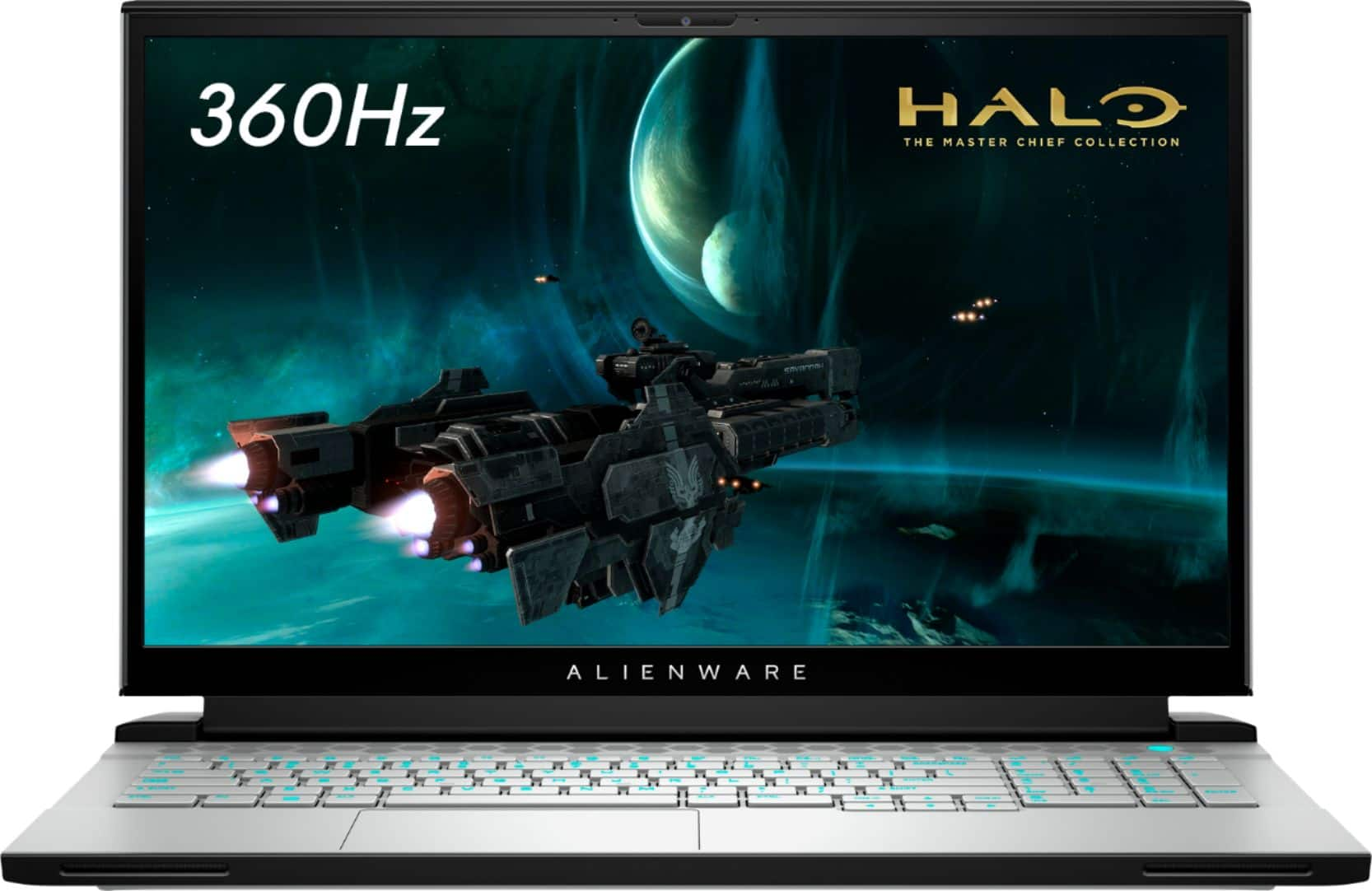
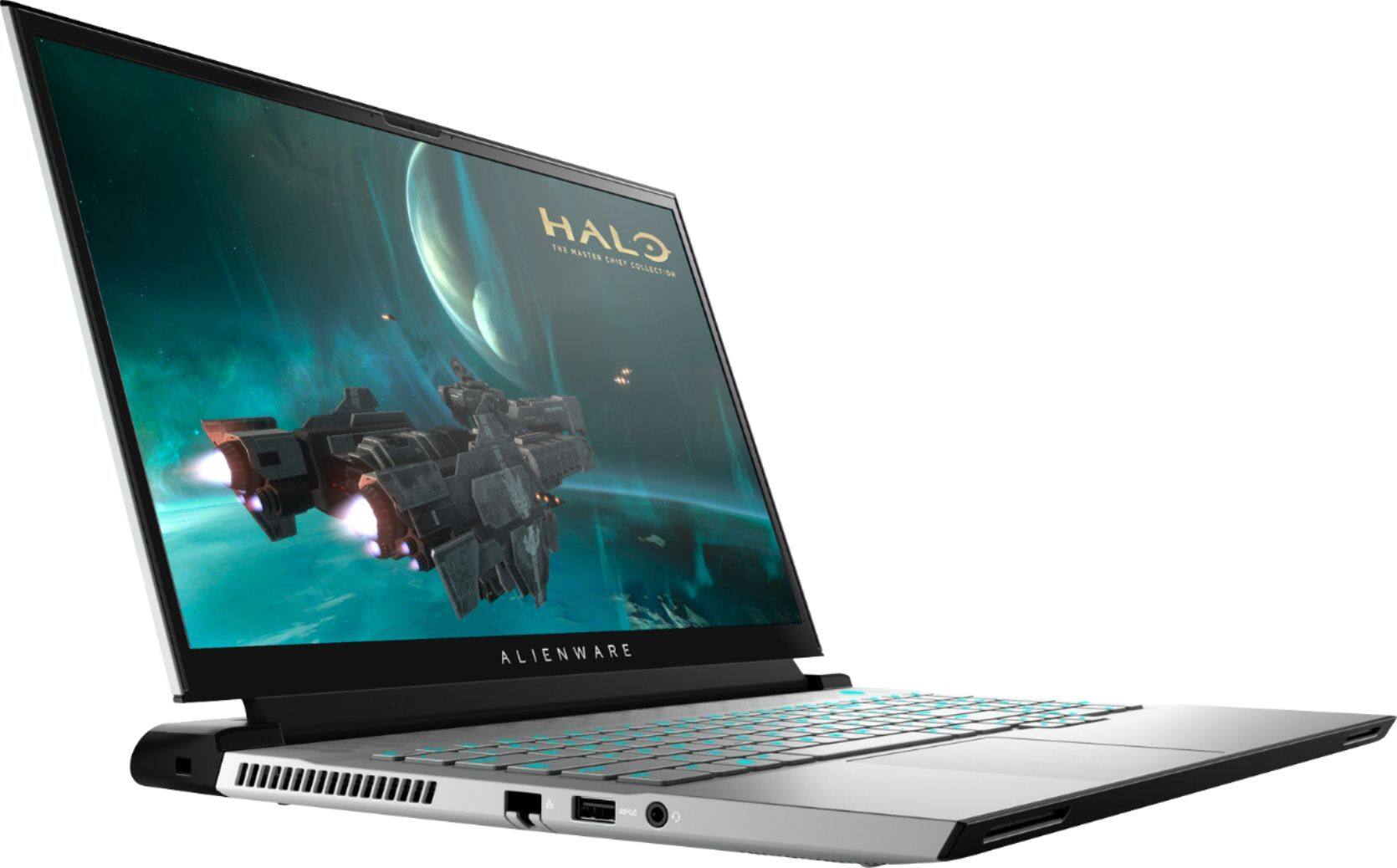
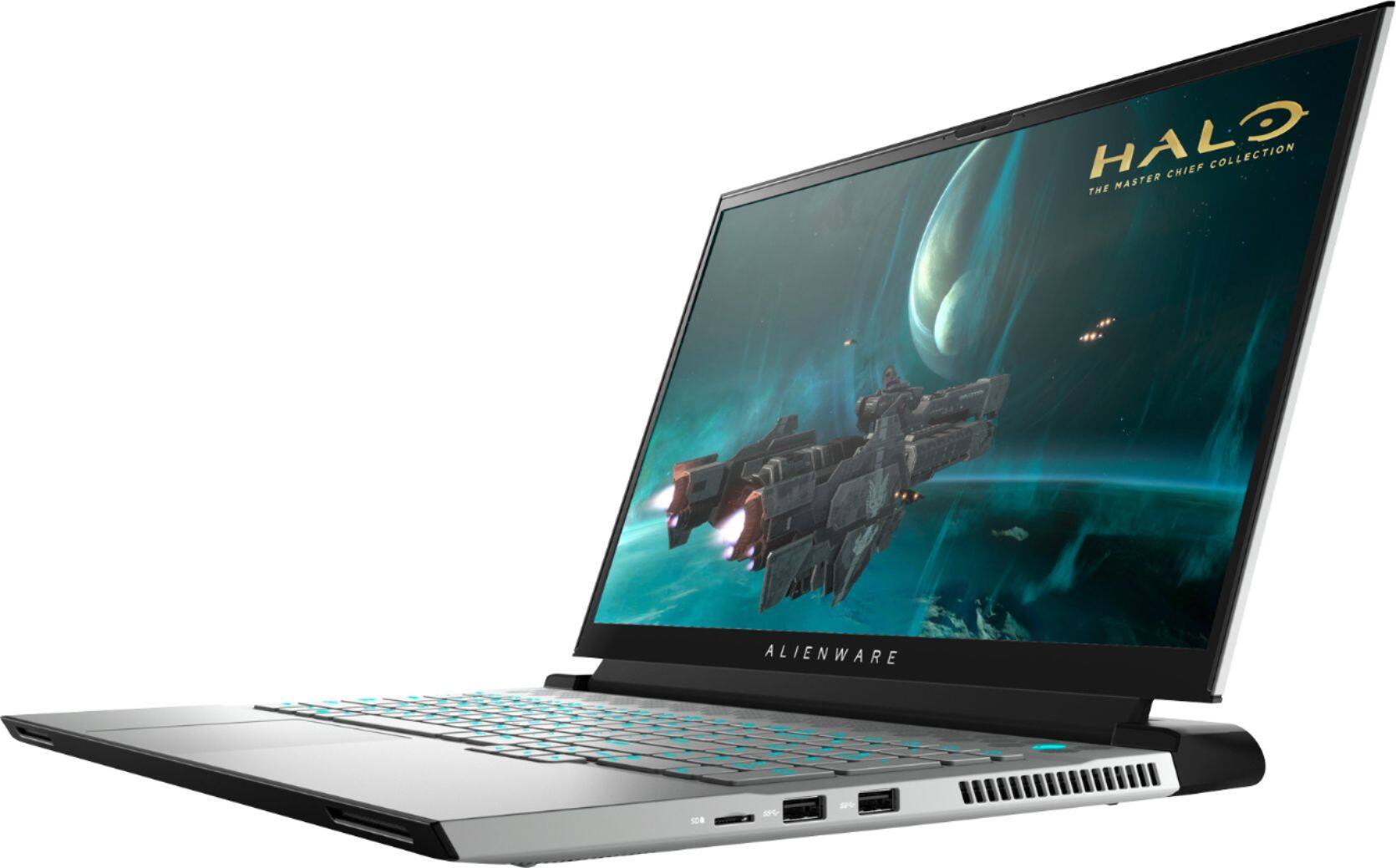
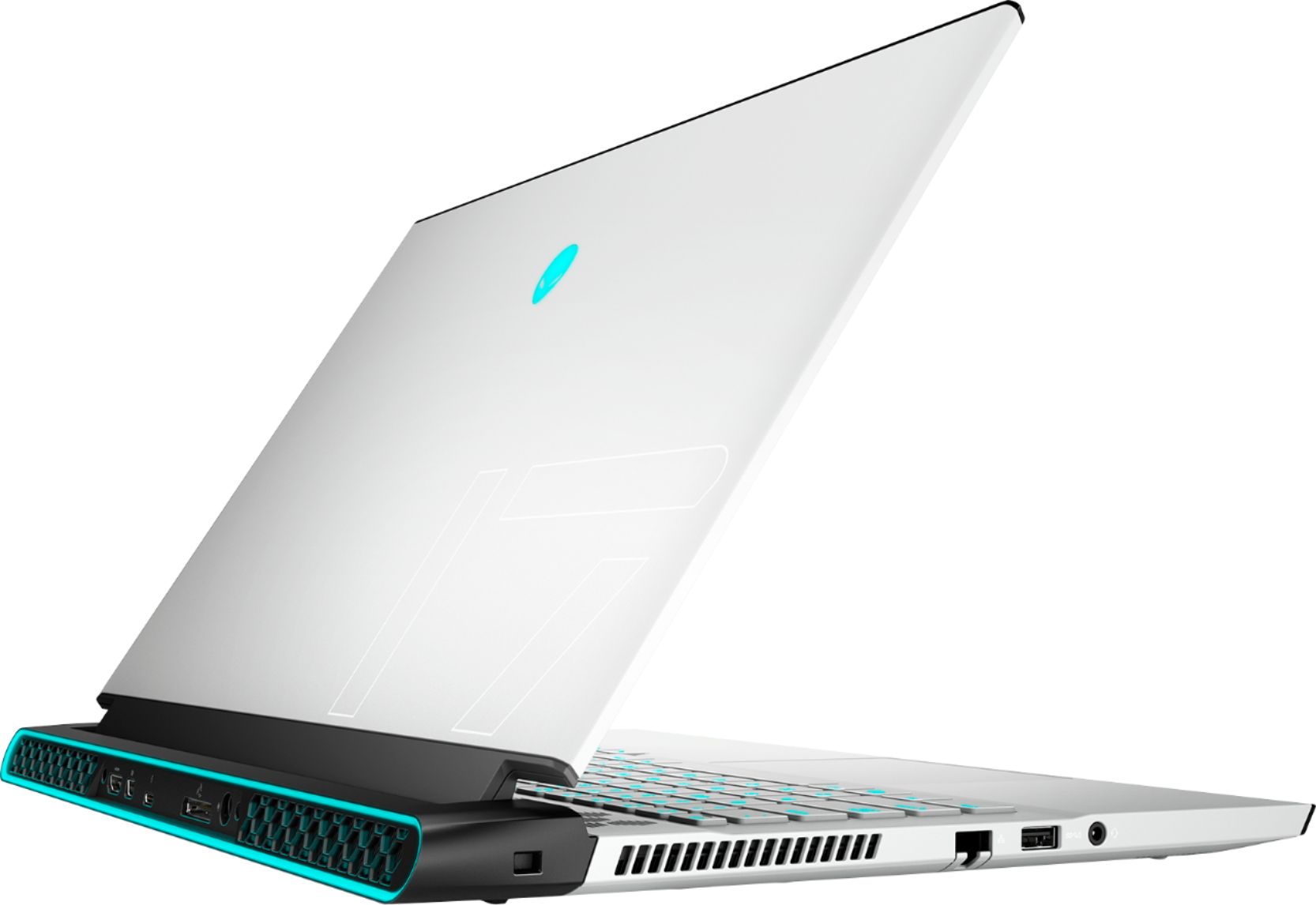
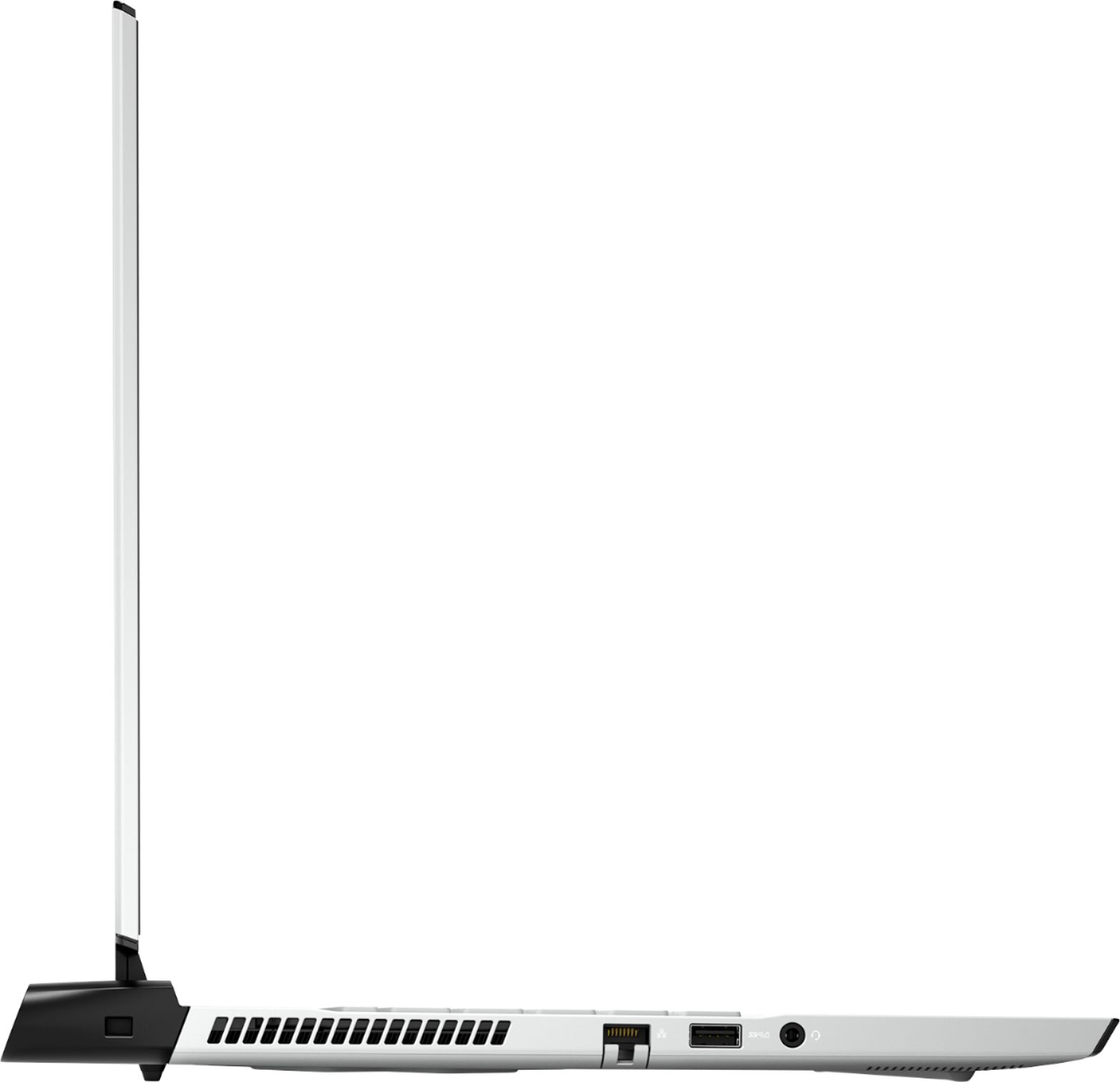
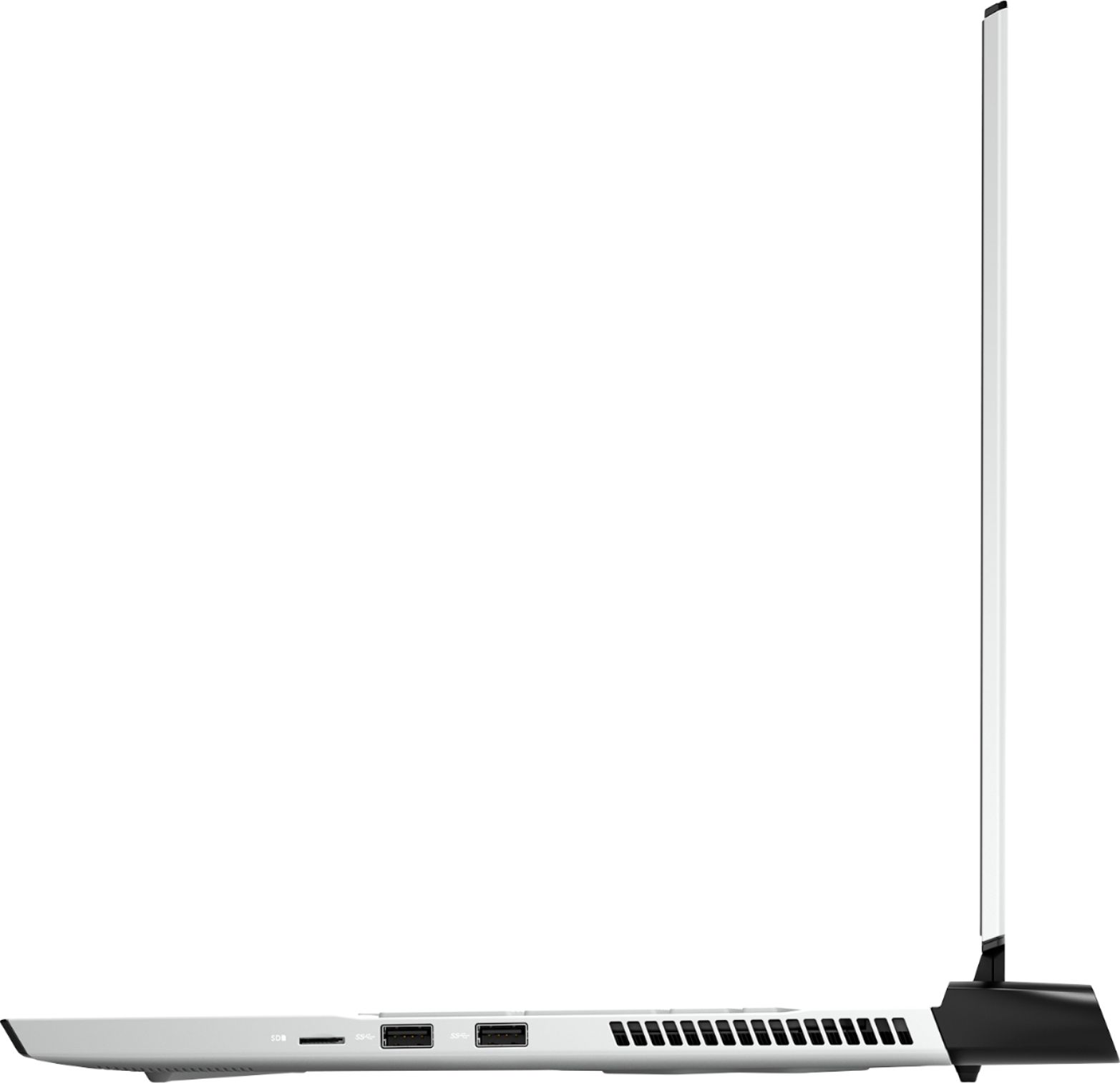
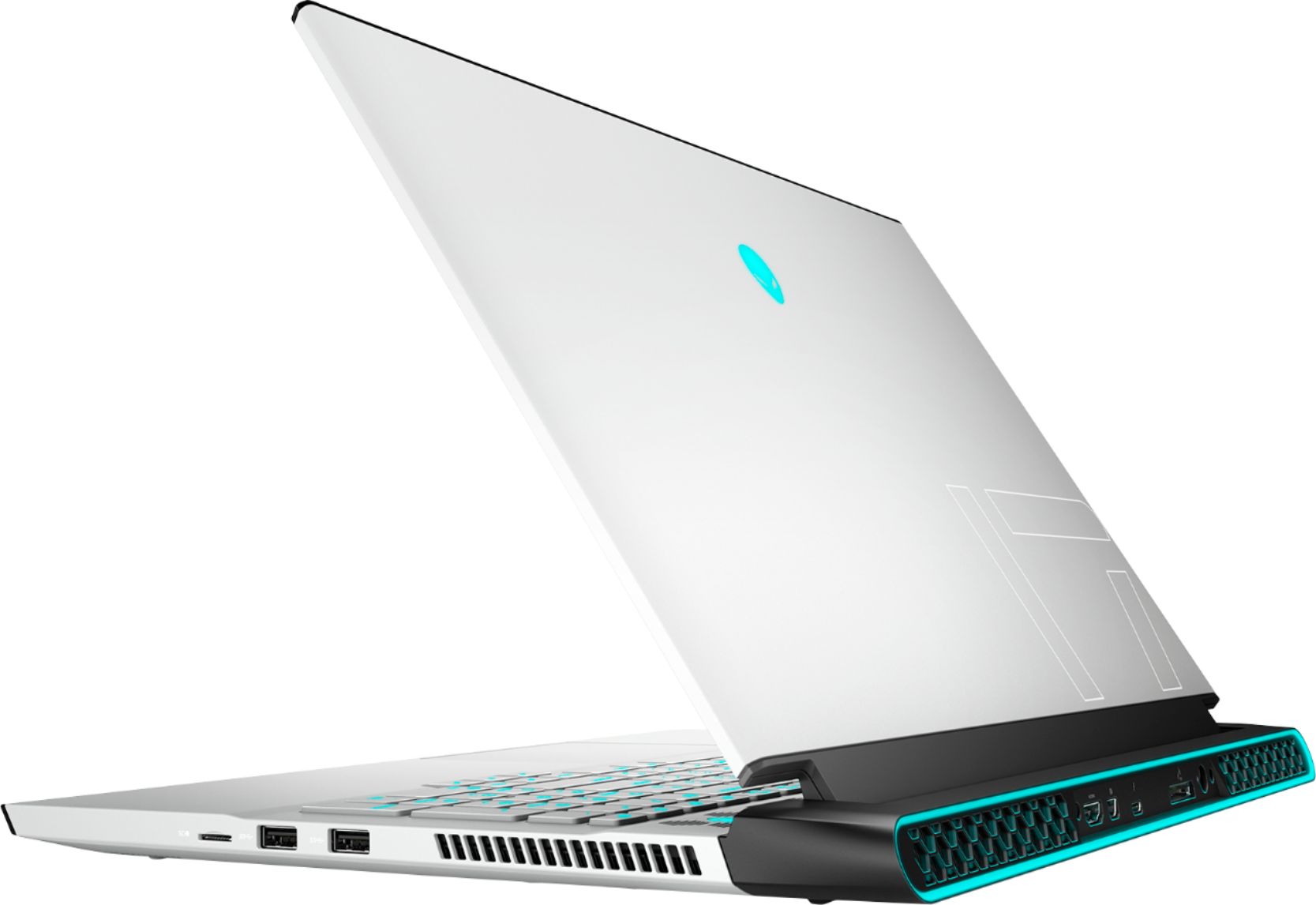
A:Answer I'm not sure why the Dell response is so inaccurate. As is with any laptop, your display output is limited by the port on the laptop. This laptop has HDMI 2.1 & Mini Displayport 1.4 output. Both support 4K or 2160P at 144Hz refresh rate. Windows 10 Menu on desktop, right click, and choose display settings. You will set your resolution or what you call "graphics" there. You can also choose to disable, extend, or duplicate the windows desktop on the laptop display if you need. In games or full screen applications, there will be resolution settings within the options menu.