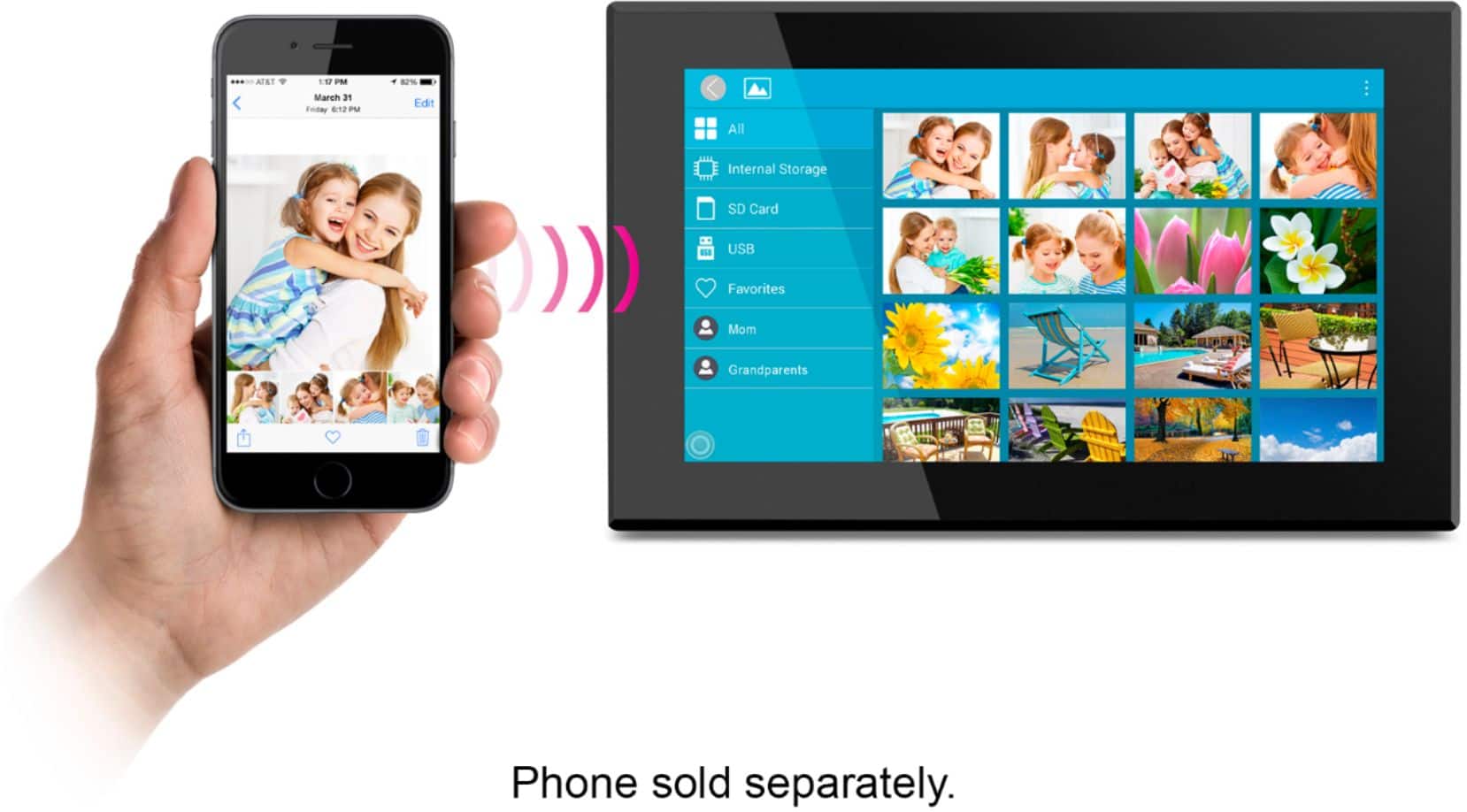
A:Answer The picture just appear on the frame. If you set it up for them, you will see how it works. I purchased one of these frames for my aunt. My father recently passed away and she wanted all his photos and our trip photos. :-) Most of my photos were on my cell phone (iPhone) and it was very easy. I set the account up, then from the app I chose file and clicked on 8 (photos) and hit send. Then they would down load on the frame. I also tried doing one in the store as I was in there asking a question. When I got home it was uploaded. My question was could I save the photos to a USB drive. The salesman was helpful and couldn't find an answer, he seems to believe I can do this from the frame; I've email the company and waiting on a reply. The reason why I want to download the photos on to a USB are two fold should she delete them by accident she has a back up, also when I travel I want her to get the pictures on the frame.
I uploaded a few videos and have over 700 photos for my Aunt. She will just have to plug it in and turn it on.
Hope this reply helps