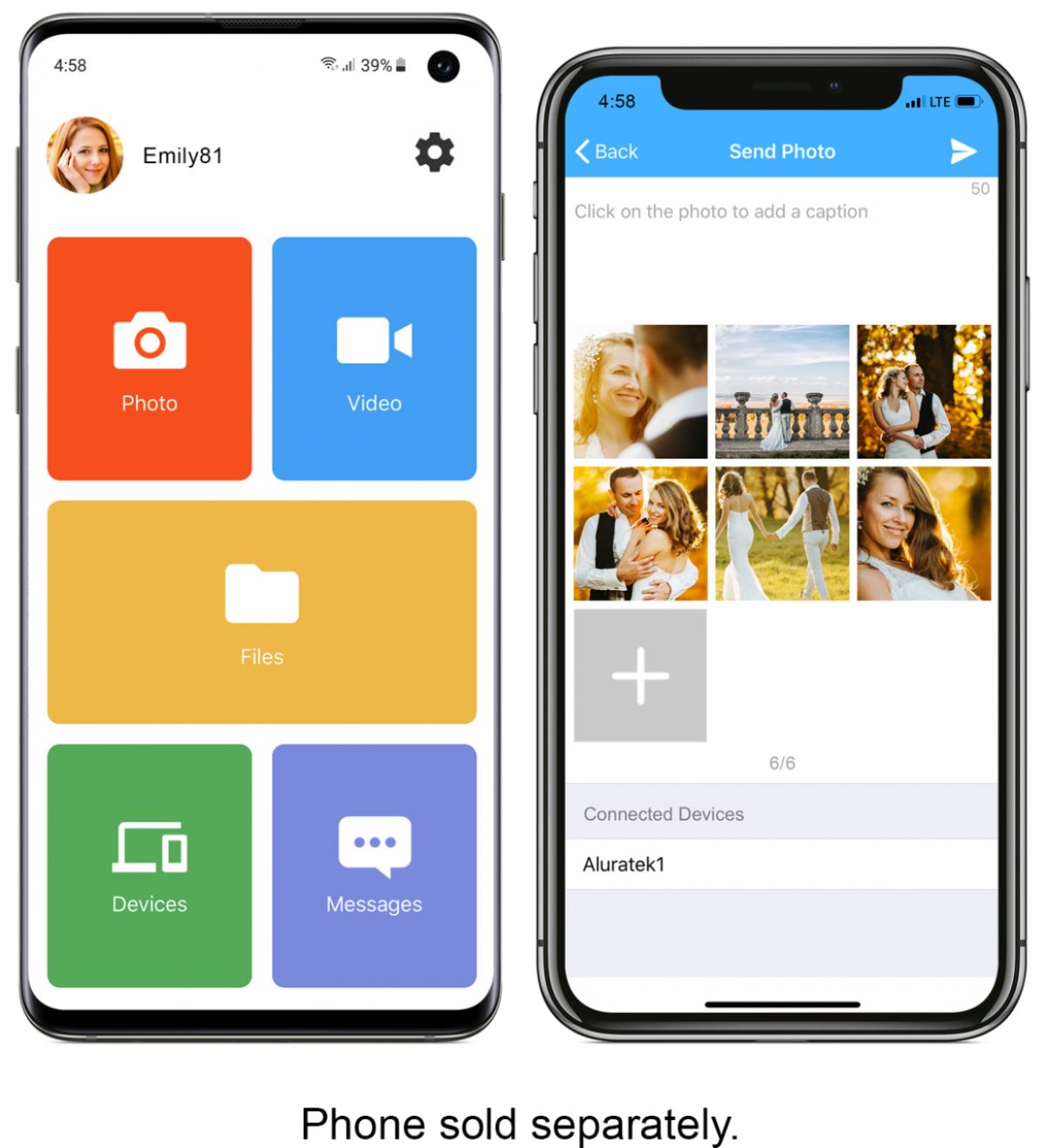
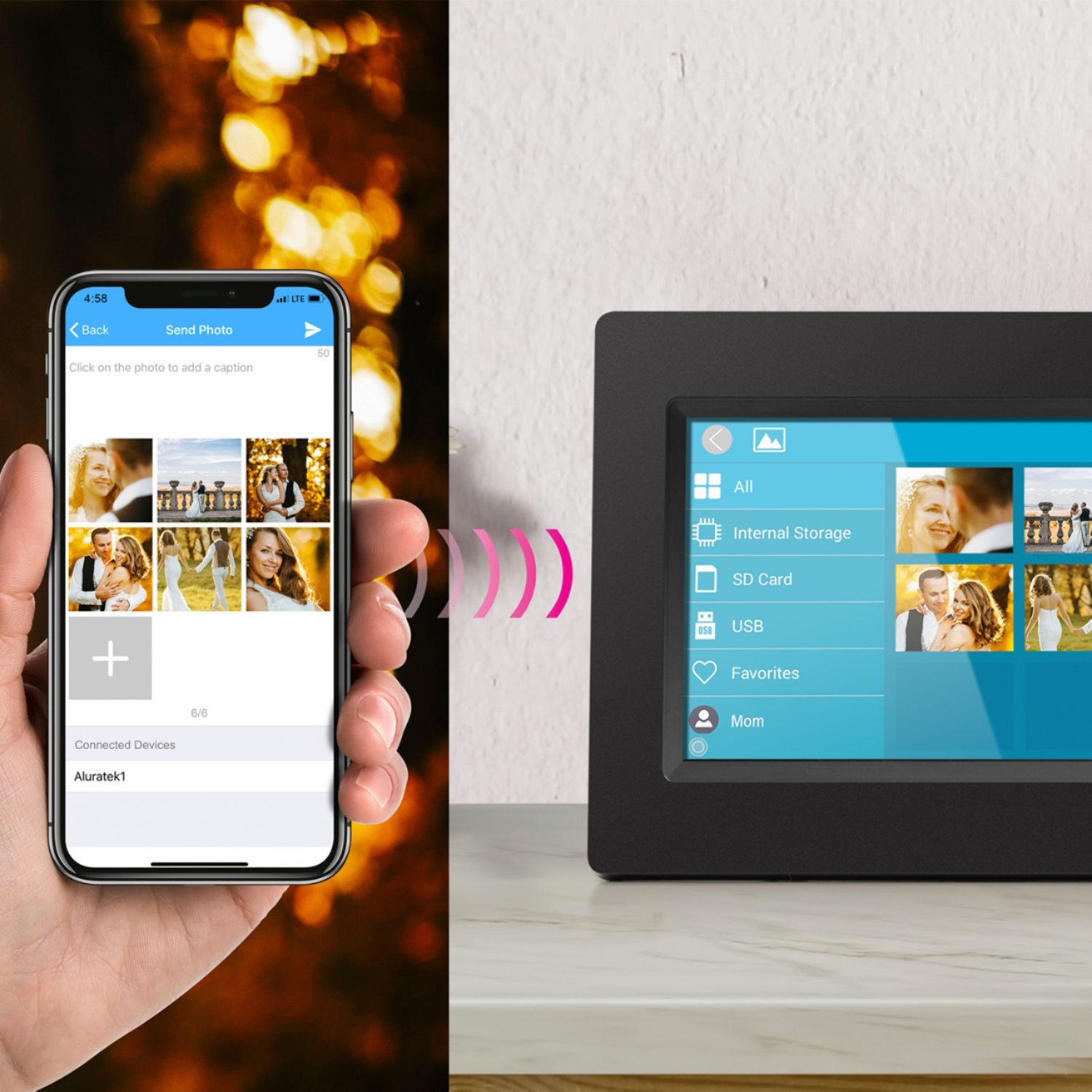
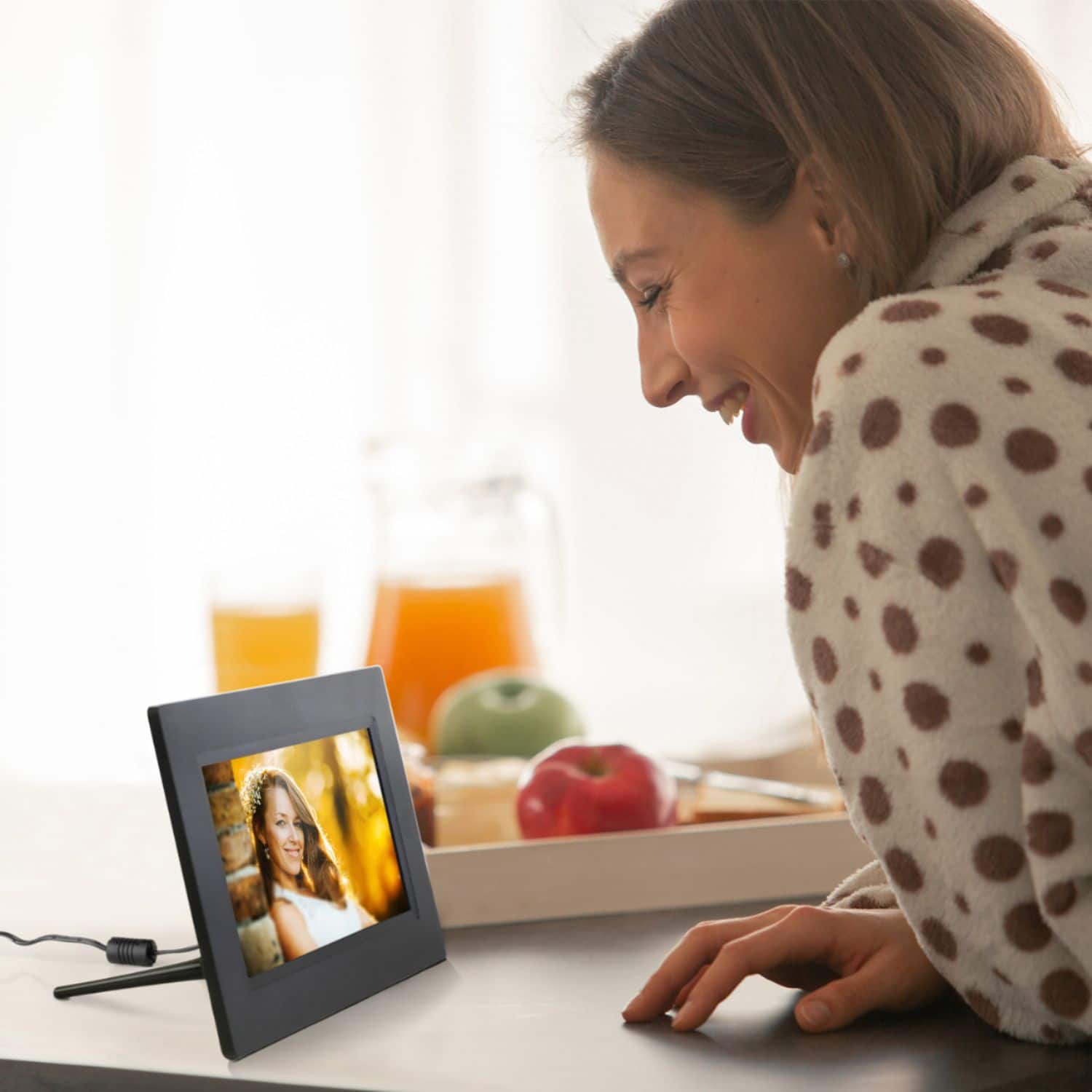
A:AnswerWe purchased the frame for the exact same reason and we are able to upload files that automatically get added to the slide show with out my parents have to do anything.
A:AnswerThe frame does not require Wi-Fi to play photos. After the photos have been loaded onto the frame it will play them as long as the frame is turned on.
A:AnswerThe frame is easy to setup. She just need to connect the frame to her wifi network and download the app from the app store to connect. If there is any question during the setup process, please contact us at 866-580-1978 and we will help her to set it up.
A:AnswerYou get a free app and using the frames code you upload pics. You can send them from anywhere. I got my parents each one and my siblings and i can all send pics and video to their frames. You can also have more then one frame to send to if u want. Its super easy and u can also load from pc or memory card to i believe. But the app is the best way.
A:AnswerYes, this unit does have clock and date settings (with timezone) built in. Go to www.aluratek.com and search under Products to read more about this WIFI frame.
A:AnswerThey can connect to the WIFI HOT SPOT via their phone whenever they wish and the frame will download any photos that were previously sent from other family members. Previously sent photos will stay in the server for roughly 2 days. After that you would have to send the photos again. The frame also can upload photos using an SD card or USB thumb drive.
A:AnswerYes, you can swipe the photos. You can also set the Slideshow Interval to adjust how fast a photo stays on the screen before moving to the next photo. You can also pause the slideshow and move the photos as you wish.