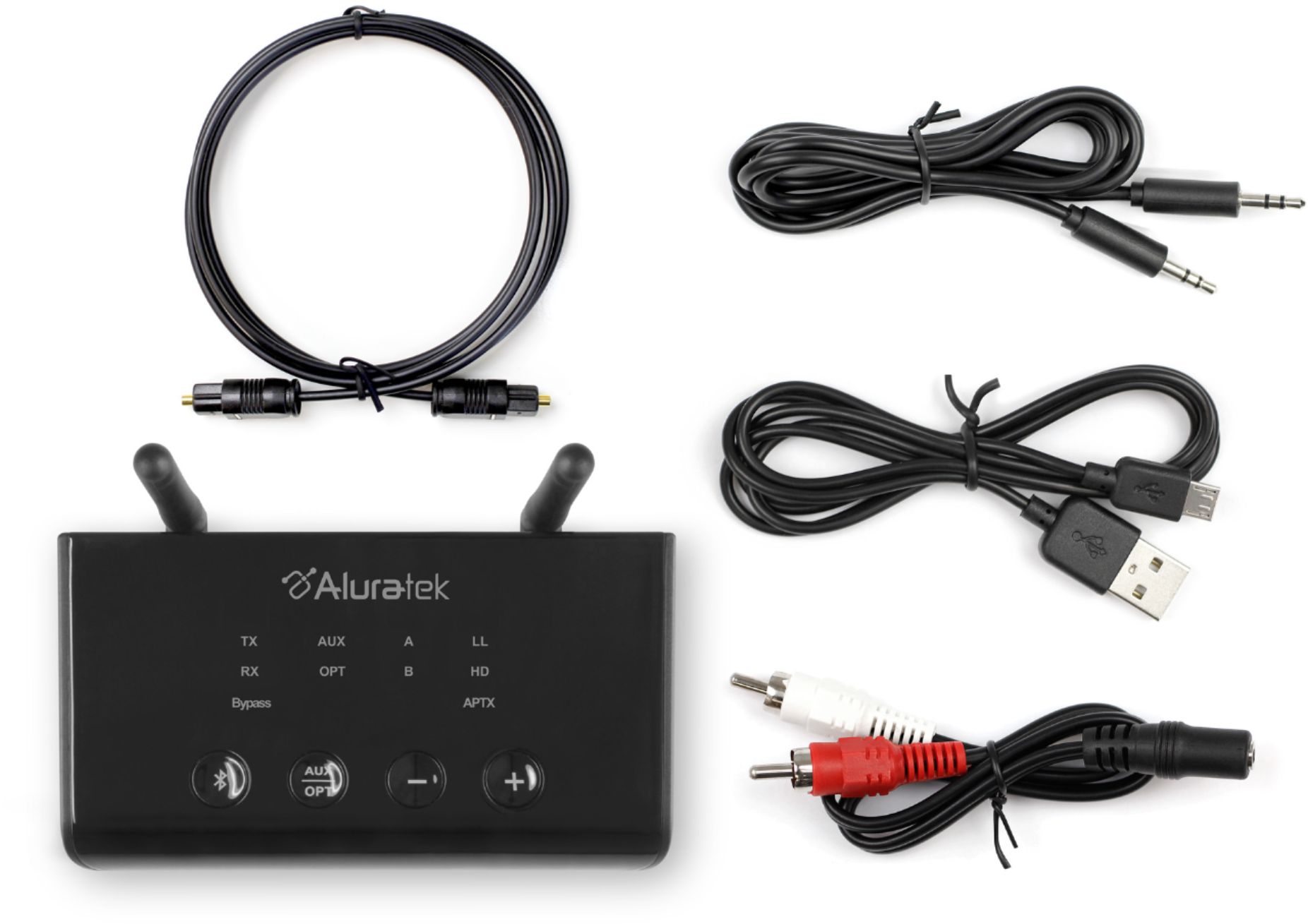
A:AnswerYes, you can connect this device to a receiver to receive Bluetooth audio. The "sending" device will need to be able to transmit bluetooth audio.
A:AnswerDepends on the model of your TV. But my experience with recent TV models is that the speaker cuts out when a 3.5mm jack or optical cable is connected. Again, depends on the manufacturer of you TV.
A:AnswerI assume by wireless you mean Bluetooth. Then yes, that is one useful feature of this unit since most all receivers have a fiber optic ( TosLink ) connection and most also have a 3.5 wired connection. If you're referring to wireless 2.4 / 5.0 abgn as in a router or a wireless extender, then, no. All Bluetooth speakers are compatible. I don't know of any that are proprietary or unique to only their brand. If there are any they certainly must notify the customer prior to purchase.
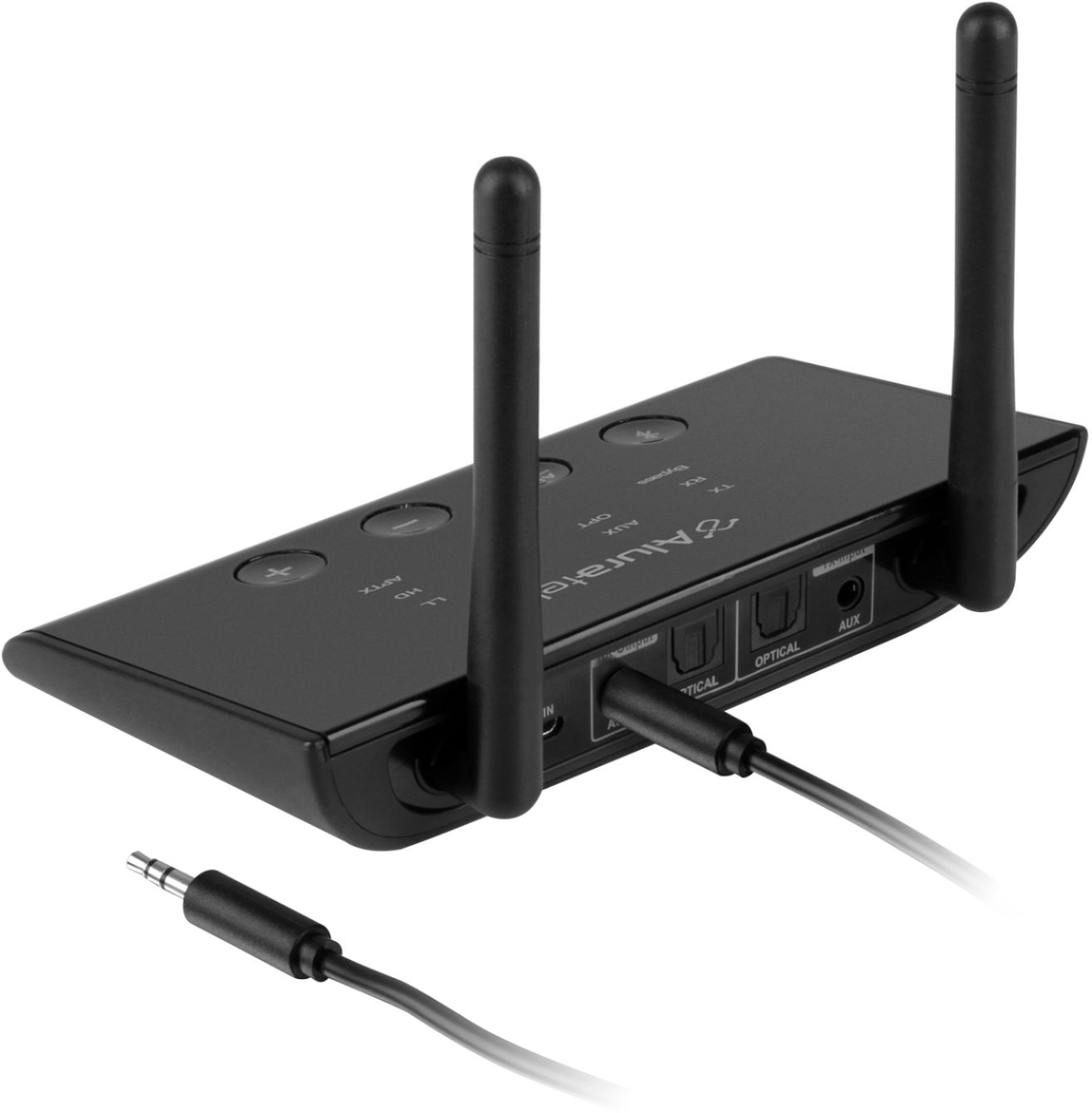
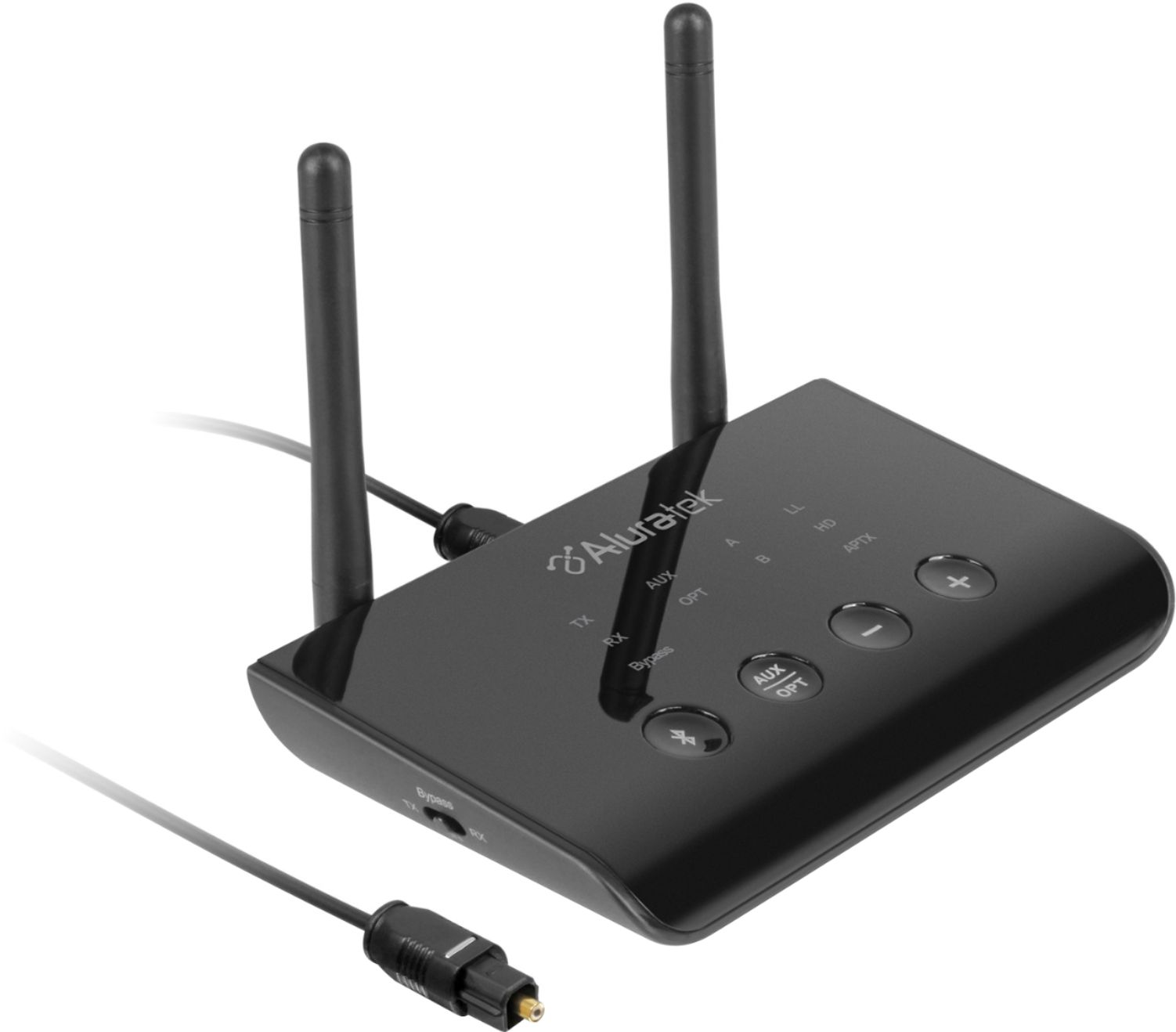
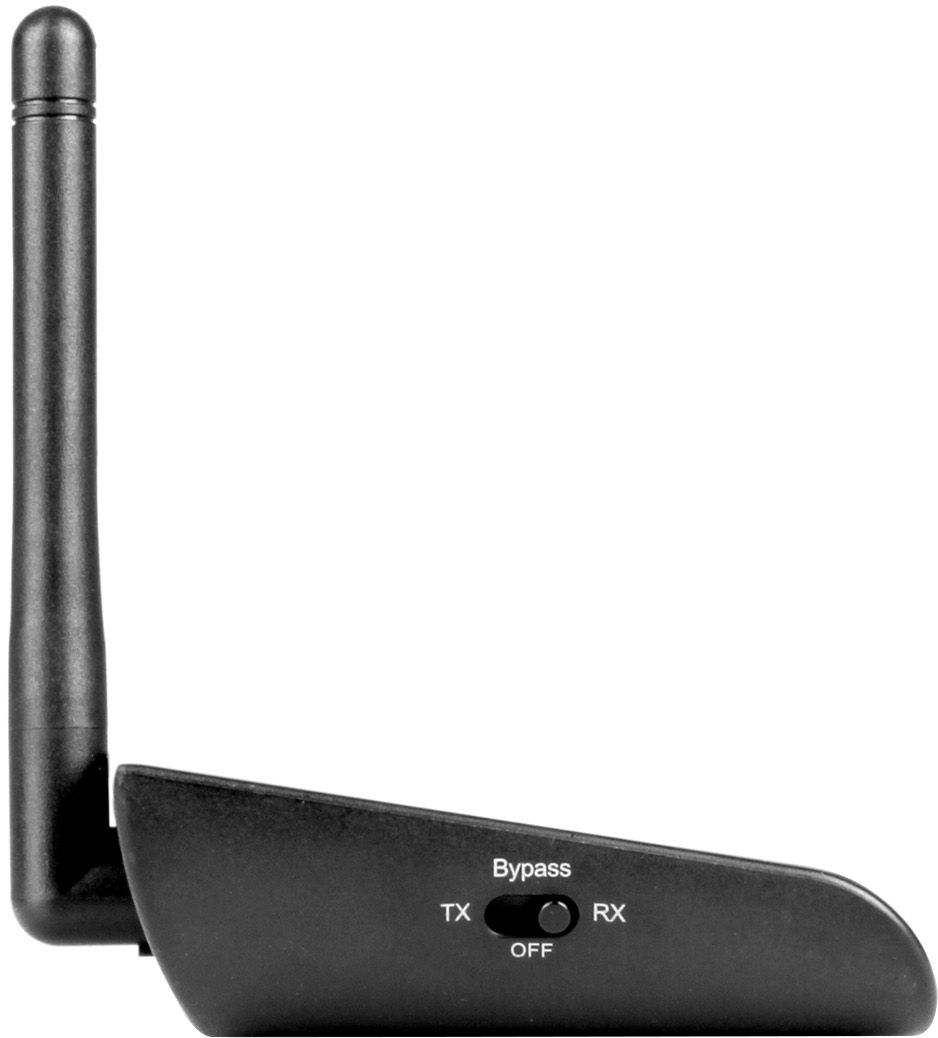
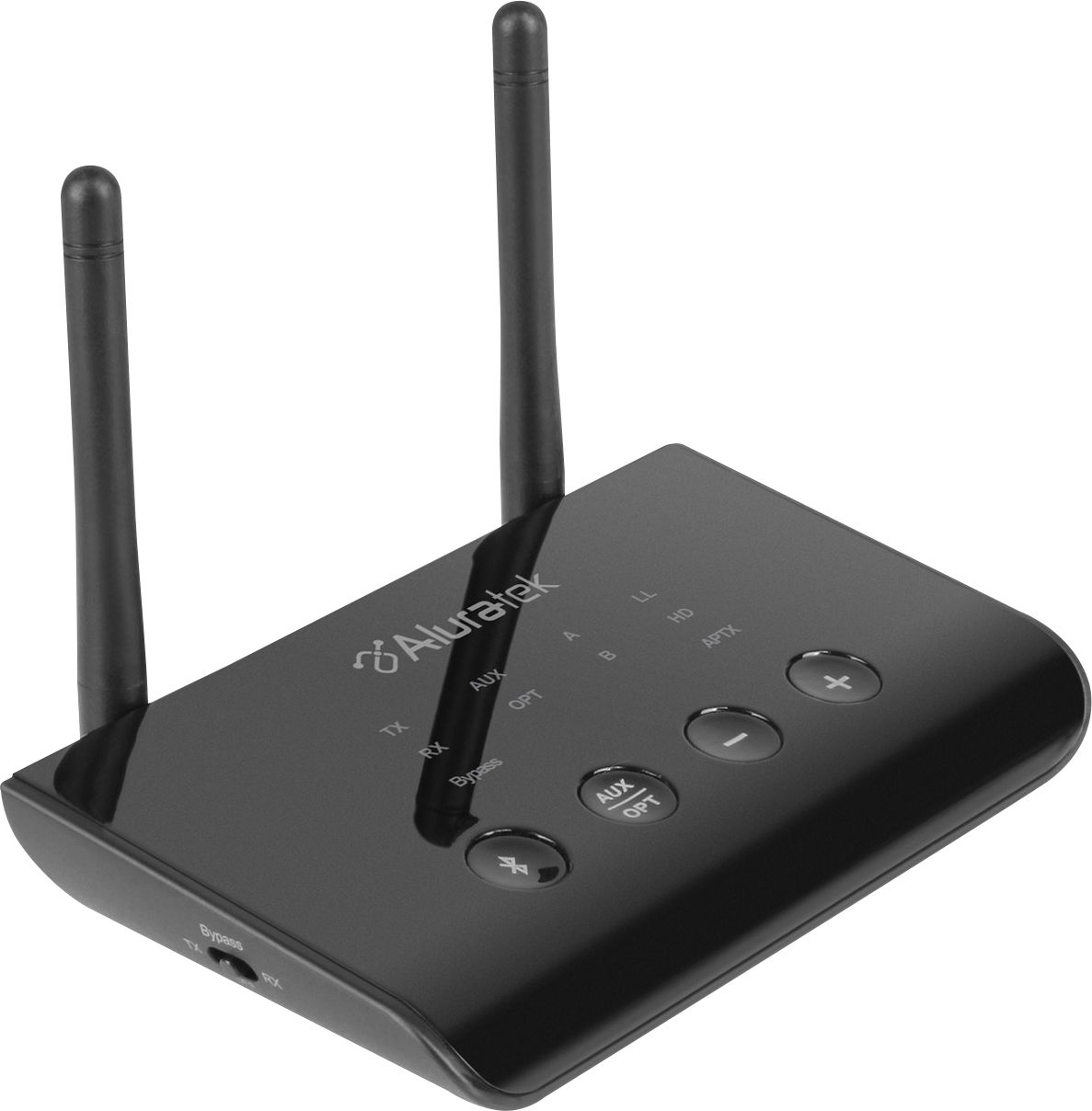
A:AnswerYes, this unit (ABCD54F) can be connected to the output of a stereo receiver and can then transmit out to headphones or speakers that are Bluetooth enabled. Run the unit in TX mode, make sure the AUX/OPT button is toggled to AUX if you are using normal audio cable, or set it to OPT if you are using Optical cable. For more tips on this unit contact us at [email protected].
A:AnswerAs long as the earbuds use A2DP profile for Bluetooth pairing then yes. Be sure to have the ABCD54F is transmit mode (TX). If you need further help contact [email protected].
A:Answerit would be capable to do this, but it cant receive a blue tooth signal to use by one device and transmit a signal to be used by another. it has a switch that the unit can either be a transmitter or a receiver. i have found that optic cables to be handy for audio, to allow multiple devices to use the same signal, since you can split the optic cable many times, and then run a cable to the new area. also the optic cable switch device with a remote works excellent to get over the hurdle of needing one device to be unplugged so the other device signal can be used (switching from tv to streaming music ect)
A:AnswerYes, and that is what I use as optical was the only audio out of my Samsung TV.
Easy to pair and It works excellent; very pleased with the performance.
A:AnswerSome TVs have a setting that will allow this but most do not. If you have a newer HDTV or 4K UHD often they have Optical out, and in TV settings > Audio/Sound settings > output they will offer Optical/PCM Out and Stereo Speaker out. Or you can do one or the other. But this is determined by the TV, not the Aluratek.
A:AnswerNo. Not with landline phone. Not unless there is an audio out on the phone that sends the voice from the mic back out to the Aluratek. Generally the audio goes from the mic to the other person directly.
A:AnswerRemember that when using a Bluetooth in transmitter mode (TX mode) that the only way to control volume is via the TV or whatever the source audio is, or via the headphones or speakers. Bluetooth devices do not handle volume in TX mode. They can handle volume or change stations in RX mode.
A:AnswerYes. You will connect your audio output on your TV to the Aluratek (use TX mode). Then pair the Aluratek via Bluetooth to your Logistic Bluetooth receiver. Make sure the TV is sending audio out the AUDIO OUTPUT. Go into your TV audio/sound settings to do this. If you are using Optical cable choose OPTICAL/PCM out on your TV.
A:AnswerI followed the direction. I attached the3.5 mm cable to the rear of the aluratek and then attached it to the rca y cable. THE red and white plugs are then attached to the auxiliary input for receiver mode and output for transmitter mode. I attached mine to the tape and later to the vcr attachments in the back of the receiver. You leave your receiver on what auxiliary you decide to use and pair your phone, computer etc to it. ABCD54F should show up in settings for bluetooth. What I get is surround sound if I want it from the device through the speakers.