A:AnswerWorks off antenna cable feed with TV as monitor through input choice, buy has an HDMI port for output only I believe. If your TV has a cable type output, maybe csn use that as a feed into device, but I haven't tried.
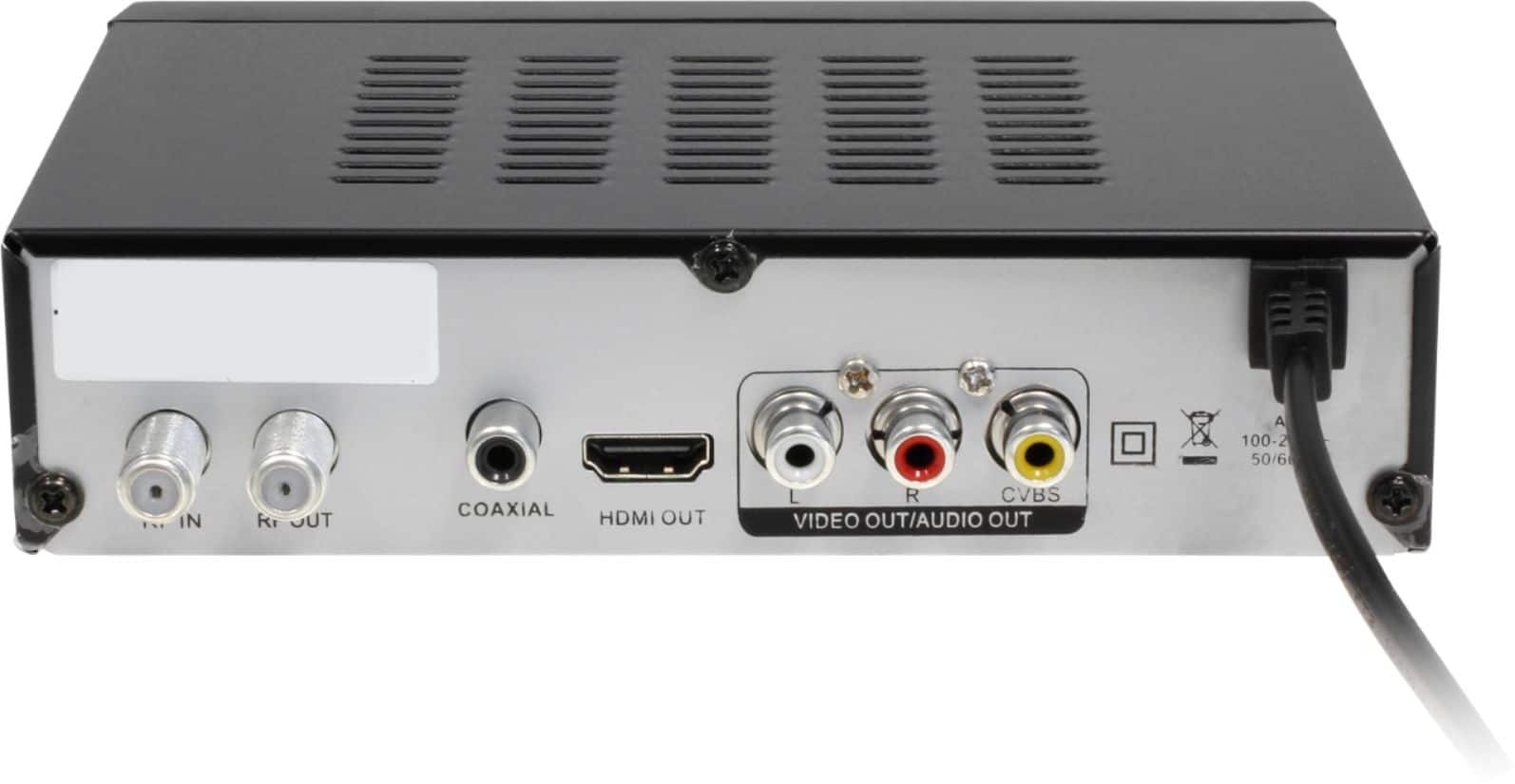
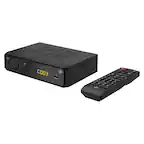
A:AnswerProbably not. The conversion in the TV box is for an indoor antenna for Over the Air TV only. The antenna connects to the RF-In coaxial port and then the TV box should connect to the TV via the HDMI or the red, white, and yellow RCA cable.
A:AnswerIt doesn't 'do' hard drives at all, only registering floppy disks and thumb drives. You may as well forget about recording anything, however, as either the channel will come and go or the box will botch the recording. And to think I bought a 1TB hard drive thinking I'd be fine sans cable...
A:AnswerSimilar to a cable box, this lists the available channels by number and call sign, but doesn't show you what's playing on each channel. To get that information you must be on that channel and press the Info button to see the next 2 programs by name and their timeframe.
A:AnswerNot this box, but a digital converter, as the cable companies supply for a fee. I'd ask the condo firm what they offer, as it'll depend on whether it's a rinky-dink satellite system or an actual cable-TV provider. You can probably buy almost any box but if the cable's free, the condo ownership should give you correct answers and guidance.
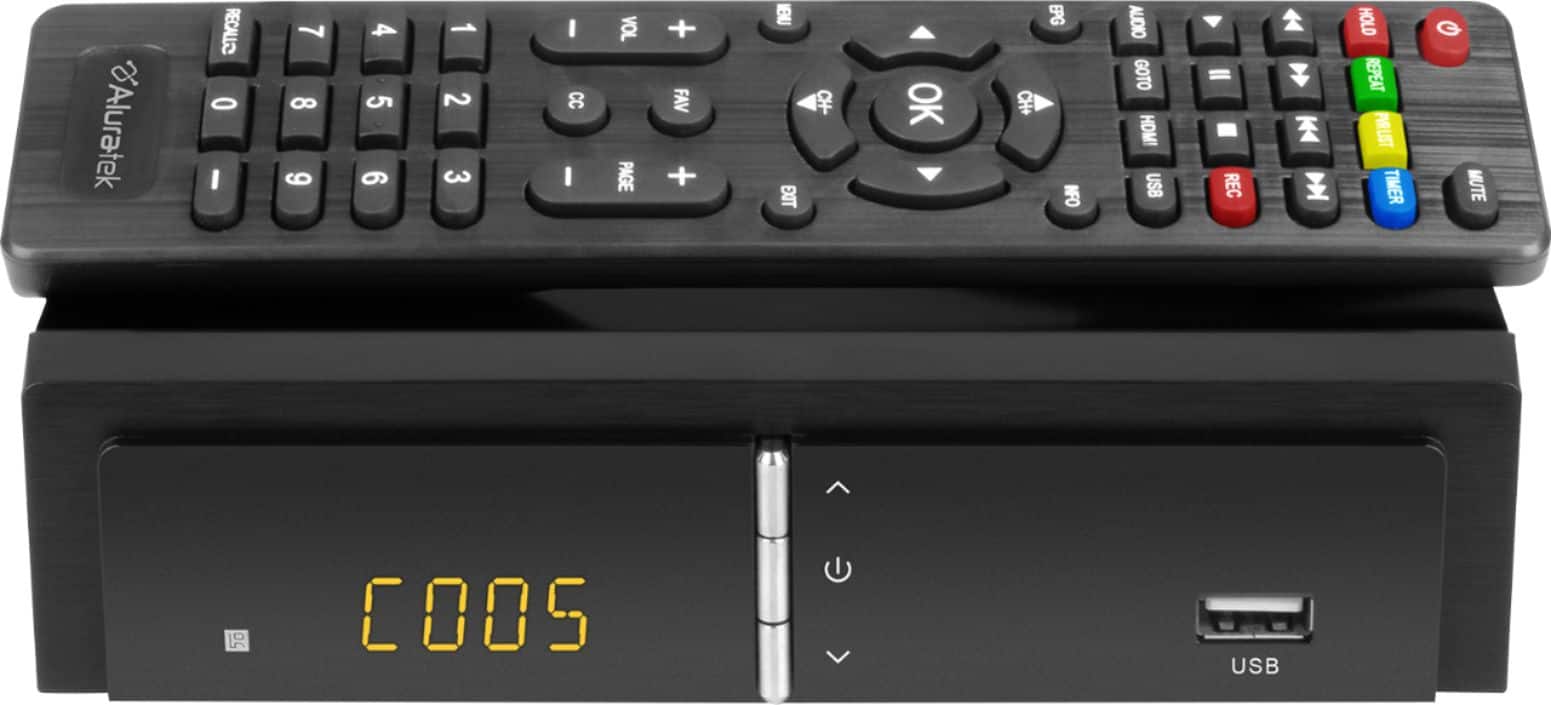
A:AnswerIt's a one-TV per box situation. I don't believe it matters what's viewed on different TV's, It claims you can watch another channel while one records, and doesn't allow overlapping of recordings to be scheduled.
A:AnswerReturn for troubleshooting, as mine both turn on with the remote. I haven't discovered a manual method, but it's malfunctioning for sure, so let the sellers figure it out.