A:AnswerMine quit working in first 30 days. There is no replacement or universal remote. I would suggest emailing customer service with Aluratek. I'm still waiting on a response.
A:AnswerHad a similar problem with a Sandisk 64 GB Extreme Go stick. Turned out stick was pre-formatted in a file system not recognized by the Aluratek. Must be FAT32 or NTFS. Plugged stick into my desktop and reformatted it to NTFS. Works fine now
A:AnswerYou can use this to both watch and record over-the-air HD TV signals, but not cable signal.
Pretty much any TV can watch over-the-air - in city areas.
Just try with some 'rabbit-ear' antenna or even just a random piece of wire 'coat-hanger' connected with an opened up paperclip to the center of the antenna plug on TV.
Now re-scan for 'antenna' signal, not cable tuner.
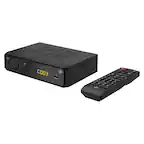
This box does that and adds Recording capability.
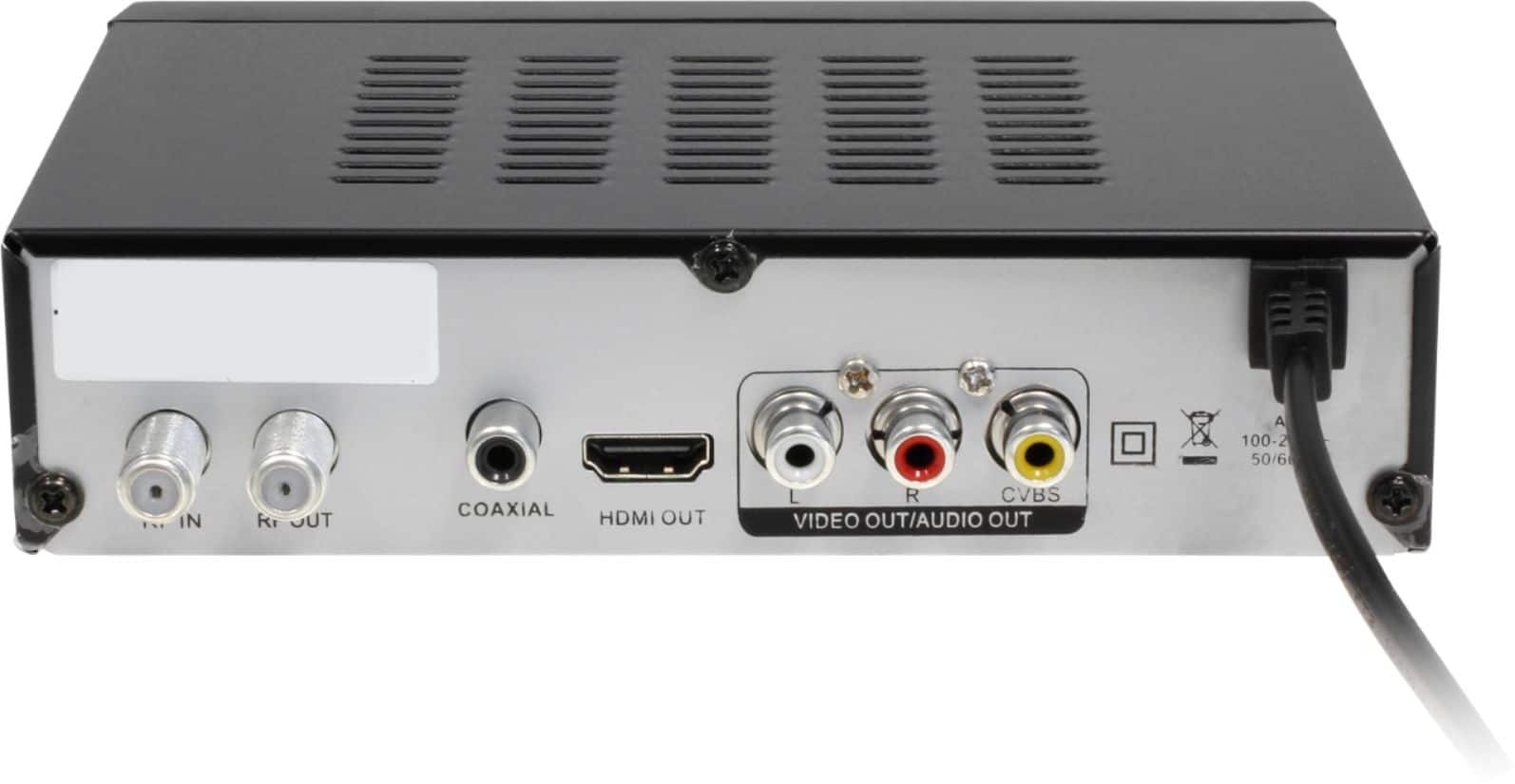
A:AnswerThis will connect to the HDMI or A/V or 75ohm coax input. It includes a A/V cable. Your plasma tv should have one of inputs that I've mentioned.
A:AnswerI like WD hard drives but the Aluratek has problems with them. Hard drives can be formatted NTFS but flash drives must be formatted Fat 32 to work without occasional glitching, that limits the file size to 4 GB. An hour show is over 5 GB so it splits the show into 2 files, more of a bother when storing and watching a show on a computer. An older WD Elements portable drive works well with it but I've only got a newer, reforrmatted portable Elements to work by plugging it in after the Aluratek is on and then it will recognize the drive. It will record on timer with that drive but only if the Aluratek is left on. I think it limits the drive size to 3 TB but I've only used 2 TB. I bought a 4 TB WD Easy Share but that would not work with it and was stuck on boot. A 2 TB WD Easy Share could be refornatted with the Aluratek but later it would not recognize it. I think a USB 3 drive is required and I prefer a portable drive does not require an external power supply.
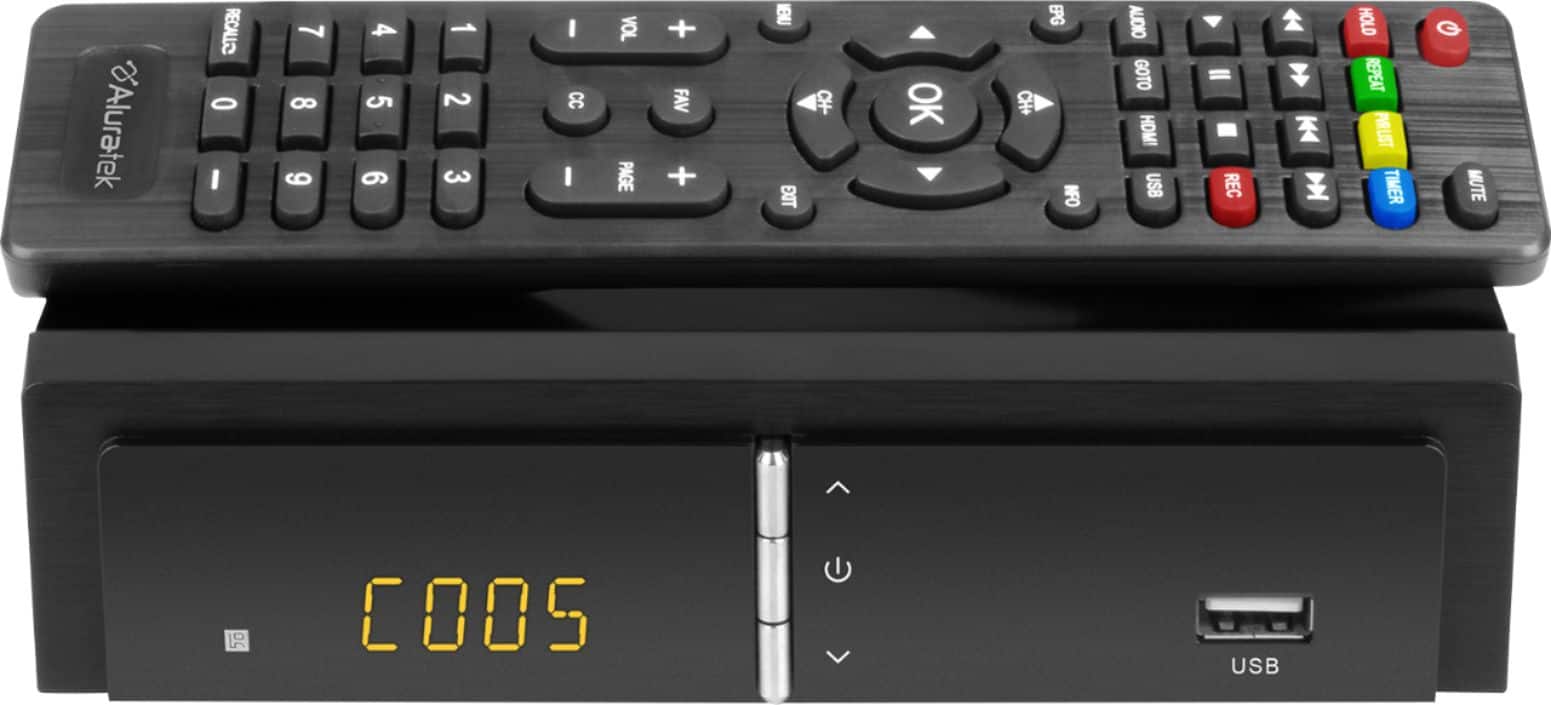
A:AnswerI don't see how that could work. This converter gets it's "Input" from an antenna that picks up over-the-air HDTV station signals.
It's "Output" is a video signal that connects to a TV or a monitor with composite or HDMI input port.
I use a Chromecast on the HDMI input of a Samsung HDTV.. The Samsung is also connected to an outdoor antenna via coax cable (for viewing local Boston over-the-air stations). The Samsung also has a VGA input that I can use to monitor a security system DVR.. BUT, not all at once. Only one input can be selected at a time. This TV doesn't have picture-In-picture.
The Aluratek Digital TV Converter can't be used to watch or record anything but HDTV over-the-air signals..
A:AnswerThere is no actual limit of the channels you can get, other than what the unit can fetec t when you do a channel scan nto dectect channels.
How many channels you get sepends on your location and antenna.
A:AnswerI installed mine today. It takes a 2.0 usb.
I purchased a 2tb 3.0 usb that is backward compatible.
It works great. If you have a 2.0 drive or a 3.0 that is backward compatible you should be fine.
Keep in mind, the drive apparently has to power through the usb connection and not have it's own power source.
I have a 4 plus tb drive that has a 120 volt power supply. The pvr will not work with it. This new one is great.
A:AnswerWe do not sell Televisions. We do sell Bluetooth transmitters and receivers that can be used with TVs. We also sell some TV converter boxes for watching over-the-air TV, but no actual TVs.
A:AnswerThe ADTB01F will connect and output to 1 TV only. You can use HDMI, RCA, or Coax connections and it was mainly designed for older TVs but it can work with modern TV as well.
A:AnswerMake sure the remote control is aimed directly at the Aluratek box and not the TV. Check batteries if needed. As for the Aluratek TV converter box it essentially takes a signal from the antenna, converts that to analog for older TVs that need the RCA cables, or it can convert to DIGITAL if you use HDMI to connect with your TV.
A:AnswerNo. Cable TV is filtered through digital security to block anyone trying to get it without an authorized cable box and payment plan. This unit can only record over the air channels.
A:AnswerYou need to purchase your own 32GB USB thumb drive. The unit works with FAT32 format, so 32GB is recommended. I don't think this unit can work with Roku or other streaming platforms. It can show and record over the air tv only. Contact support@aluratek.com if you need more info.
A:AnswerThere is no headphone connector/output on this unit. It connects to your TV using HDMI cable or you can use RCA red, white, blue cable. The antenna connects to the back of the Aluratek. If you need to use headphones you can see if your TV has a headphone connector. If the TV does not then you can get one of our Bluetooth Transmitters and connect to your TV's audio output, then get a pair of Bluetooth headphones and wirelessly connect our transmitter to the headphones. We sell headphones too. See www.aluratek.com.