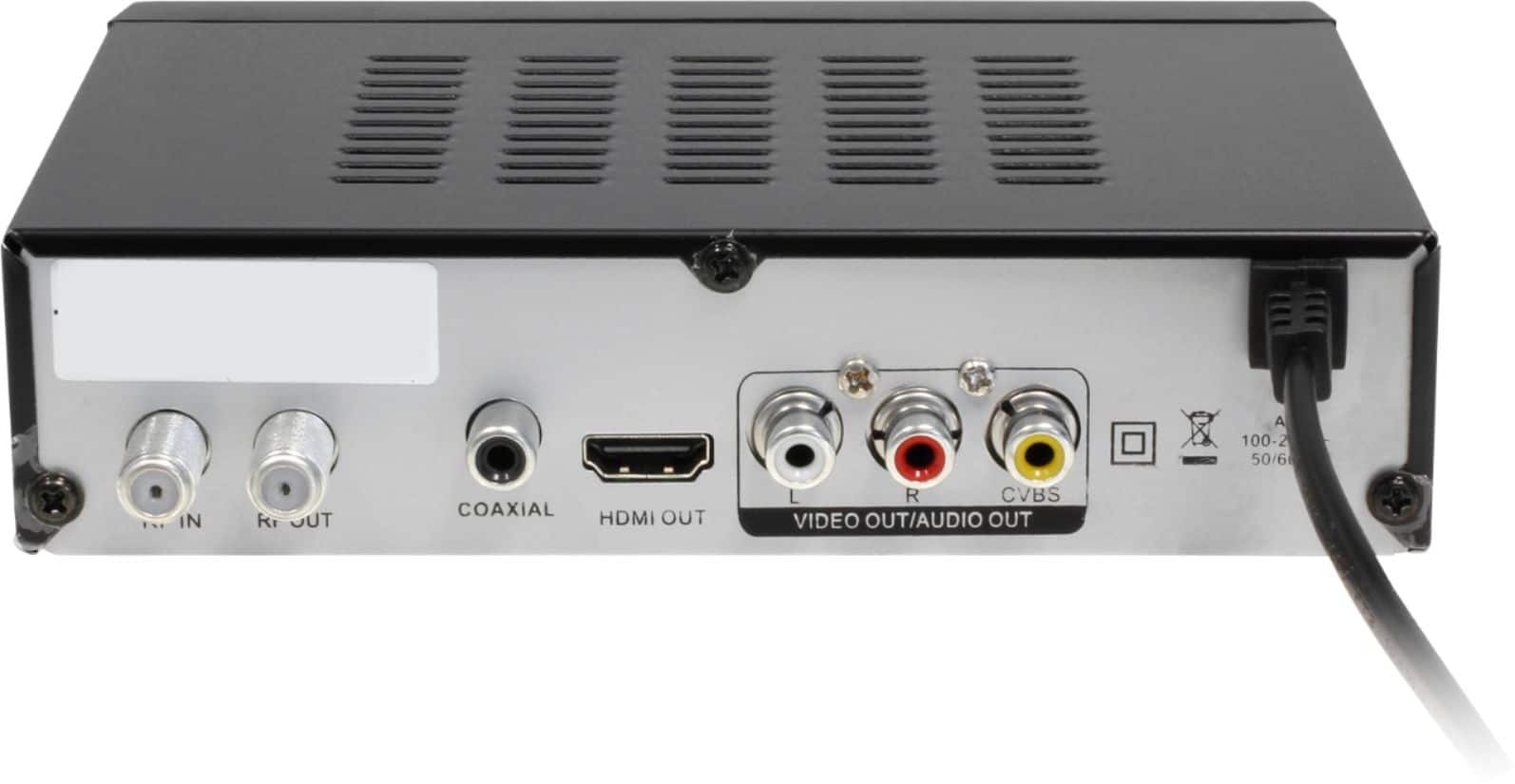
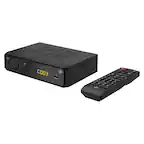
A:AnswerYes. This unit does not need WIFI. You connect your indoor antenna to the back of the ADTB01F to the RF-In port. This lets you get your local OTA channels. Now just insert your USB thumb drive and setup for recording as the manual shows and you can record your local shows. Contact support@aluratek.com if you need further support.
A:AnswerDepends on where the TV connectors are, but usually yes. The indoor antenna connects to the RF-in on the back of the Aluratek, then the Aluratek connects to the HDMI on the TV. Set the TV to that HDMI port and follow the setup directions. Contact support@aluratek.com if you need some help.
A:AnswerThis TV box can record over-the-air (OTA) programs using a 32GB USB formatted to FAT32. If you have streaming apps those cannot be recorded. Most streaming services use blocking and digital protection so that they cannot be recorded. They are generally for On Demand playback.
A:AnswerNo. It can only record over the air (OTA) channels that come from an antenna into the back of the box. It does not have any front facing webcam recording ability. It's mostly setup to HDMI into a TV.
A:AnswerNo. This box is simply an Over the Air TV box where you connect your indoor antenna to the RF-in on the back of the Aluratek, and then connect the Aluratek box to the TV via HDMI. Set the TV to the HDMI input and then run a scan for your OTA channels. You can only record the OTA channels. Cable boxes are usually filtered with copyright protection and use Proprietary connection protocols.
A:AnswerIt could be but I don't know what that unit did. This unit, the ADTB01F, will convert your indoor antenna signal for TV and let you get your Over the Air (OTA) channels. The antenna connect to the back of the ADTB01F (RF-in) and then ADTB01F will connect to the TV with HDMI. Then simply set your TV to that HDMI port and run your channel search. For more info contact support@aluratek.com.
A:AnswerNo. It will not play DVD video stored on a USB drive. Those are likely to be in MPEG2 format and this unit uses a proprietary format for recording in FAT32. You need to use a 32GB USB thumb drive, which is usually formatted in FAT32.
A:AnswerIn the Channel Scan setup there’s “Signal Type “ Air and Cable selections. With I’M ON cable here in Marion, IA in the Cable mode it found a multitude of channels. The channels were not numbered the same as a cable ready TV. I’ll step thru the channels to see if the one I wanted to record is visible then try recording it. The manual does not mention anything about scanning the Cable channels.
A:AnswerTry to reboot the Aluratek Box, then take the batteries out of the remote and then reinsert them. Now if the unit is still not showing anything then contact support@aluratek.com.
A:Answeryes, I get 2.1-2.5 (CBS), 5.1-5.4 (NBC), 7.1-7.3 (ABC) 32.1-32.? (Fox -more than I remember, maybe 32.7). Plus PBS,(5 substations) local stations and some superstations, like WGN (which is also UPN 9.1-9.5). Antenna TV, Me TV - all the old fogey reruns, The Griot, Root, various ethnic, and many I have no interest in, like HSN.
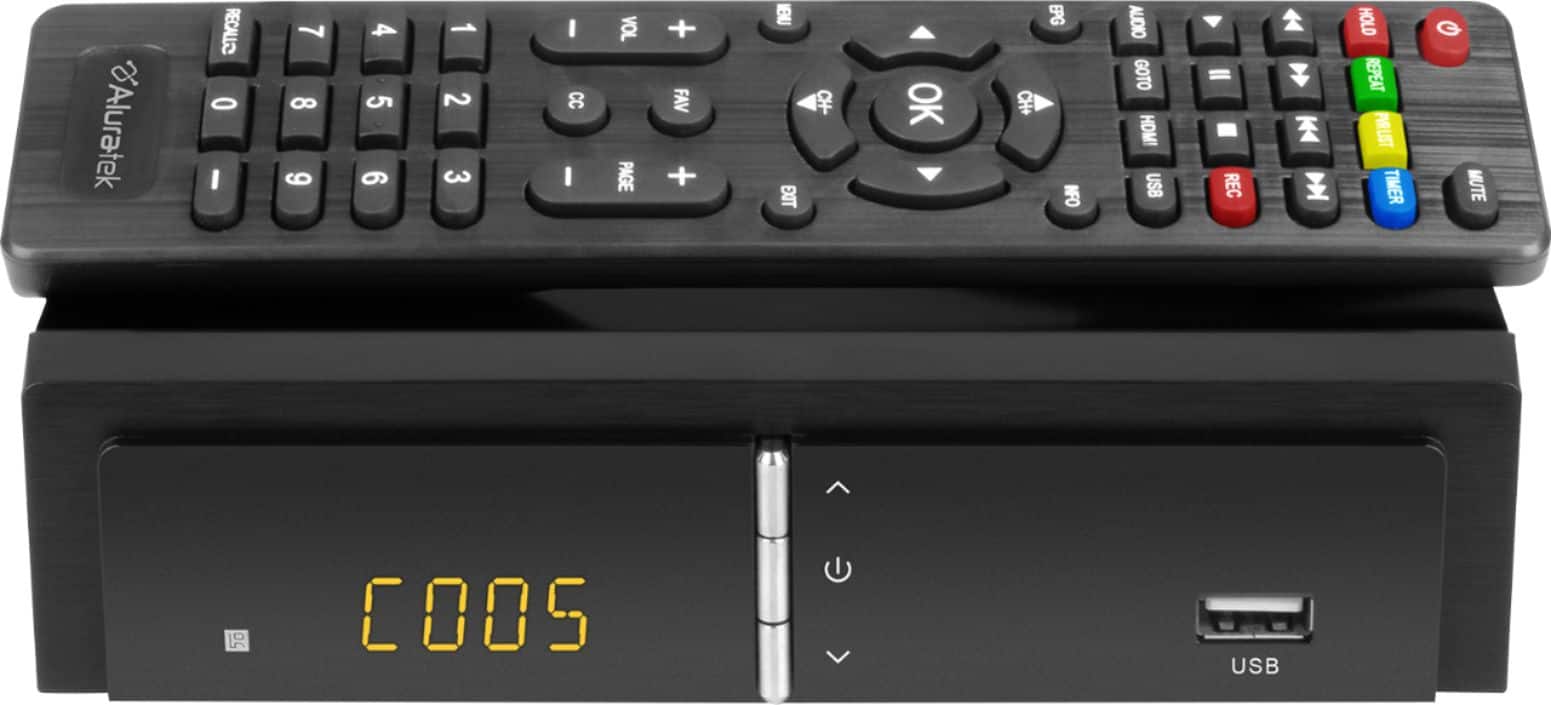
A:AnswerDefinitely not made to snap in half. We've had ours for years with no issues. They are thin so you have to be gentle. You can order a new one from Aluratek by contacting their support line at support@aluratek.com.