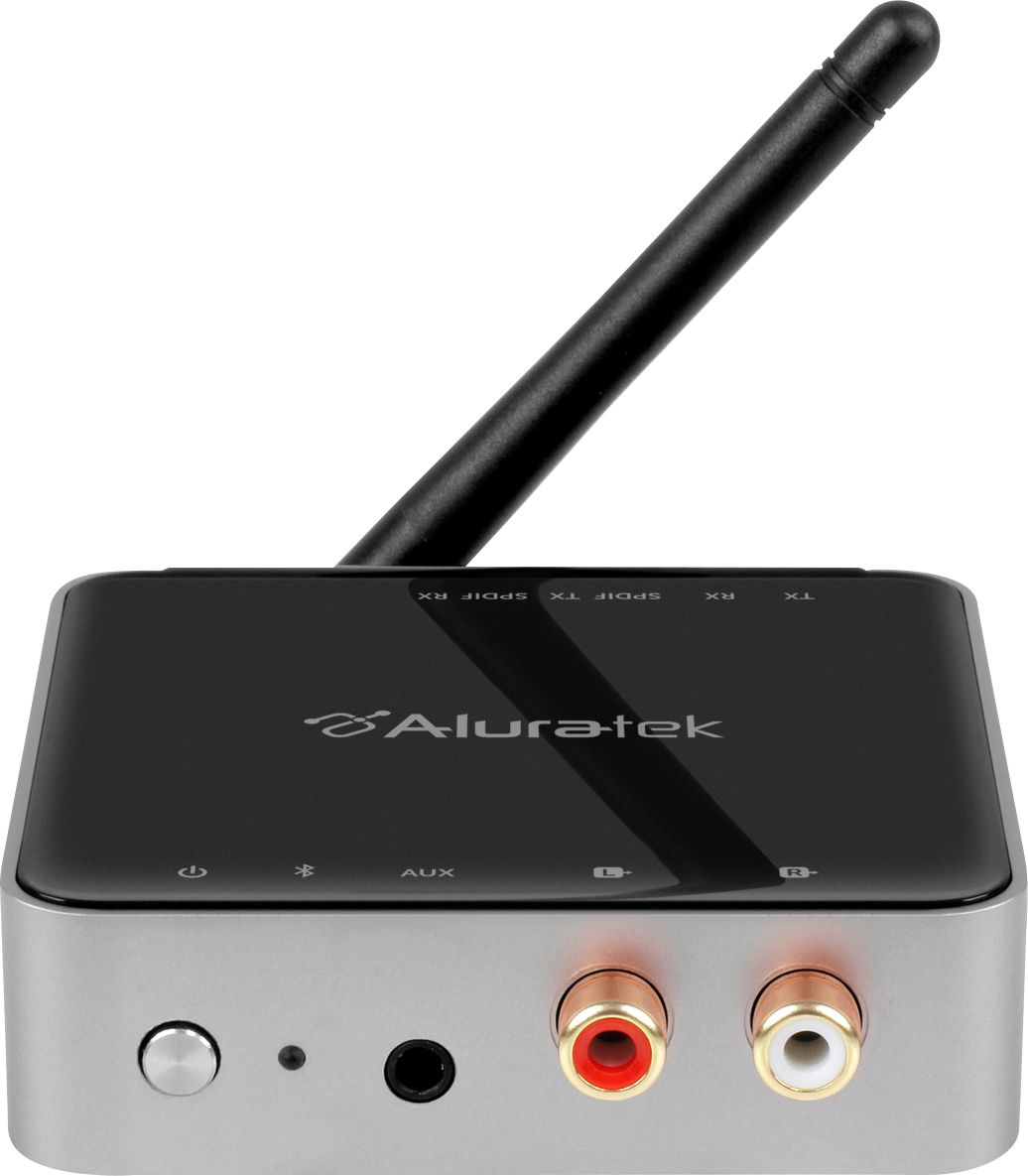
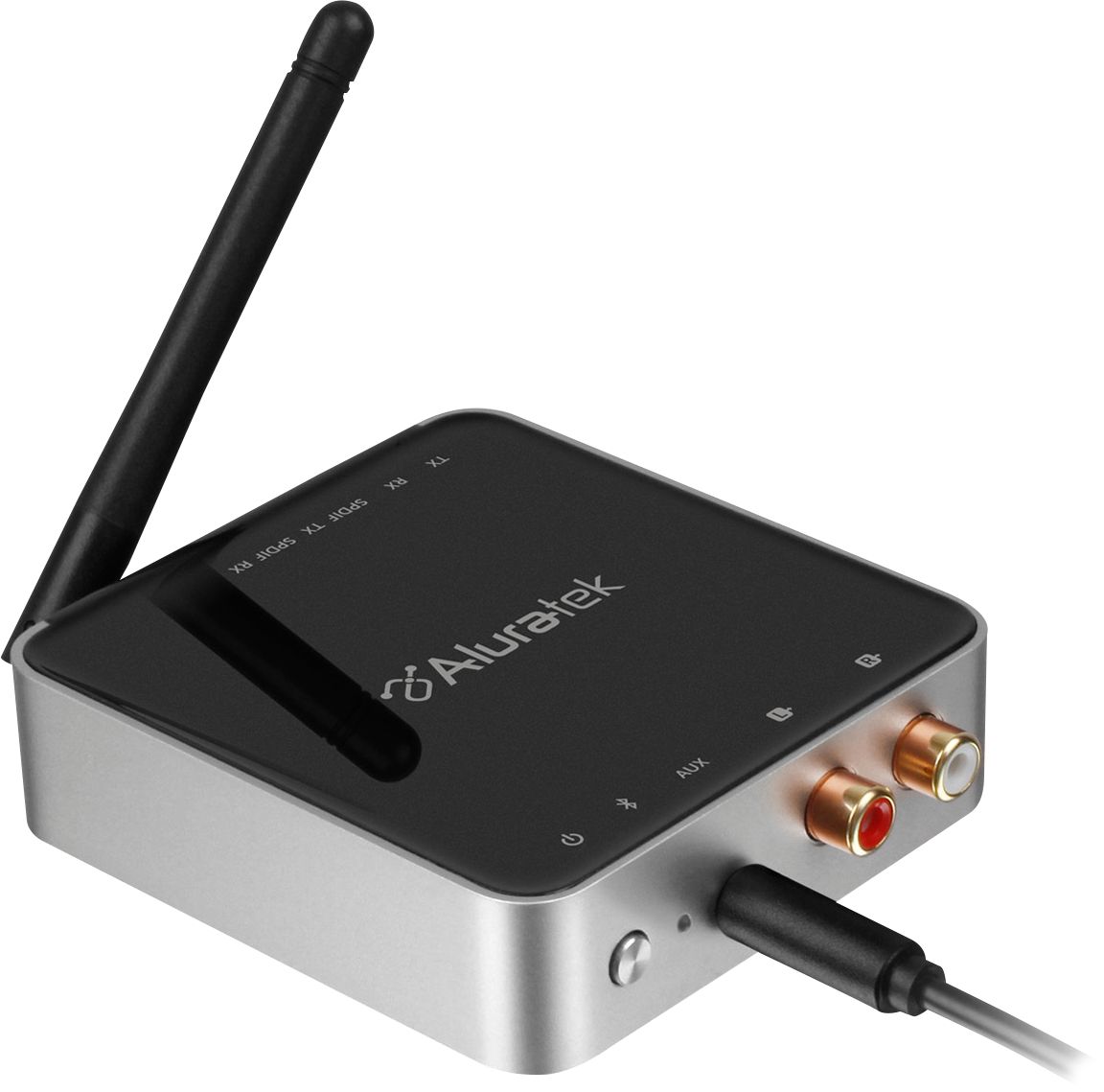
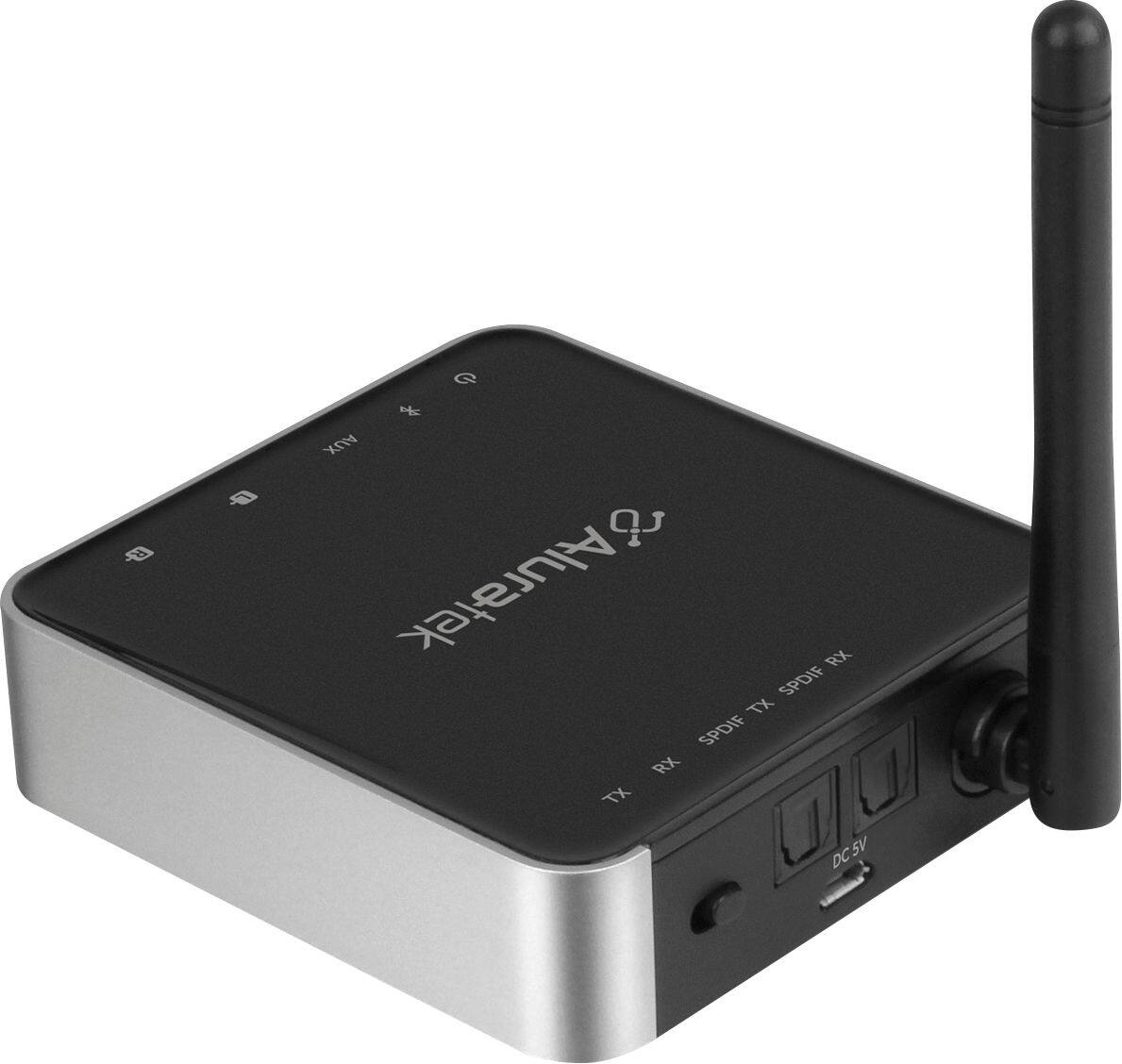
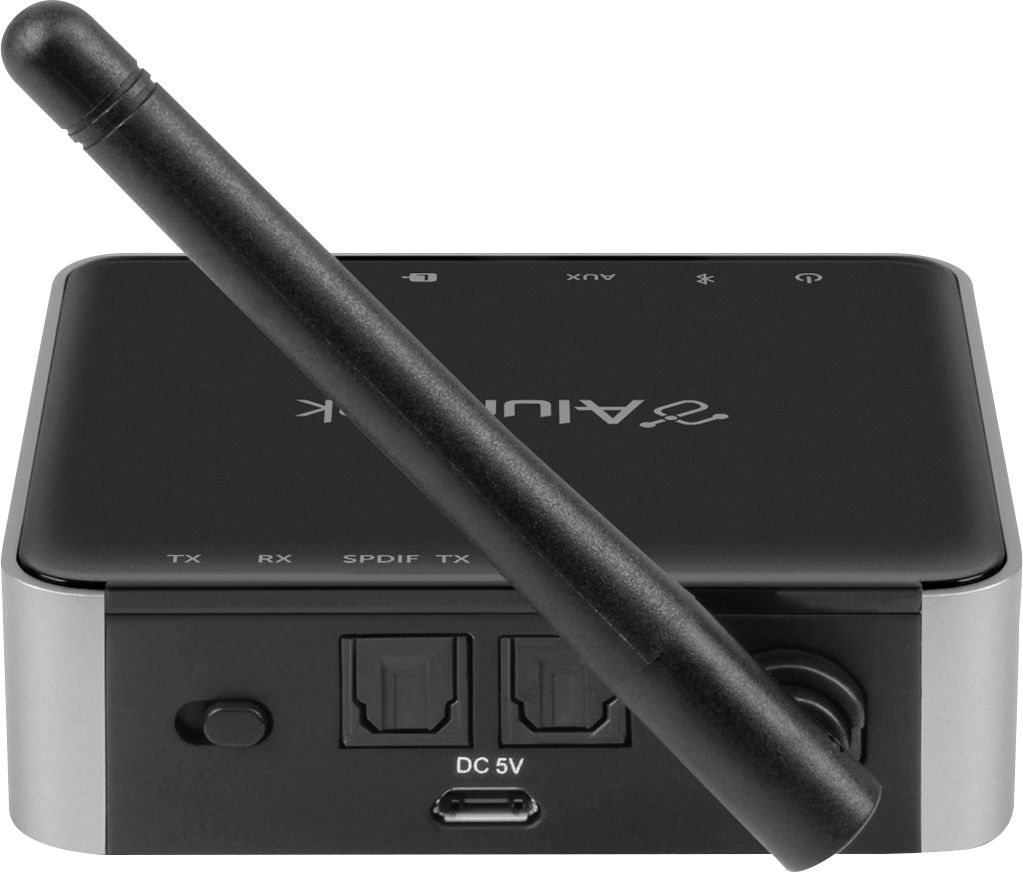
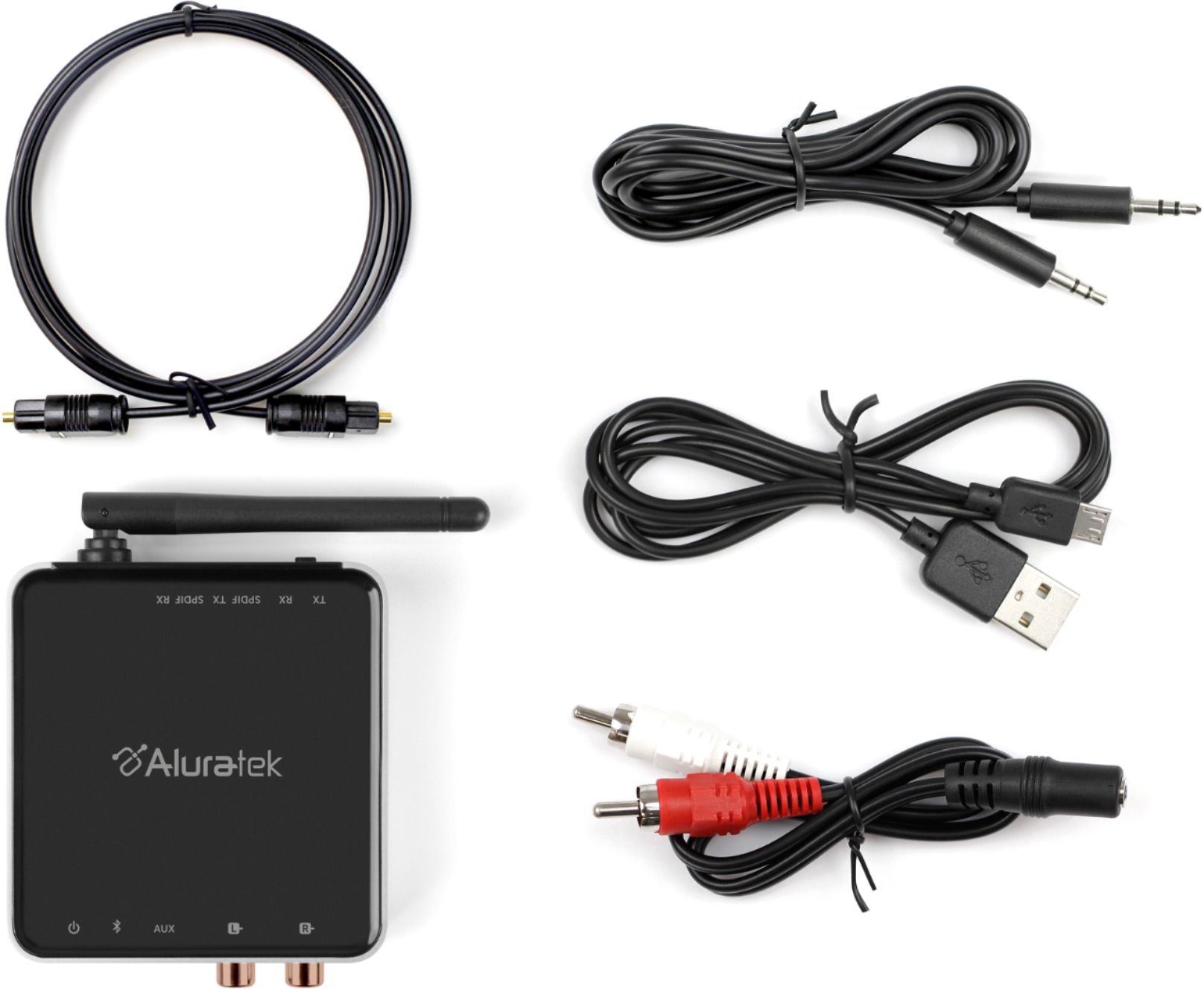
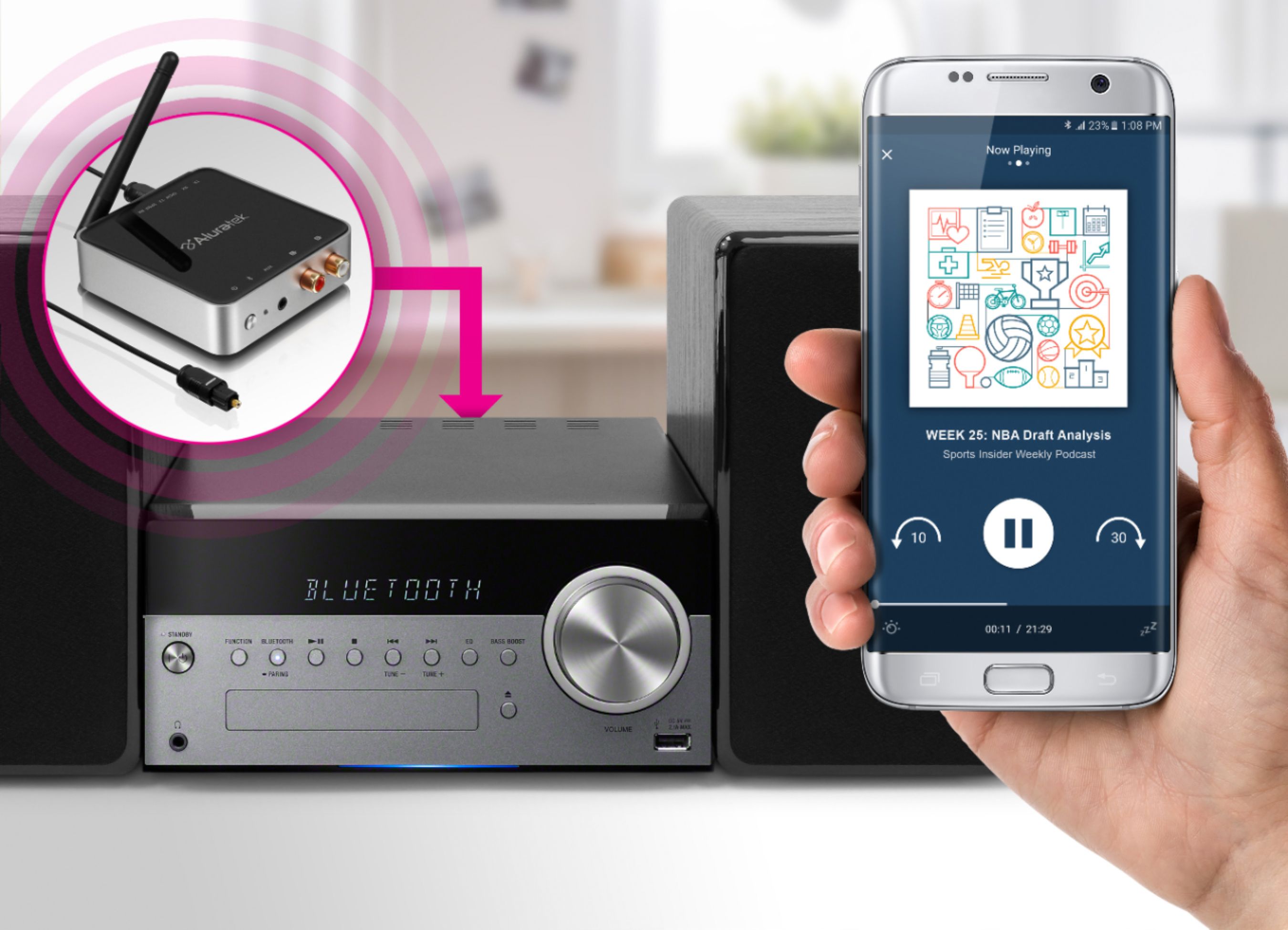
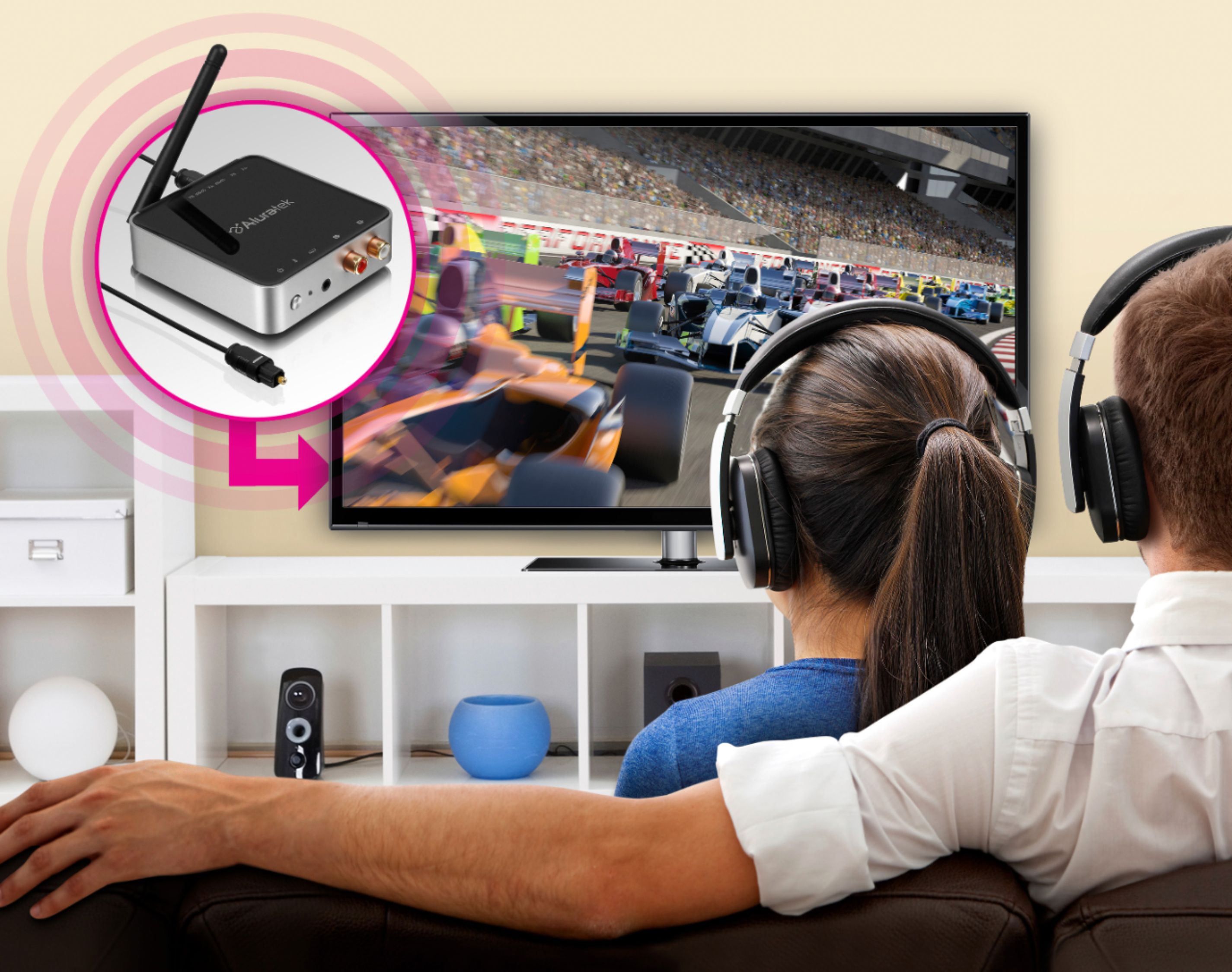
A:Answer With Bluetooth wireless speakers or headphones and one of these Aluratek boxes you can do this. Connect either RCA L/R, 1/8" mini plug, or optical to the Aluratek unit from your CD player, and position the Transmit/Receive selector switch to Transmit. If the source is not line level output, adjust volume on your source to between 50% and 70%. Turn on your Bluetooth wireless speakers and put them in Pairing mode. Turn on the Aluratek unit, and watch the quickly flashing blue light. It will automatically attempt to pair with your speakers. Once paired, the flashing blue light will slow to approximately once every few seconds. Play your CD. If you do not hear the source through the speakers, and the flashing blue light on Aluratek is slow, then it has paired with a different receiving Bluetooth device. Find it and disable it, put your Bluetooth speakers in Pairing mode again, and power cycle the Aluratek box to try pairing again.