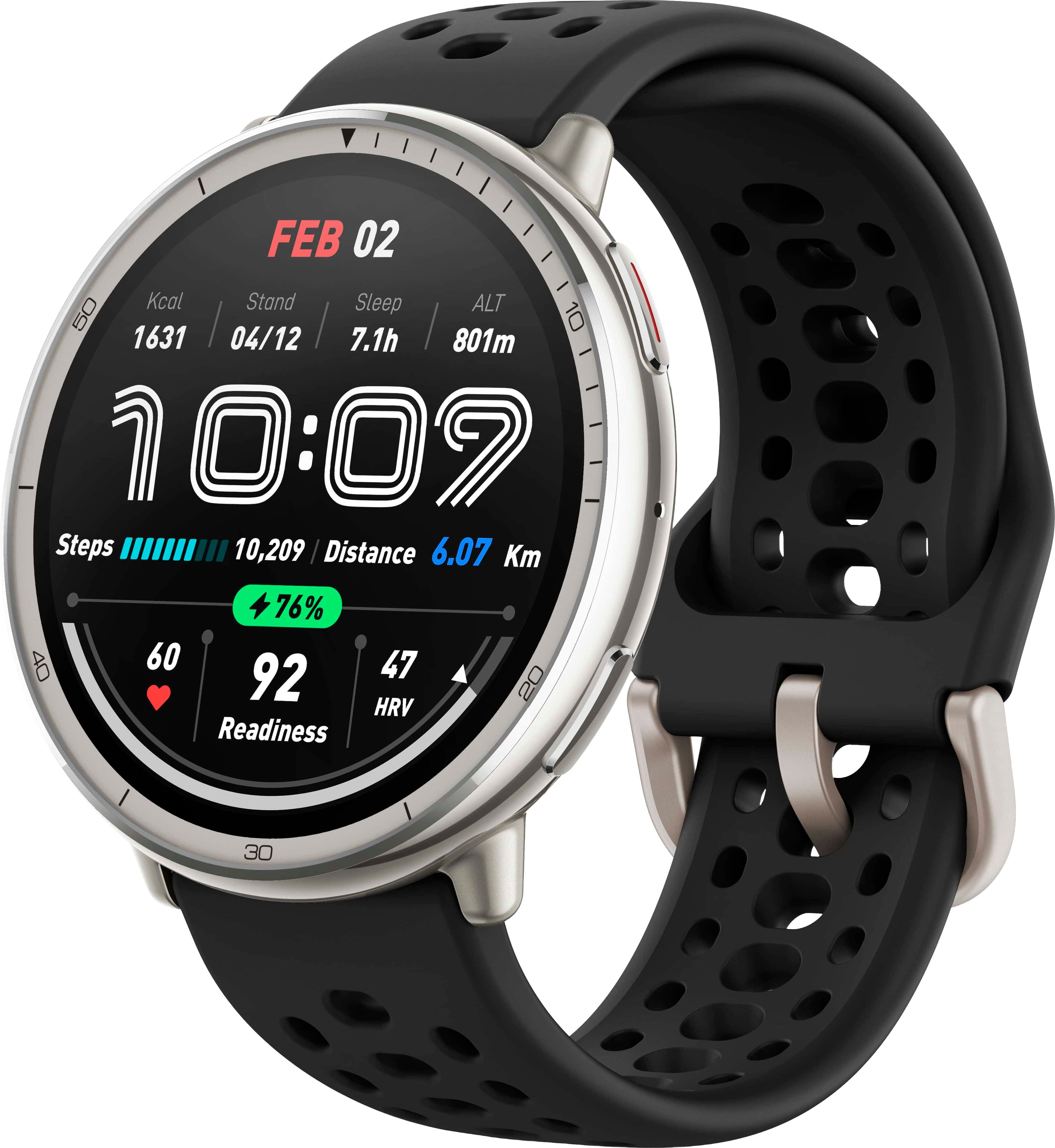
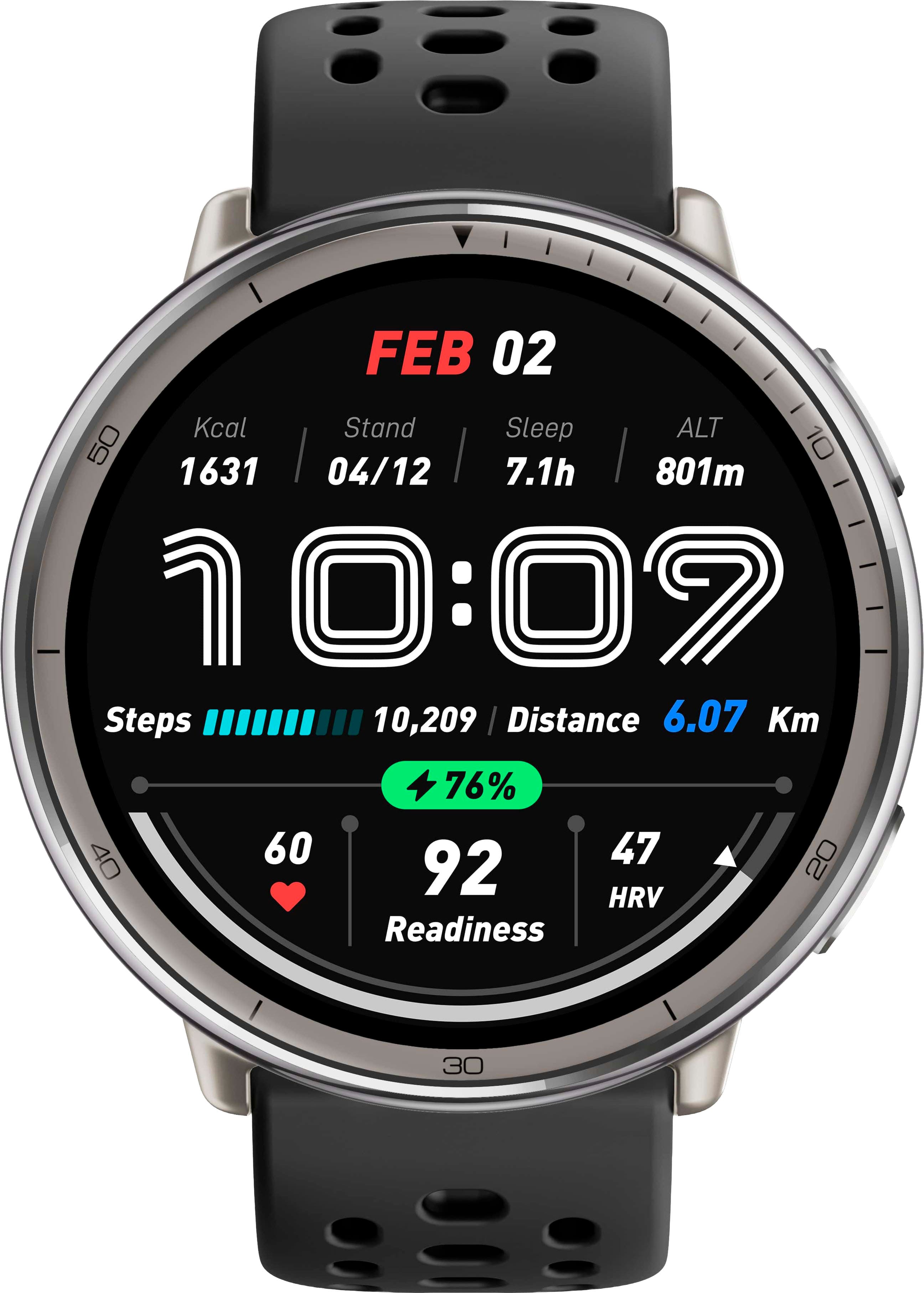
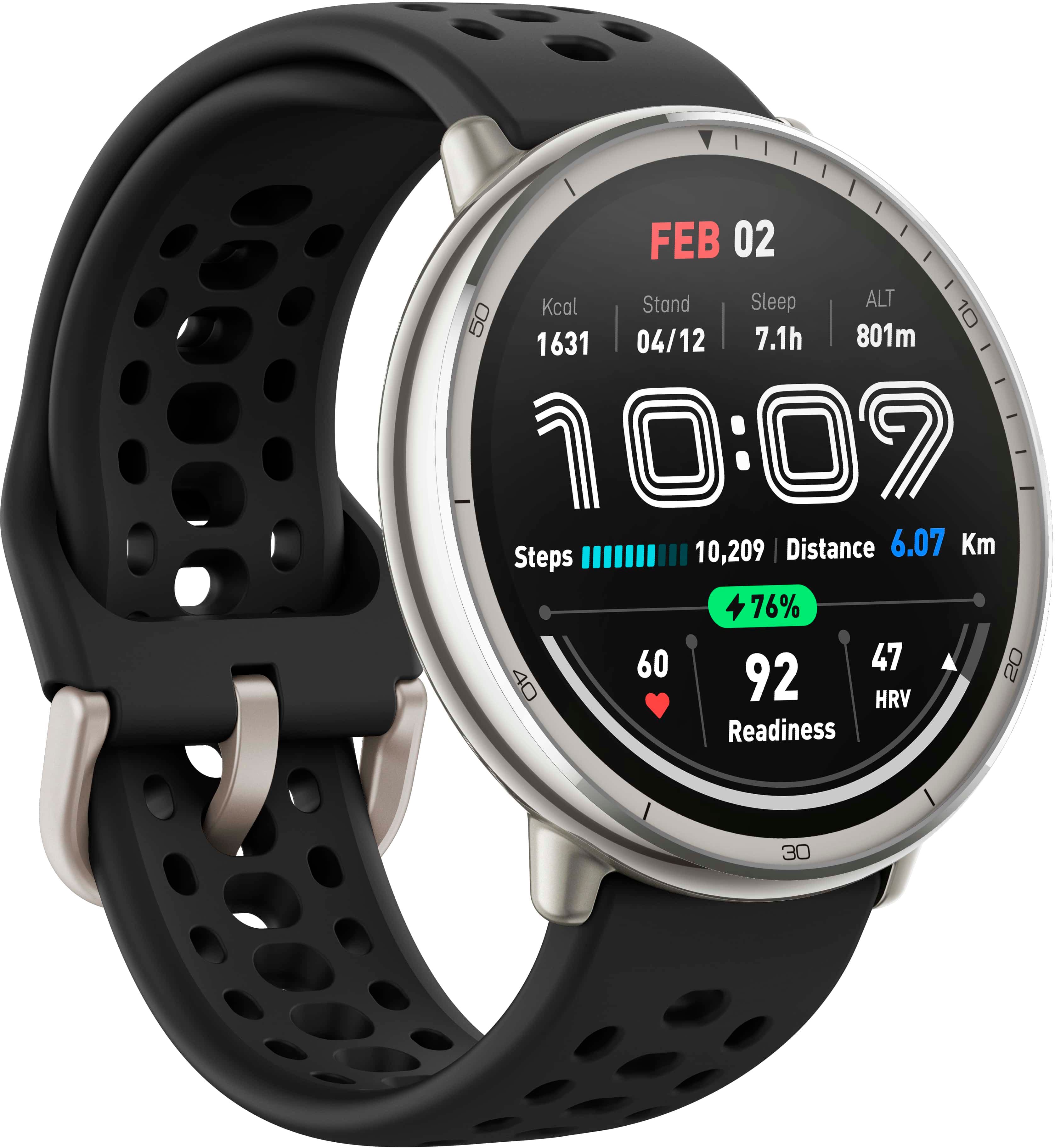
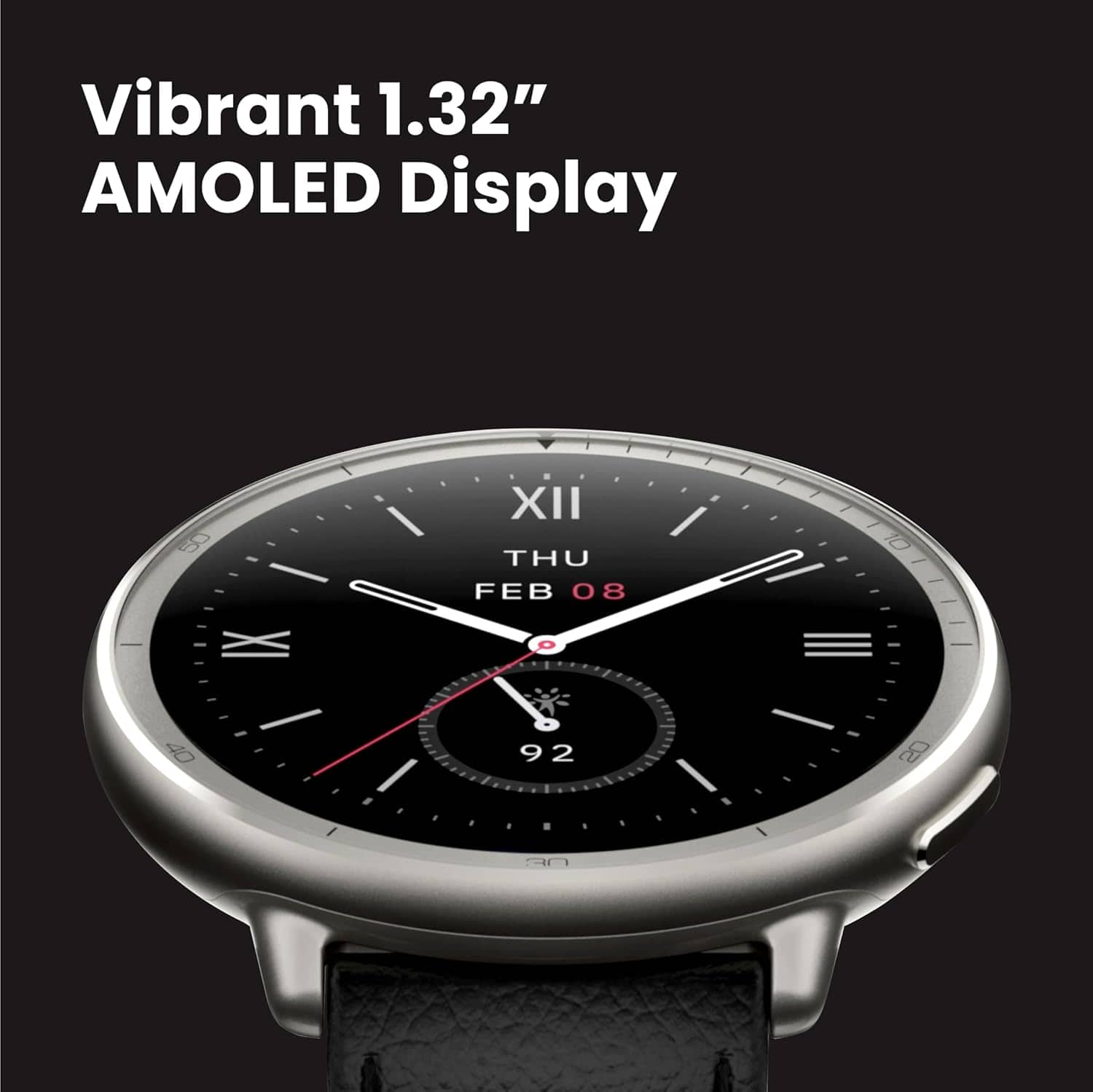
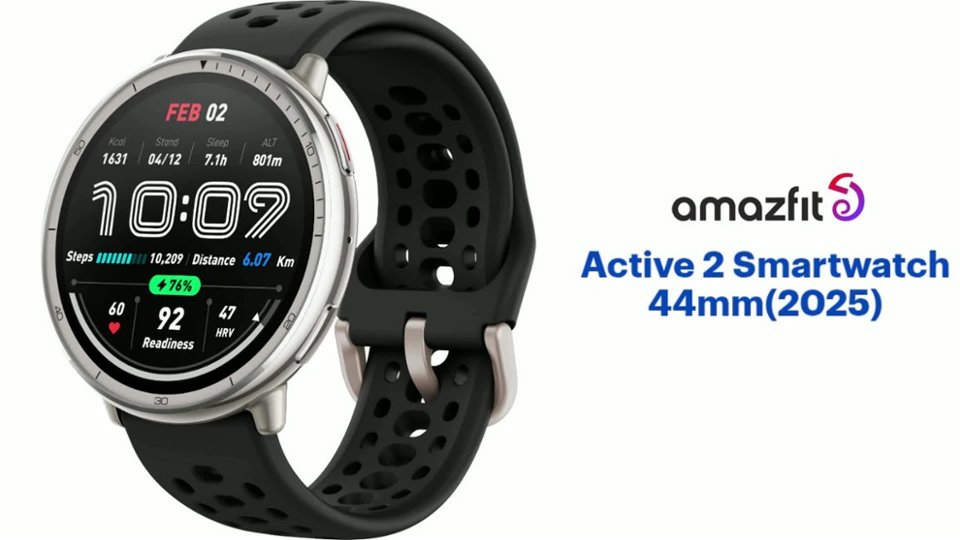
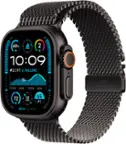
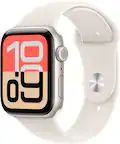
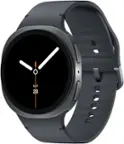
A:AnswerHi Rock, yes the Active 2 has Always on Feature that you are able to enable for the watch. Please note it will be a dimmed version of the watch face. Michael | Amazfit Support
A:AnswerHI Ed, please note our watches are only able to be used with the charging dock it came with. Other charging cables you have will not work with it. Please make sure you have this one: https://us.amazfit.com/products/amazfit-charging-cable?variant=46885490852092. Michael | Amazfit Support
A:AnswerHi Renjr, yes you are able to receive WhatsApp notifications on the Active 2. You can reply to those messages as well. Please note replying is only supported with an Android smartphone. You are not able to reply if you have an iPhone. Michael | Amazfit Support
A:AnswerHi JohnS, you can purchase a new charging dock for the Active 2 here: https://us.amazfit.com/products/amazfit-charging-cable?variant=46885490852092. Michael | Amazfit Support
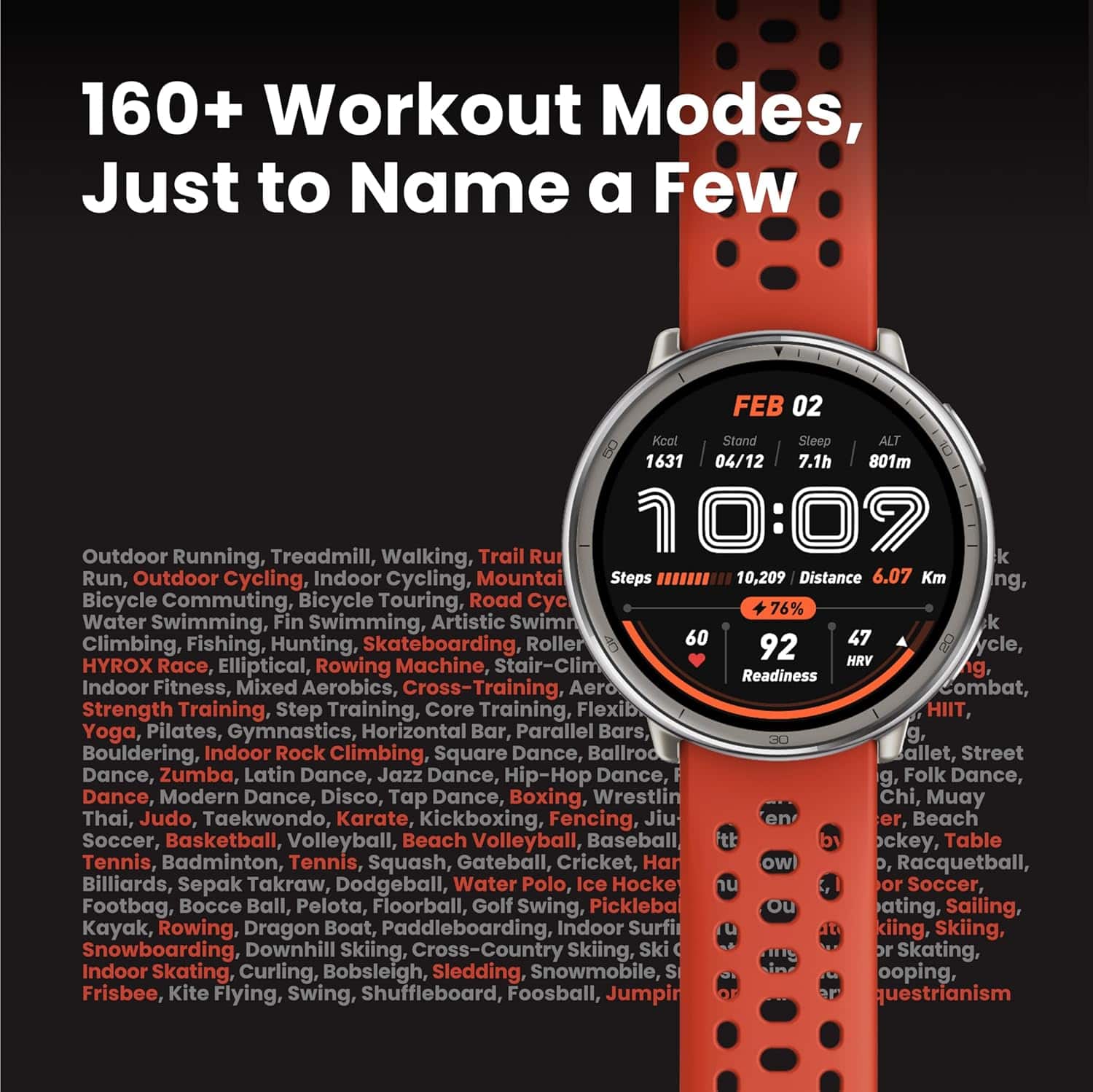
A:AnswerHi ssr, no the Active 2 does not have body composition analysis. The only model that has this feature is the Balance model. The Active 2 does have readiness score like the Balance, T-Rex 3 and Bip 6. Michael | Amazfit Support
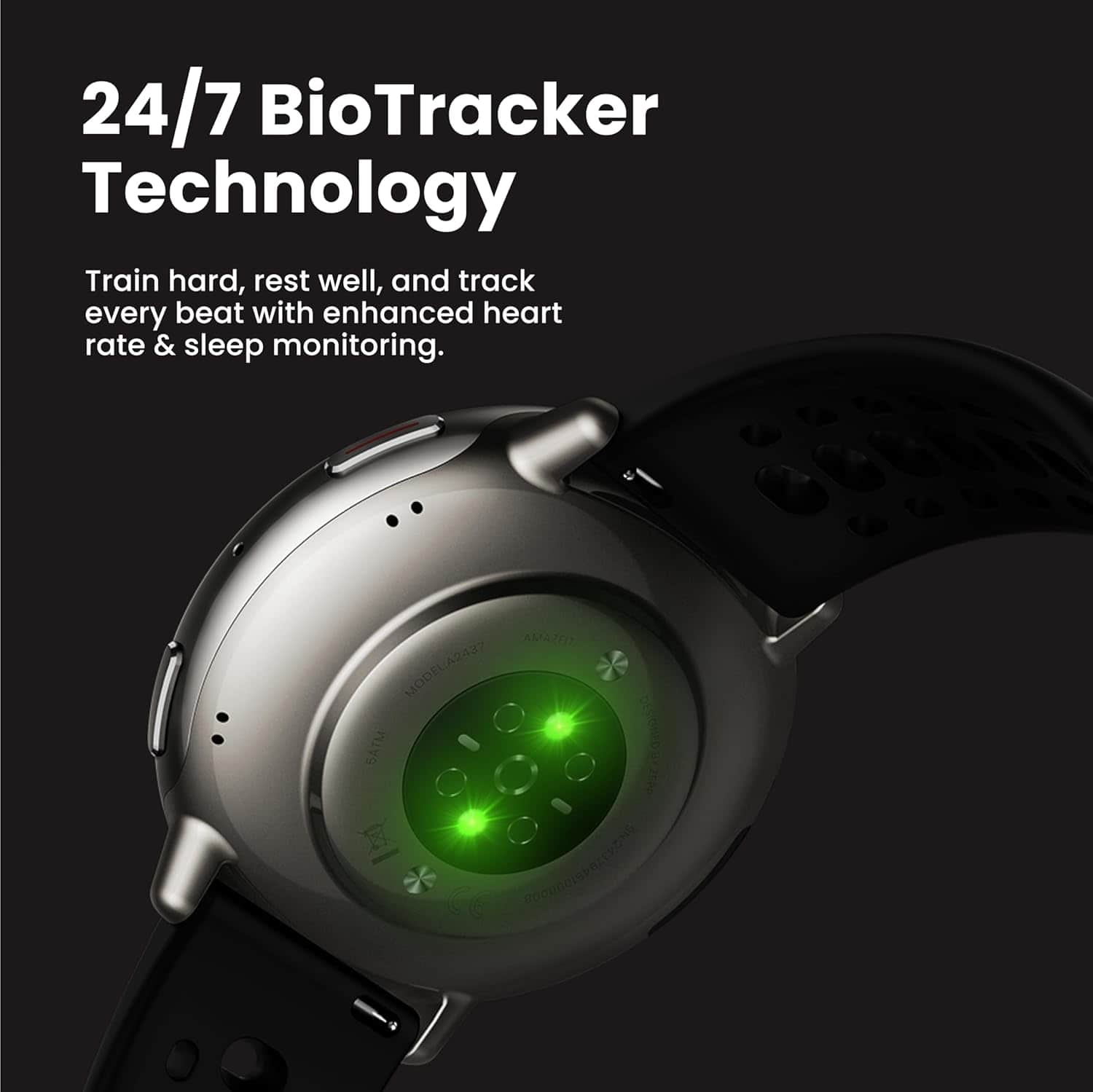
A:AnswerHi Donnie, yes the Active 2 is able to track for your skin temperature which is used to calculate for your readiness score. Michael | Amazfit Support
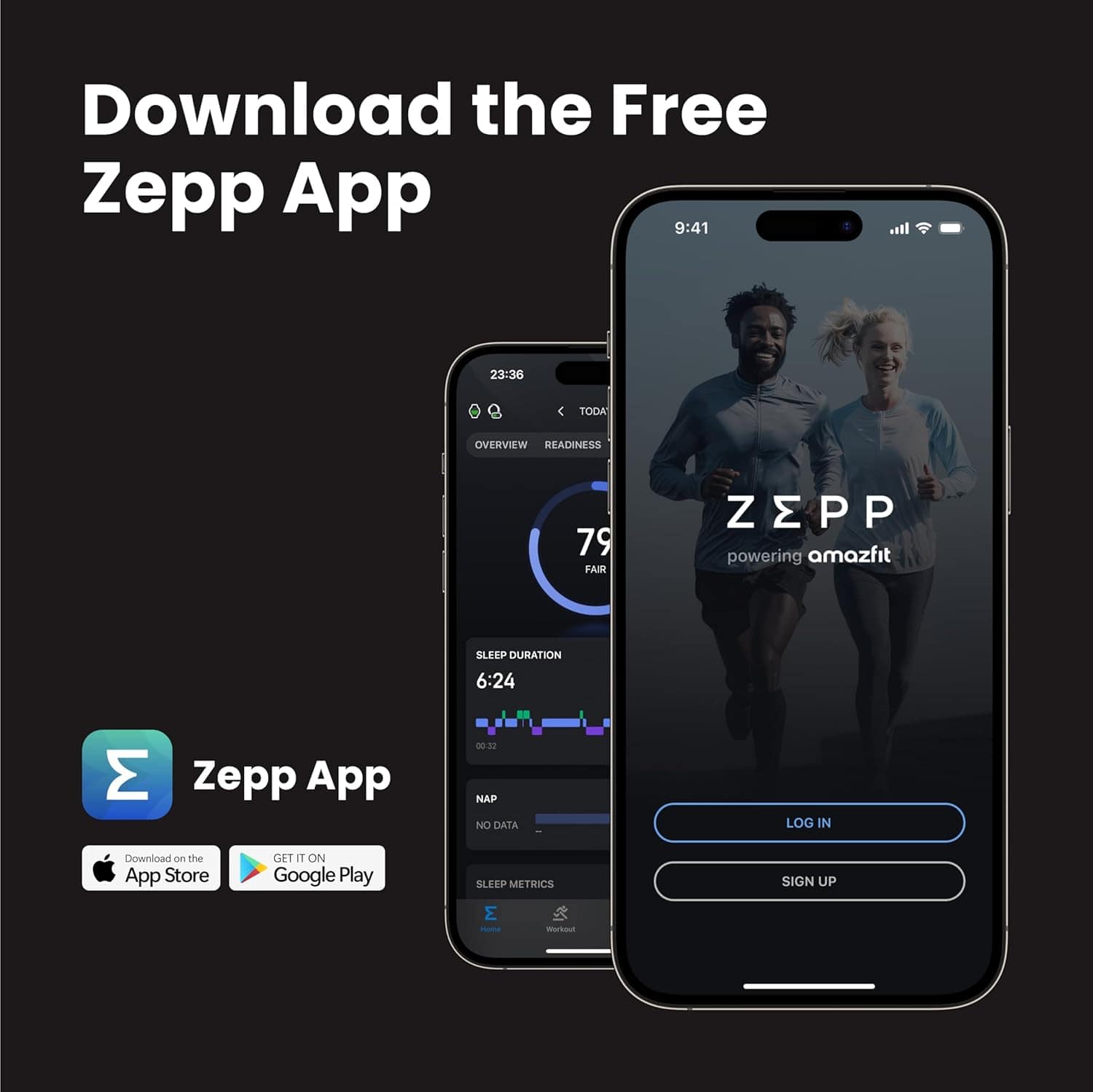
A:AnswerHi Steve, yes you would need to initially pair and set up the watch through the Zepp app on a smartphone before you are able to use the watch. Michael | Amazfit Support
A:AnswerHi Juan, no unfortunately you are not able to load any apps from your phone to the watch. It does not support this at all. Michael | Amazfit Support
A:AnswerHi Joe, no the Active 2 is not able to detect for AfiB. You are able to set values for it to detect when your heart rate is above or below the value set. Michael | Amazfit Support
A:AnswerCan I add music from my hp laptop to it and phone and how can I make the smartwatch cellular and how can I charge it wirelesly can it have a Running Coach on a software update and Sleep Coaching” And can you guys add more features
A:AnswerHi NR, yes the data is able to sync from the Zepp app to GoogleFit app. Please make sure you sign into your Google account when signing into the Zepp app for it to automatically sync over. Please note it will only be able to sync health items like steps and heart rate. Michael | Amazfit Support.
A:AnswerHi Nchg, yes the Active 2 has Bluetooth calling feature so you able to make or answer a call directly on the watch through Bluetooth. You can set this up through the Zepp app under Device -> Amazfit Active 2 -> Device App Settings -> Phone. Michael | Amazfit Support