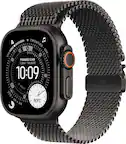
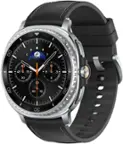
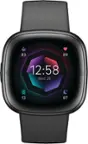
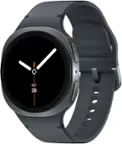
A:AnswerHi Jazzy, please note you will need to initially pair and set up the watch through the Zepp app on your smartphone before you are able to use it. You do not have to subscribe to anything to track any of the health features the watch offers.
Michael | Amazfit Support
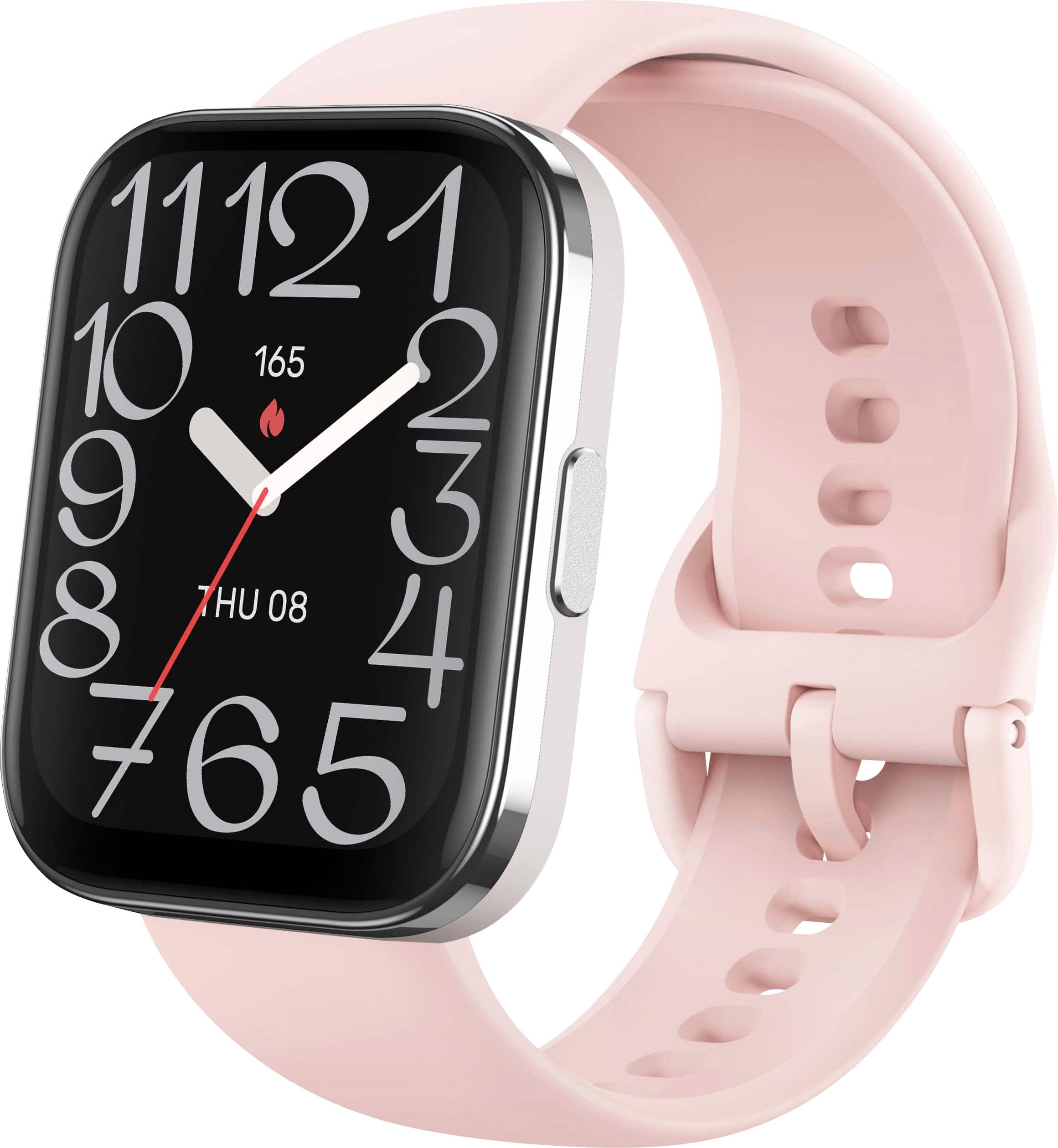
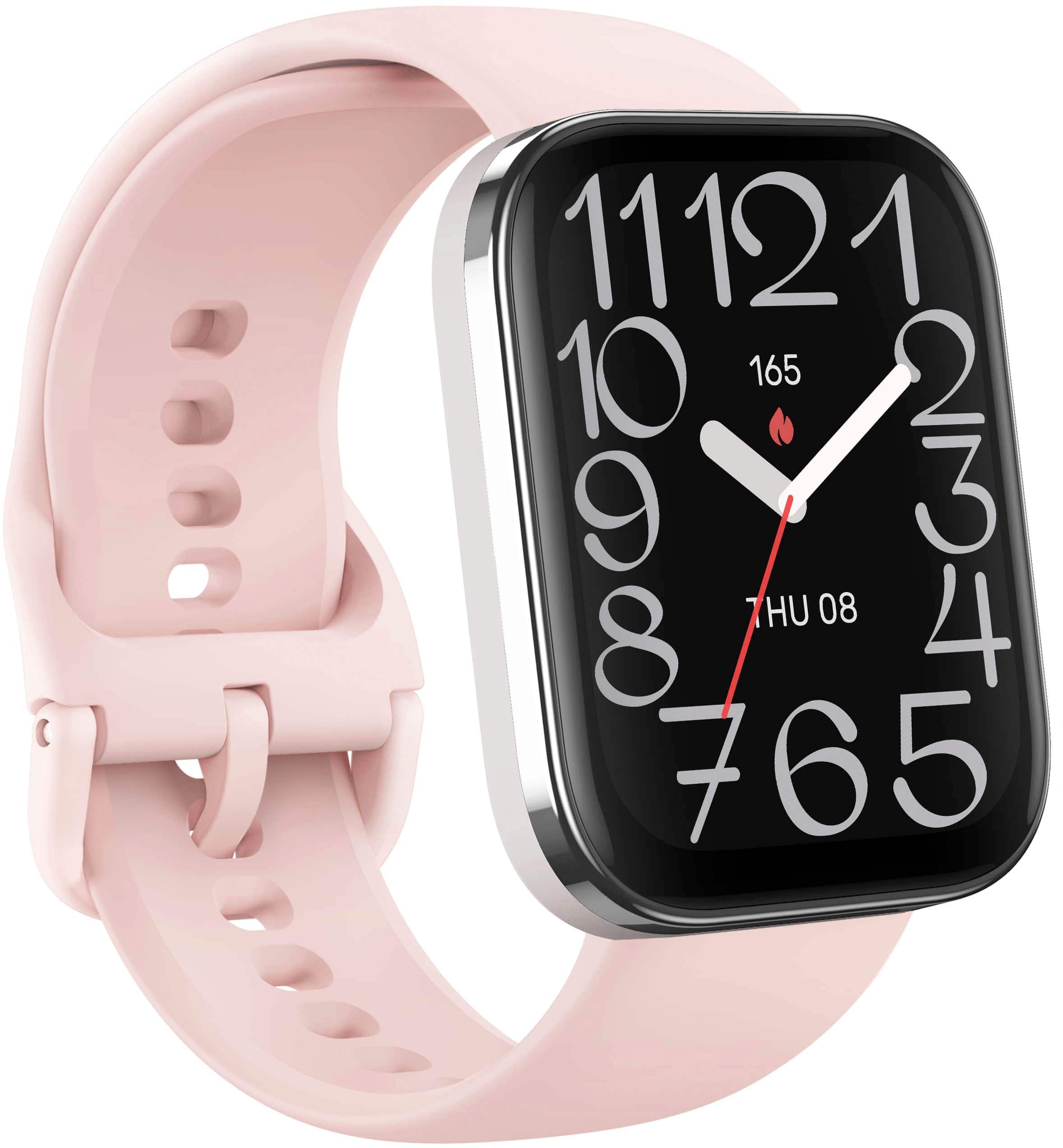
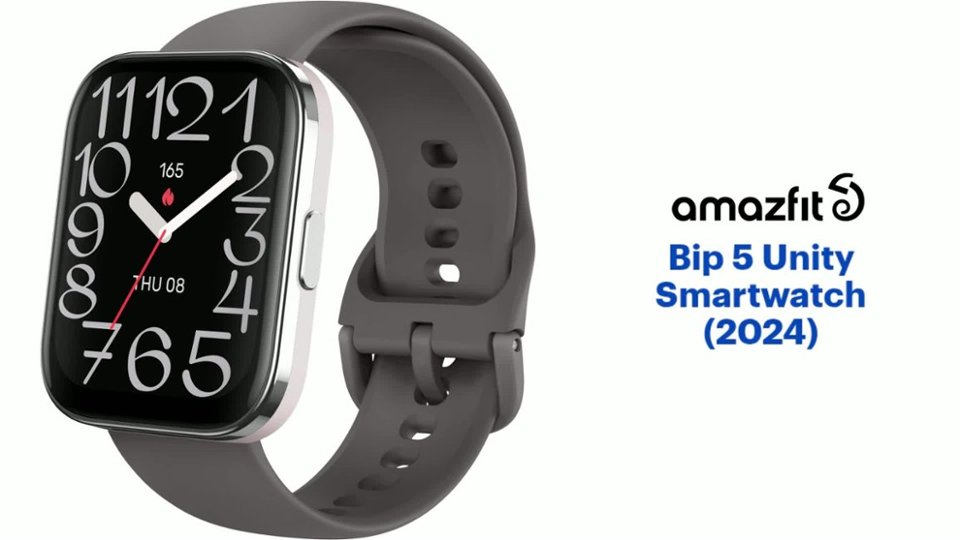
A:AnswerHi Annie, no the watch case is silver and does not come with a rose gold trim. Yes the watch has a rechargeable battery,
Michael | Amazfit Support
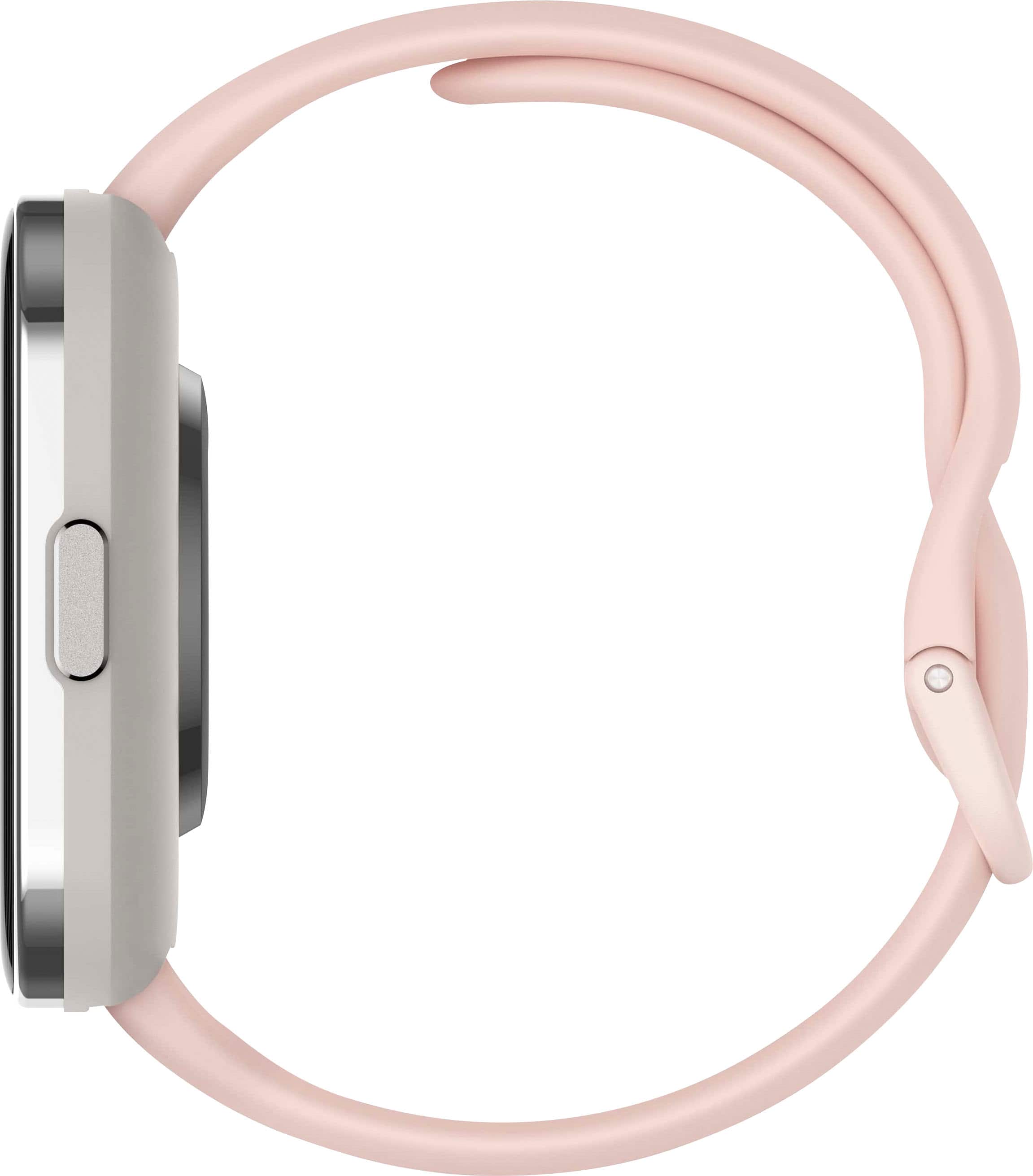
A:AnswerHi Cyn125, yes the Bip 5 Unity uses a standard quick release watch band. You can change it out with any third party watch band that uses this style. You would just need to match the band width size of 22mm for it to fit the watch. Any of these found on Amazon will work: https://www.amazon.com/s?k=quick+release+watch+bands+22mm&sprefix=quick+release+watch+bands+%2Caps%2C156&ref=nb_sb_ss_ts-doa-p_4_26. Michael | Amazfit Support
A:AnswerHi L, the Bip 5 Unity does not have storage for music so you are not able to do this with this model. Please refer to Active model for this feature. You can load in your MP3 files on your phone to the watch through the Zepp app. You are able to connect Bluetooth earbuds to the watch to listen to them without the phone being connected. Michael | Amazfit Support
A:AnswerHi Timothy, yes you are able to sync step data from the Zepp app to the Apple Health app. You can enable this on the Zepp app under the Profile tab or on the Profile tab in the Apple Health app.
Michael | Amazfit Support
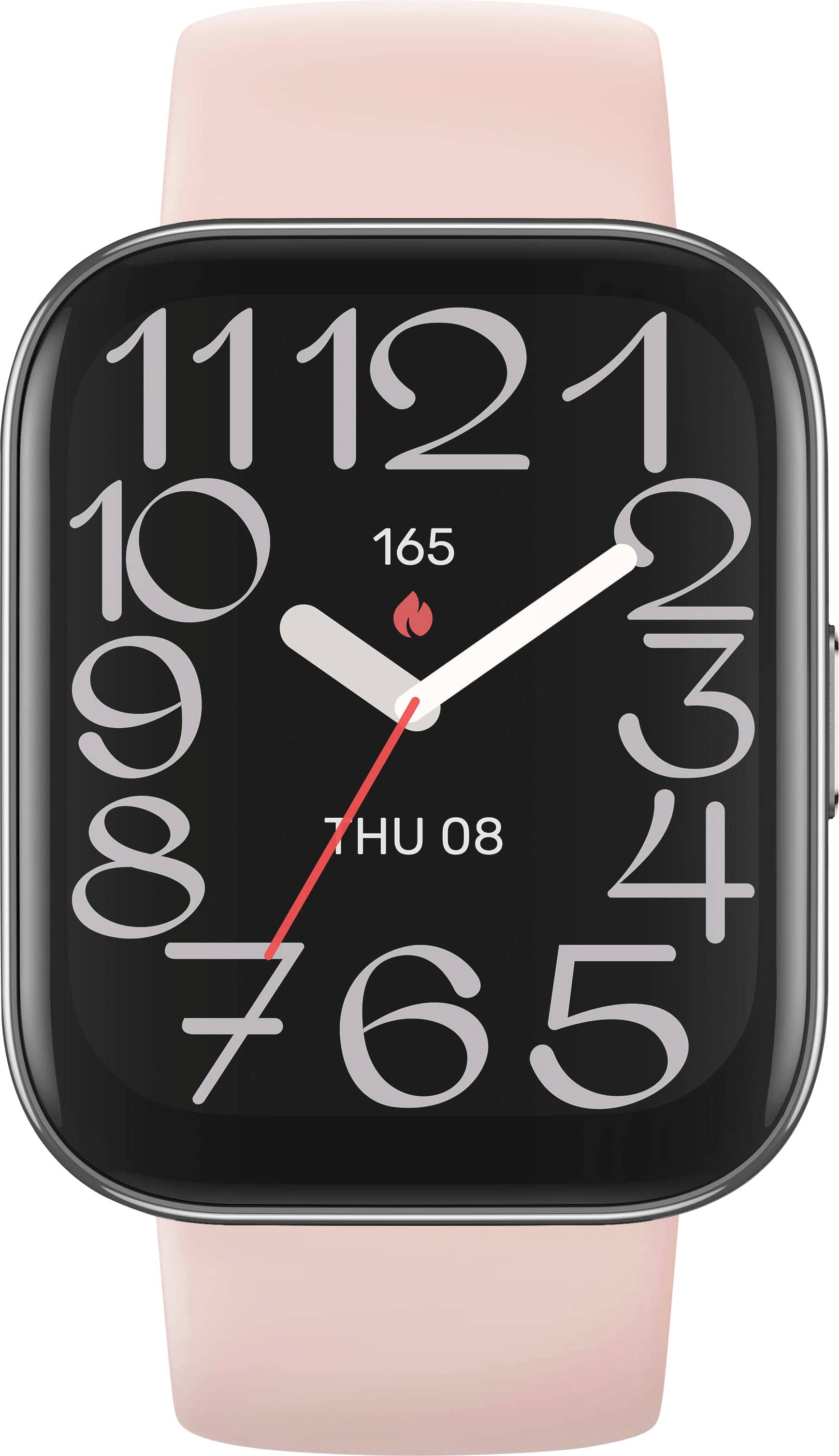
A:AnswerHi MotherMayI, yes you are able to customize/change the watch face. All the available watch faces for the watch can be viewed on the Zepp app. Michael | Amazfit Support