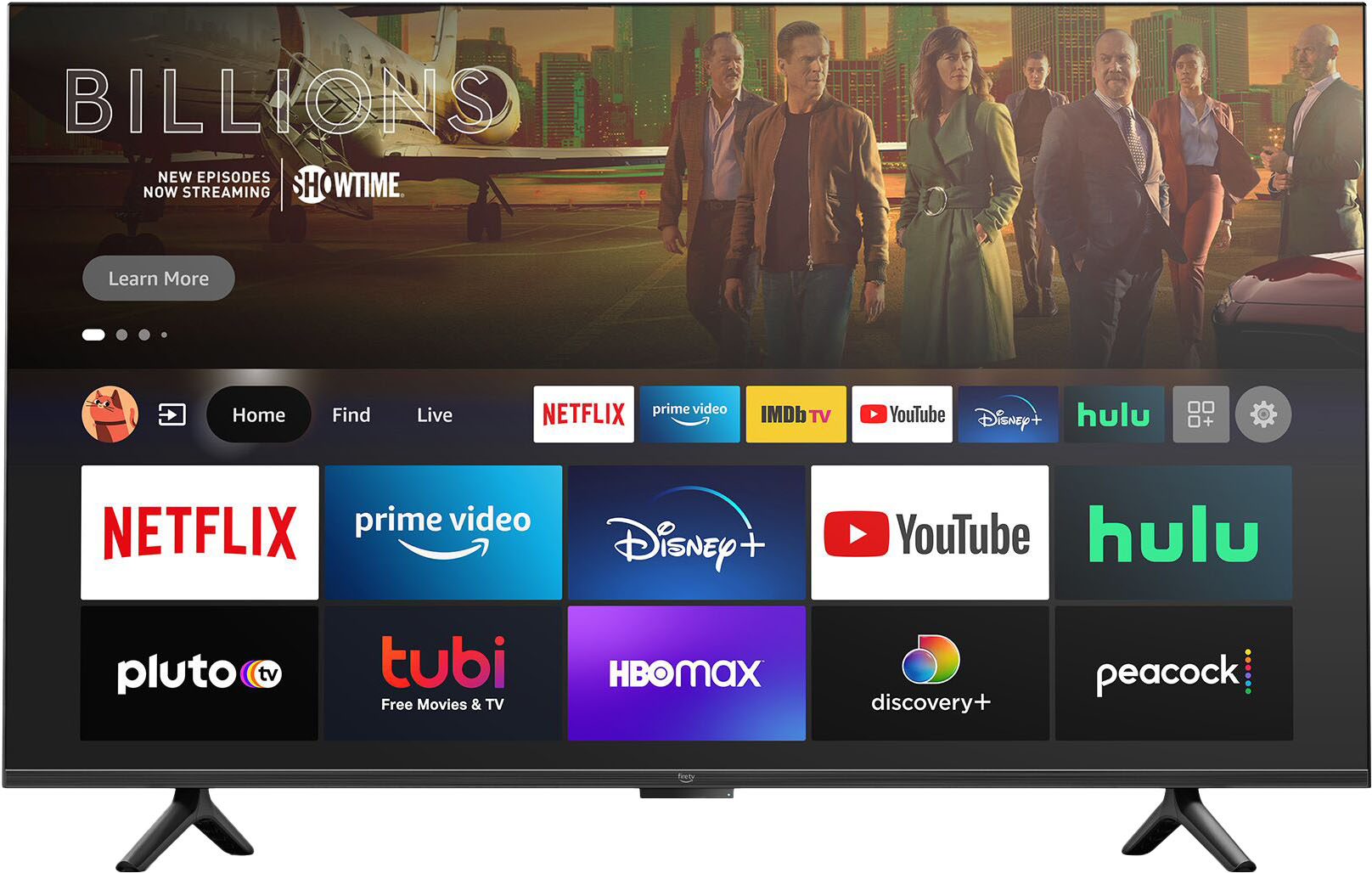
A:AnswerHello Bonnie, you want to know how you can pair your DirecTV remote with your Amazon 50" Class Omni Series 4K UHD Smart Fire TV hands-free with Alexa. We worked with established brands such as TCL to bring the Amazon 50" Class Omni Series 4K UHD Smart Fire TV hands-free with Alexa to market and will suggest to try the TCL brand code to set up your remote. Hope this has answered your question. Have an amazing day!
A:AnswerHi Nancy,
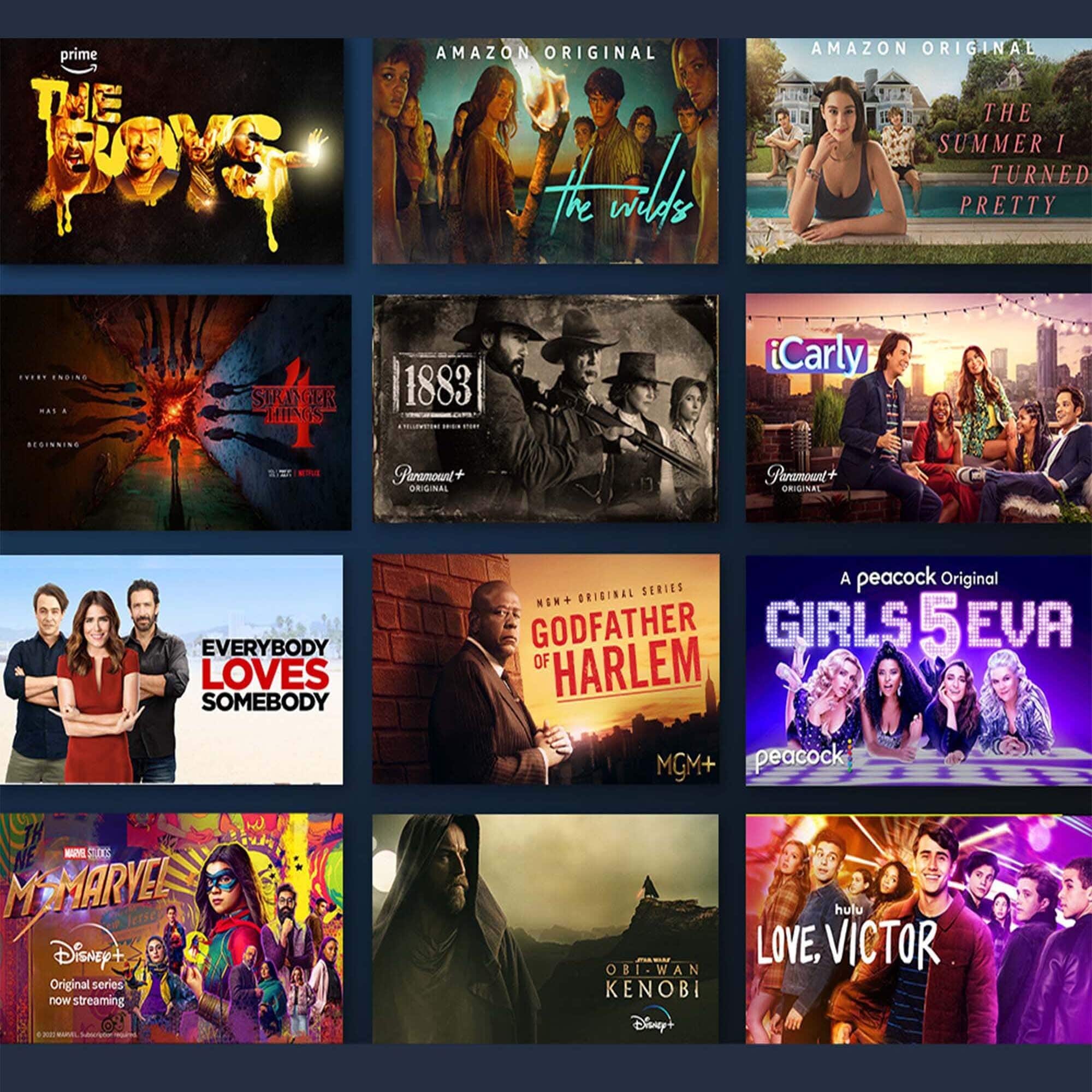
The Amazon -50" Class Omni Series 4K UHD Smart Fire TV hands-free with Alexa can be connected to cable, Netflix, Hulu, HBOmax, and more. You will need an Amazon account to complete the set up process, and a valid payment method on file to download movies and complete any other purchases you wish. Subscription rates may apply depending on which streaming services you want to download. To download apps like Netflix you can simply ask Alexa, choose to download during set up, or search for it with the remote.
Hope that helps!
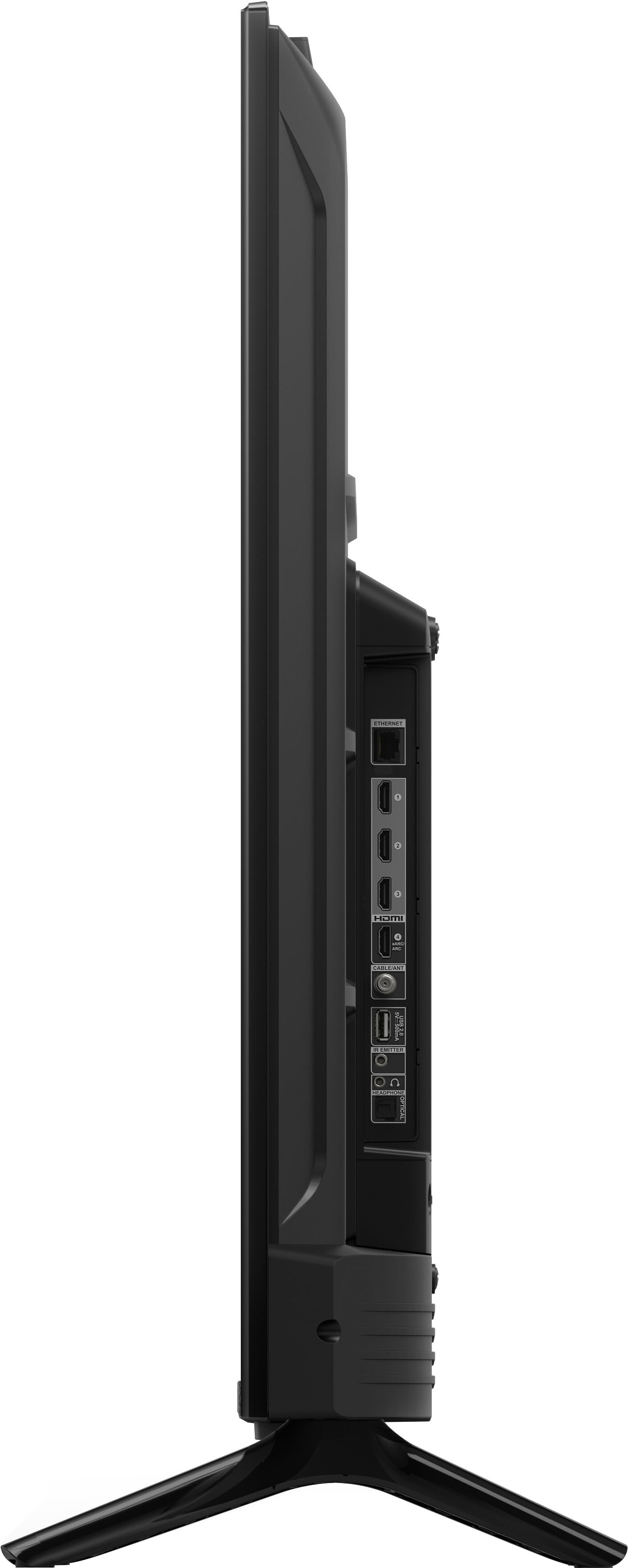
A:AnswerHello, Sha! The Omni and 4-Series TVs are the first Amazon branded smart TVs. One big difference between the two TVs are the sizes that it is available in. The 4-Series TV is available from sizes 43” to 55”, while the Omni Series TVs are available from sizes 43” to 75”. The other main difference is that the Omni Series TV has built-in microphones. With built-in microphones, you have access to Alexa, hands-free! Just ask her to turn on the TV, find, launch, and control content, and control your smart home! There are built in privacy protections and controls, including a switch that electronically disconnects the microphones. When it comes to the picture, the 4-Series TV offers brilliant 4K entertainment that brings movies and shows to life with support for vivid 4K Ultra HD, HDR 10, HLG, and Dolby Digital Plus. The Omni series offers cinematic 4K entertainment that gives you true-to-life picture quality with rich, brilliant colors. It has support for 4K Ultra HD, Dolby Vision, HDR 10, HLG, and Dolby Digital Plus. Dolby Vision brings spectacular color, contrast, clarity, and brightness to your screen. The TVs have many similar features as well. Both TVs come with a Fire TV Alexa Voice Remote that allows you to press and ask to find favorite apps, movies, and shows, plus check the weather, sports scores, and more. You can watch what you want by streaming over 1 million movies and TV episodes. Watch favorites with subscriptions to Netflix, Prime Video, Disney+, and more. With both TVs, all your entertainment is in one place. Watch live and free TV, play video games, and stream music. They are smart and always getting smarter - Fire TV adds new Alexa skills, features, smart home capabilities, and voice functionality all the time. You can connect all your devices with the 3 HDMI inputs to connect to cable or satellite and video game consoles. The HDMI eARC lets you add audio equipment for enhanced sound. I hope this information helps explain the differences and similarities between the 4-series and Omni TVs. Have a great day!
A:AnswerHello, Valley!
I just did a search in the app store on the Fire TV, and the iON.tv app is available for download. Simply ask Alexa to search for it or look for it to download in the app store and you will have access to it. I hope this helps. Have a great day!
A:AnswerHello Maryespin,
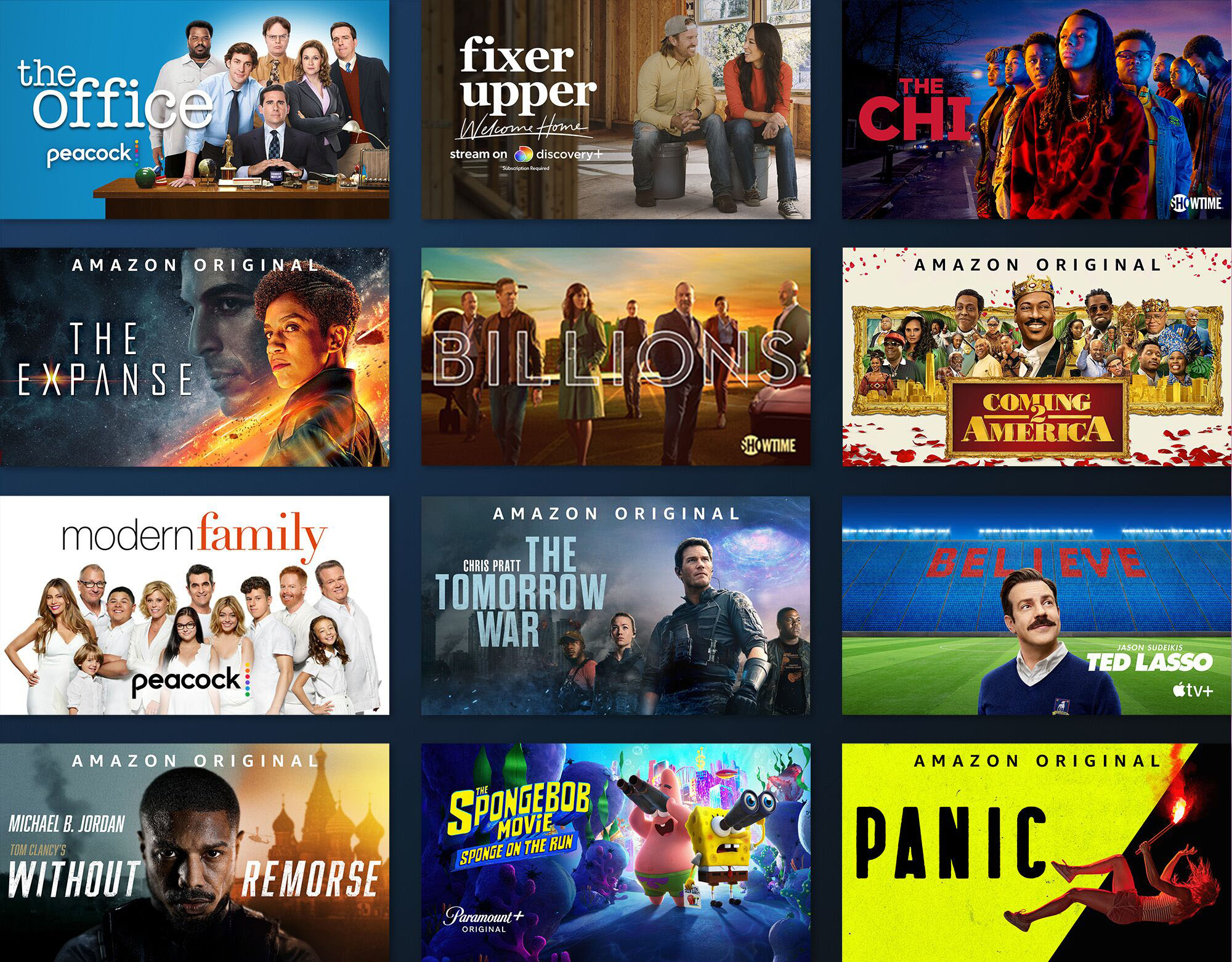
Thank you for your question about the Amazon Omni Series TV. The Omni Series is part of the first line-up of Amazon branded smart TVs. We worked with established brands, such as TCL to bring these TVs to life! The Omni series offers cinematic 4K entertainment that gives you true-to-life picture quality with rich, brilliant colors. It has support for 4K Ultra HD, Dolby Vision, HDR 10, HLG, and Dolby Digital Plus. Dolby Vision brings spectacular color, contrast, clarity, and brightness to your screen. With the Omni, you can stream over 1 million movies and TV episodes with subscriptions to Netflix, Prime Video, Disney+ and much more. You'll be able to keep all of your entertainment in one place and watch live and free TV, play video games, and stream music. The Omni TV is smart and always getting smarter with new Alexa skills, features, smart home capabilities, and voice functionality added all the time. With built-in microphones, you have access to Alexa, hands-free! Just ask her to turn on the TV, find, launch, and control content, and control your smart home! There are built in privacy protections and controls, including a switch that electronically disconnects the microphones. You can also have all of your devices connected with the 3 HDMI input to connect cable or satellite and video game consoles. The HDMI eARC lets you add audio equipment for enhanced sound. I hope this information helps explain the new Omni Series TV. Have a great day!
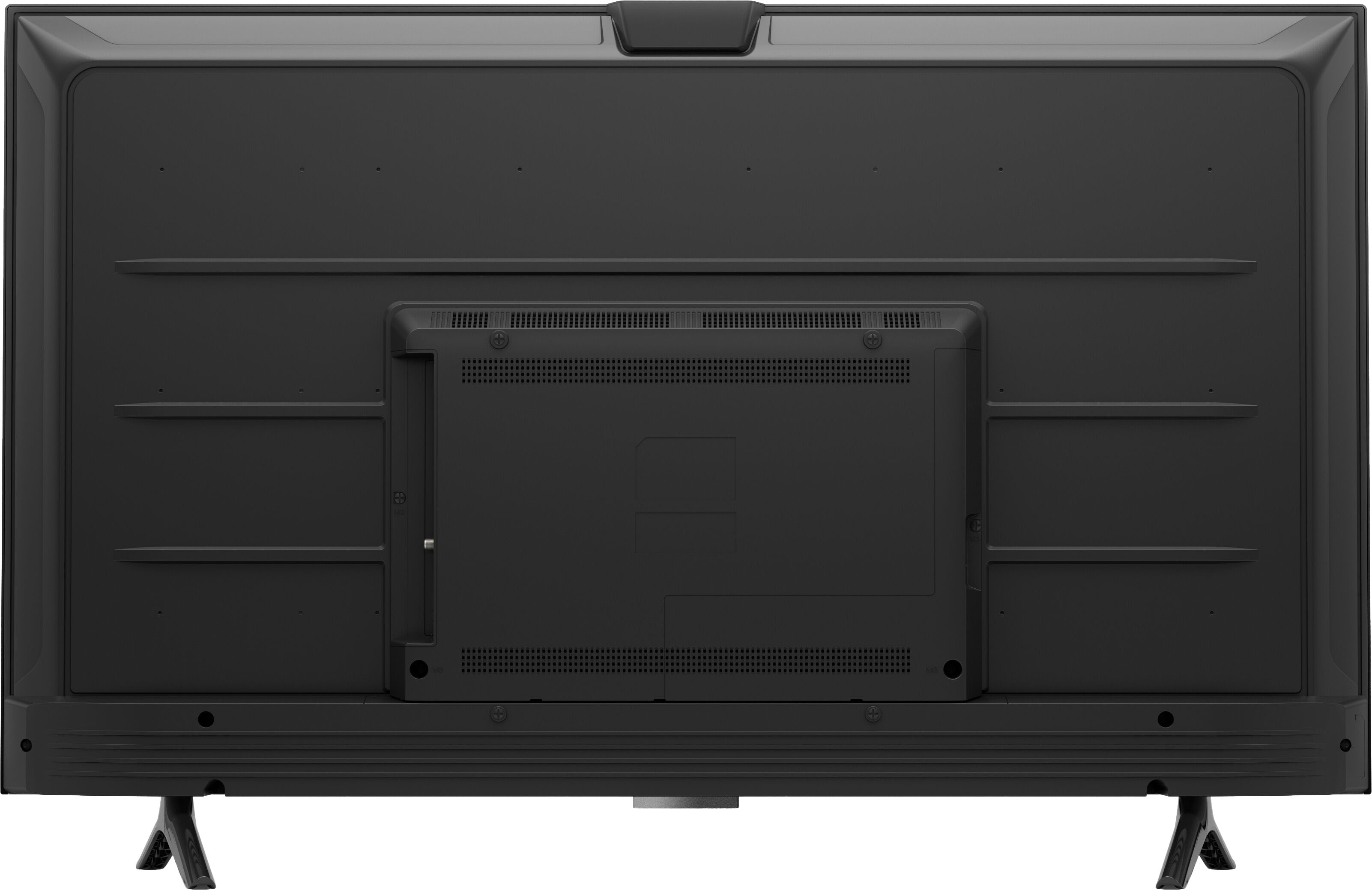
A:AnswerHi Terry! Yes, you can mount the Omni/4-Series TV. Any mount that shows that it is compatible with any 55” TV. I hope this information helps. Have a great day!