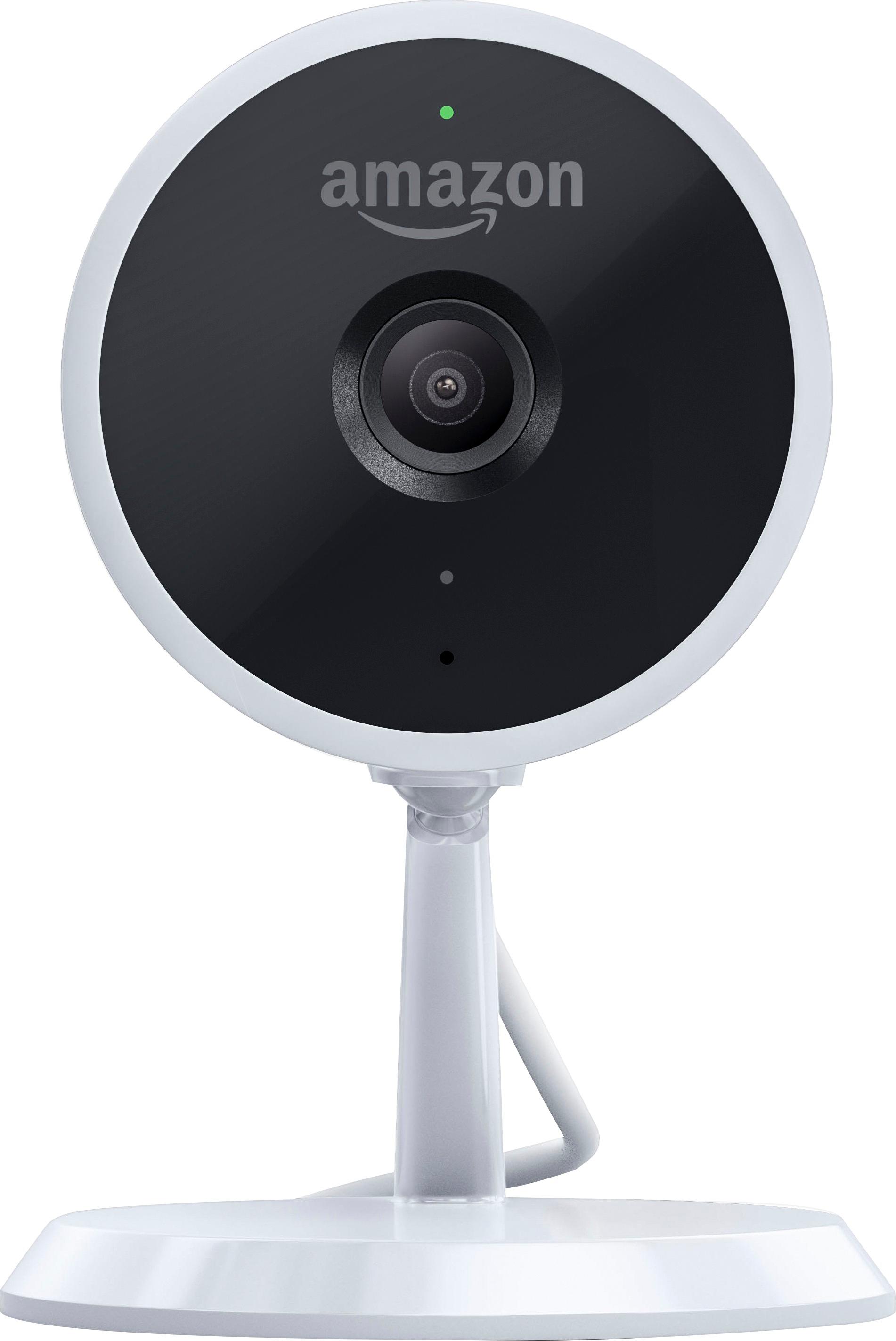
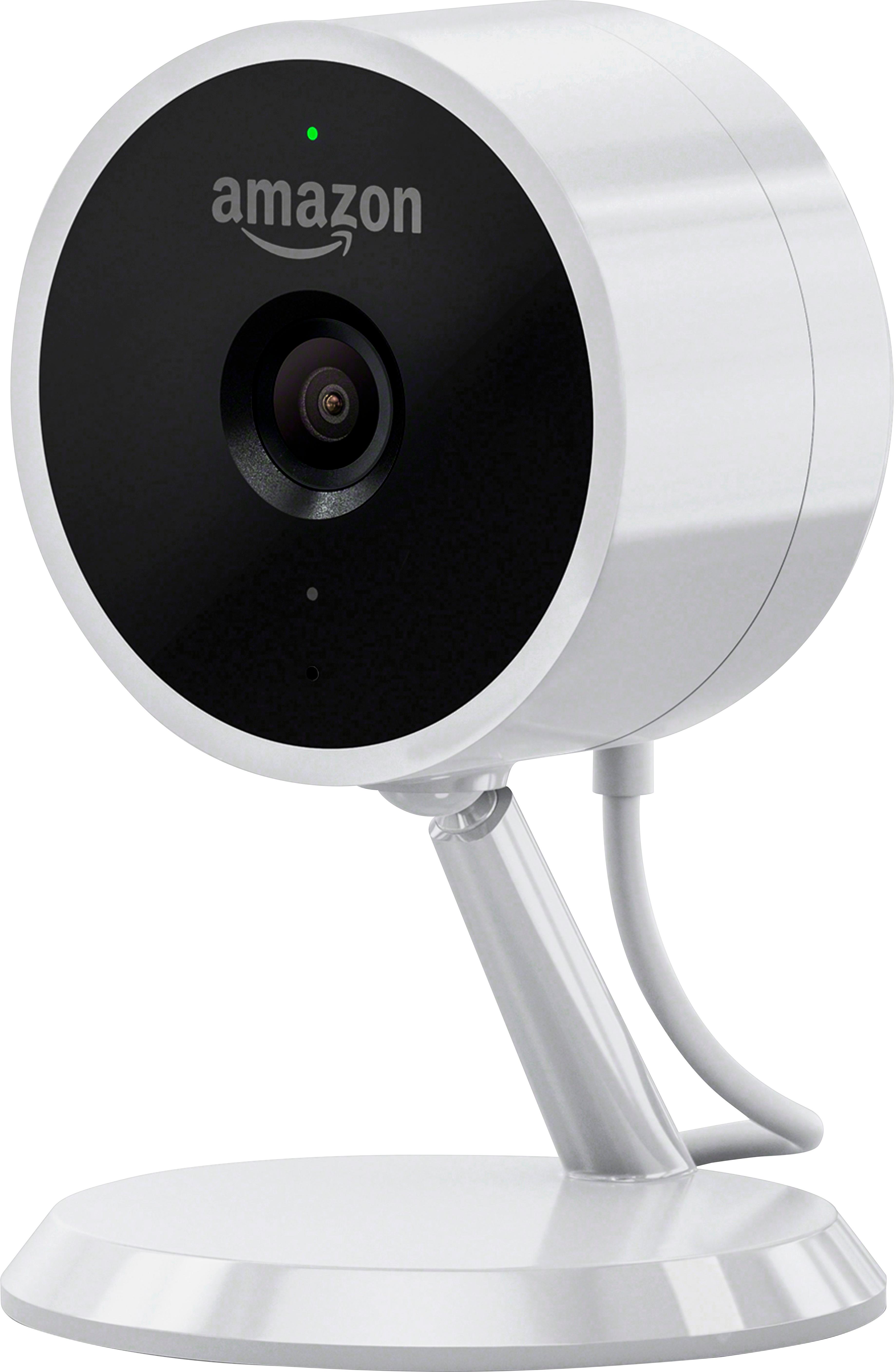
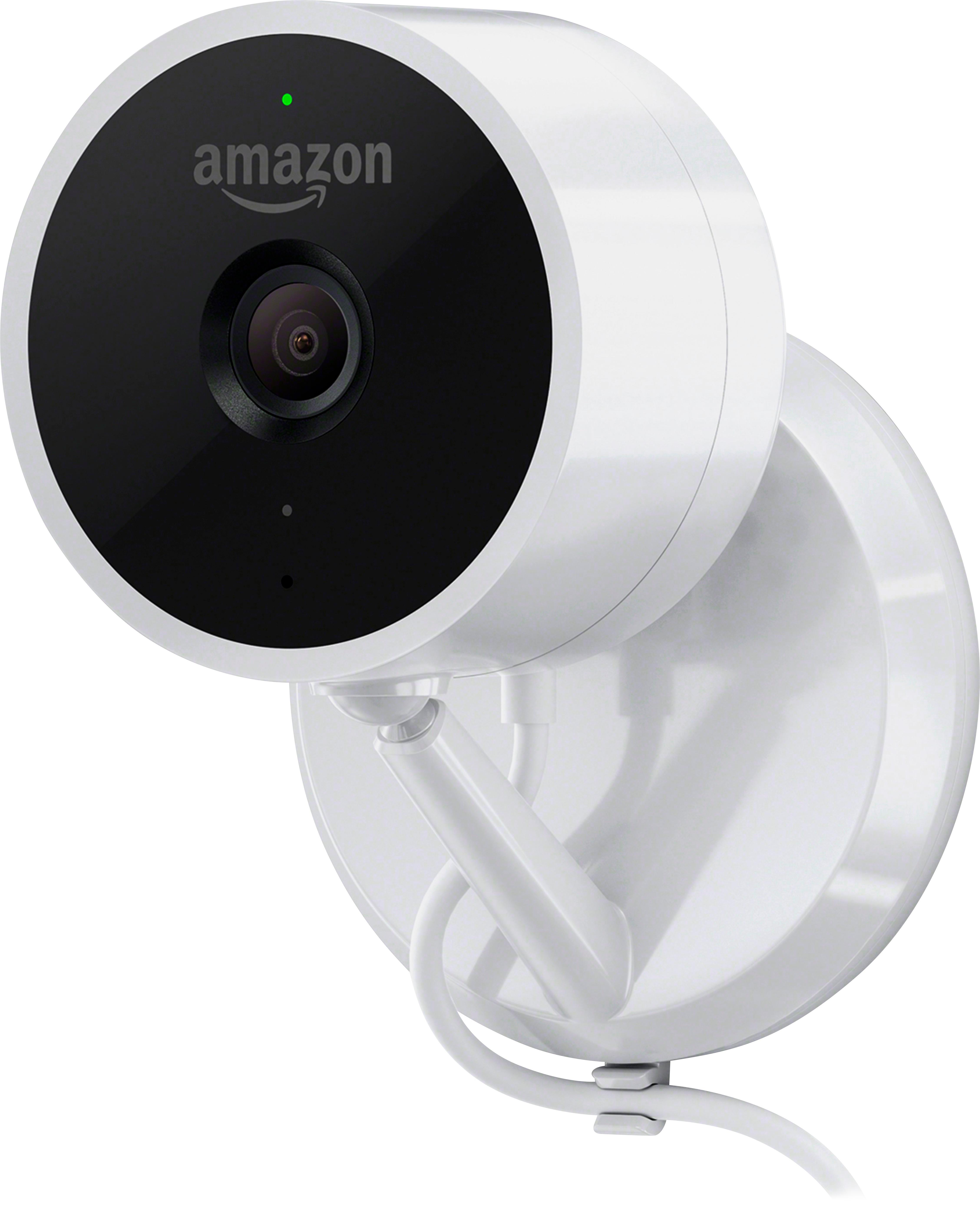
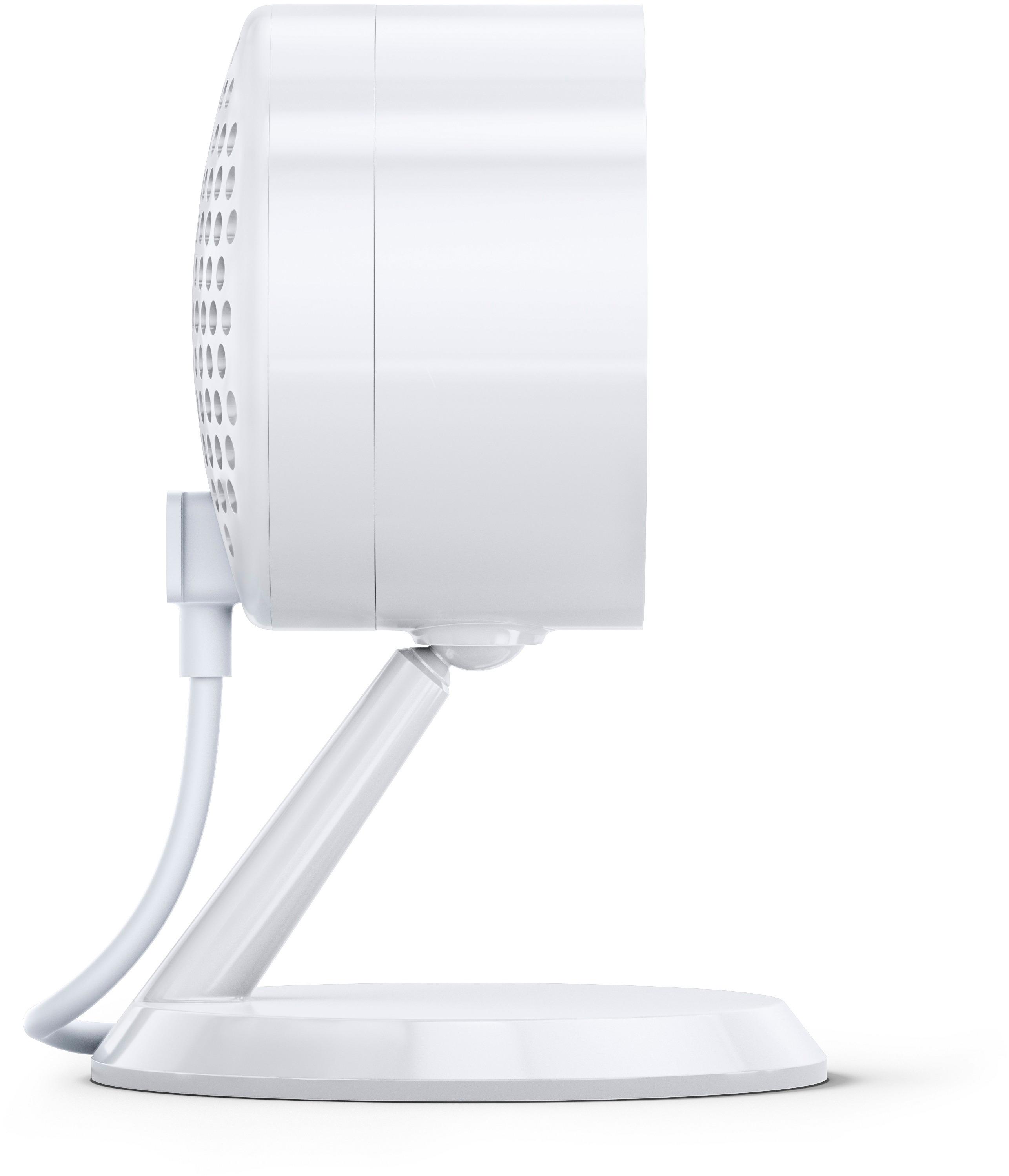
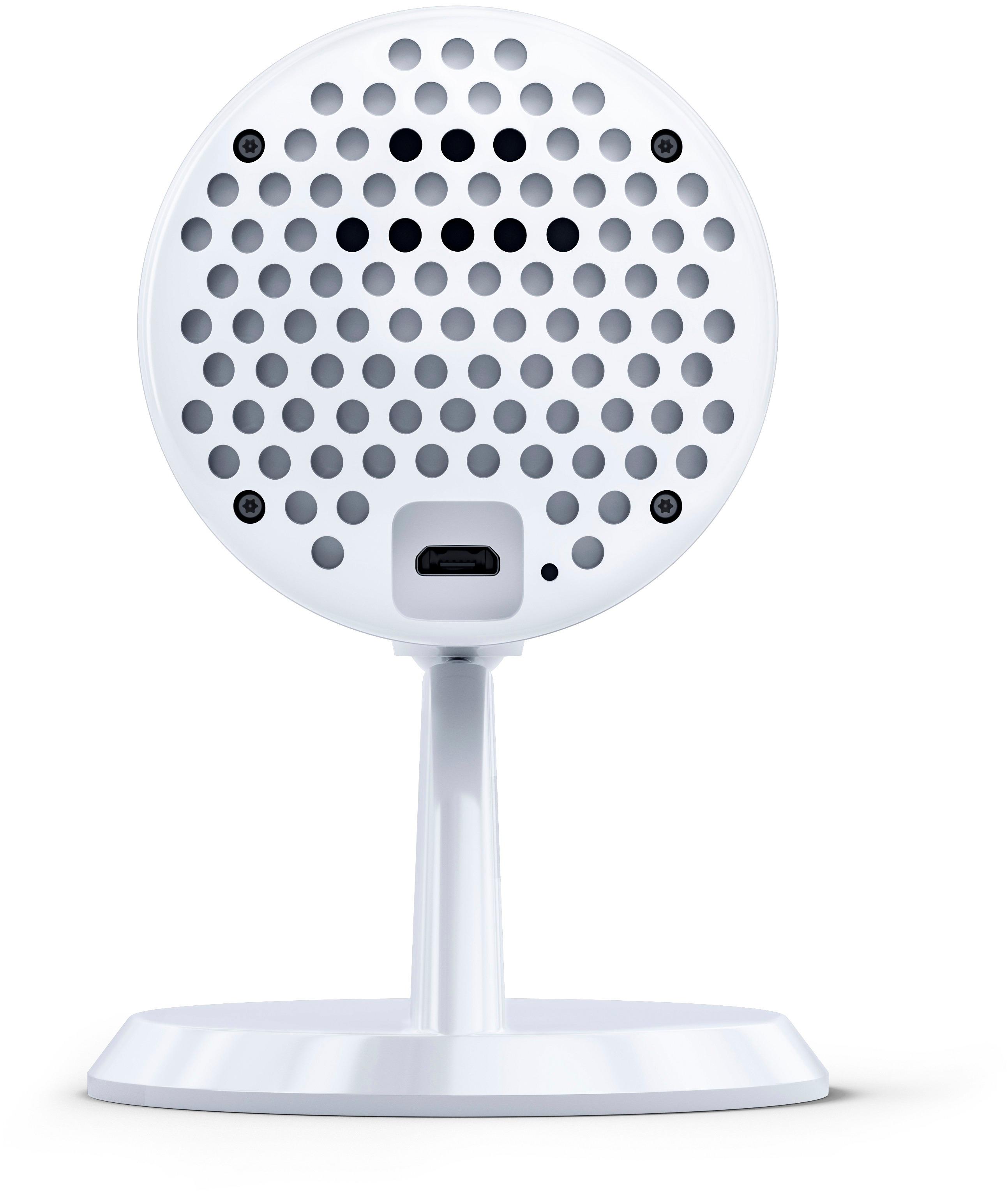
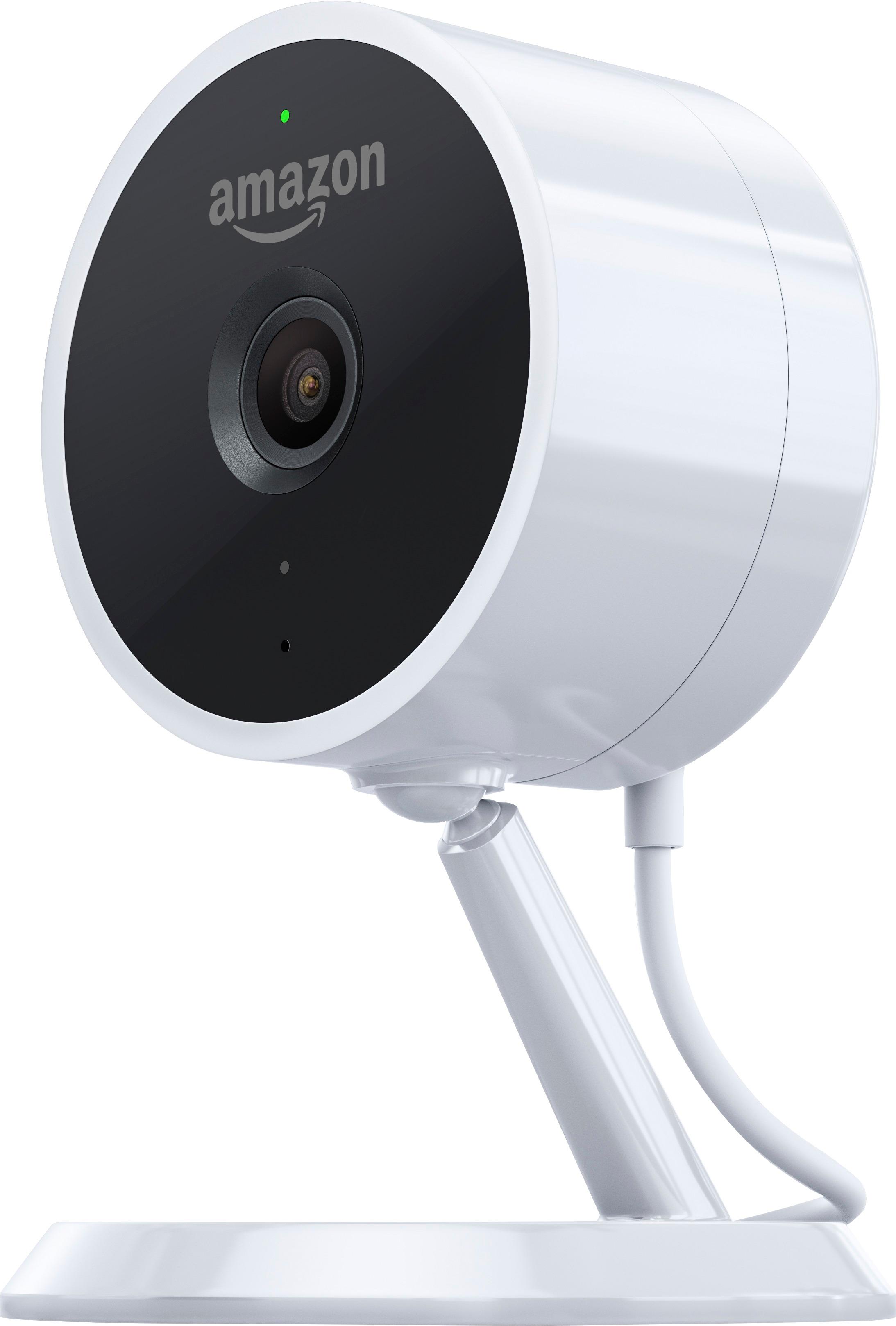
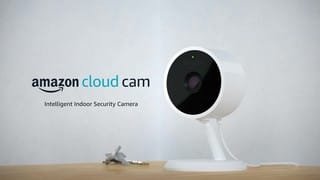
A:Answer1) This system requires a wall plug in.
2) System requires a wifi network.. It has wireless wifi capability
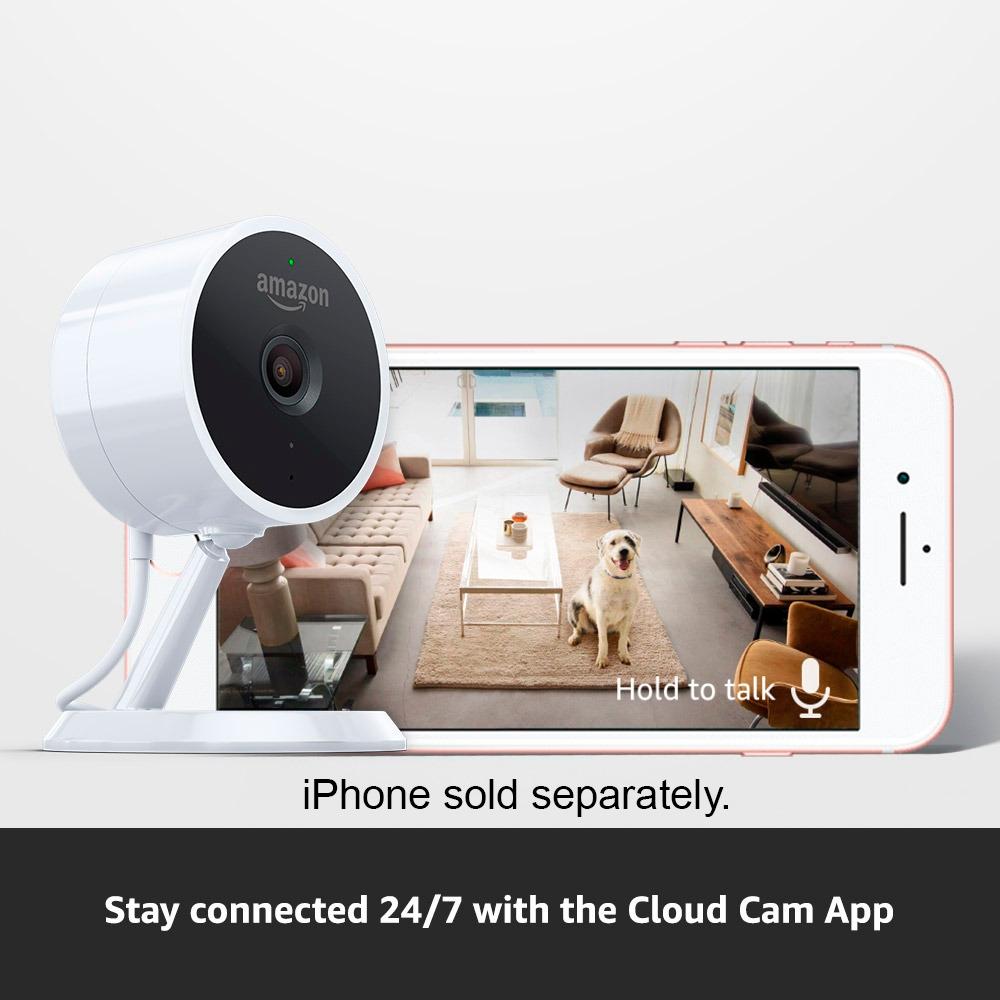
3) it can be used with an iphone, iPad or other combaitible (mobile) device... it does not support a laptop or desktop
4) You can name each camera and run multiple Cameras
A:AnswerNo you dont need Alexa for the amazon cloud cam. And no, you dont have to be connected to the same wifi as the camera is on to see live video. As long you are connected to the internet and have decent bandwidth, you should be ok.
A:AnswerYes you can pull up the cameras at anytime to see what is going on. You can have 3 cameras connected and cloud recording on all 3 that you can access for 1 week. If you want to have more than 3 cameras or would like to be able to look back farther than a week you will have to pay a monthly fee. I use mine to keep an eye on my Great Dane and have learned that I have to keep the camera off when I’m not home because ever time he moves I would get a notification. The first day I had 100 notifications in the first 3 hours. I still love the camera and am looking to get a few more.
Hope that helps.
A:AnswerYes you can turn on or off the camera from m your phone. And it also has other ways to manage your camera. My cameras turn off as soon as my wife and I come home. And turn on when both of us leave house by using a location app from our phone. It’s easy as a walk in the park.
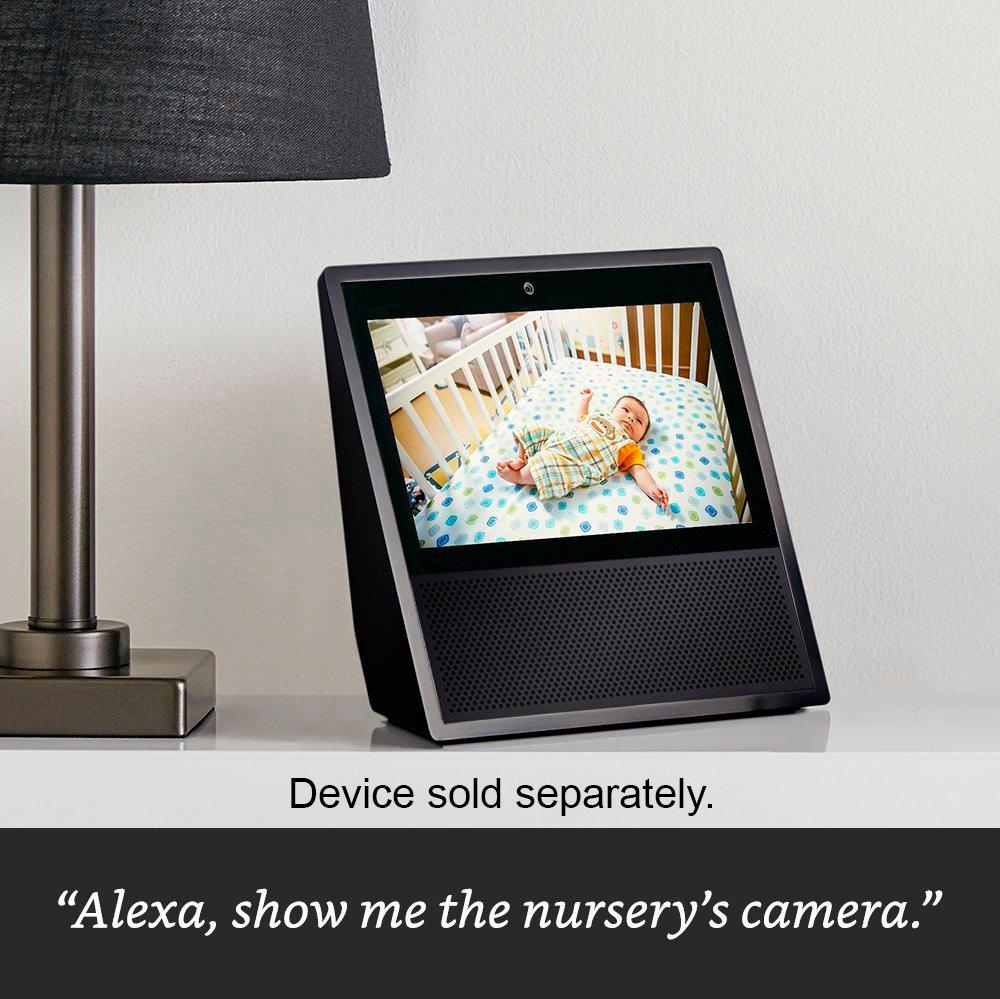
A:AnswerThe cloud cam works just fine with the echo spot. As far as using it in a covered area outside, I would still be concerned about outdoor humidity and would not put it outdoors.
A:AnswerYour viewing the app to closely to the camera. Press the mute button, you are getting feedback from the camera being too close to your monitoring device.