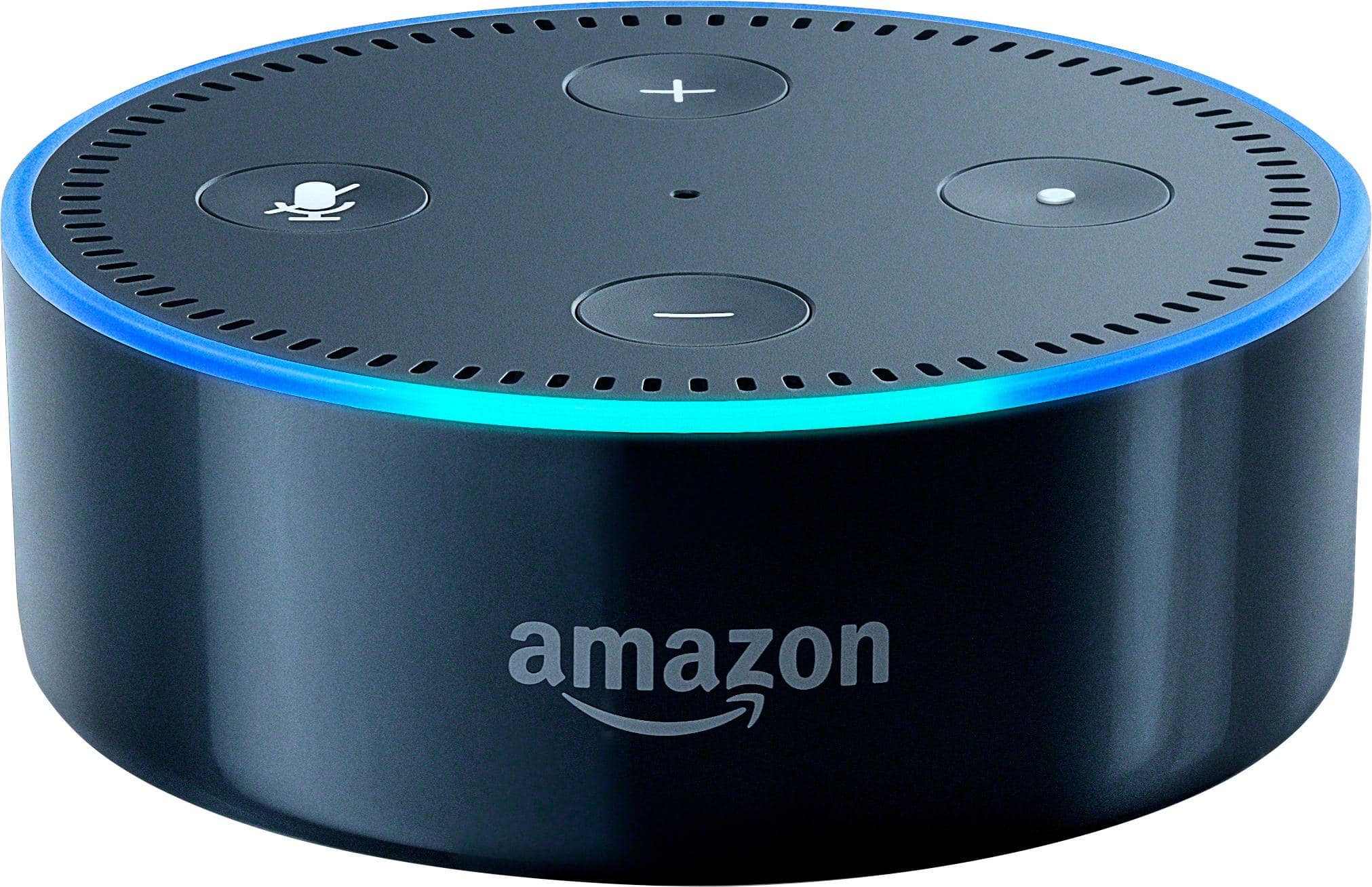
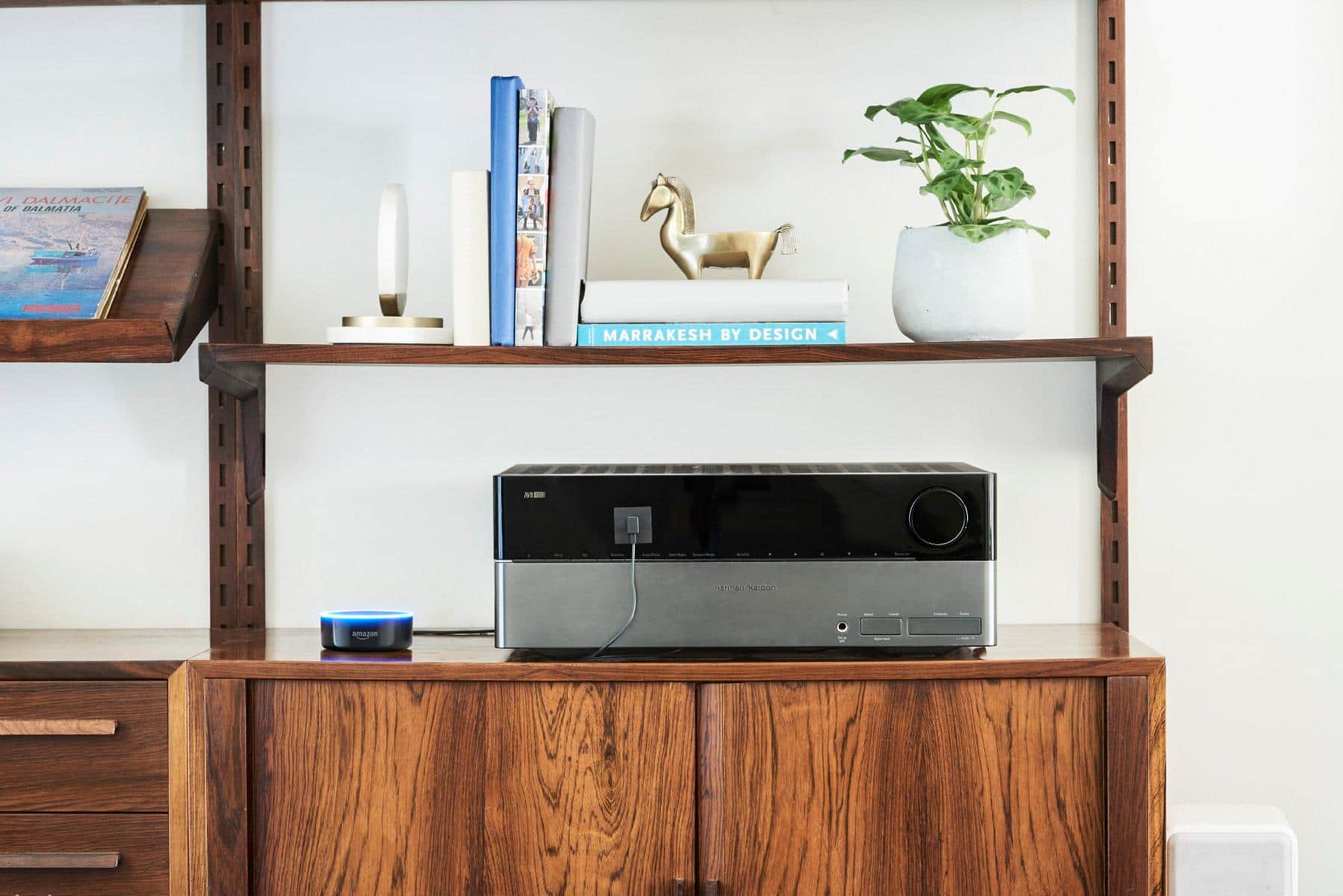
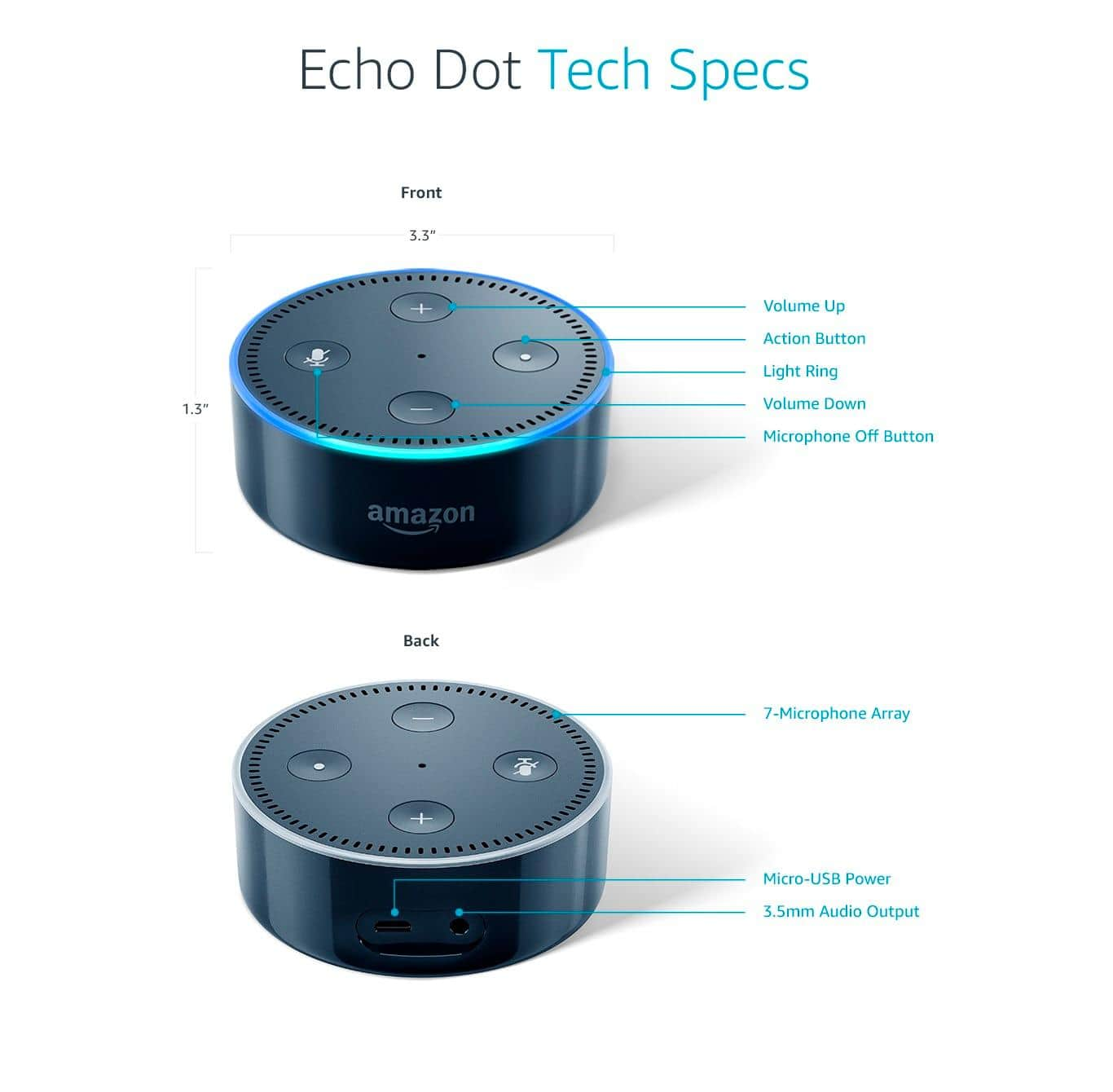
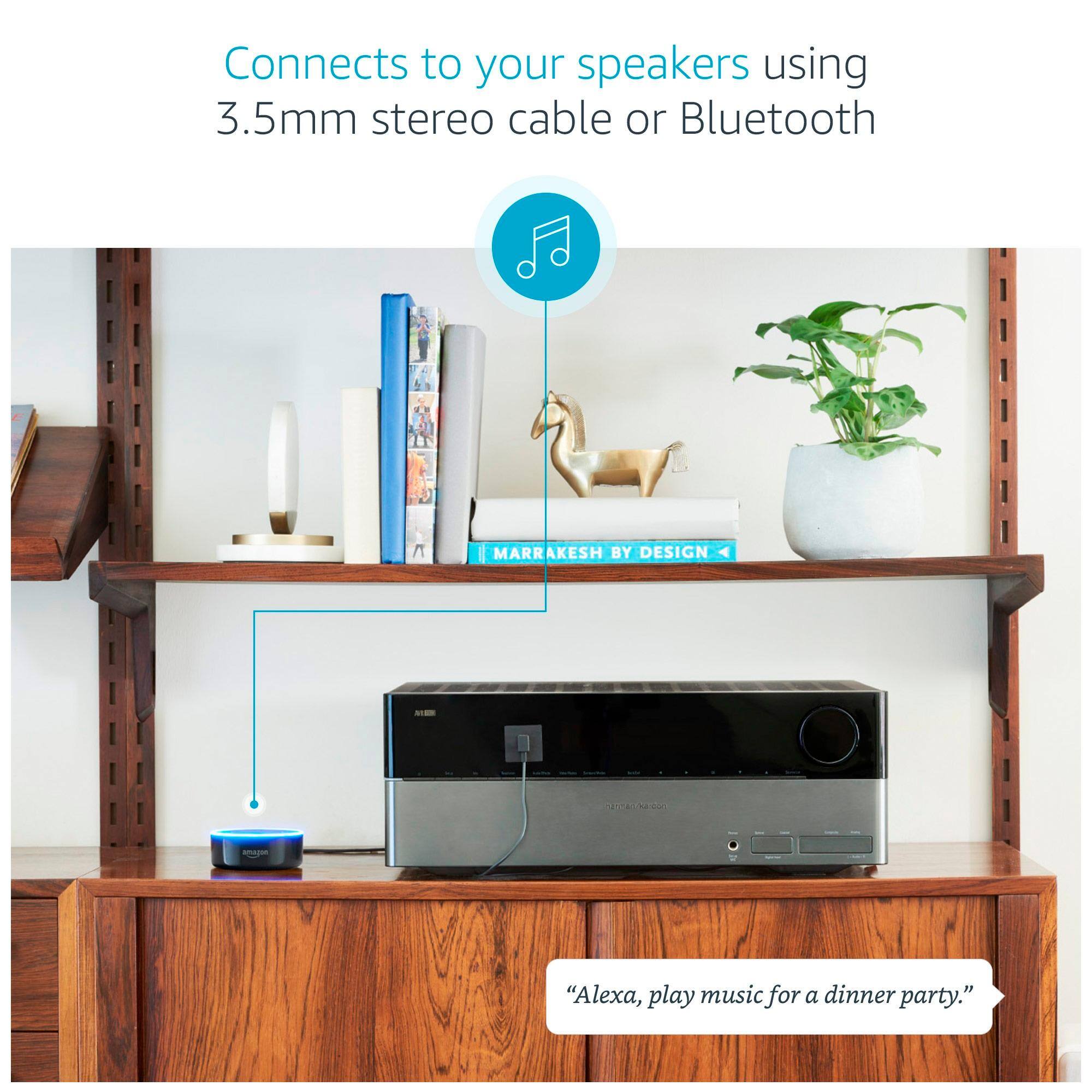
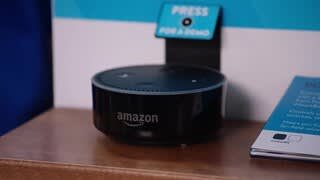
A:AnswerYou sure can. And if you intend to use the Dot to play music (i.e. Amazon Music) then I suggest you do. The Dot has plenty of volume for its miniscule size; but the quality of the audio is virtually flat.
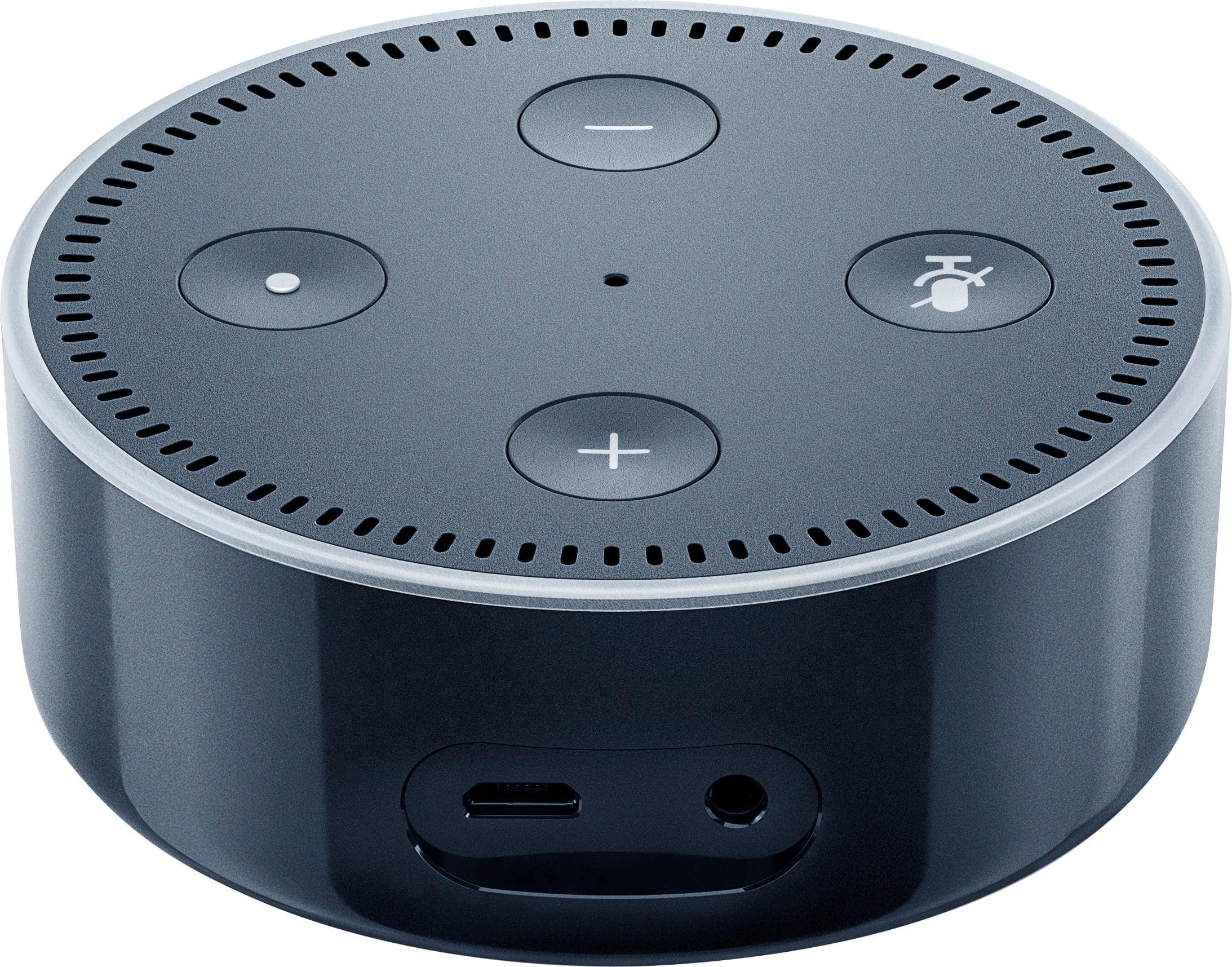
A:AnswerUnfortunately not. The Dot cannot even be set up without having a WiFi connection: the device does not have a port for an Ethernet plug. And it needs the initial WiFi connection to basically initialize/activate it.
Technically you COULD take it to a friend's or relative's place that has WiFi; set it up there, then bring it back home. But without active WiFi the only thing you'll be able to do is use the Dot as a speakerphone. For $50 that's not worth the trouble.
A:AnswerOne thing I forgot to mention. The larger echo just has a better speaker and that is the only difference between them. We have 1 echo and 3 echo dots. They all preform the exact same tasks. So if on a tight budget, stick with the dot.
A:AnswerNo. You can set alarms for anytime or set a daily wakeup alarm (ALEXA set alarm for 10am everyday) and you can change the alarm tone/ringer that is used
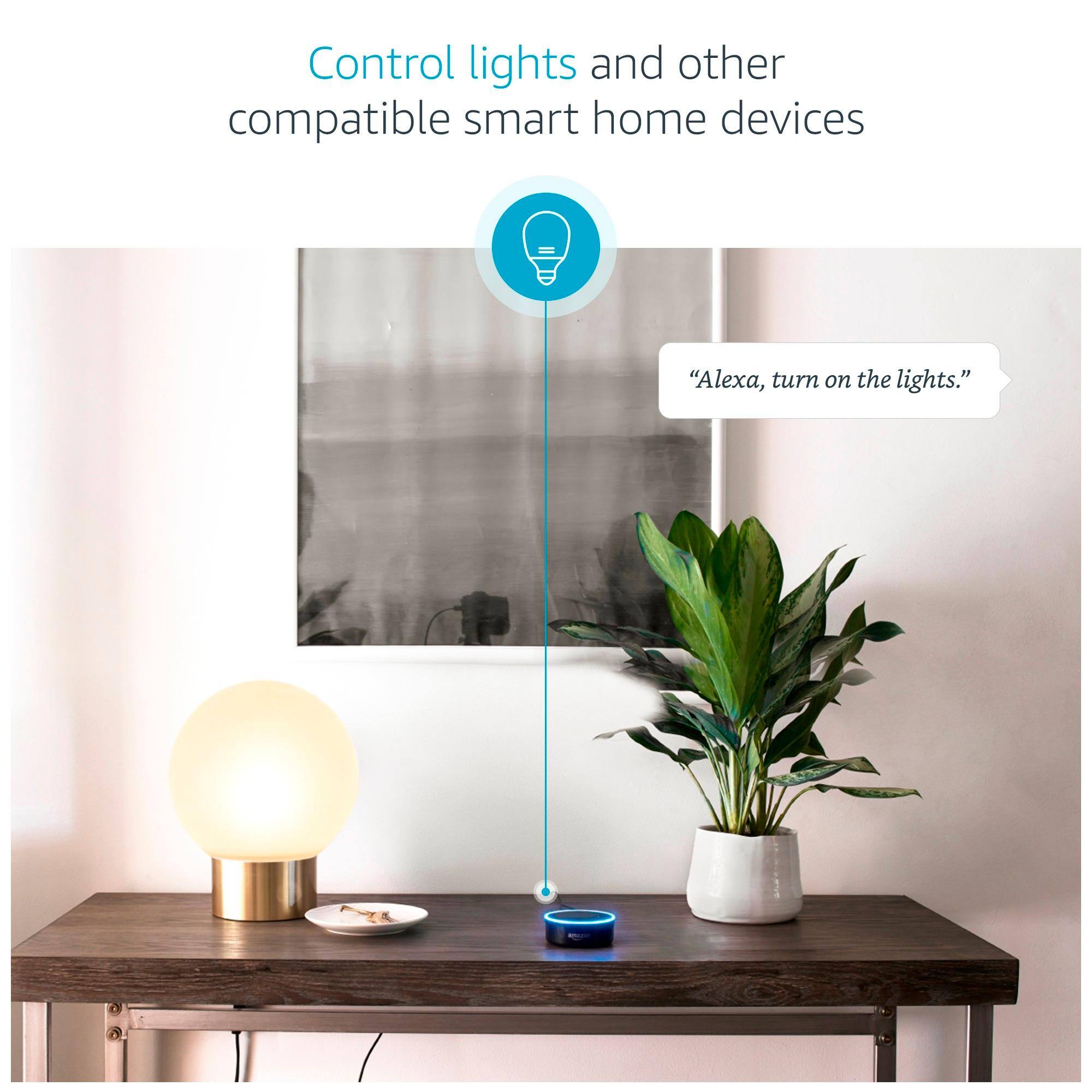
A:AnswerAt a minimum, you will need the iOS or Android app to set up and monitor your Echo or Dot. You will also need a reliable wi-fi connection. If you have these two things, then you can start adding on additional smart-home devices and applications to suit your needs.
A:AnswerFirst you down load the Echo app, then you blue tooth it to your telephone, After that you use the Echo app to finish the configuration. when you finish you will connect to the internet using the wi-fi of your router. it is a wi fi device.
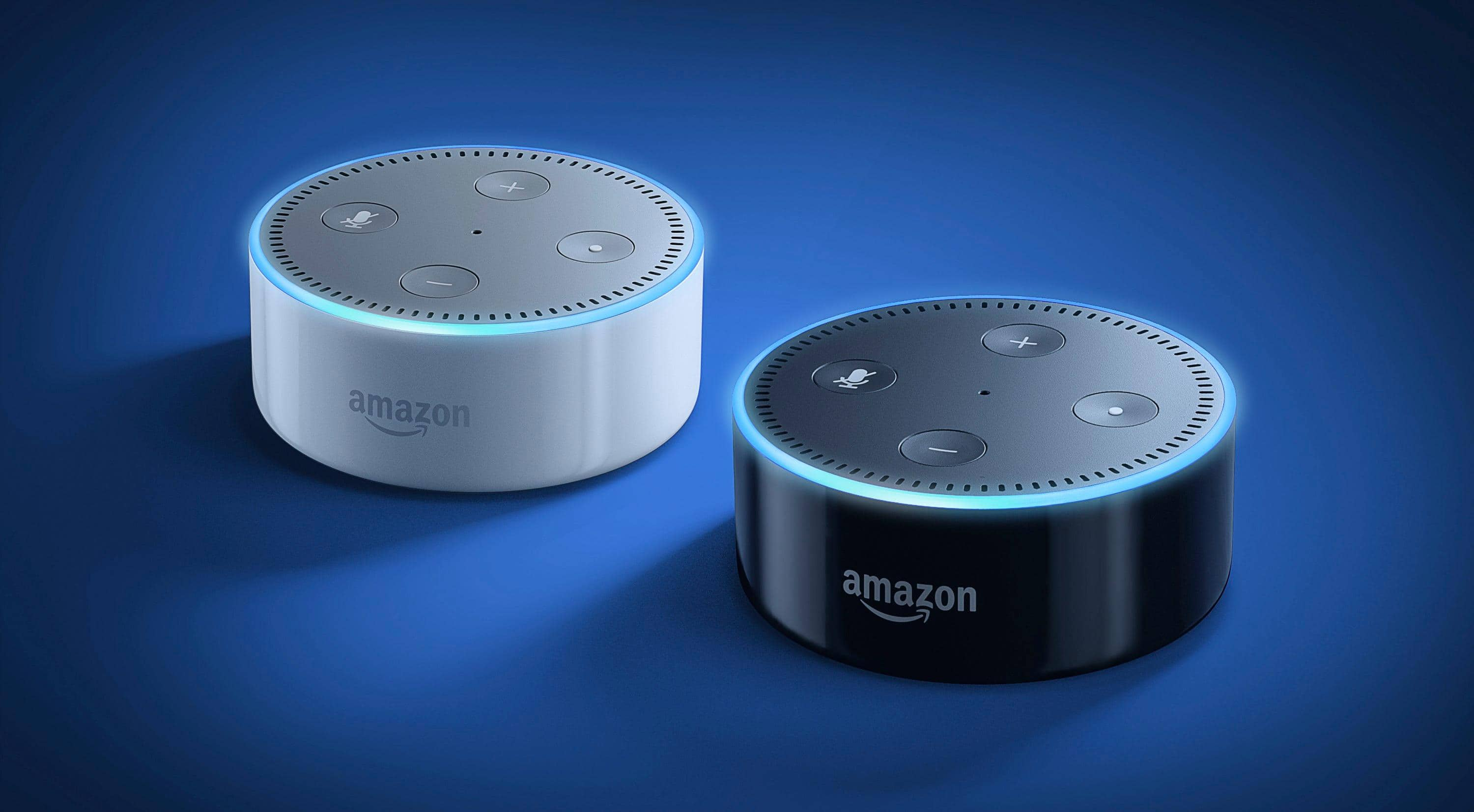
A:AnswerSecond generation. The only difference in second and third generation is the third comes with a high quality speaker. The second generation's speaker is still very good and you can add it to your own speakers via Bluetooth or wire if you want.