A:AnswerInternet Wi-Fi and a free Amazon Alexa app on your computer, phone, or tablet. Having an Amazon Prime account gives you more features but it's not required.
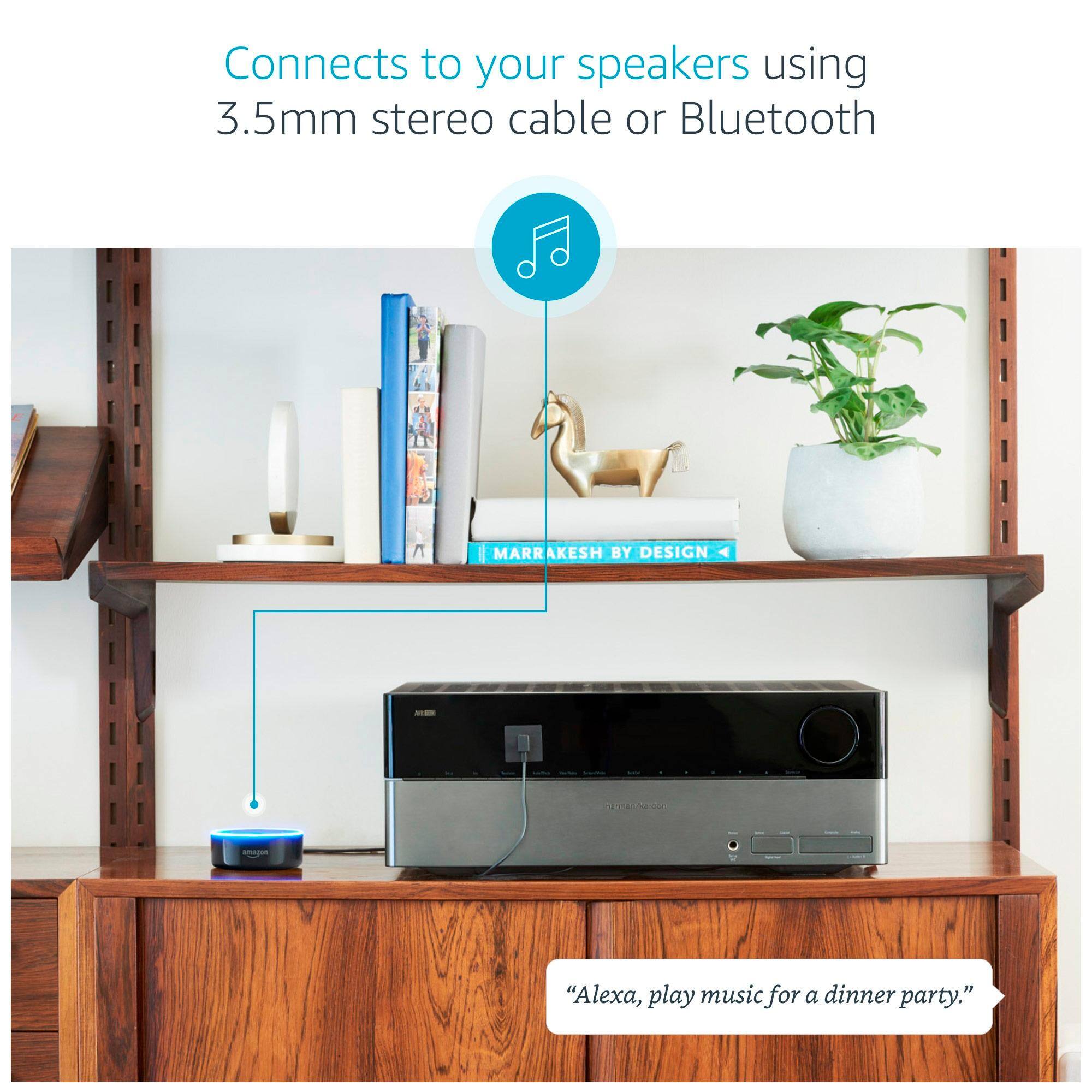
A:AnswerYes you can connect any Bluetooth device to your echo.open your echo app from your mobile and find your beats headphone under add new Bluetooth device
A:AnswerYou sure can. And if you intend to use the Dot to play music (i.e. Amazon Music) then I suggest you do. The Dot has plenty of volume for its miniscule size; but the quality of the audio is virtually flat.
A:AnswerUnfortunately not. The Dot cannot even be set up without having a WiFi connection: the device does not have a port for an Ethernet plug. And it needs the initial WiFi connection to basically initialize/activate it.
Technically you COULD take it to a friend's or relative's place that has WiFi; set it up there, then bring it back home. But without active WiFi the only thing you'll be able to do is use the Dot as a speakerphone. For $50 that's not worth the trouble.
A:AnswerOne thing I forgot to mention. The larger echo just has a better speaker and that is the only difference between them. We have 1 echo and 3 echo dots. They all preform the exact same tasks. So if on a tight budget, stick with the dot.
A:AnswerNo. You can set alarms for anytime or set a daily wakeup alarm (ALEXA set alarm for 10am everyday) and you can change the alarm tone/ringer that is used
A:AnswerAt a minimum, you will need the iOS or Android app to set up and monitor your Echo or Dot. You will also need a reliable wi-fi connection. If you have these two things, then you can start adding on additional smart-home devices and applications to suit your needs.
A:AnswerMake sure your dot is connected to the wifi, and also selected music server activated in your alexa app... Such as amazon music or pandora... Hope that helps...