
Main Content

Questions & Answers

Your price for this item is $299.99
Page Showing 1-20 of 54 questions
  • QuestionWhat are the dimensions of the product?

    • Answer The product is 3.543 inches high, 16.89 inches deep, and 10.53 inches wide.
    This question and answer was generated by AI based on customer and product data.
  • QuestionWhat is the operating system used by the product?

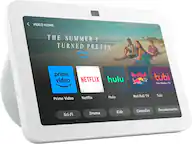
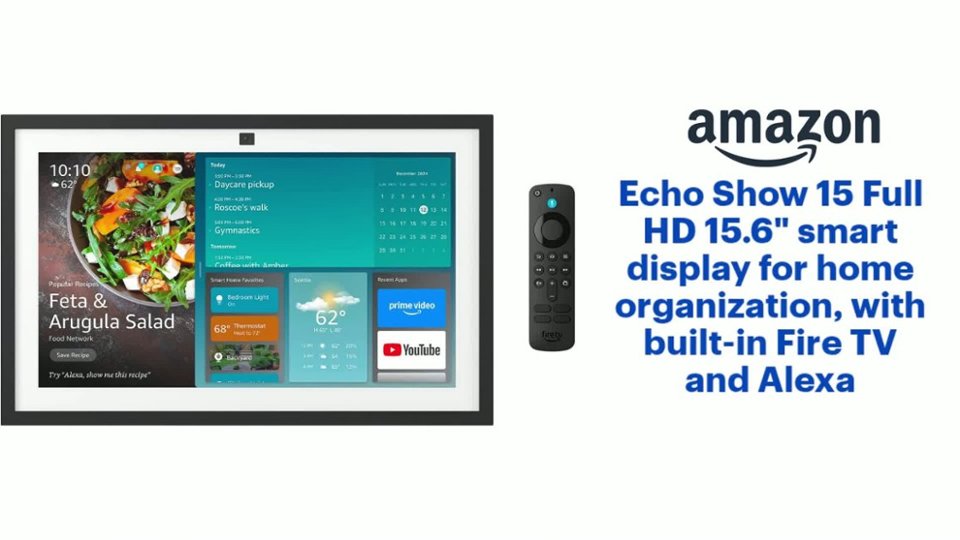
    • Answer The operating system used by the Echo Show 15 is Fire OS.
    This question and answer was generated by AI based on customer and product data.
  • QuestionWhat is the size of the woofer?

    • Answer The woofer size is 1 inch.
    This question and answer was generated by AI based on customer and product data.

  • QuestionCan you use the product to make video calls?

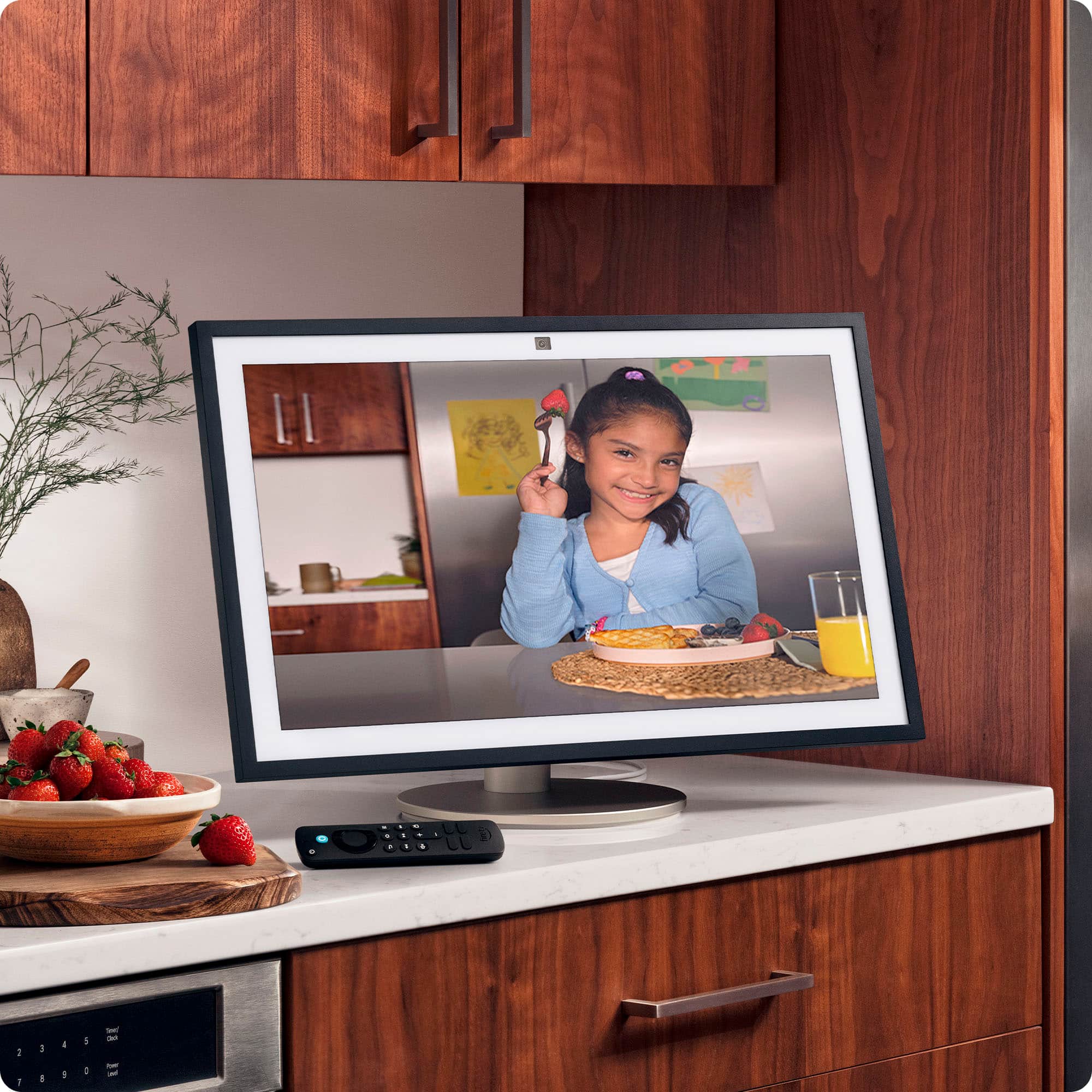
    • Answer This product allows you to enjoy natural video calls, and it even features 3.3x zoom and a wide field of view.
    This question and answer was generated by AI based on customer and product data.

  • QuestionHow far from the wall does this sit after mounting? Can you plug in behind it and hide the chord?

    Asked by RiverRat.

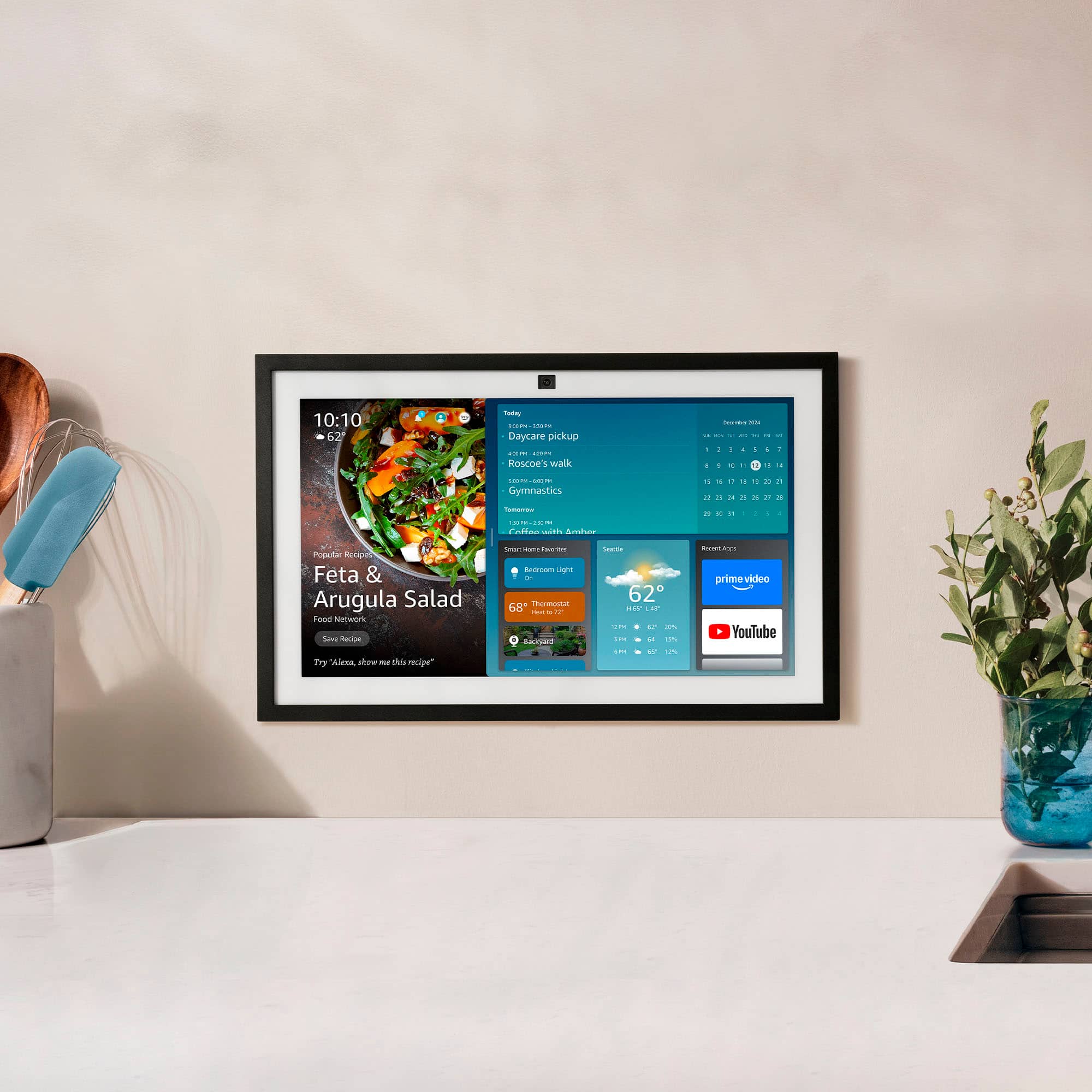
    • Answer Hi RiverRat! The Echo Show 15 attaches nearly directly to the wall when mounted with the included hardware, so it should be around 1.5" out from the wall. There is a channel to run the cord down behind it even when it's mounted flat. I hope that helps, have a great rest of your day!

      Answered by Amazon Devices Customer Support

  • QuestionCan this echo device be used with blink products?

    Asked by Blinker.

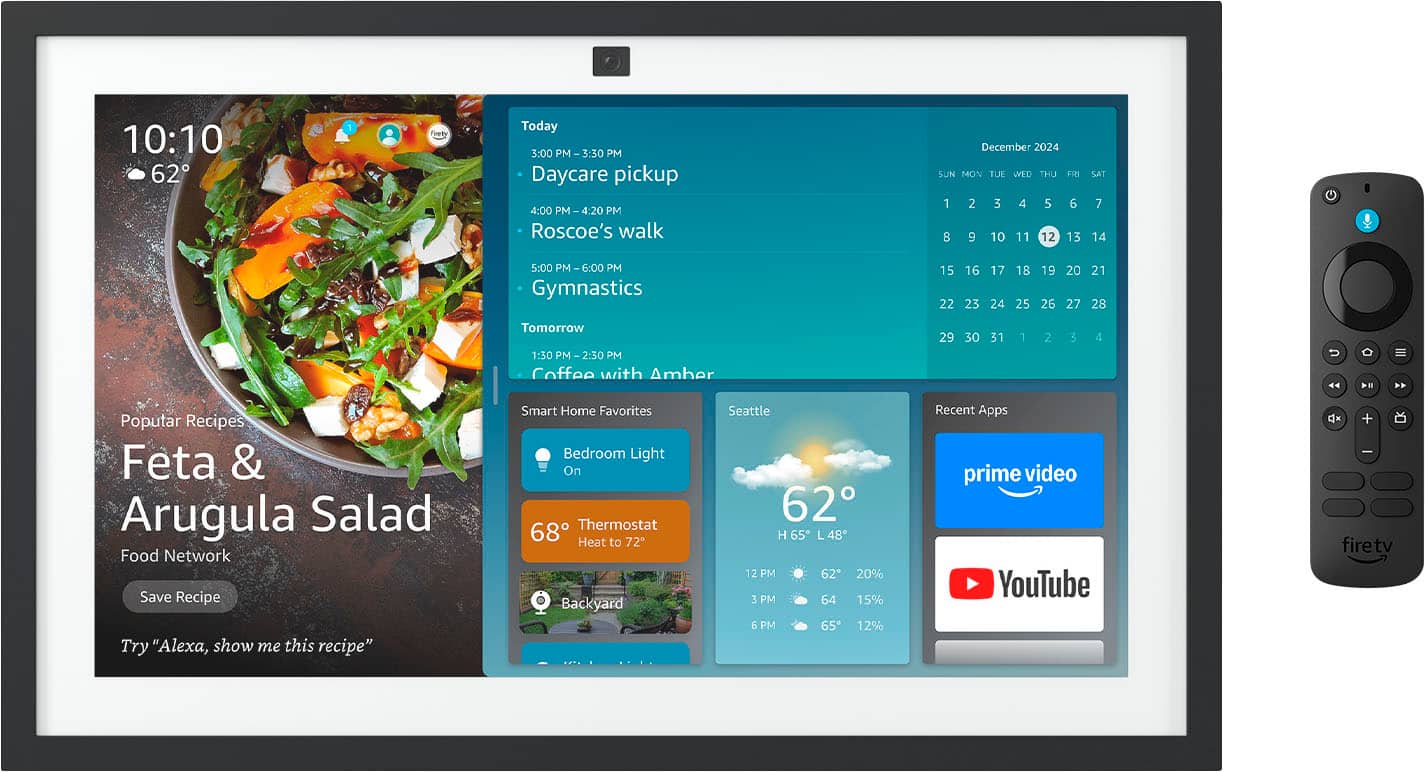
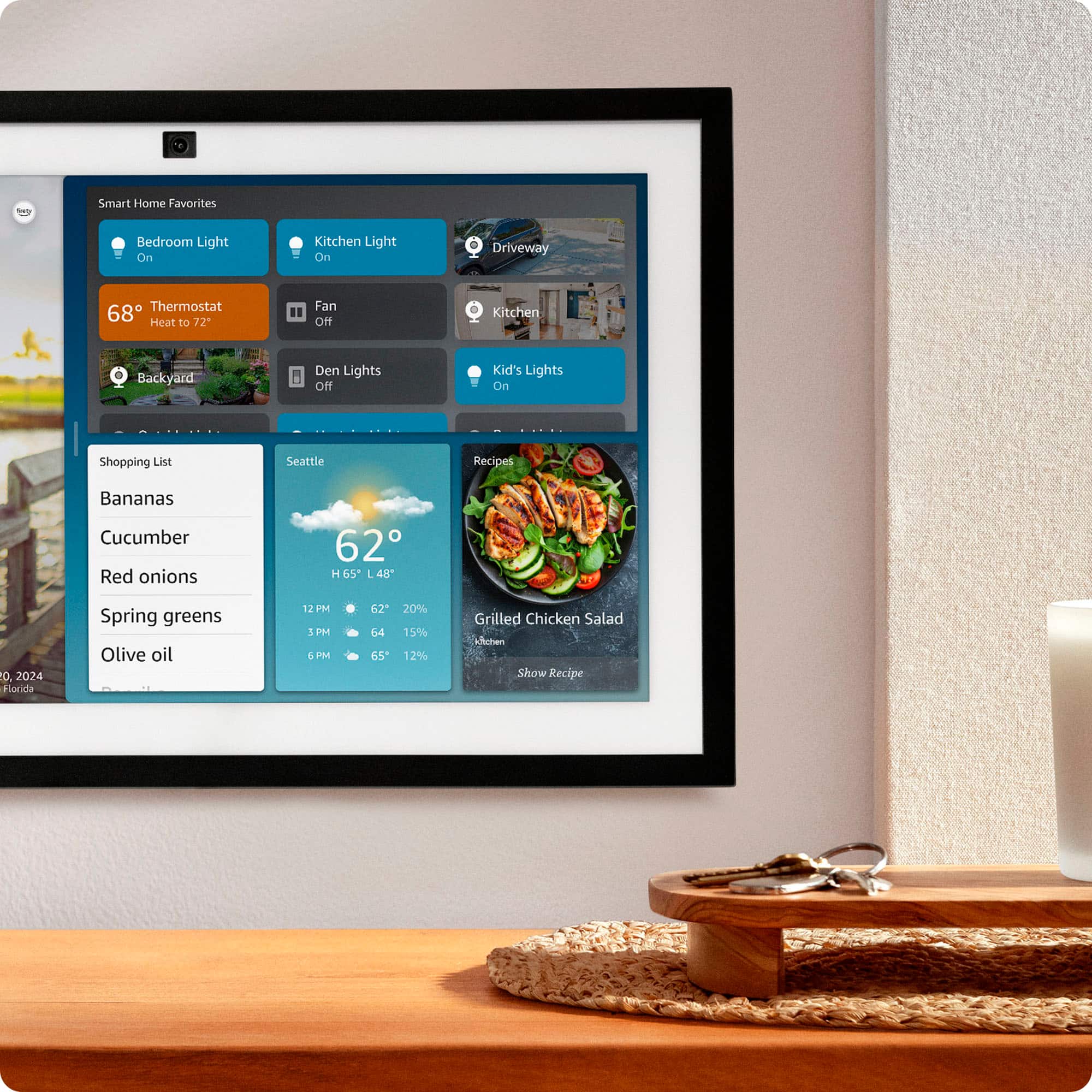
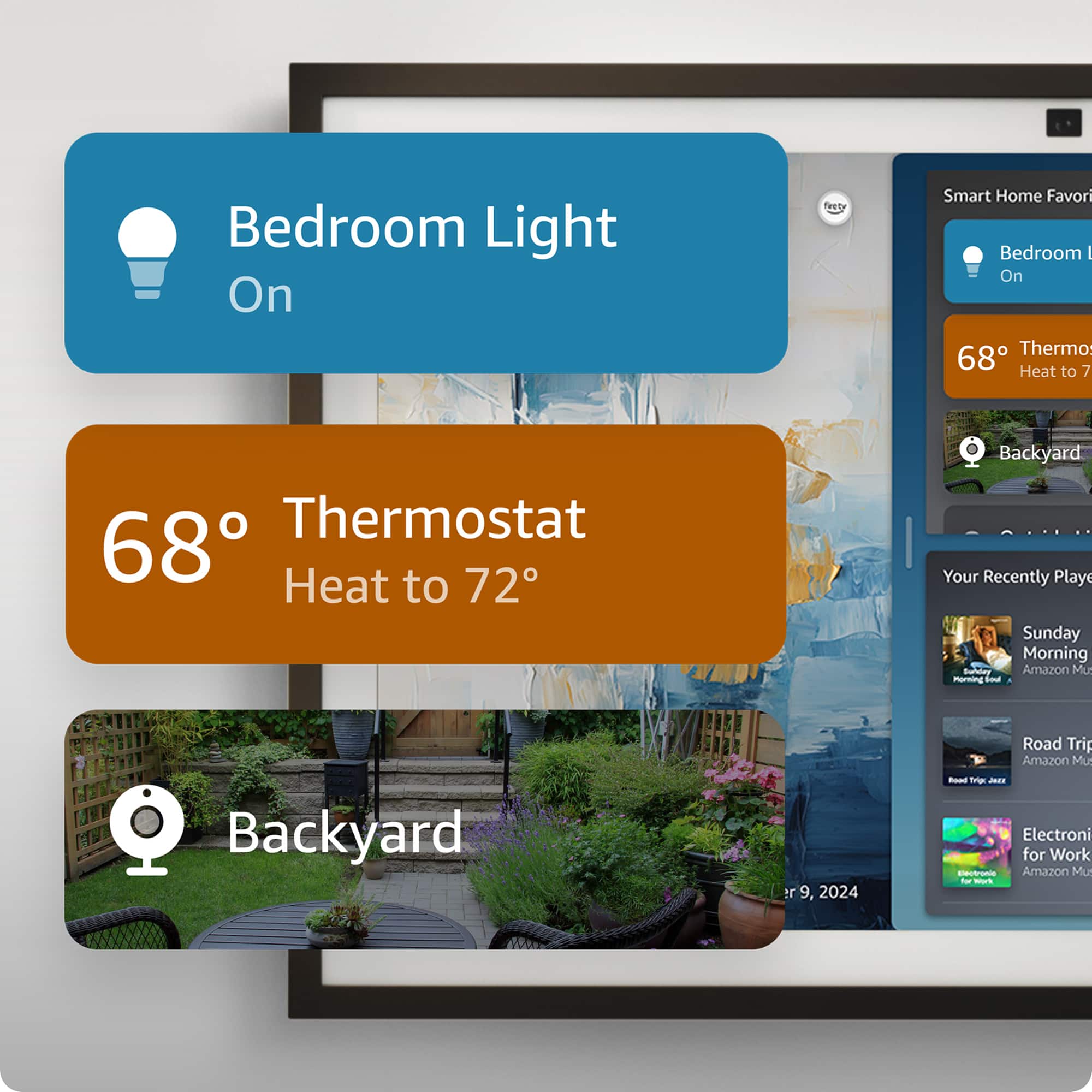
    • Answer "Hello Blinker,. Yes! The smart home dashboard displays compatible smart home devices in your home. You can use the Smart Home dashboard to see and control compatible smart home devices in your home from your Echo Show. Your dashboard shows: -Lights -Plugs -Switches -Cameras -Thermostats Your smart home devices must be connected to your Amazon account to display on the Smart Home dashboard. To add a device, say, ""Discover devices."" You can also add devices from the Alexa app. You can add compatible smart home devices to your Favorites. Use the Alexa app to add favorite devices. You can also add the Smart Home Favorites widget to your Widget Panel to see and control your favorite compatible smart home devices. To add the Smart Home Favorites widget to your home screen, go to the Widget Gallery. You can also say ""Add the Smart Home Favorites widget to Home."" I hope this information helps. Have a great day!"

      Answered by Amazon Devices Customer Support

  • QuestionHi, Is the device ring doorbell compatible, or does it have the ring app?

    Asked by Nolalady.

    • Answer Yes, my ring doorbell seamlessly shows up on here. I can see who’s outside anytime.

      Answered by Kisha

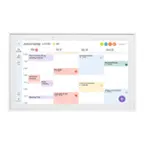
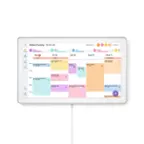
  • QuestionCan the Show 15 interface and consolidate multiple people's personal calendars, like Google or Outlook calendar?

    Asked by wemead.

    • Answer Hello wem, Yes, the Show 15 can consolidate multiple peoples calendars from multiple different sources and programs. In order to do this, you can follow these steps: 1. Open the Alexa App on your phone 2. Go to the "Settings" Menu 3. Select "Calendar" 4. Choose your calendar provider, for example, Google, Outlook, Apple, etc.You will then be prompted to follow the onscreen instructions for logging in. 5. Repeat step 4 for each of the calendars you would like to consolidate in to the Show 15 Once you have logged in to all of your calendars, the Show 15 will bring them all together to display on the devices calendar page. I hope this helps!

      Answered by Amazon Devices Customer Support

  • QuestionIs there a magnet mount that allows it to be attached n the refrigerator?

    Asked by Scottr3126.

    • Answer Hi Scottr3126, While we don't currently manufacture a refrigerator mount for the Echo Show 15, there are other retailors and vendors on amazon.com that offer what you are looking for. I hope this answers your question!

      Answered by Amazon Devices Customer Support

  • QuestionHello, Does this have the ability to make multiple To-Do lists that kids can check off daily like with a Skylight Calendar?

    Asked by T.

    • Answer Hi T! Yes, you can create to-do lists for multiple people on your Echo Show 15 by using the Alexa app to create custom lists and then sharing them with family members, or using Alexa skills like the "Chore Chart" skill. I hope this answers your question!

      Answered by Amazon Devices Customer Support

  • QuestionDo you know what tv apps come with the newest version?

    Asked by Lucia.

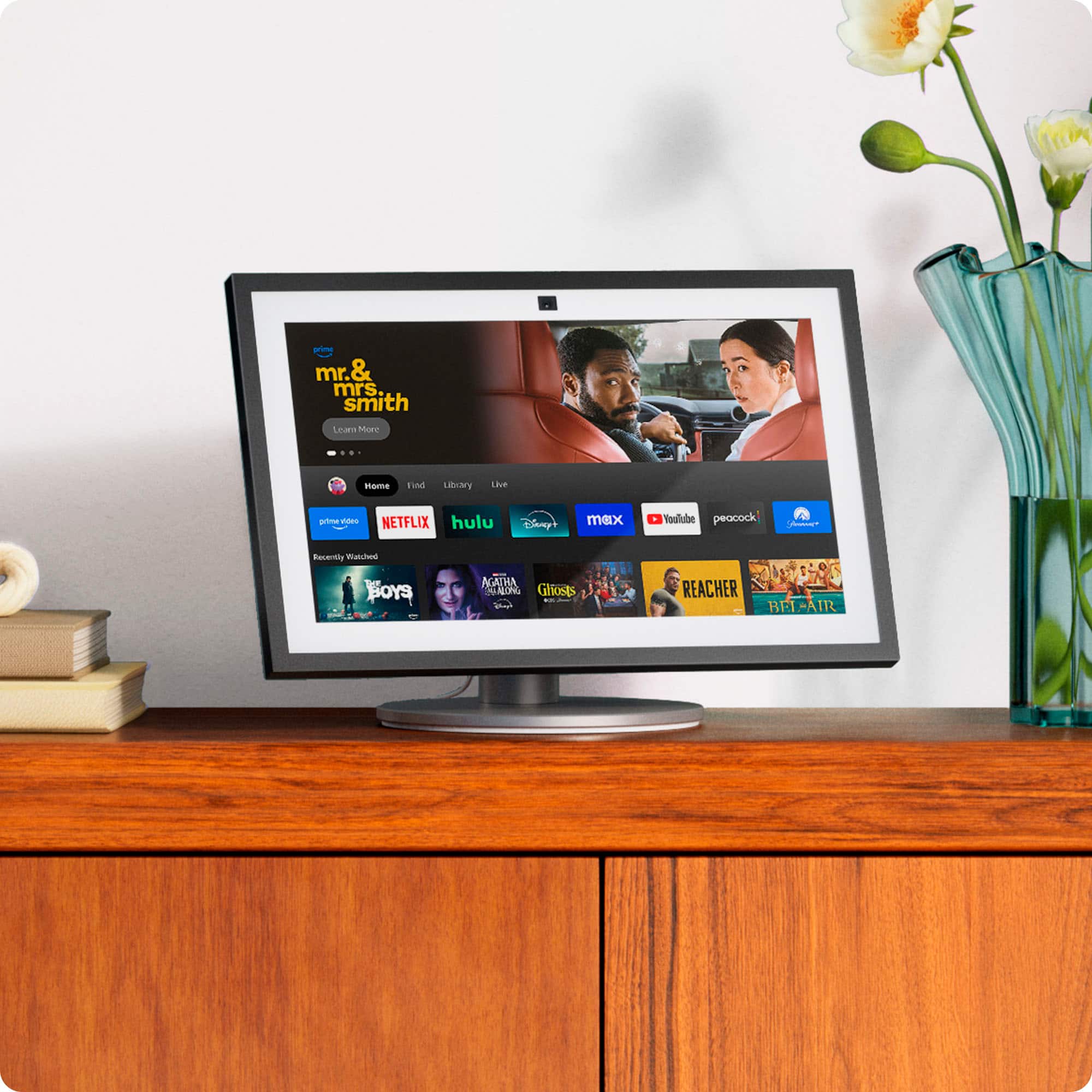
    • Answer Hello Lucia and thank you for your question! The Amazon Echo Show 15 has Amazon FireTv preloaded to the device. All you need to do is log in to see your FireTV Home Screen with all your downloaded apps. As long as the Streaming App is available to download on the Amazon App Store, you can watch it on the Echo Show 15. Hope this helps! Have a great day!

      Answered by Amazon Devices Customer Support

  • QuestionWhy don’t you ship to Puerto Rico or have the product available for in-store pickup?

    Asked by Idelisa.

    • Answer It shouldn’t be a problem, if you are interested in buying this item you can contact Best Buy at BestBuy.com or through the App. If not I’d be able to make the purchase for you and you would have to send me the money + the shipping fee and I can send it out to you no problem.

      Answered by AntonioS

  • Questioncan i upload photos and does it transition to different photos i uploaded as a display or wallpaper to the unit?

    Asked by edreams11.

    • Answer Yes you have to do it through your Alexa app

      Answered by SelenaP

  • QuestionDoes it have a picture slideshow

    Asked by BB.

    • Answer Yess, with Amazon photos you can add pictures.

      Answered by ZaquaviaZ

  • Questiondo you have set up instructuions

    Asked by Chuck.

    • Answer Hello Chuck and thank you for your question! The initial set up of the Amazon Echo Show 15 requires: 1) Power Up: Plug the included power adapter into the Echo Show 15 and a wall outlet. 2) Select Language: Choose your preferred language from the options on the screen. 3) Connect to Wi-Fi: Select your home Wi-Fi network and enter the password. 4) Sign In: Log in to your Amazon account or create a new one. 5) Follow On-Screen Prompts: Continue through the steps to: -Accept terms and conditions. -Confirm your time zone, location, and device name. -Customize your wallpaper/photo display. -Set up Visual ID and Voice ID for personalized features (optional). 6) Pair Remote (Optional): If using the remote, insert batteries and press/hold the Home button until it pairs (around 10 seconds). 7) Fire TV Setup (Optional): Follow prompts to set up your Fire TV profile for streaming. 8) Widgets & Home Screen: Once you see the home screen, swipe down from the top to access settings and customize widgets (like calendars, lists, notes). Hope this helps! Have a great day!

      Answered by Amazon Devices Customer Support

  • QuestionWhat is the monthly/annual fee

    Asked by Frugal.

    • Answer Hello Frugal, the Amazon Echo devices do not require any monthly fee to operate. You only need a free Amazon account to get them set up and running. Have a great day!

      Answered by Amazon Devices Customer Support

  • QuestionDoes it have an optical or coax output for better audio?

    Asked by Larry.

    • Answer No

      Answered by Dadof2

  • QuestionCan this magnetically attach to my fridge?

    Asked by Jb.

    • Answer No

      Answered by userDraftking3923

  • QuestionCan I sync my shopping list to the device? If so can multiple people add items?

    Asked by BzMom.

    • Answer Yes

      Answered by userDraftking3923

  • QuestionCan you use this display to view video from your nest doorbell?

    Asked by Curiousbuyer.

    • Answer Yes

      Answered by userDraftking3923