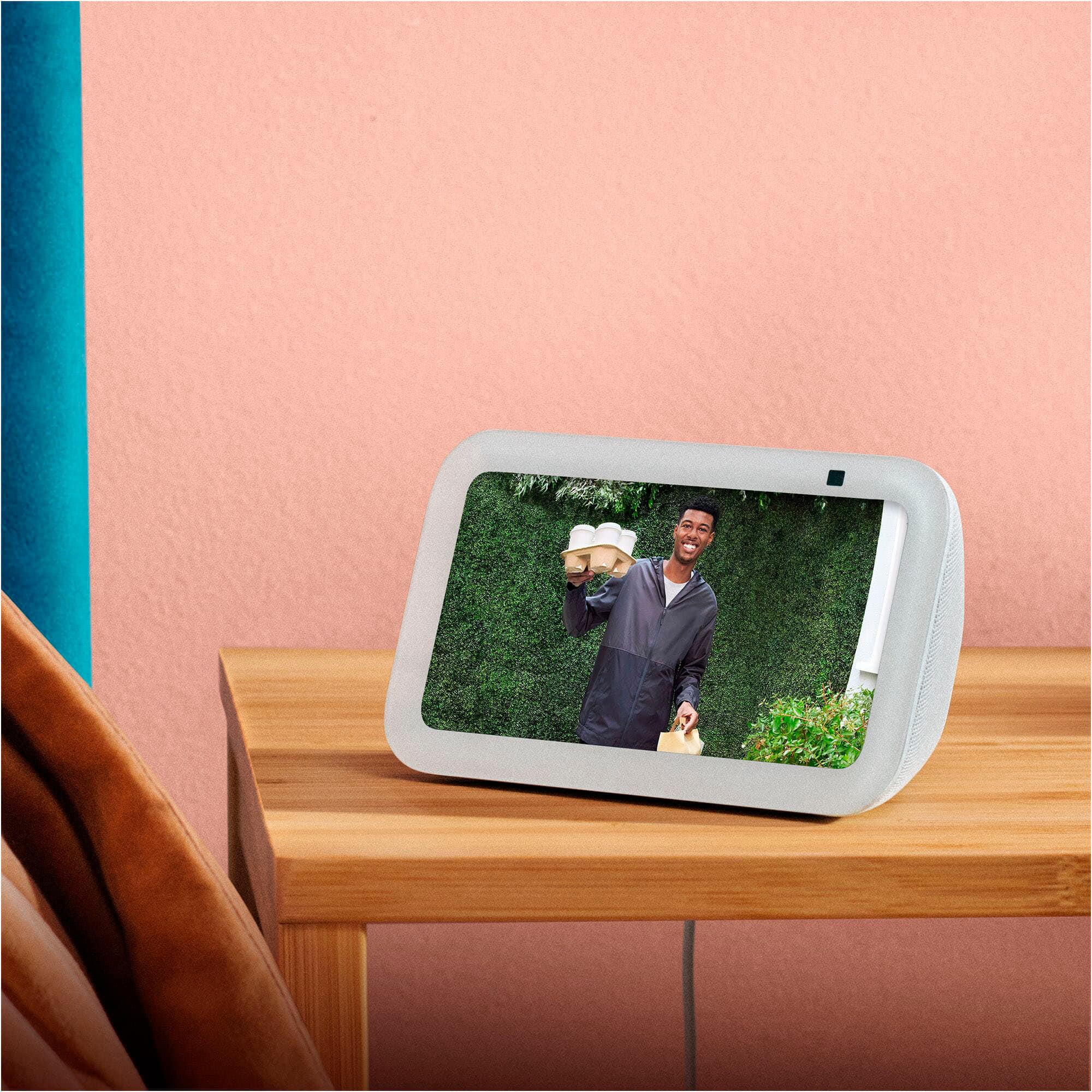
A:AnswerHi there! You can access your Roku camera's via Alexa by enabling the Roku skill in the free Alexa app. To find the skill, just open the free alexa app and search "Roku" via the Alexa+ store. Once you're all signed in, just say "Alexa, show me [name of the Roku camera]" to see the live view. I hope that helps, have a great rest of your day!
A:AnswerHello! Thank you for your question about the Echo Show 5. The Echo Show 5 does not support direct emergency service calling (911) on its own. However, when bundled with Alexa Emergency Assist, you can say "Alexa, call for help" to connect with a trained Urgent Response agent 24/7 who can request dispatch of emergency services on your behalf and pass critical information from your profile to first responders. This service avoids wait times and automatically notifies up to 25 designated emergency contacts when a call starts and ends. The standard Echo Show 5 without Emergency Assist allows you to make calls, drop-ins, and announcements to one designated emergency contact. Alexa Emergency Assist requires a subscription and provides enhanced emergency response capabilities including pre-saved critical information like allergies, gate codes, or pets in the home that can be shared with first responders.
If you have other questions about the Echo Show 5's calling features or emergency capabilities, I recommend contacting Amazon Customer Support at 1-888-280-4331 (available 24/7) for additional assistance. Have a great day!
A:AnswerHello controls and thank you for your question! You can set up a Kids profile on the Amazon Echo Show 5 to help manage the childs device. You can add the Kids profile in the settings on the Alexa app or on the echo show 5 itself. Hope this helps! Have a great day!
A:AnswerHi Mark!
Yes, Vivint does work with the standard Amazon Alexa system for voice control of lights, locks, and thermostats.
I hope this answers your question!
A:AnswerHello Andi and thank you for your question! No, the Amazon echo show 5 does not come with the built in Ring Smart Lighting Bridge technology. It will not be able to work as a bridge for your Ring external outlet. Hope this helps! Have a great day!
A:AnswerHello Dann and thank you for your question! Many Reolink cameras work with Alexa for live viewing and notifications via voice commands. It appears that Reolink NVR systems themselves generally don't support Alexa directly for smart home functions, though individual compatible cameras can be linked through the Reolink app's Smart Home Skill for Alexa, allowing you to view feeds or get alerts on Echo devices. You need to check compatibility for your specific camera model and ensure it's update. Hope this helps! Have a great day!
A:AnswerHi,
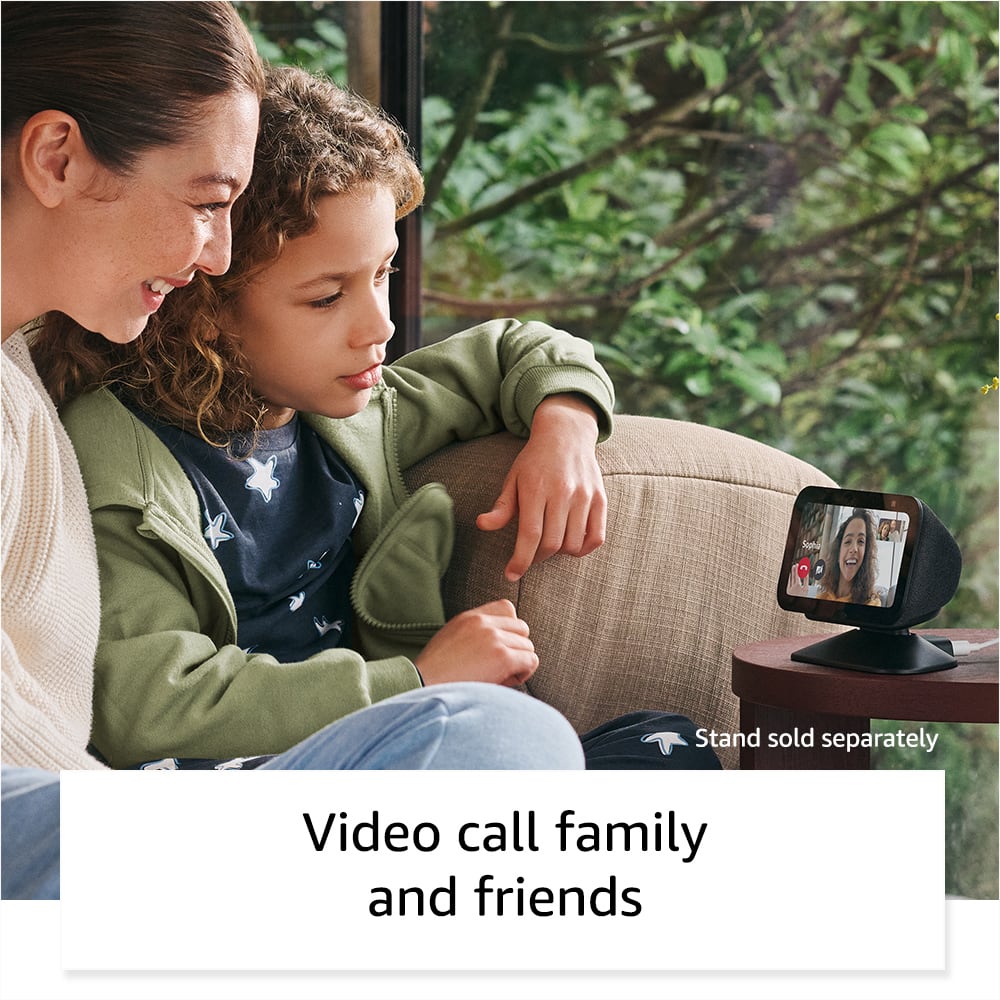
Yes, you absolutely can monitor both Blink cameras even if they're in different zip codes and view them on your Echo Show 5. Once your Blink cameras are set up, you can add them to same Blink account, link your Blink skill to Alexa, and then tell Alexa to show a specific camera or all cameras.
I hope this answers your question!
A:AnswerHi Pail,
Yes, you can connect a Google Nest doorbell to an Echo Show 5, so you can view the video feed with Alexa.
You’ll need to:
- Enable the Google Nest skill in the Alexa app and link your Nest account.
- Authorize the doorbell/camera so Alexa can access it.
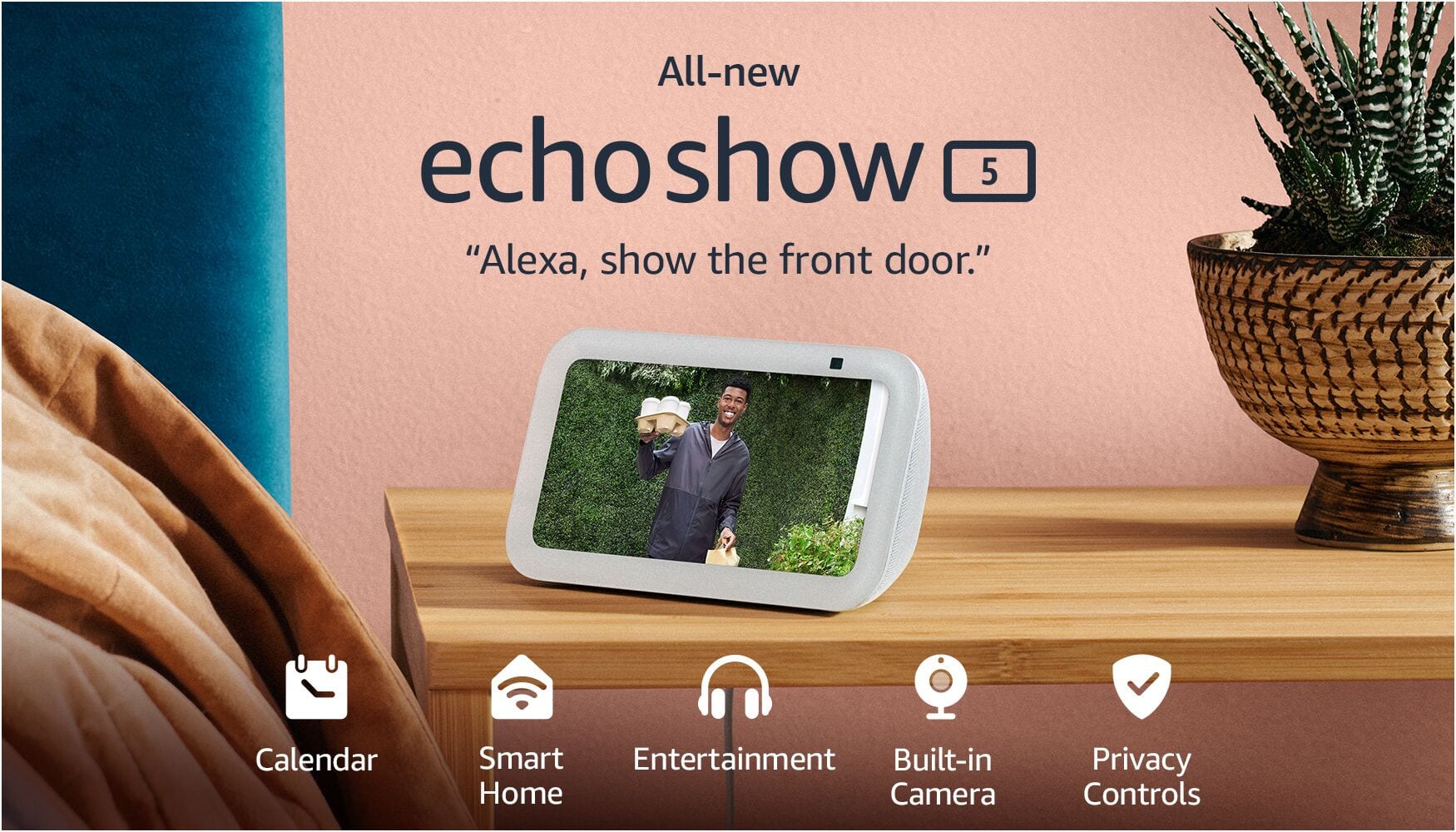
- Then ask Alexa something like “Alexa, show the front door” to see the live feed.
Hope this helps!
A:AnswerHi CSP! This listing is for a new device, though open-box versions might be available for purchase as well. I hope that helps, have a great rest of your day!
A:AnswerHello CJ, thank you for your question. Yes, an Echo Show 5's screen can stay on for "live view" when set up with the Home Monitoring feature to keep an eye on your kids, allowing you to see the camera feed from the Alexa app or another Echo device. While the screen can be manually turned off with a voice command like "Alexa, turn off the screen," the screen will automatically sleep to save energy after a set period of inactivity, but you can disable this auto-sleep in the settings. You can enable Home Monitoring in the device settings under Privacy & Permissions to use the Echo Show 5 as a baby monitor. I hope that helps, have a great day!
A:AnswerHello Lesterh!
Yes, and Echo show 5 is compatible with a 220v plug as it is designed to work with a wide voltage range of 100-240 volts, meaning you can use it in countries with 220v power outlets without any issues.Hopefully this answers your question. have a great day. Thanks!