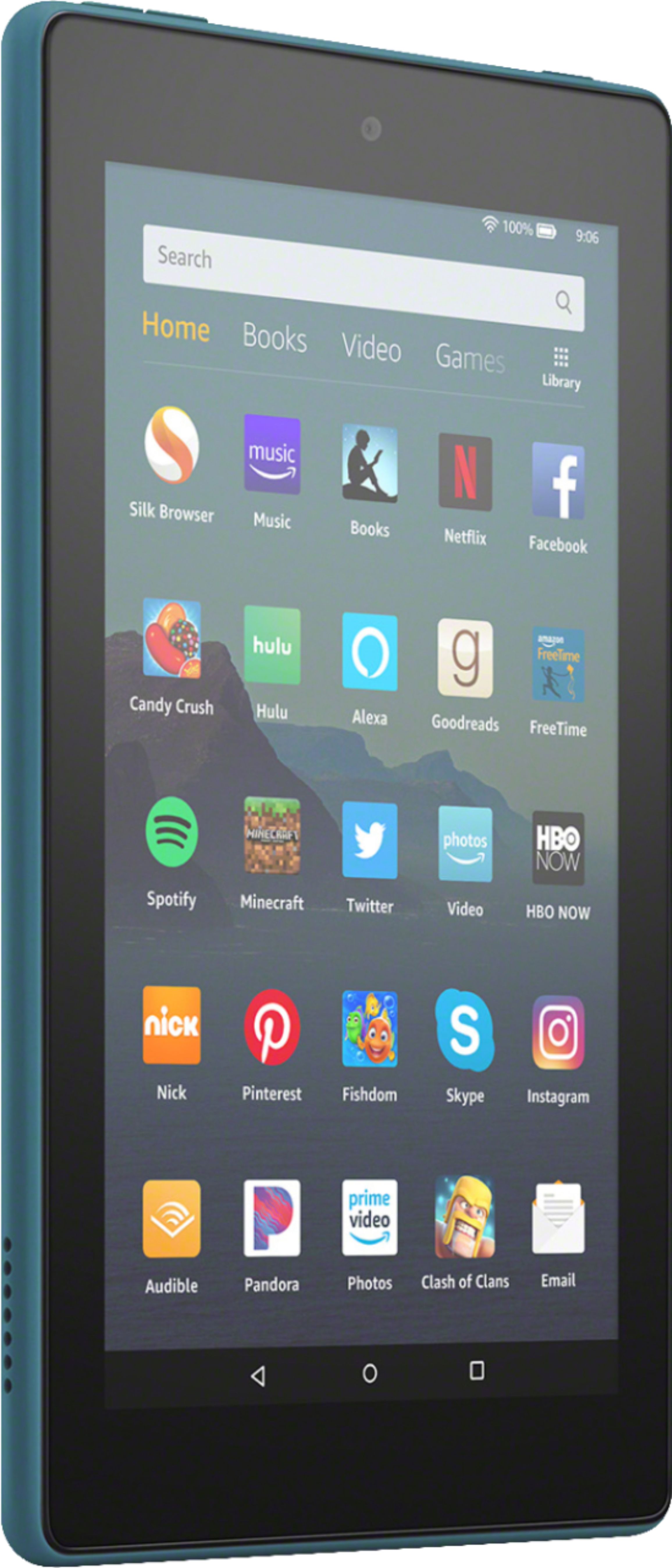
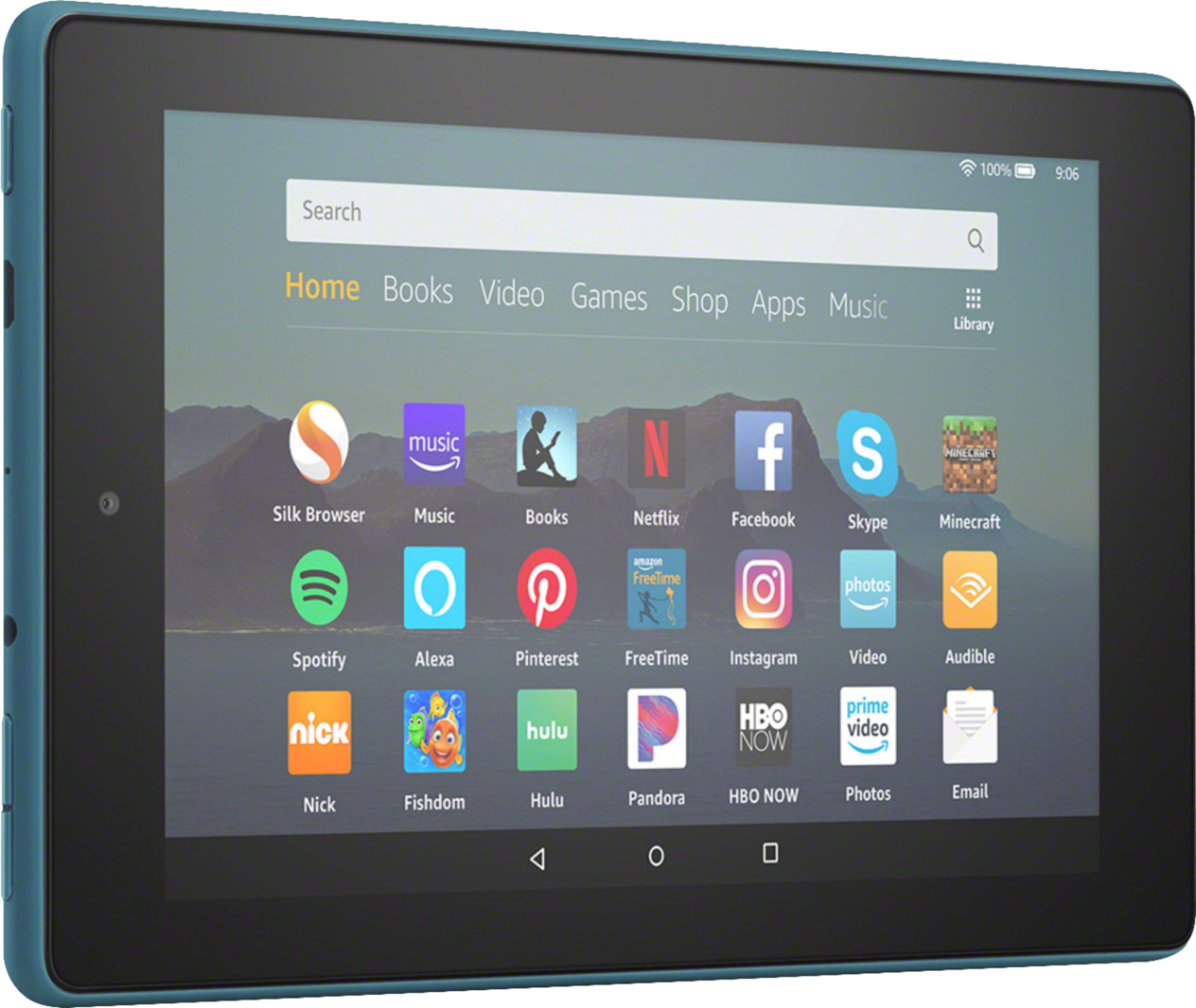
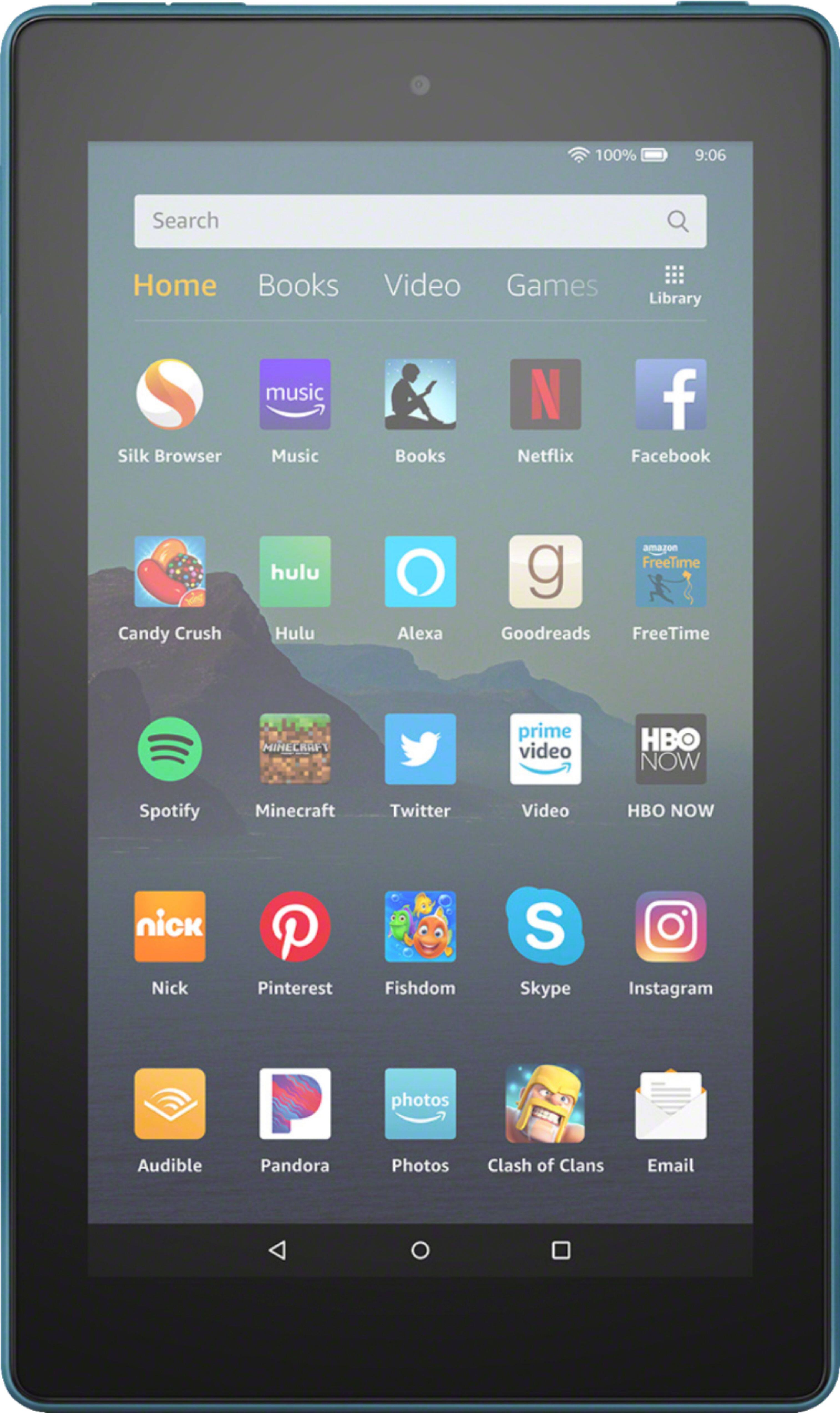
A:AnswerHi claubene! This tablet works on a specialized version of andriod specific to fire tablets. The current OS is FireOS7. This tablet has 32GB of storage space, and runs on 1GB of RAM. Hope this helps, enjoy your day!
A:AnswerHello oltimer80! Yes you can get audiobooks through Amazon's own Audible app that comes predownloaded to this device or 3rd party audiobook apps such as Overdrive. There are a few ways you can take advantage of these options. You can either purchase Audible audiobooks directly from the Amazon Audible book store, you can subscribe for Audible subscriptions that start at just $7.95 per month after the free 30 day trial, or you can access 3rd party app services such as Overdrive to rent or take out digital books and audiobooks from participating local public library systems. Thanks so much for your question and I hope you have an excellent day!
A:AnswerHello Haly, you can use the Amazon Fire Tablet overseas. I have used mine many times in other countries. Some of the Alexa features may not work in some areas.
A:AnswerHi TRISH! Yes, the Netflix app can be downloaded to your Fire Tablet. You can download games and apps and use them on the go by following these steps:
1. Select Games & Apps or open the Apps or Games app.
2. Select an app from your Library to download it or search for a new app in the Store.
Have a great day!
A:AnswerHi Omortag,
To directly connect a USB flash drive to your Fire 7 tablet, you need to use a compatible USB OTG cable. All Fire tablets support USB OTG, but not all USB OTG cables work with every Fire device. These cables are sold separately and do not come in the tablets box.
Hope that helps!
A:AnswerHello, Enbee!
I just searched for both of those apps in the app store, and I did not see them available at this time. There are many other drawing apps available on the Fire Tablets. We are constantly adding and updating content to the devices, so keep checking back to see if we have added these apps. Have a great day!
A:AnswerHello Ben! Yes this device is Bluetooth compatible. As for transferring songs from your iTunes library to it, any songs that you own and have been purchased by you can be downloaded to it. Any songs that are downloaded as part of a subscription service are bound by the terms and conditions of that service. For more details on that, please refer to your music subscription service customer support or terms and conditions. I hope this answers your question and you have a great day!
A:AnswerHello Sue, I understand you want to know if the Fire 7 2019 Tablet has a USB for a keyboard. The Fire 7 2019 Tablet does not have an USB port to attach a keyboard, but with Bluetooth you are able to connect a keyboard wirelessly. I hope this answered your question. Have an amazing day.
A:AnswerHello Trapper,
You can uninstall apps from your Fire Tablet. To do this, follow these steps:
1. On the Games or Apps app and select the Menu icon.
2. Tap Library and select Downloaded.
3. Locate the app you'd like to uninstall and select.
4. Select Delete from Device.
Preinstalled apps can't be removed, but can be organized on your home screen. If the app isn't working, try clearing the app cache and data.
You can download games and apps and use them on the go by following these steps:
1. Select Games & Apps or open the Apps or Games app.
2. Select an app from your Library to download it or search for a new app in the Store.
I hope this has helped, have a great day!
A:AnswerHello,
The Fire 7 tablet is a tablet, and one of our best selling! So, there is no way to use it as a phone. Hope this helps, have a great day!

A:AnswerHello tamayos! Thanks for reaching out regarding the availability of Jotform, Microsoft Word, and GMail on our Fire 7 tablet. Microsoft Office which includes Microsoft Word is available for download from the Amazon Appstore. You can access it via the Appstore and search for Microsoft Office in the search bar. At this time, there are no official apps for Jotform and GMail available for download but GMail can be accessed through a number of different email apps as well as via using the included Amazon Silk Web Browser. I hope this answers your questions and you have a fabulous day!
A:AnswerHello SusieQ1440,
Thank you for your question about removing voice from your Fire Tablet, it seems VoiceView is enabled on your Fire Tablet. The VoiceView screen reader lets you use gestures to navigate your Fire tablet (FireOS 5 and higher) and interact with content with speech output. Below is the step necessary to disable VoiceView:
To disable VoiceView Triple press the power button and you will hear "VoiceView Exiting". Hope this addresses your concern.
Have a great day!

A:AnswerHello Bev! Thanks so much for your question on screen mirroring and our Fire 7 tablet. Currently, display mirroring is not supported with this device. However, a number of different apps allow the user to cast content or project content from within the app to select smart television sets. The feature is specific to the app being used (such as Netflix) and the settings are different for each app. I hope this answers your question and you have an amazing day!
A:AnswerHi there,
Yes, you can download music to this device, and it has an expandable storage slot for a Micro SD card in-case you need more room. Hope this information helps. Have a great day!
A:AnswerHi Goat!
It does not require a keyboard to use. When a text box appears, a touch keyboard will pop up so that you can type in the response needed. I hope this info helps. Have a great day.