Questions & Answers
- Model:
- B0BL5WZ6HF
- |
- SKU:
- 12375736
Q: QuestionAm I able to install Microsoft Word on this tablet? Is it avail for purchase in the App Store?
Asked by Gina.
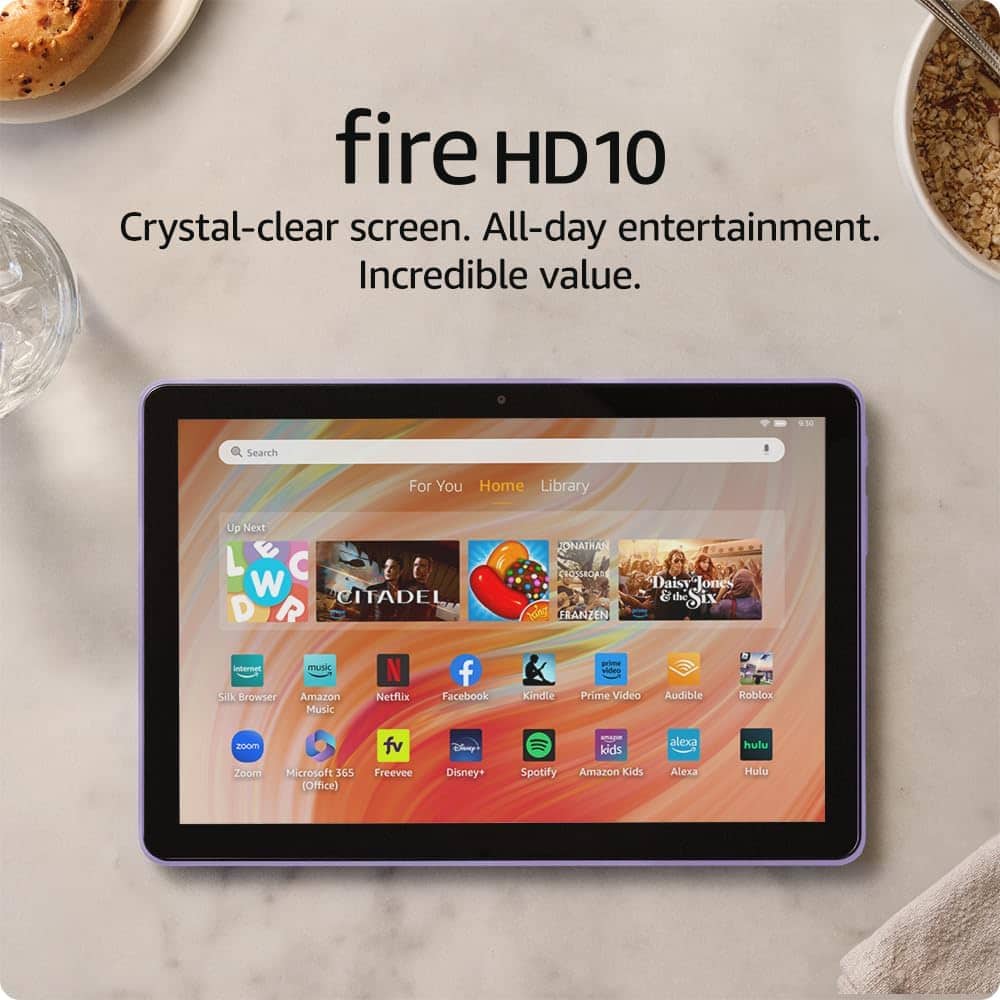
- A:Answer Hi Gina! Microsoft 365 (which includes Word, Excel, Powerpoint, and Forms) is absolutely available for the Fire HD 10 and in fact came preinstalled on mine! Additionally, the Fire HD 10 is compatible with Bluetooth keyboards. There's even a Made for Amazon Bluetooth Keyboard Case available for the Fire HD 10. With Microsoft 365 you have access to your documents via the cloud, so you can easily edit documents no matter where you are. I hope that helps, have a great rest of your day!
Answered by Amazon Devices Customer Support
Q: QuestionIs this device with lock screen ads?
Asked by Lia.
- A:Answer Hi Lia, thanks for reaching out. The Fire 10 HD tablet does have ads and sponsored screensavers. you choose, you do have the option to unsubscribe from this service with a one-time charge to remove them from your Kindle e-reader or Fire tablet. Hopefully this helps. Have a great day!
Answered by Amazon Devices Customer Support
Q: QuestionThe Fire 10 has 32 GB of total storage. How much of that is used up by pre-loaded apps (or... what is the available unused storage)?
Asked by Richard.
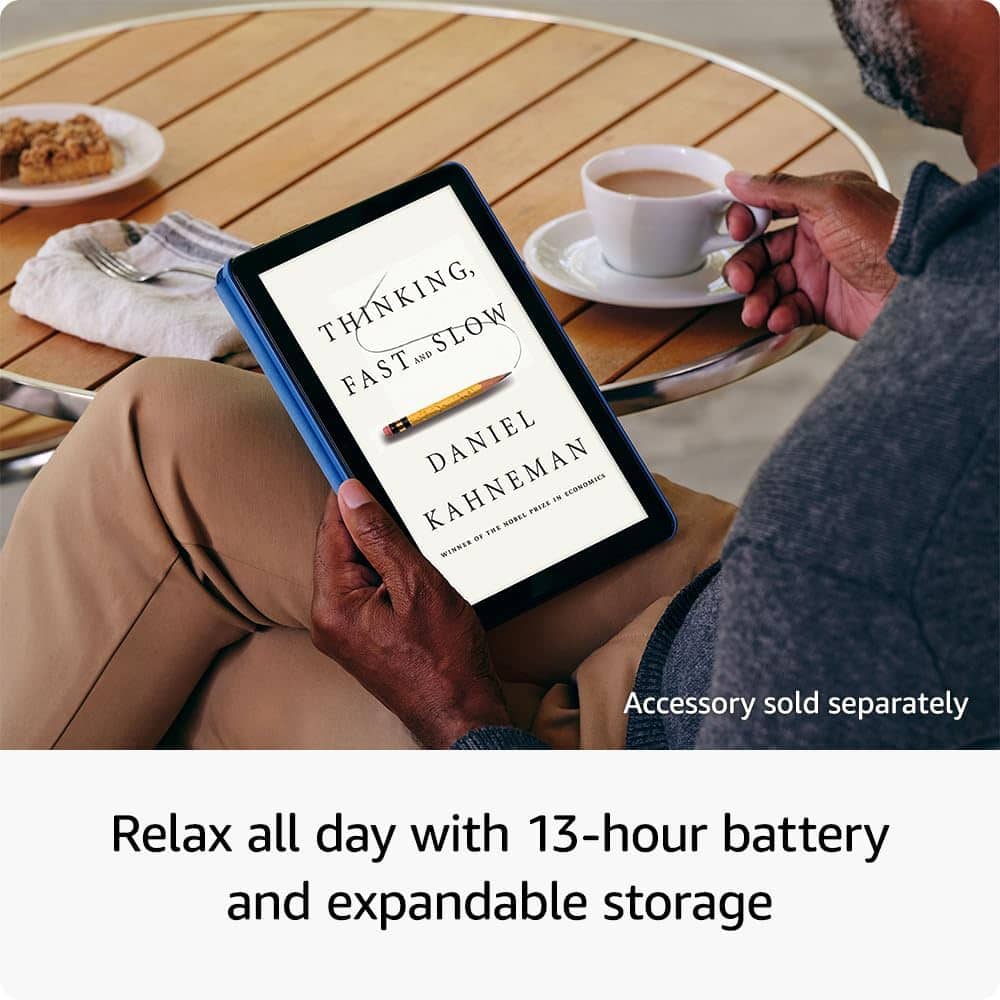
- A:Answer Hello, Richard! The Fire HD 10 has 32 GB with 24 GB available to user. With the Fire HD 10 you can add a micro-SD slot for up to 1 TB of additional storage. Some apps may require that they are installed on internal storage. App or feature updates may impact available storage. I hope this helps, have a great day!
Answered by Amazon Devices Customer Support
Q: QuestionMy Aunt is 100 years old. She likes to check her email and respond to friends. Her computer is 8+ years old. Would this with a keyboard attachment be a good simple solution? Must be easy to use. Thank you.
Asked by Auntie100.
- A:Answer Hello Auntie100, the Fire HD 10 is a great device for checking emails either through the web browser Silk, or email applications downloaded from the Appstore. They can absolutely be used with a Bluetooth keyboard. Keyboard cases are a great solution to keep the keyboard with the tablet and keep the tablet extra protected. I hope this answers your question and that you have a wonderful day.
Answered by Amazon Devices Customer Support
Q: QuestionDo you need an Amazon account to use this device?
Asked by Anonymous.
- A:Answer Hello, a free Amazon account is required to set up the tablet. If you do not have one, the tablet will prompt you to set one up for free. Have a great day!
Answered by Amazon Devices Customer Support
Q: Questioncan it be used to read kindle books that i have now ?
Asked by Anonymous.
- A:Answer Hi there! The Fire HD 10 comes with the Kindle App built-in, so you'll have access to all the Kindle books you have in your library automatically! Just sign in using the same Amazon account that you've purchased your books on, and they will be available to download from your Library. I hope that helps, have a great rest of your day!
Answered by Amazon Devices Customer Support
Q: QuestionDo you have to pay for xtra service to run this? Or just wifi service?thanks.I have Prime app.and internet.sorry I am Senior.
Asked by Sharon.
- A:Answer Hi Sharon, thank you for reaching out about the Fire 10 HD tablet. There are no additional services required to use the tablet; Wi-Fi connection will be more than sufficient for every day use. Hopefully this helps. Have a great day!
Answered by Amazon Devices Customer Support
Q: QuestionIs there any type of service plan needed for these?
Asked by Anonymous.
- A:Answer Hi there! There is no subscription or fee required to use the Fire HD 10 tablet, though you'll have to register it to an Amazon account during setup. If you don't currently have an Amazon account, you can set one up for free during the setup process. There are tons of great apps and games available on the Fire HD 10 completely for free, though some might have a subscription or cost to unlock all or additional features. I hope that helps, have a great rest of your day!
Answered by Amazon Devices Customer Support
Q: QuestionCan it read files/videos from a flash drive or micro sd card?
Asked by Mako.
- A:Answer Hello Mako, You want to know if the Amazon Fire HD 10- 10.1” Tablet is able to read files/video from a flash drive or micro SD card. The Amazon Fire HD 10- 10.1” Tablet is able to read files/video from a flash drive or micro SD card and play them on the native media player. Hope this has answer your question. Have an amazing day!
Answered by Amazon Devices Customer Support
Q: QuestionCan I stream movies from YouTube on the Amazon Fire HD 10?
Asked by Mike.
This question was asked about the related product: Amazon - Fire HD 10 - 10.1" Tablet (2023 Release) - 32GB with Wi-Fi - Lilac
- A:Answer "Hello Miky! Yes, the Youtube app can be downloaded to your Fire Tablet. You can download games and apps and use them on the go by following these steps: 1. Select Games & Apps or open the Apps or Games app. 2. Select an app from your Library to download it or search for a new app in the Store. Have a great day!
Answered by Amazon Devices Customer Support
Q: QuestionCan I down load Facebook onto this tablet,,,,and can I use my wireless printer with it,,,?
Asked by Pat.
- A:Answer Hello Pat! Yes, the Facebook app can be downloaded to your Fire Tablet. You can download games and apps and use them on the go by following these steps: 1. Select Games & Apps or open the Apps or Games app. 2. Select an app from your Library to download it or search for a new app in the Store. Yes, you can print from a Fire Tablet. First, you will need to pair your compatible wireless printer to your device. Here are the steps to do that: 1. Download an office app or a PDF viewer from the Amazon App store 2. Select the menu icon (three vertical dots) or select File for the item you wish to print then select Print. 3. Select Save as PDF then select All printers.... 4. Locate the IP address for your printer (refer to your printer's product's user guide). 5. Select the Add Printer icon (plus sign) to add a printer manually using the IP address of the printer. After you have done this, you should have access to print from that printer. Be sure to follow these steps to make sure you have the correct printer: 1. Make sure that your printer is turned on and connected to Wi-Fi. 2. Select the menu icon (three vertical dots) for the item or web page that you want to print, and then select Print. 3. Select your printer from the list or select All Printers for nearby printers. 4. Select the number of copies or tap More options to choose the paper's size, color, and orientation. 5. Tap Print. Have a great day!
Answered by Amazon Devices Customer Support
Q: Questioncan you place and receive calls on this tablet?
Asked by fuddy.
This question was asked about the related product: Amazon - Fire HD 10 - 10.1" Tablet (2023 Release) - 32GB with Wi-Fi - Ocean
- A:Answer Hi Fuddy! You can make and receive calls using a variety of compatible apps on the Fire HD 10, including via Alexa. For mobile phone numbers, you can actually link the number directly with your Alexa account. To do so: Open the Alexa app. Select More, then select Settings. Select Communication. Select your carrier and follow the on-screen instructions to link your account. You can now make and receive calls on your Alexa-enabled device with your mobile phone number. For other apps, just download them from the Amazon App Store and use them the way you would on any other device. I hope that helps, have a great rest of your day!
Answered by Amazon Devices Customer Support
Q: QuestionMy 80 yr old mom needs a simple, uncomplicated device to check email, Facebook, & make Google Meet, video chat calls. Will this device do all of that?
Asked by Daughter.
- A:Answer Yes- easiest for seniors.
Answered by TimothyS
Q: QuestionCan you use Google Chrome with this?
Asked by Moki.
This question was asked about the related product: Amazon - Fire HD 10 - 10.1" Tablet (2023 Release) - 32GB with Wi-Fi - Ocean
- A:Answer Hi Moki! Unfortunately Google Chrome is not currently available on the Amazon app store, but I haven't had any issues using the built in Silk browser for everyday web browsing needs. I hope that helps, have a great rest of your day!
Answered by Amazon Devices Customer Support
Q: QuestionWhat year did the fire 10 come out?
Asked by Kel.
This question was asked about the related product: Amazon - Fire HD 10 - 10.1" Tablet (2023 Release) - 32GB with Wi-Fi - Ocean
- A:Answer Hello Kel, this is the 2023 version of the Amazon Fire HD10. Have a great day!
Answered by Amazon Devices Customer Support
Q: QuestionWarranty for this tablet?
Asked by Glen.
- A:Answer Hi, Glen! Yes, the Fire HD 10 comes with a 1-year limited warranty. I hope that helps. Have a great day!
Answered by Amazon Devices Customer Support
Q: QuestionDo you have to have an Amazon account or belong to Prime to use this tablet? How do you activate the No Lockscreen option and how much does it cost? What is the difference between the '21 version and the 23 version of the tablets?
Asked by Anonymous.
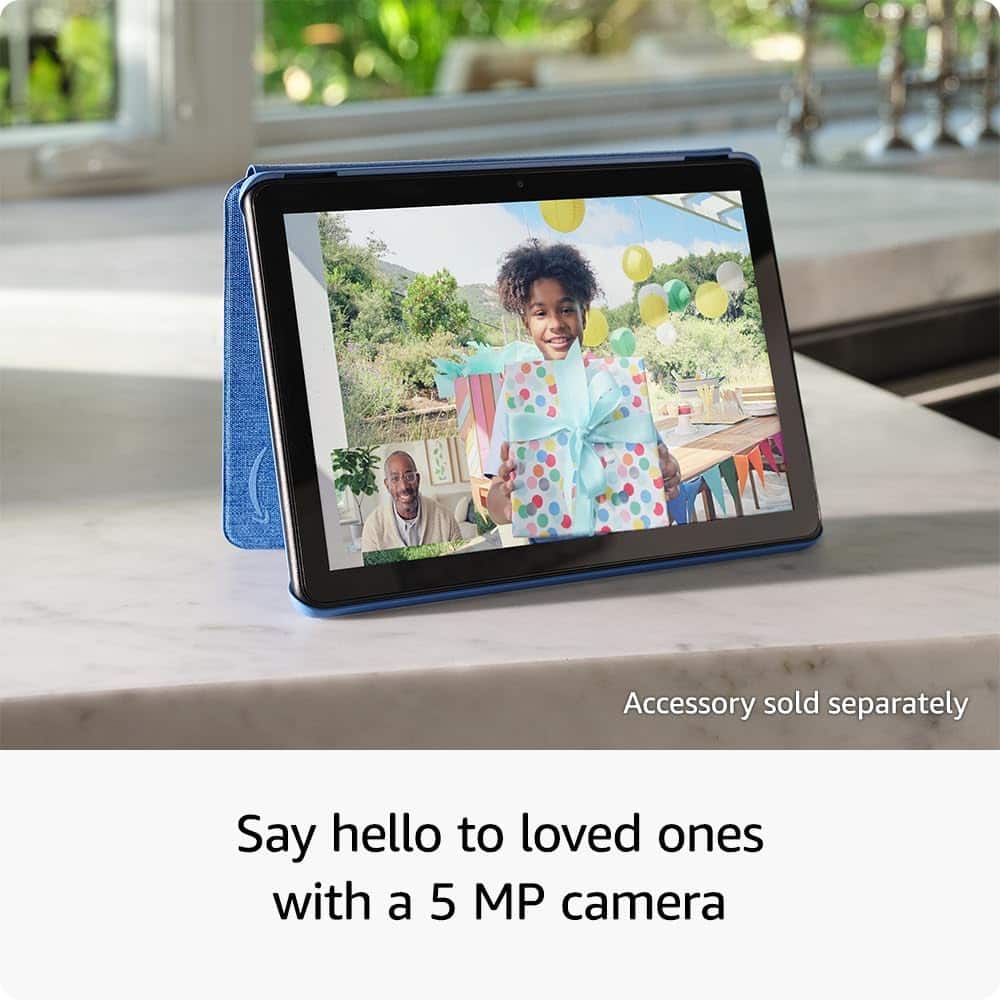
- A:Answer Hi there! You only need a free Amazon account to use the Fire HD 10 tablet, you don't need to be a Prime member. If you don't have an Amazon account it's free to sign up on their website. To disable lock-screen ads you can pay a one time fee via the Devices category on Amazon's website. As of right now (2/26/2026) it appears to be $15. This will remove special offers from the lock screen, though the tablet will still lock after a certain amount of time inactive. This version is 25% faster than the previous model, 30 grams lighter, and features a 5MP front facing camera for better photos and video calling. I hope that answers your questions, have a great rest of your day!
Answered by Amazon Devices Customer Support
Q: QuestionDoes the Amazon Fire 10 HD fit in the kids Mickey Mouse rubber cover?
Asked by Jason.
- A:Answer Hi Jason, The Disney case you mentioned is only compatible with the Amazon Fire HD 8. Because of the size difference, it will not fit the Fire HD 10.
Answered by Amazon Devices Customer Support
Q: QuestionCan I watch Netflix and other apps on it?
Asked by Me.
This question was asked about the related product: Amazon - Fire HD 10 - 10.1" Tablet (2023 Release) - 32GB with Wi-Fi - Black
- A:Answer Yes, just add the app to the tablet and sign into your account to watch Netflix.
Answered by CassandraH