

Deals Worth GiftingShop now

Main Content

Questions & Answers

Your price for this item is $129.99
The comparable value price is $179.99
Page Showing 1-20 of 53 questions
  • QuestionIs this Tablet able to delete unused apps when necessary that are taking up space and not used? I have an IPAD that does not let me totally delete apps not used which then takes up my space and now can not download any new apps. Thank you

    Asked by MAC.

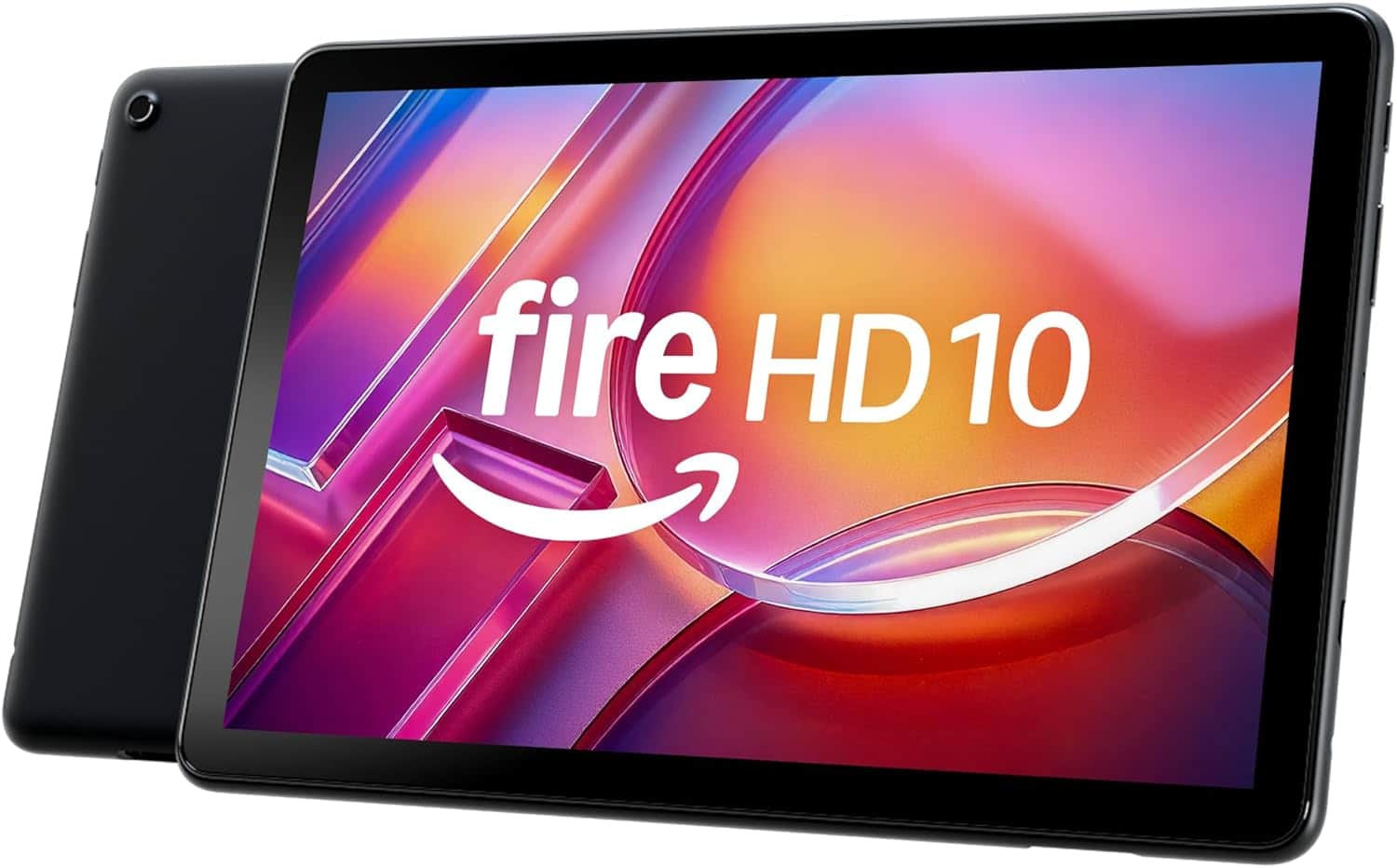
    • Answer Hello MAC and thank you for your question! The Amazon Fire HD 10 has the ability to delete any unused apps on the device, except applications that are required for the Operating System. The Amazon Fire HD Tablet also has the ability to expand storage with the addition of an (up to) 1TB microSD card. Hope this helps! Have a great day!

      Answered by Amazon Devices Customer Support

  • QuestionWhat is the maximum SD card will this table support

    Asked by GrandmaBettye.

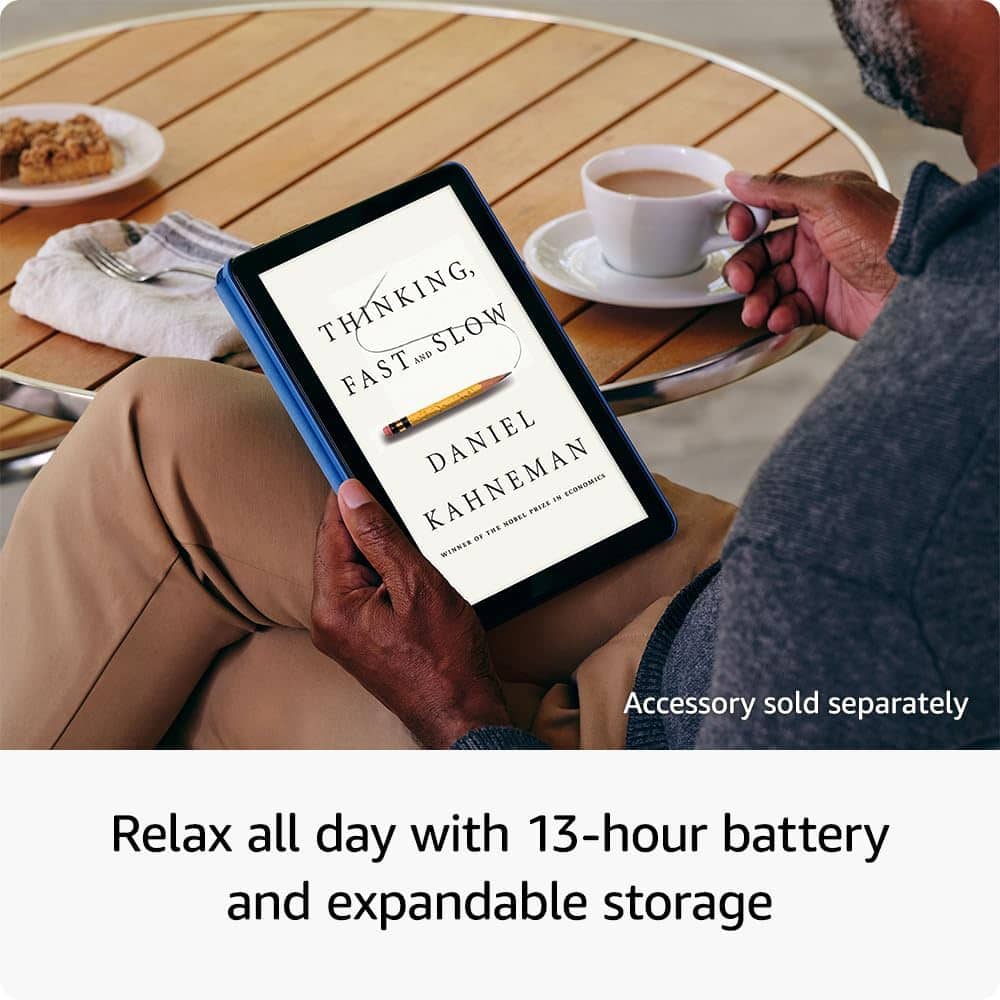
    • Answer Hi GrandmaBettye! The Fire HD 10 supports Micro SD cards up to 1TB, so you'll have plenty of space available to take your favorite TV shows and movies with you wherever you go! I hope that helps, have a great rest of your day!

      Answered by Amazon Devices Customer Support

  • QuestionCan this be used with a Circuit and design space?

    Asked by JJ.

    • Answer Hello JJ, the Cricut App is not currently available on the Amazon Fire Tablets. Have a great day!

      Answered by Amazon Devices Customer Support

  • QuestionCan I transfer my files from my Amazon Fire 7 to Amazon fire max 11?

    Asked by CP123.

    • Answer Yes just use your amazon account info and everthing will switch over

      Answered by HomerS

  • QuestionDoes this tablet have lockscreen ads removed

    Asked by Diamond.

    • Answer Hello Diamond! To remove special offers from your Fire Tablet, follow these steps: 1. Go to Manage Your Content and Devices. 2. Select Devices, and then select your device. 3. Under Special Offers, click Remove offers. A pop-up window then displays the price to remove special offers. Select End Offers and Pay the Fee to proceed. Have a great day!

      Answered by Amazon Devices Customer Support

  • QuestionCan you draw on this?

    Asked by Anonymous.

    • Answer Hello! The Fire HD 10 Tablet can handle light drawing and sketching. The product has 4096 levels of pressure sensitivity with the Made for Amazon Stylus Pen sold separately. It is good for basic drawing, I hope this information helps. Have a great day!

      Answered by Amazon Devices Customer Support

  • QuestionCan you add a SIM card in order to get cellular connection?

    Asked by Minne.

    • Answer Hello, Minne! Amazon tablets do not support cellular service as they are designed for Wi-Fi connectivity. These tablets do not have a SIM card slot, so it's not possible to add a SIM card for cellular service. For internet access on the go, you can use a mobile hotspot or tether the tablet to a smartphone that has cellular data capabilities. Have a great day!

      Answered by Amazon Devices Customer Support

  • QuestionCan I use Word on this device and upload files to the document

    Asked by JB.

    • Answer Hi JB! Microsoft 365 is available on the Fire HD 10, though you'll need a subscription for anything more than viewing documents on the tablet. The free Web version of Excel worked just fine on my Fire 11 Max though, so that might also be a good solution. Your Fire HD 10 is also compatible with Bluetooth accessories like a mouse or keyboard, perfect for productivity on the go! I hope that helps, have a great rest of your day!

      Answered by Amazon Devices Customer Support

  • QuestionMy Amazon account is not in my name, will my galaxy still transfer data to an Amazon fire?

    Asked by BJ.

    • Answer Hello BJ, you want to know if your galaxy information will transfer to an Amazon Fire HD 10 - 10.1” Tablet even if your Amazon account is not under your name. You will be able to transfer your information from your galaxy to your Amazon Fire HD 10 - 10.1” Tablet via Bluetooth even if your Amazon account is not under your name. Hope this has addressed your concern. Have an amazing day!

      Answered by Amazon Devices Customer Support

  • QuestionCan you use Turbo Tax on this tablet?

    Asked by Anonymous.

    • Answer Good Morning, Thanks for reaching out. You absolutely can use Turbo Tax on the Fire HD 10 inch tablet. To access the Turbo Tax website you would enter https://turbotax.intuit.com into the Silk browser and that will take you to the full desktop site. I hope this helps, have a great day!

      Answered by Amazon Devices Customer Support

  • QuestionCan an Amazon fire hd 10.1 64gb wifi connect to a no 2800e printer. If so how

    Asked by Zazu.

    • Answer Hello Zazu and thank you for your question! Most WiFi enabled printers can print directly from a tablet. For Wi-Fi, ensure both the Amazon Fire HD 10" tablet and printer are on the same network, then use the tablet's built-in printing menu or a specific printer app to find and connect to the printer. Hope this helps! Have a great day!

      Answered by Amazon Devices Customer Support

  • QuestionWill I be able to access Google sheets in Google forms on this tablet?

    Asked by KP.

    • Answer Hi KP, Yes, you can access Google Sheets on the Amazon Fire HD 10 through your web browser! While the tablet runs Fire OS (which limits direct app downloads), you can: Use Google Sheets via browser: Navigate to sheets.google.com in Silk Browser for full functionality Access Gmail app: Available in Amazon's App Store for easy integration Use Microsoft Office 365: Available as an alternative for document editing The tablet's 10.1" Full HD display and responsive touchscreen make editing spreadsheets quite comfortable, though a keyboard case might help for extensive work. I hope this information helps, have a great day!

      Answered by Amazon Devices Customer Support

  • QuestionHello. I was wondering is there a silicone case I can purchase for this, and does it have a headphone jack. My grandchildren are 7 and 9, and looking to upgrade their old 7" amazon tablets to this one..

    Asked by Anonymous.

    • Answer Hello! Yes, There are several different options for the Fire HD 10 Tablet on Amazon.com! We offer both silicone as well as foam safety cases in several different options and themes. There are also third party companies sold by Amazon.com that will also fit the fire HD 10. All of the cases will have a spot or the tablets headphone jack as well as protective button covers to make sure that any accident drop or ding wont lead to any stuck volume or power buttons! I hope this answers your question!

      Answered by Amazon Devices Customer Support

  • QuestionAccessing battery

    Asked by Amber911.

    • Answer Hello Amber911 and thank you for your question! The Amazon Fire HD 10 is internally built into the device. Trying to access of remove will void the warranty and could cause the battery to explode/catch fire. Accessing the battery is not advisable. Hope this helps! Have a great day!

      Answered by Amazon Devices Customer Support

  • QuestionI have a long flight coming up. Will this tablet work inside a plane

    Asked by Anonymous.

    • Answer Hello, Yes, you can use your Amazon Fire HD 10 Tablet on a plane. Download the content you would like beforehand. When on your flight place your device in Airplane mode and use your downloaded content. You can also use in-flight WI-FI on your Fire Tablet if it is offered by your airlines. I hope this information helps. Have a great day!

      Answered by Amazon Devices Customer Support

  • QuestionWhy does fb keep kicking me out?

    Asked by Anonymous.

    • Answer I had same problem I down loaded google browser thats how I Gotmine fixed use face book app at top of tablet not one near bottom of tablet

      Answered by Sally

  • QuestionHow do I get parental control?

    Asked by Anonymous.

    • Answer Hi there! To get the parental controls on your Fire HD 10, swipe down twice from the top of the screen, tap the Settings icon, then go to Profile and Parental Controls. Lastly toggle the "Restrict access to current profile" to "On" From that point you can then restrict access by turning on parental controls and setting a password that you will use to manage all settings and purchases. Those settings also include restricting web browsing, screen time limits and curfews. Creating a Child profile for more specific settings and age-appropriate content. You can use the Amazon Parent Dashboard to manage settings remotely as well! Hope this answers your question! Enjoy your weekend!

      Answered by Amazon Devices Customer Support

  • Questionhow is tablet for gaming?

    Asked by loneranger.

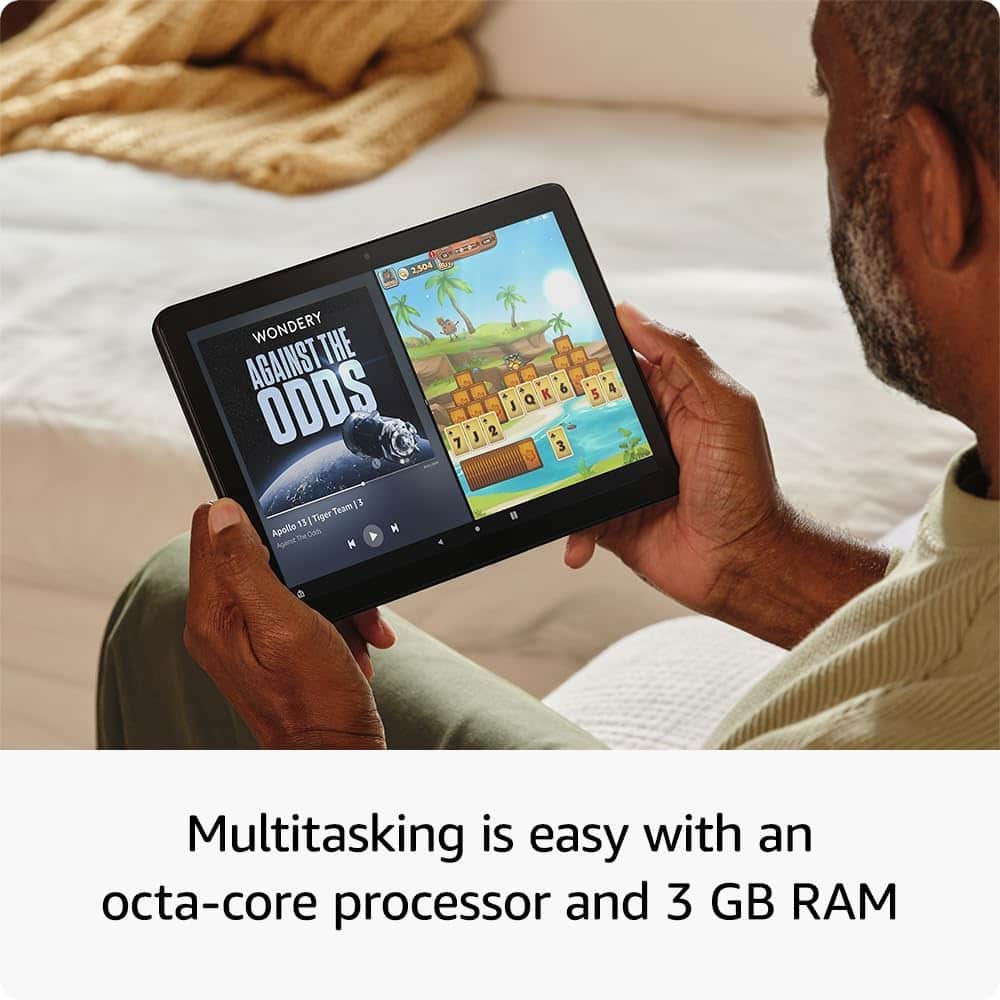
    • Answer Hello loneranger, thank you for your question. The 2023 Amazon Fire HD 10 is suitable for casual gaming, especially for children, due to its 10-inch screen, 3 GB of RAM, and octa-core processor that handles light games well. I hope that helps, have a great day!

      Answered by Amazon Devices Customer Support

  • QuestionDoes this version support marvel unlimited app?

    Asked by Anonymous.

    • Answer Hello and thank you for your question! Currently, the Marvel Unlimited App is not available on the Amazon App Store. Hope this helps! Have a great day

      Answered by Amazon Devices Customer Support

  • QuestionCan my daughter use this, with a keyboard, to take notes?

    Asked by David.

    • Answer Hi David! Yes, you can use the Fire HD 10 with a keyboard to take notes. Just make sure you purchase a compatible keyboard for your Fire HD 10 tablet. Hope this helps! Have a great day!

      Answered by Amazon Devices Customer Support