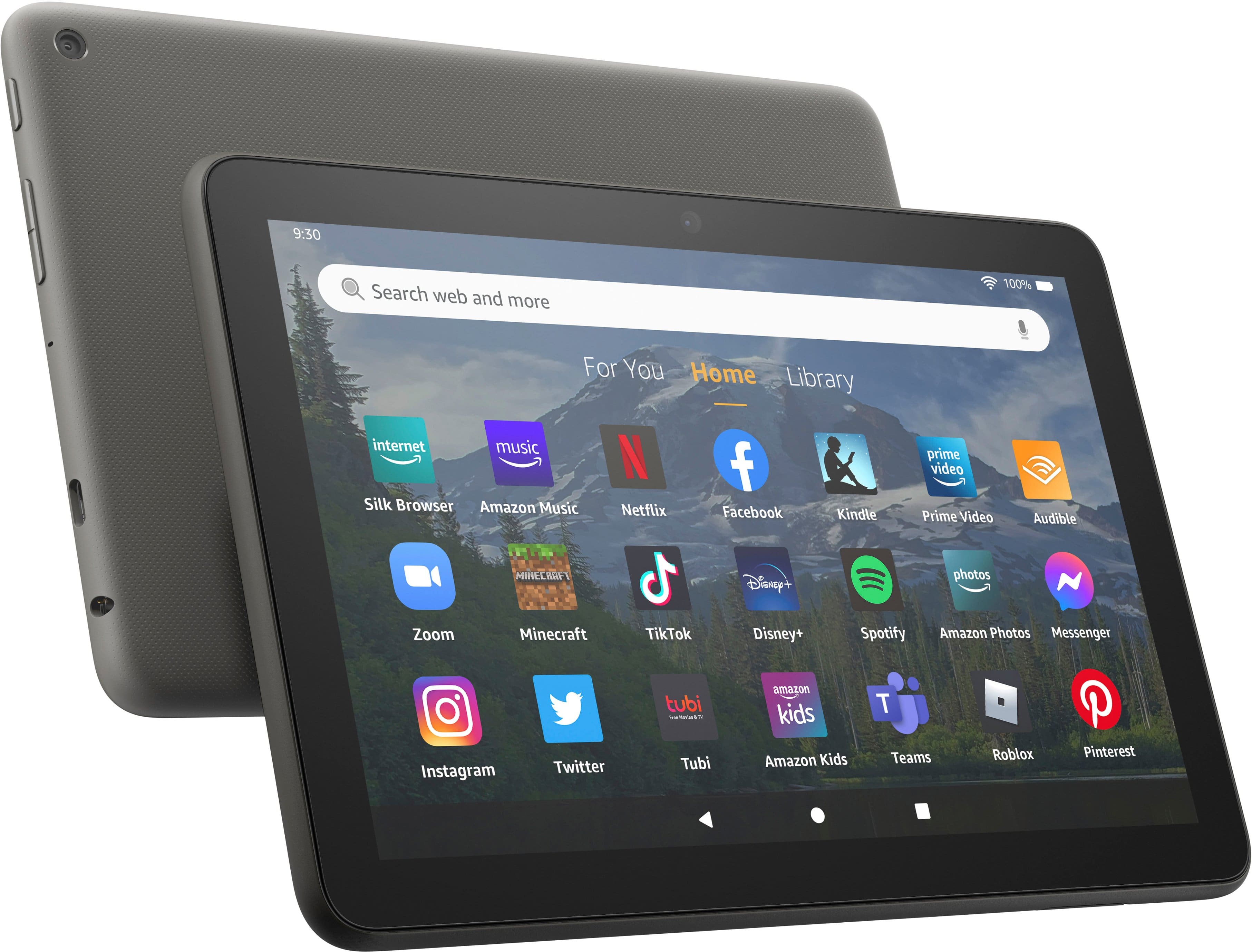
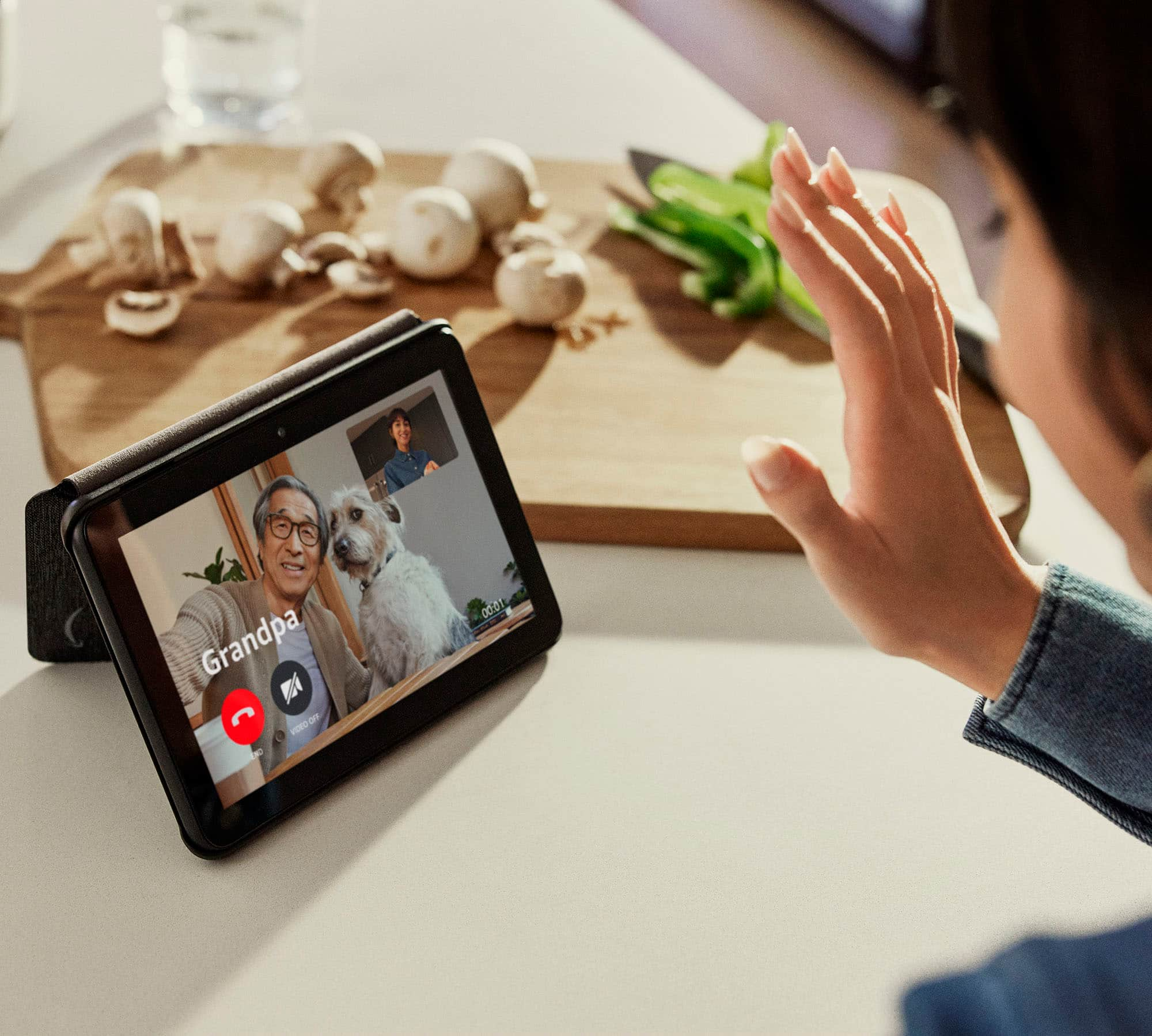
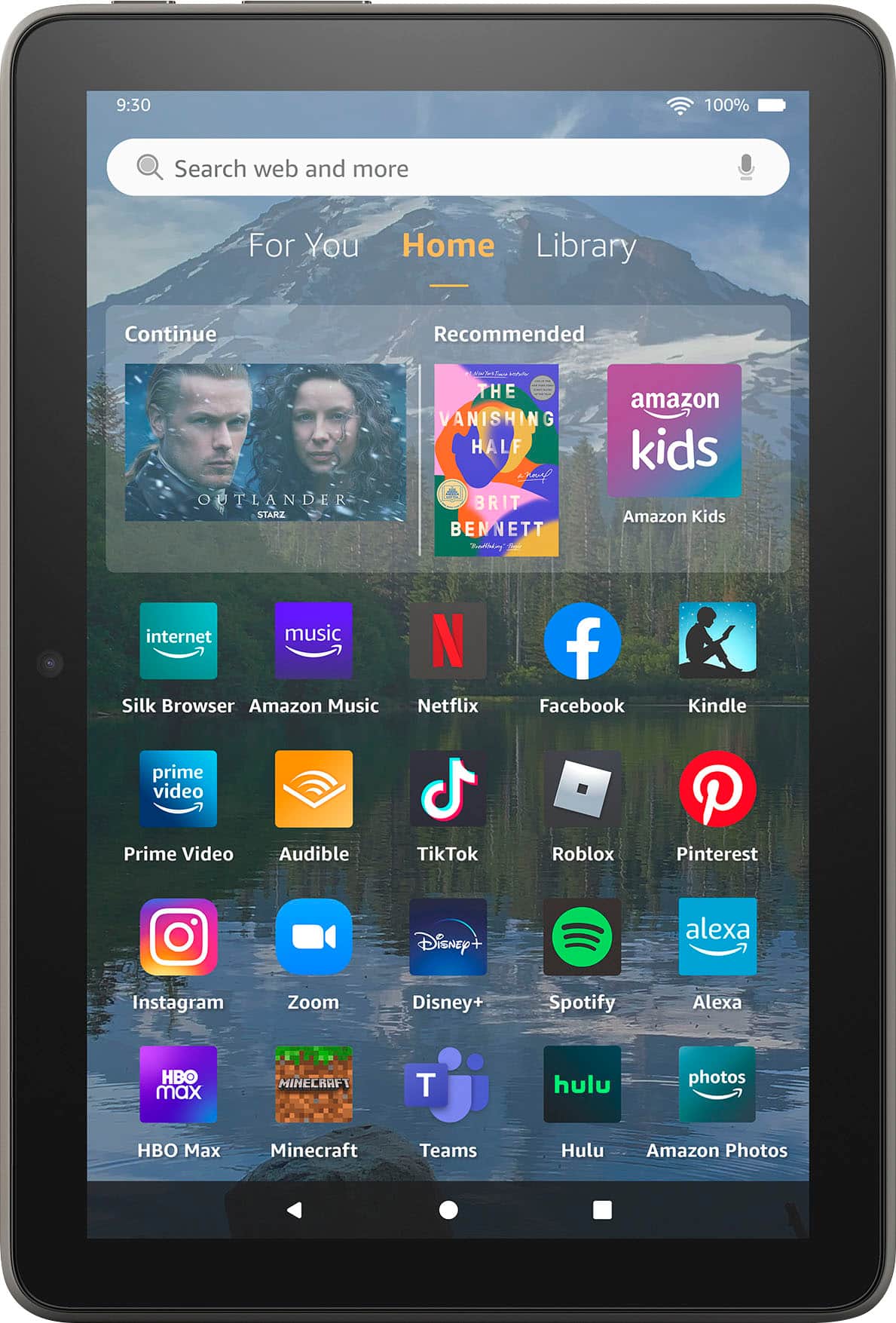
A:AnswerHi Libby! The Libby app is available on the Amazon App Store, and the Fire HD 8 features a lovely 8" 1280 x 800 display which is great for watching movies, tv shows, or reading all sorts of comics and illustrated books! I love being able to use Libby to have a book delivered directly to the Kindle app on the device. I hope that helps, have a great rest of your day!
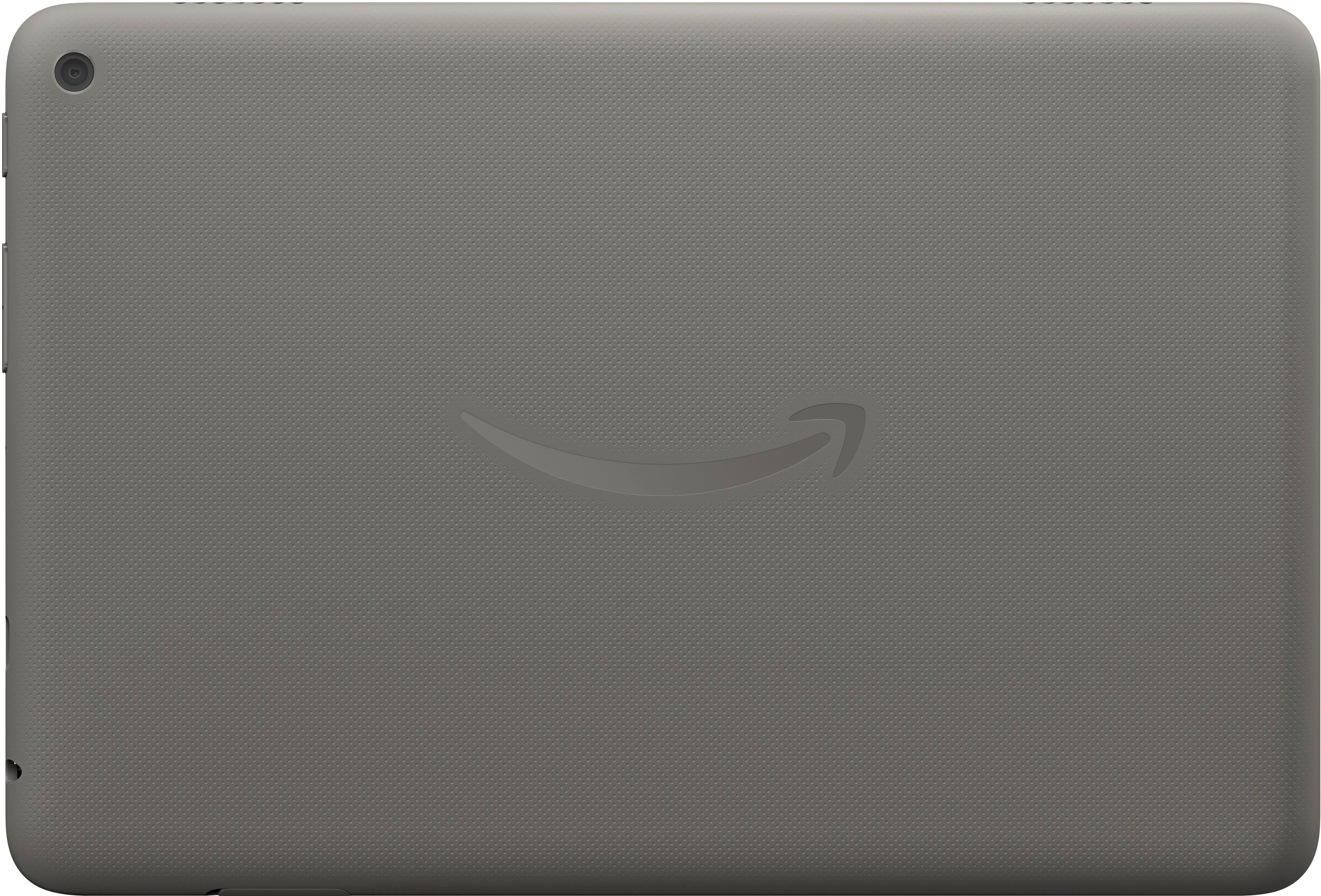
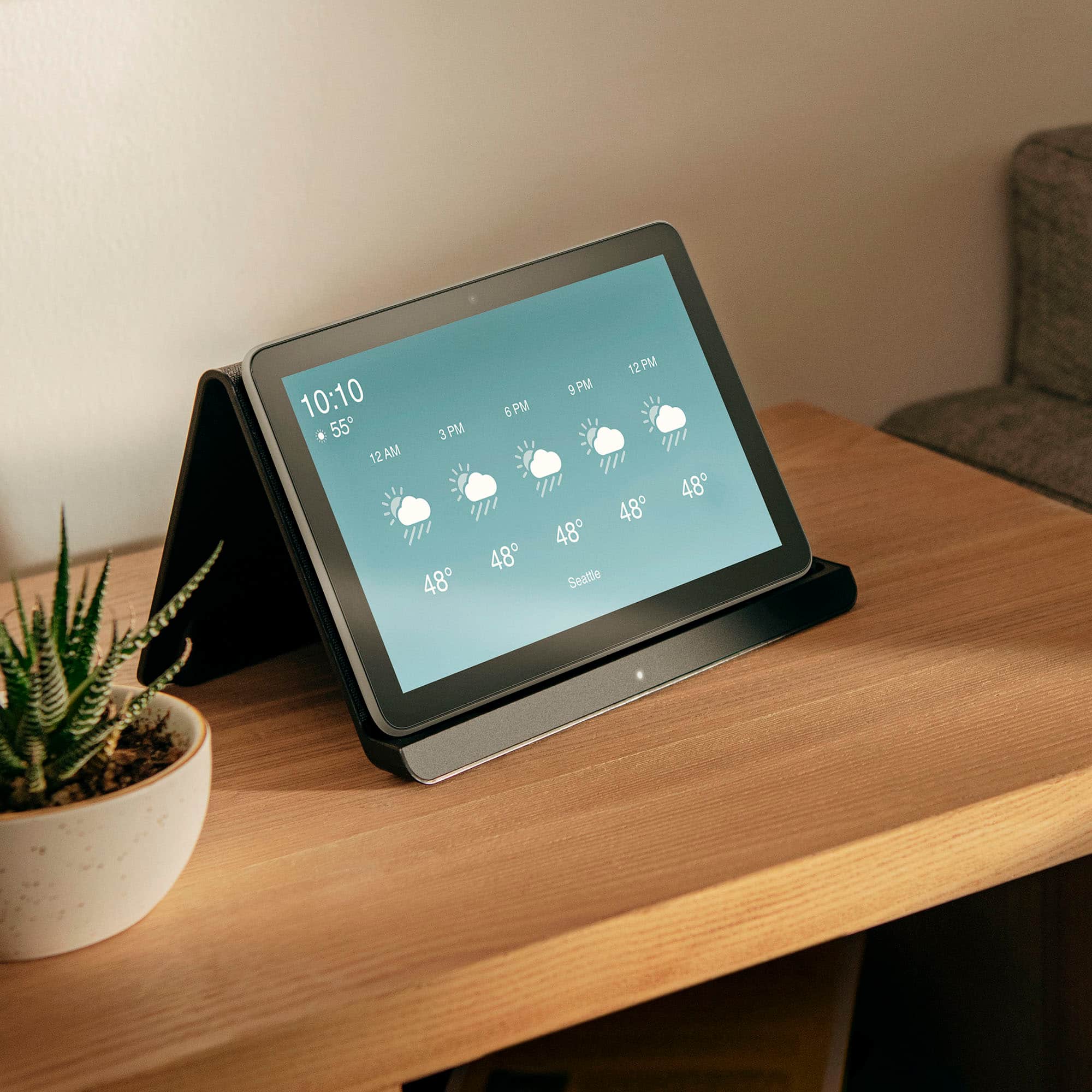
A:AnswerHello, Smo20! Fire HD 8 Plus offers everything you get with a Fire HD 8 and more - wireless charging, 9W power adapter, 3 GB RAM, 2 MP front-facing and 5 MP rear-facing cameras. New design is thinner and lighter than previous gen and has a screen made with strengthened aluminosilicate glass. As measured in tumble tests. I hope this helps, have a great day!
A:AnswerHi, Landau! The Fire tablets all run the same operating system, and all can download the Hoopla Digital app from the App Store. I hope this helps. Have a great day!
A:AnswerHi Bill! If this is a new tablet you purchased recently, the Fire HD 8 comes with a 90 day limited warranty through Amazon in addition to Best Buy's normal return policy. For an older device, I would suggest bringing it into a local Best Buy and seeing if they can help you figure out whats going on. Sometimes it could just be a faulty charger or a bad charging cable, and they can help you find a replacement the same day in store. I hope that helps, have a great rest of your day!
A:AnswerHello DDYZ,
Yes, you can access your purchased books through the Kindle app on your tablet. Here is how you can access and download your books on your device:
1. Navigate to the Home page of your tablet.
2. Select Books or open the Kindle app, then select Library.
3. To see all your previously purchased items, select All from your tablet's library.
4. Select the cover of the item you'd like to retrieve to download it again.
Kindle Store purchases are saved to the Cloud. Download them anytime from your Amazon account library. Have a great day!
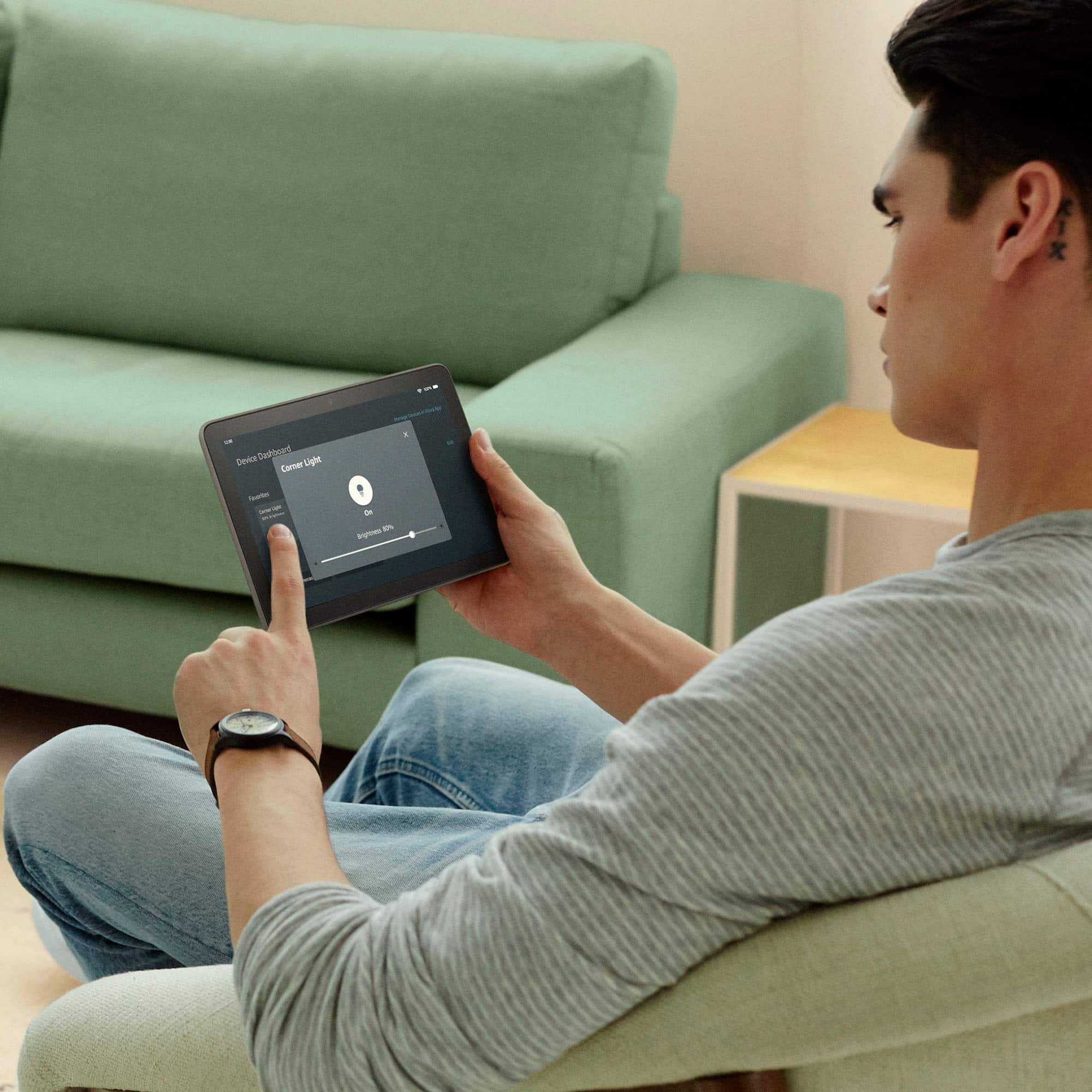
A:AnswerHello! Upon opening and turning on the Fire HD tablet, it will walk you through setup and guide you through how to use the tablet. Here are some tips on how to use this tablet: You can download games and apps and use them on the go by following these steps: 1. Select Games & Apps or open the Apps or Games app. 2. Select an app from your Library to download it or search for a new app in the Store. You can access and download your books on your device: 1. Navigate to the Home page of your tablet. 2. Select Books or open the Kindle app, then select Library. 3. To see all your previously purchased items, select All from your tablet's library. 4. Select the cover of the item you'd like to retrieve to download it again. Kindle Store purchases are saved to the Cloud. Download them anytime from your Amazon account library. you can control smart home devices hands-free with Alexa on compatible Fire tablets. To enable or disable Alexa hands-free, swipe down from the top of the home screen and select the Alexa Hands-Free icon. If you have a PIN or password set on your device, certain Alexa features require you to enter the password or PIN. If you would like to disable Alexa hands-free access when the device is locked: 1. Swipe down from the top of your tablet’s Home screen, select Settings. 2. Select Alexa. 3. Select Hands-Free Lock Screen Access. Hope this helps and have a great day!
A:AnswerHi Tom,
The Amazon Fire HD8 Tablet must be connected to wifi for you to enjoy functions like streaming, web browsing, and games.
Hope that helps!
A:AnswerHi Corky! The Fire HD 8 Plus works with any Fire 8 accessories that are described as working with the 2022 or 12th Generation tablet. The Plus also features wireless charging, so any Qi compatible charger will work. Other than that, the Fire HD 8 features Bluetooth and will work with wide variety of keyboards, headsets, earbuds, and other Bluetooth devices. I hope that all helps, have a great rest of your day!
A:AnswerHello jess! As stated by the Community member earlier, there are some web capabilities using the Amazon Silk browser that may be compatible with select platforms for telehealth services. I can confirm that at this time, there is no official app support available from the Amazon Appstore for Google Meet, Doxyme, or Psychology Today. Thank you for your question and I hope you have an great day!
A:AnswerHello, the YouTube app is not available on the Amazon Fire Tablets. You can use the built in browser to access YouTube via the web.
Have a great day!
A:AnswerHello Patrick. Yes the Xfinity Stream app is available for download from the Amazon Appstore on this device and the services needed for it should be included in your subscription to Comcast Xfinity. Thank you so much for your question and I hope you have a superb day!