A:AnswerHello Ads,
Thank you for your question. Yes by default the Fire HD 8 has ads, you can unsubscribe by making a one-time payment. Here are the steps to remove ads:
-Go to Manage Your Devices.
-Select Devices, and then select your Kindle e-reader or Fire tablet.
-Under Special Offers, click Remove offers. A pop-up window then displays the price to remove ads.
-Select End Offers and Pay the Fee to proceed.
Hope this helps, have a nice day!
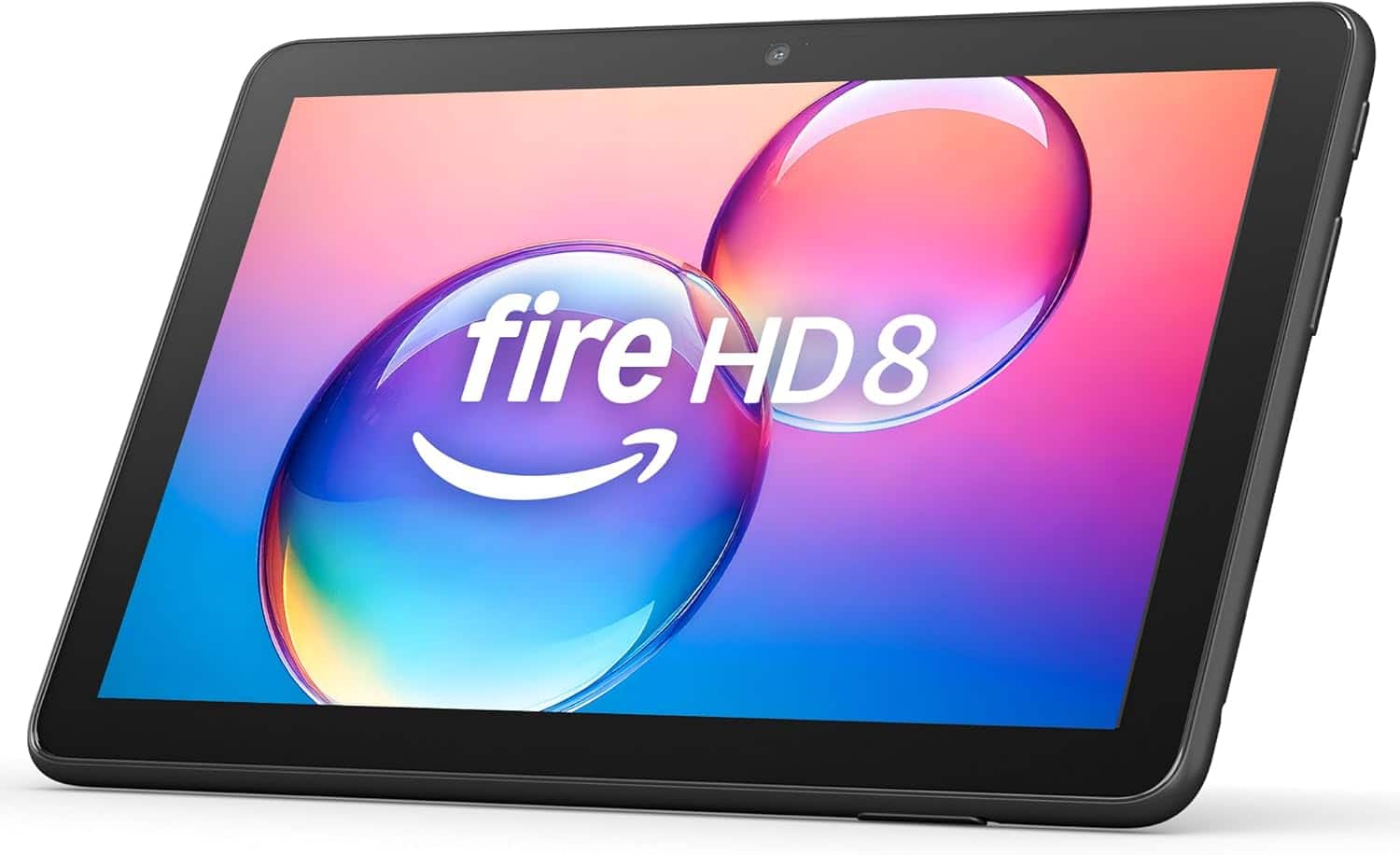
A:AnswerHello Grocks, you are interested in expanding the memory on the Amazon - Fire HD 8 tablet, 8” HD Display, 3GB memory, 32GB, designed for portable entertainment (2024 release) but are now able to see the slot for the micro SD card. The slot for the micro SD card on the Amazon - Fire HD 8 tablet, 8” HD Display, 3GB memory, 32GB, designed for portable entertainment (2024 release) is on the bottom right hand side when you have the tablet with the screen face you in the landscape configuration. Hope this has addressed your concern. Have an amazing day!
A:AnswerGood Morning Horn,
Thanks for reaching out, If you have an existing Amazon account you can use it to register the tablet..If you do not have an account it will prompt you to create a free account during set up. I hope this answers your question. Have a great day!
A:AnswerHey Black!
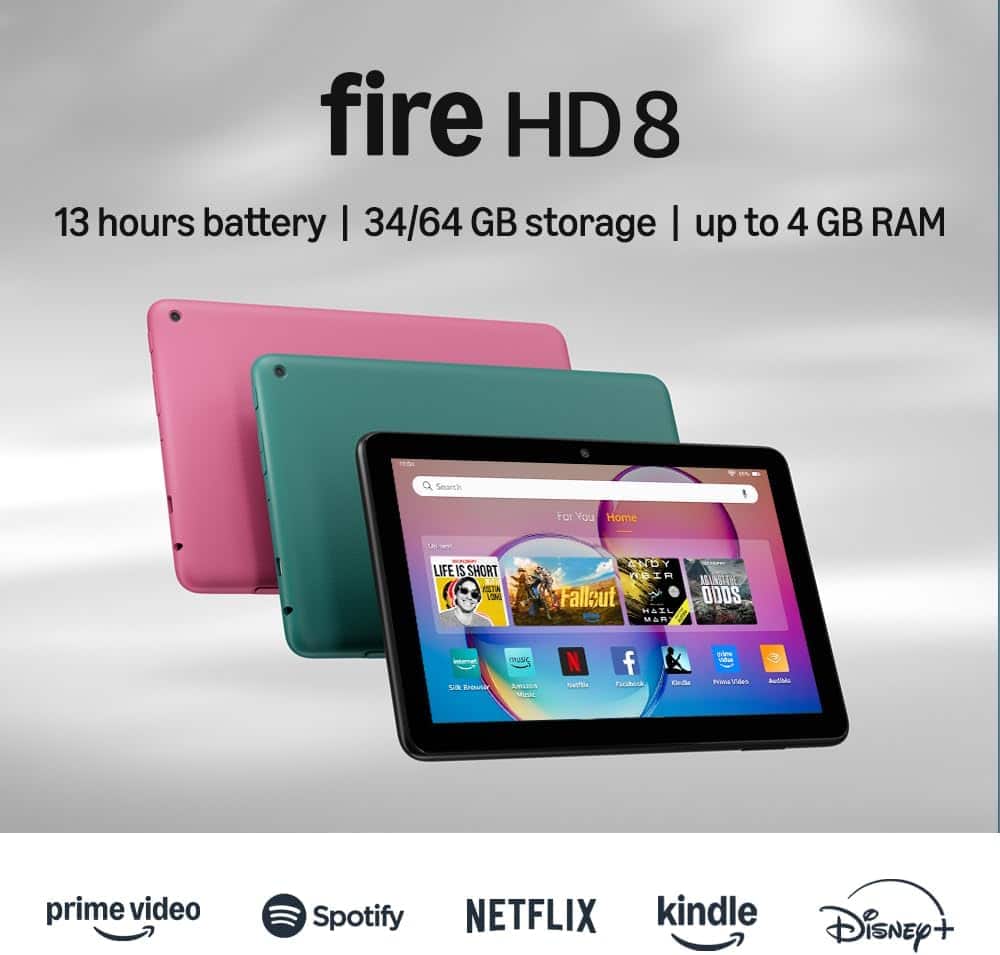
The new Fire HD 8 Tablet (2024 release) Is the 12th generation includes a hexa-core processor now paired with 3 GB and 4 GB RAM options for faster app switching and smoother gaming. Thanks! Have a great day!
A:AnswerHello Drika,
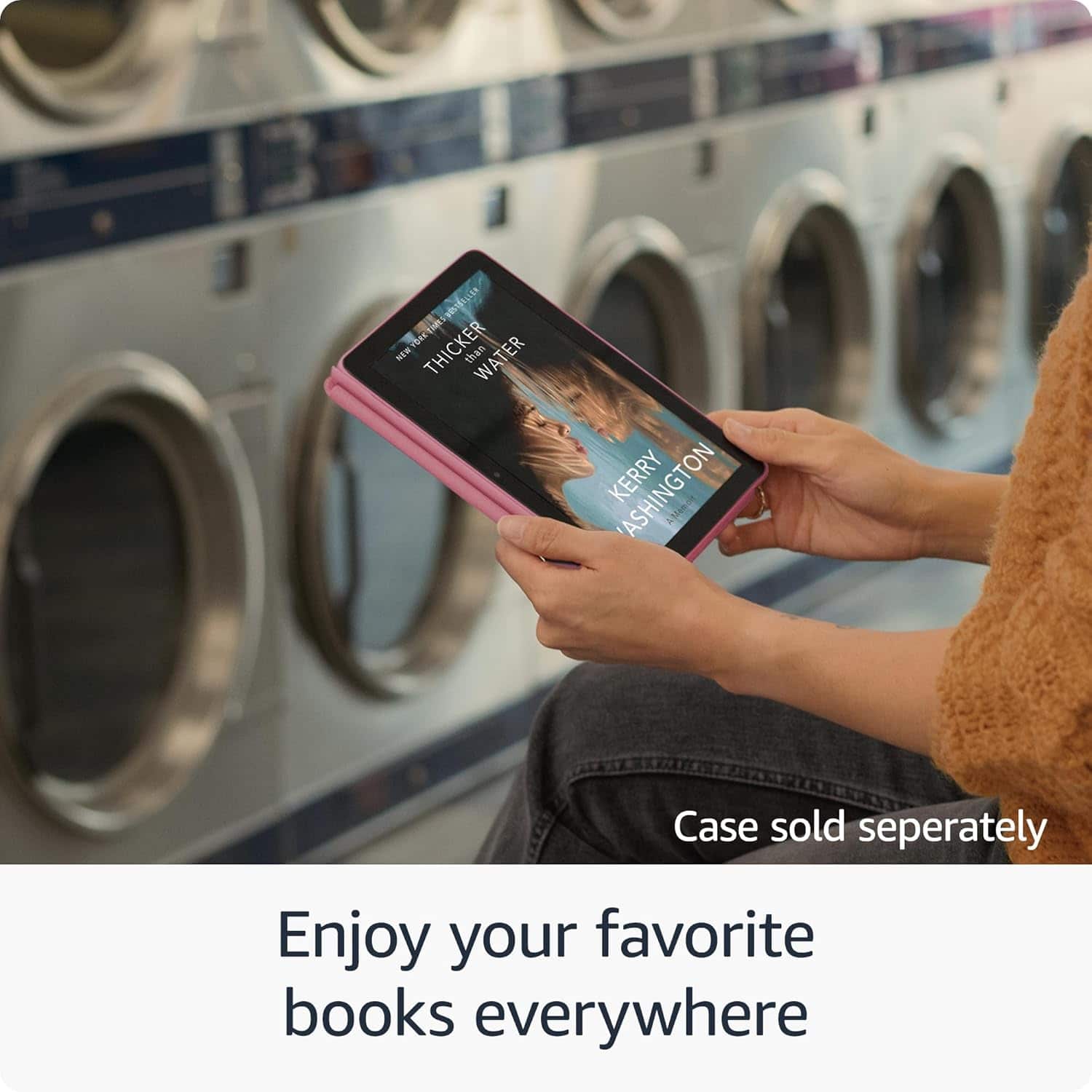
The Amazon Fire HD 8 Tablet is a fully functional tablet. It does have the Kindle App on it but it also has the ability to download apps, browse the web, make video calls and stream movies, TV or music! The Kindle App comes pre installed on all Amazon Fire Tablets. If you have an existing Kindle account, you can log in to it through the Tablet and your daughter will be able to access books you already own. If you don't have a Kindle account set up, its free to sign up and pair your existing Amazon Account with. Once you have the Kindle App set up, your daughter will be able to choose from any of the millions of titles available for purchase on Kindle. Through Kindle and your local library, she will also be ablet to check out books through Libby. The only thing you will need for Libby, is a current Library card from your local library, then she would even be able to check out books for free and read them at her leisure.
I hope this helps and that she has a blast reading!
A:AnswerHi MandyB,
Yes — you can send apps to your child’s Fire HD 8 by managing their child profile in the Amazon Parent Dashboard. You choose approved apps, and they’ll automatically show up on the tablet.
Hope this helps!
A:AnswerHi!
The Fire HD 8 is good for casual, basic drawing and sketching, especially with a simple capacitive stylus. It's not ideal for serious digital art due to a lack of pressure sensitivity, potential lag, and the limited options in the app store.
I hope this answers your question!
A:AnswerHello Debra and thank you for your question! Yes, the Amazon FireHD 8 tablet is the 12th edition, 2024 release. Hope this helps! Have a great day!
A:AnswerHi there! The Fire HD 8 comes with a USB-C charger, so you can charge it just like you would most phones or other tablets! The Fire HD 8 also features a Micro SD Card slot that you can use to expand the storage by up to 1TB, so you can take your favorite games, movies, and shows with you even when you won't have an internet connection. I hope that helps, have a great rest of your day!
A:AnswerHi AndyM,
Yes the Fire HD 8 can show books and graphic novels in full color. Just keep in mind this is a tablet, not a Kindle e-reader, so it uses a regular LCD screen instead of e-ink.
Hope this helps!
A:AnswerHello Kelley, the Amazon Fire tablets do not support a cellular connection. There are several apps available for download that will allow you to make voice and video calls when connected to WI-FI.
Have a great day!
A:AnswerHi CP! While the YouTube TV app is not available on the Amazon App Store, you can always sign in to your account via the built-in browser. You'll also be able to access tons of other streaming apps like Prime Video, Disney+, and Netflix which are available to download from the App Store. I hope that helps, have a great rest of your day!
A:AnswerHello Cookie and thank you for your question! The Amazon Fire HD tablet connects to the internet through a stable WiFi connection. There is no slot to place a SIM card for carrier provided internet. You can use the device without a WiFi connection, but you would only be able to access non WiFi needed content (pre-downloaded movies/games/books). Hope this helps! Have a great day!