A:AnswerHi MandyB,
Yes — you can send apps to your child’s Fire HD 8 by managing their child profile in the Amazon Parent Dashboard. You choose approved apps, and they’ll automatically show up on the tablet.
Hope this helps!
A:AnswerHi!
The Fire HD 8 is good for casual, basic drawing and sketching, especially with a simple capacitive stylus. It's not ideal for serious digital art due to a lack of pressure sensitivity, potential lag, and the limited options in the app store.
I hope this answers your question!
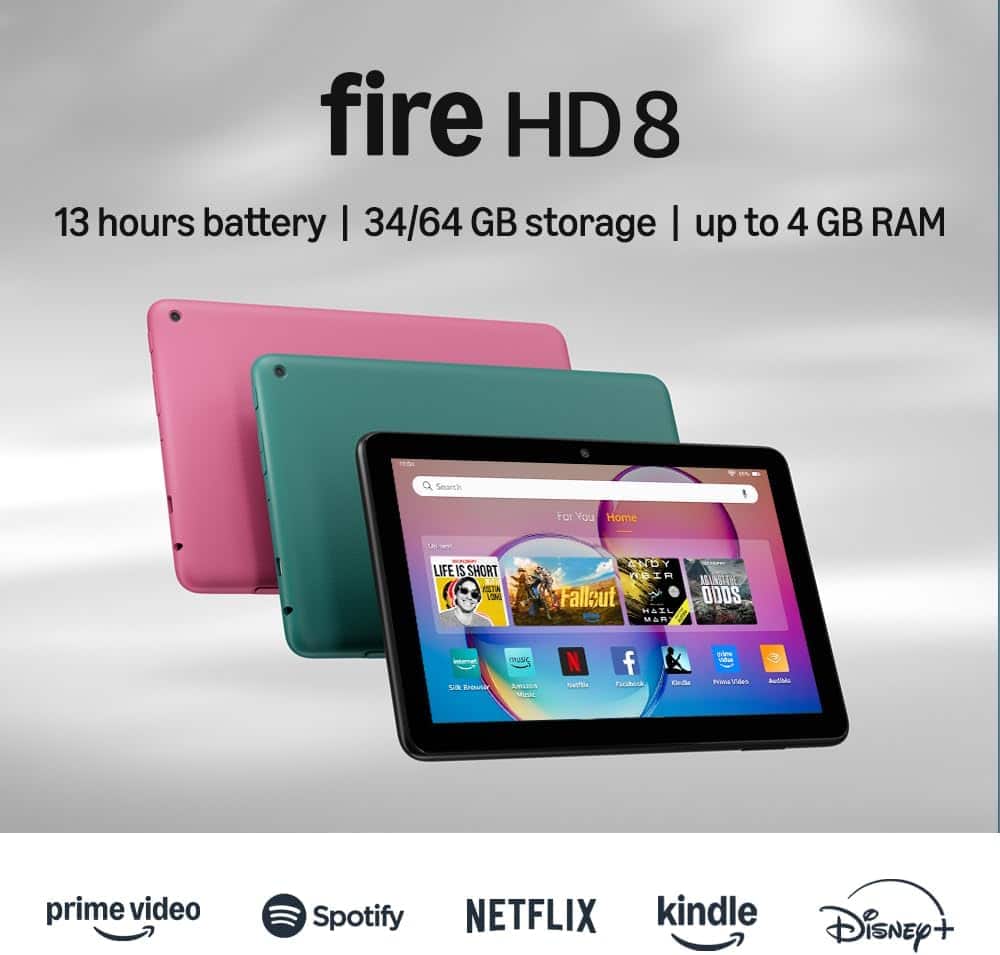
A:AnswerHello Debra and thank you for your question! Yes, the Amazon FireHD 8 tablet is the 12th edition, 2024 release. Hope this helps! Have a great day!
A:AnswerHi AndyM,
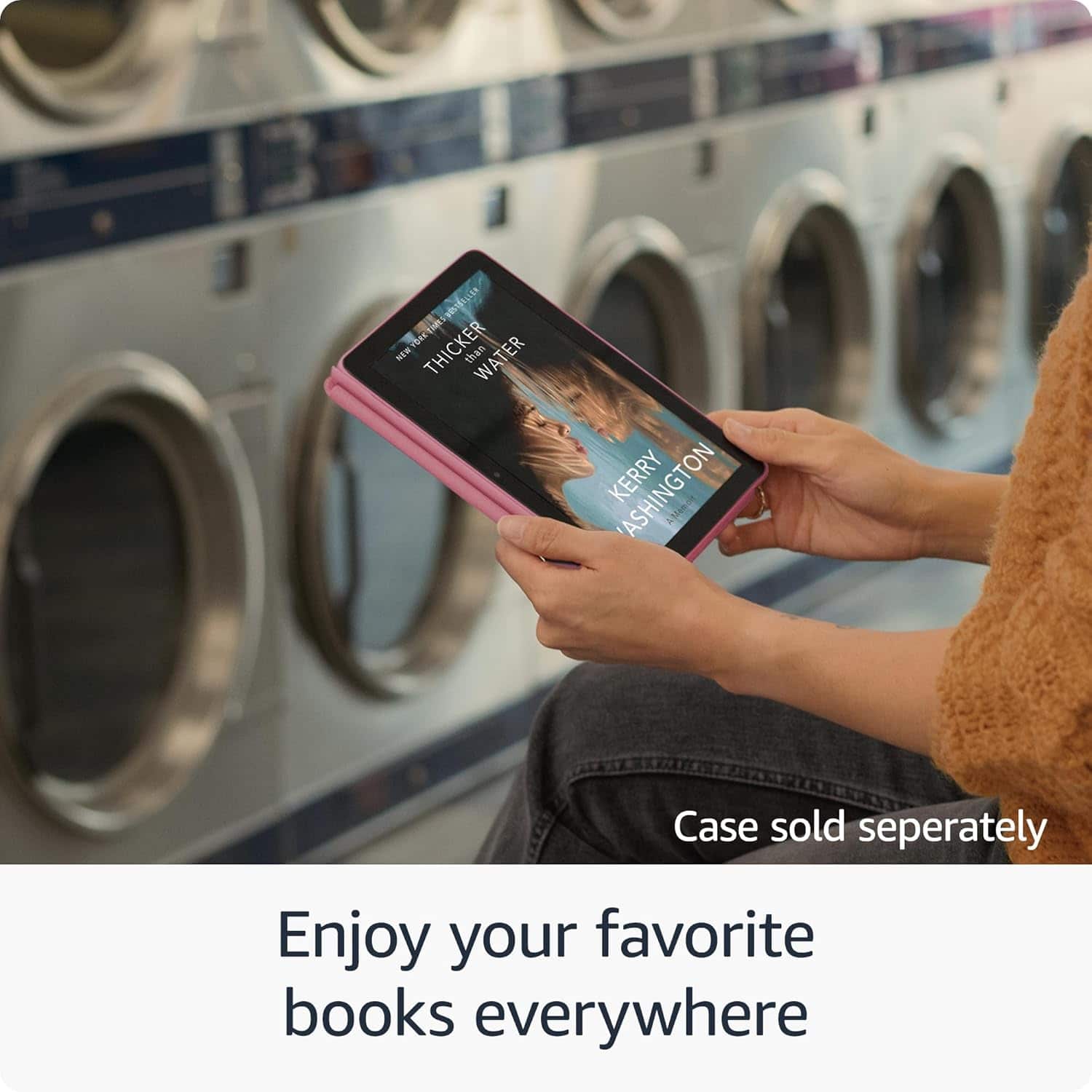
Yes the Fire HD 8 can show books and graphic novels in full color. Just keep in mind this is a tablet, not a Kindle e-reader, so it uses a regular LCD screen instead of e-ink.
Hope this helps!
A:AnswerHello Kelley, the Amazon Fire tablets do not support a cellular connection. There are several apps available for download that will allow you to make voice and video calls when connected to WI-FI.
Have a great day!
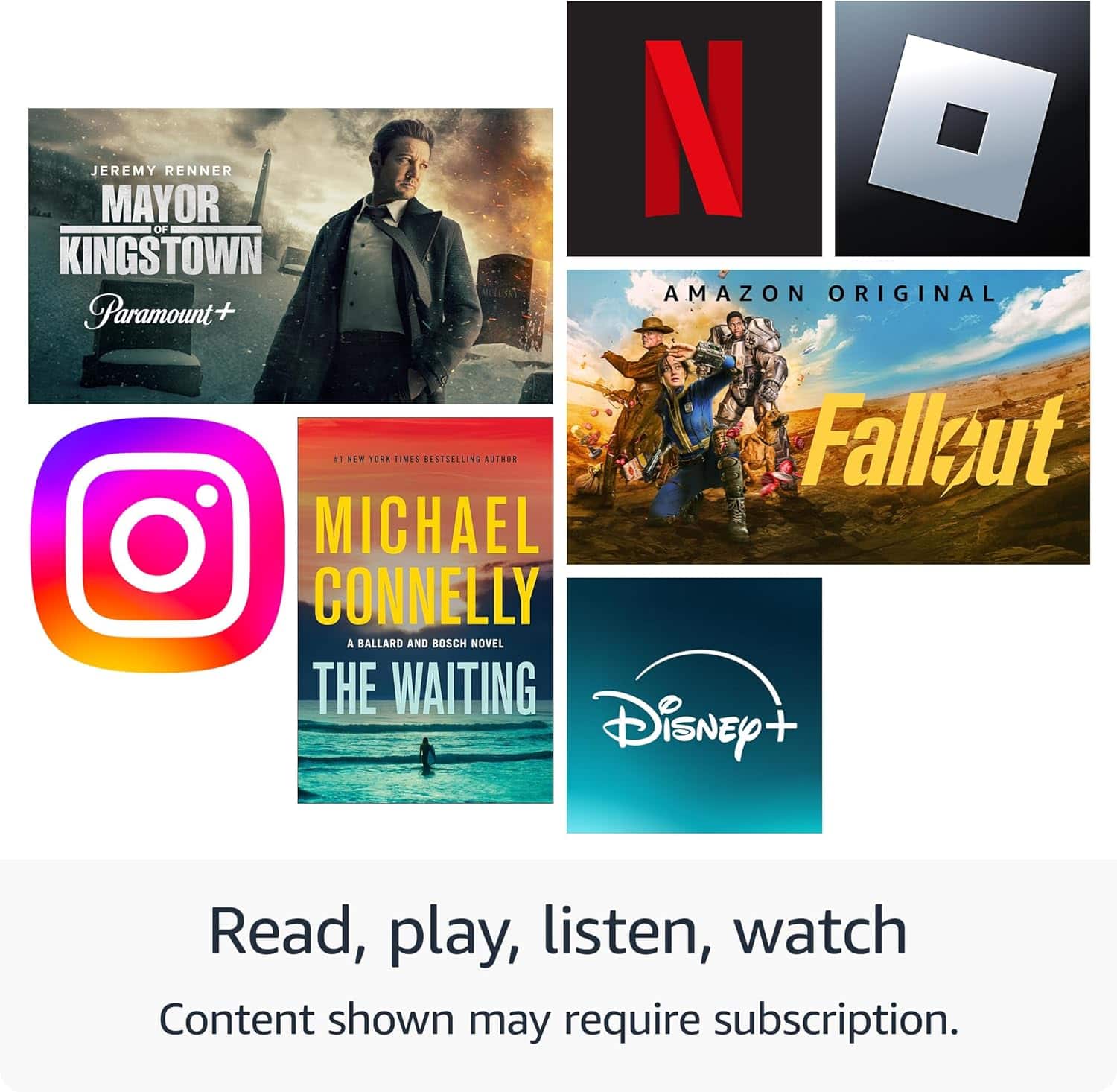
A:AnswerHi CP! While the YouTube TV app is not available on the Amazon App Store, you can always sign in to your account via the built-in browser. You'll also be able to access tons of other streaming apps like Prime Video, Disney+, and Netflix which are available to download from the App Store. I hope that helps, have a great rest of your day!
A:AnswerHello Cookie and thank you for your question! The Amazon Fire HD tablet connects to the internet through a stable WiFi connection. There is no slot to place a SIM card for carrier provided internet. You can use the device without a WiFi connection, but you would only be able to access non WiFi needed content (pre-downloaded movies/games/books). Hope this helps! Have a great day!
A:AnswerHello clady and thank your for your question! The Nook app is not available on the Amazon App store and would be unable to download on the Amazon Fire Tablets. Hope this helps! Have a great day!
A:AnswerHello Chuck,
Kindle and Fire TV Batteries are technically replaceable and their are options on Amazon.com for replacements. I would however strongly state, that doing any sort of user repair could void the devices warranty. Before trying to change the battery yourself, I would consult the devices warranty either by contacting us at 1.888.280.4331 or looking up your devices user manual. Another option would be taking the device in to your local Best Buy Geek Squad. If you purchased a Geek Squad Protection Plan, they may be able to fix or even replace the device if it's deemed defective.
I hope this answers your question.
A:AnswerHi,
Yes, you can check your email and open attachments on a Fire HD 8 tablet by tapping the email icon on your home screen to open the email app, then tapping on the attachment within an email to download and open it, provided you have the necessary app installed to view that file type.
I hope this answers your question!
A:AnswerHello, thank you for your question. Both Minecraft and Roblox are directly available in the Amazon Appstore for the Fire HD 8, making them easy to download and play. The tablet will run both games well on basic settings, which can be accessed through the game menus. I hope that helps, have a great day!