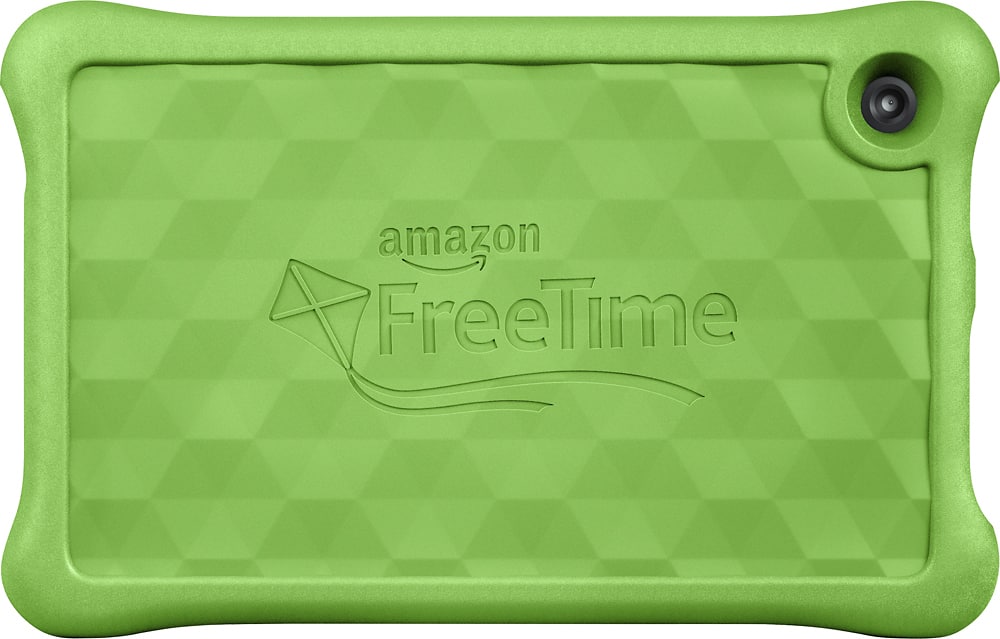
A:AnswerThere is a kids and young adults profile when you set it up which tailors the selection of apps to the age group. You can also use the tablet in the regular adult mode just like a non-kids tablet. I use it myself for email, facebook, youtube etc.
A:AnswerYou have to have Internet connection to download the games but once the games or apps are downloaded you are good to go. No Internet will be needed to play the games you have downloaded. And this one comes with tons of apps already on it. You just choose which ones you want, then download. It's easy and great for my 2 year old.
hope this helps.
A:AnswerYes. I would suggext buying an inexpensive memory chip. I have two movies for my grand daughter in the original configuration and am adding memory.
A:AnswerWe have one for our 6 year old, and one for our 10 year old. They both enjoy them!
When you setup the Amazon Free Time Unlimited it asks for the age of the child and shows stuff appropriate for that age.
A:AnswerThat ability is determined by the game, not the machine. But yes, there are TONS of games and apps for kids that do not require access after downloading.
A:AnswerIt is identical to the kindle 7, but comes with the bumper, warranty, and 1 year subscription to "free time unlimited" which is the kids profile app. When signed out of the "free time unlimited" it acts just like any other kindle fire tablet you would purchase. I have netflix, espn, comcast, etc. so I can use it to mess around with when my son isn't using it.
A:AnswerYes there is a Micro-SD card slot on the side of the Tablet and as long as the SD card runs fast enough you can save any App to it and not see any issues. A Class 10 SD card is suggested for best results.
A:Answeramazon is not a lot of help honestly. if you have the warranty, take it back to best buy and exchange it. if not, you might consider just replacing it. not worth the hassle otherwise