A:AnswerI can't compare something I don't have. I can tell you that there's a lot less buffering from the smaller firestick I previously had. I haven't used kodi in years, but I use other movie app and they load faster and hardly any buffering. I'm very pleased with my Fire Cube 2nd gen! Hope this helps!
A:AnswerYou don’t need a firestick. The cube replaces the firestick but it only good on one tv. It’s not like a hub. So it’s good for the bedroom tv and leave the firestick in the living rm.
A:AnswerUnfortunately it does not. The Fire TV line of products run a custom Fire TV operating system that only supports apps downloaded through the provided app store on the device.
A:AnswerYes, you can download the WWE app on Fire TV cube, Roku, Apple TV, Android devices, Xbox, PlayStation, etc. and sign into your WWE account.
Gaming Consoles
PlayStation 4
Xbox One
Computers & Mobile Devices
Android Devices
Apple iPhones & iPads
Computers ‐ PC & Mac
Connected TVs
LG Smart TV
Samsung Smart TV
Sony Android TV
Digital Media Players
Amazon Fire TV
Android TV
Apple TV
Google Chromecast
Roku
A:AnswerBuy a Digital HD antenna at best buy and get all your local channels for free. Other devices like a firestick will get you some free tv movies (aps)but all depends on internet speed.
A:AnswerSince the Fire TV Edition already has Amazon Fire TV I'm pretty sure the fire stick wouldn't have anything extra to offer. Actually the Fire TV Edition television has added abilities and more options than the fire stick. Being that I really dislike Apple products and the programming of Apple phones as well as the fact that most yuppies, Preps, stuck up, high minded, and spoiled brats spending Daddy's Money think Apple is better I don't buy Apple products so I don't look like a jerk using them. That being said I'm not sure what Apple TV would add to your experience.
A:AnswerHello!
You would be able to view your Wyze cameras on compatible Amazon Alexa devices by adding the Wyze skill to your Alexa app. The compatible devices are Echo Show, Echo Spot, Fire TV Stick (2nd Gen), Fire TV (2nd Gen), 4k Fire Stick (Gen3), Fire TV Cube, and Fire Tablet 7 or higher. To add the skill, open your Alexa app, click on Skills and Games, and search for Wyze. There are no fees to use the skill. There may be costs associated with your Wyze cameras depending on your subscription.
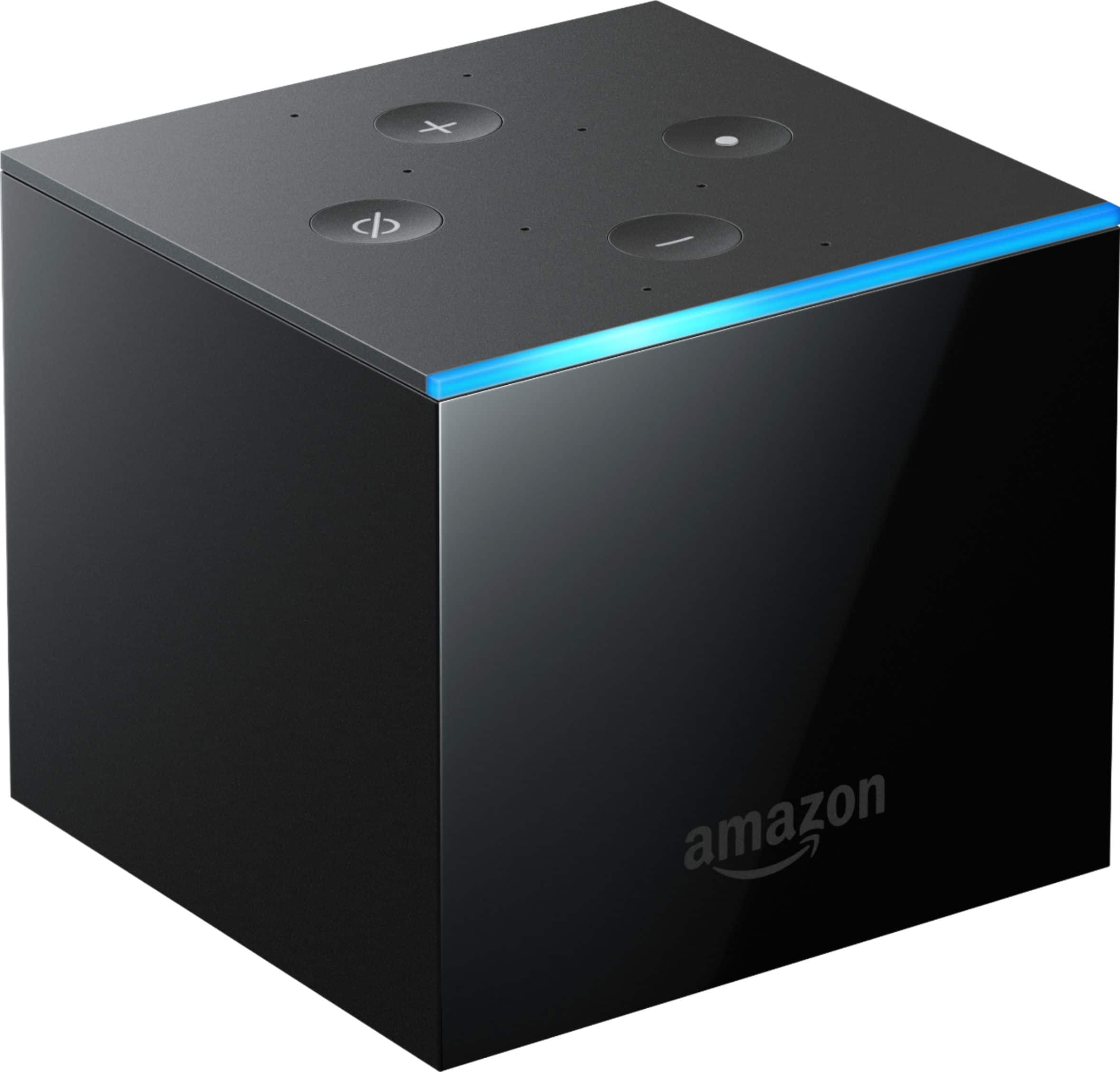
A:AnswerHi Jill! You can download the Peloton App onto the Fire TV Cube and use it on your non Smart TV as long as you have a TV with an HDMI input. Hope this helps!