Labor Day SaleEnds September 7. Limited quantities. No rainchecks.Shop now

Main Content

Questions & Answers

Page Showing 41-60 of 232 questions
  • QuestionWill it work with a projector

    Asked by Fire.

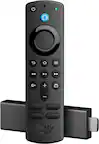
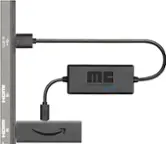
    • Answer Hi Fire, yes — the Fire TV Stick 4K Max can work with a projector that has a compatible HDMI input. You’ll also need to provide power to the Fire TV Stick, and your projector will need built-in audio or an external audio solution. Hope this helps!

      Answered by Amazon Devices Customer Support

  • QuestionWhat is the operating system?

    Asked by TomK.

    • Answer Hi TomK, the Fire TV Stick 4K Max (2nd Gen) runs on Fire OS, Amazon’s operating system based on Android. Hope this helps!

      Answered by Amazon Devices Customer Support

  • QuestionIs this device able to display like feed of blink cameras?

    Asked by Xerox.

    • Answer Hello Xerox, yes you can view your Blink Cameras using the Fire TV Stick. First you have to link your Blink Account to your Alexa Account. You can do this using the Alexa App. Open the Alexa App and click on the menu in the top right, then open the Alexa+ Store and search for Blink. After linking your accounts you can press the Blue Alexa button on your remote and ask Alexa to show you your camera. Have a great day!

      Answered by Amazon Devices Customer Support

  • QuestionCan I get the philo app on either one of the fire sticks

    Asked by CR.

    • Answer Hi CR, Great question! Yes, the Philo app is available on the Fire TV Stick 4K Max (2nd Gen). You can easily download it directly from the Amazon Appstore on your device. Here's how to get it: From your Fire TV home screen, navigate to Find and then select Search. Type "Philo" and select it from the results. Click Download or Get to install the app. Alternatively, you can say "Alexa, find the Philo app" using your Fire TV remote to search for it hands-free. Once installed, you'll just need to sign in with your Philo account (or create one if you're new to the service) and you'll be ready to start streaming. Hope this helps!
      Answered by Amazon Devices Customer Support

  • QuestionDoes this model have Vega OS?

    Asked by RayC.

    • Answer Hi RayC! No, the current Fire TV Stick 4K Max does not have Vega OS. It runs on Amazon’s traditional Android-based Fire OS. I hope this answers your question!

      Answered by Amazon Devices Customer Support

  • QuestionDies this have a USB connector? Is there a subscription required?

    Asked by DS.

    • Answer Hi DS! The Amazon Fire TV Stick 4K Max does not have a standard built-in USB port for external accessories, but it features a micro-USB port used strictly for power. There is no monthly subscription fee required by Amazon just to use the device itself, though individual apps like Prime Video may charge their own fees. I hope this answers your question!

      Answered by Amazon Devices Customer Support

  • QuestionCan you download

    Asked by Anonymous.

    • Answer Yes

      Answered by SUDHEERA

  • QuestionCan this be used on an HD tv it is not a smart tv

    Asked by Lisa.

    • Answer Yes. Plug it into one of the available hdmi ports on your tv. Connect the device to home WiFi and it will essentially turn your non-smart tv into a smart one.

      Answered by Brandon

  • QuestionWhat is the fRAM or this item?

    Asked by Bob.

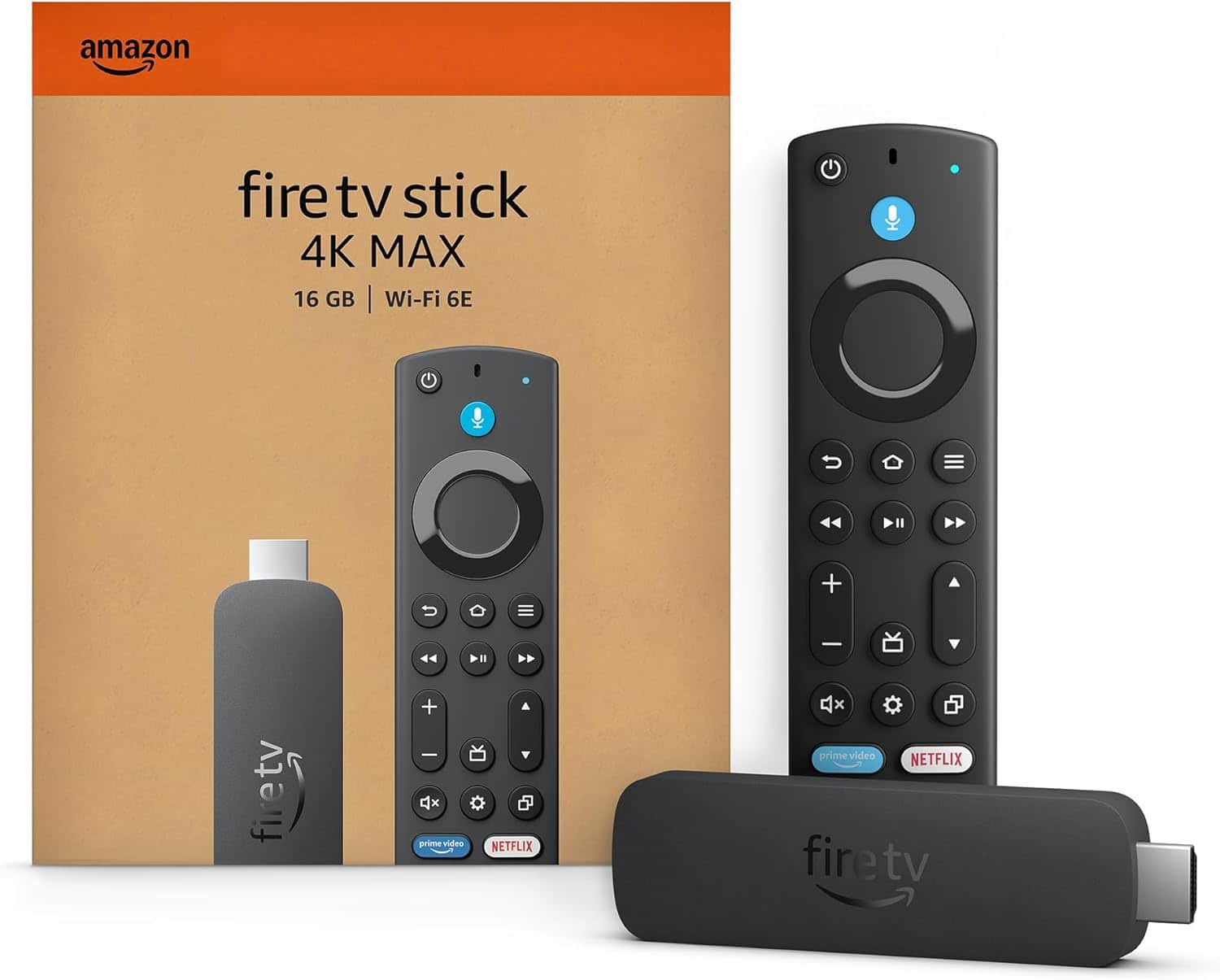
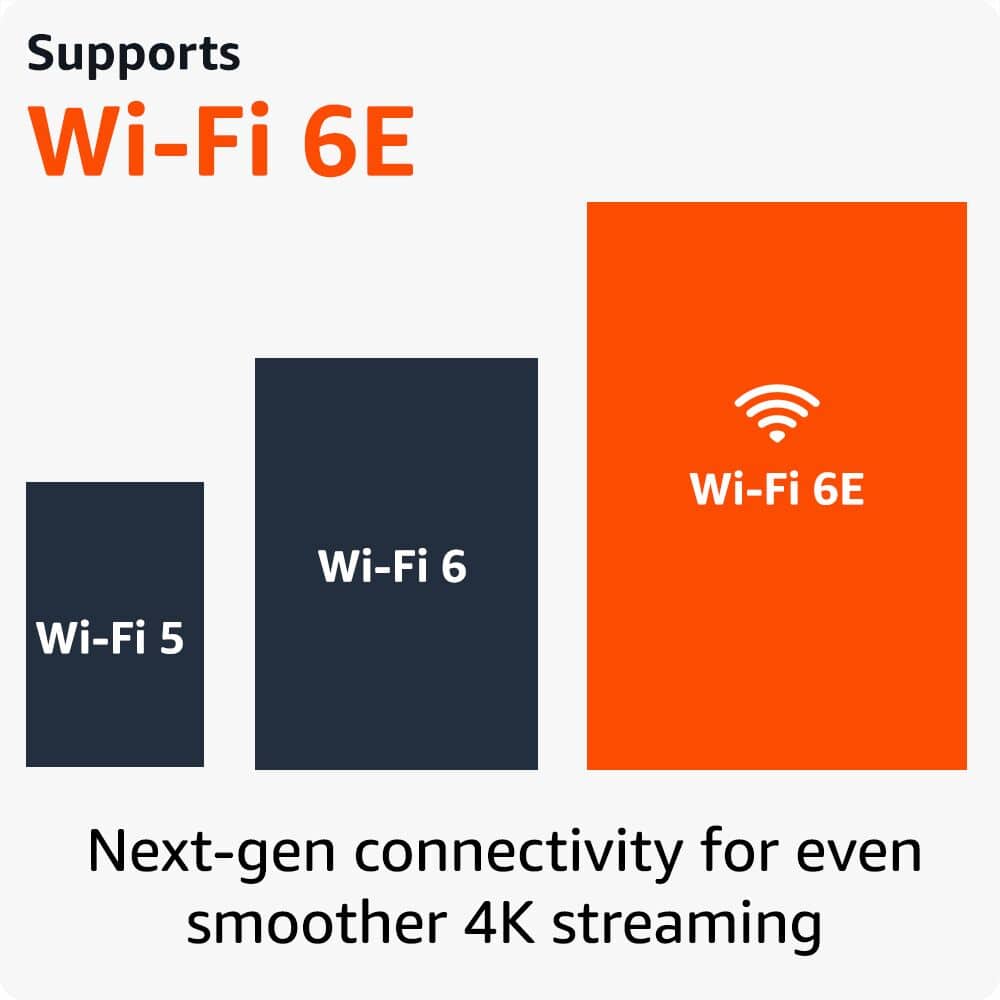
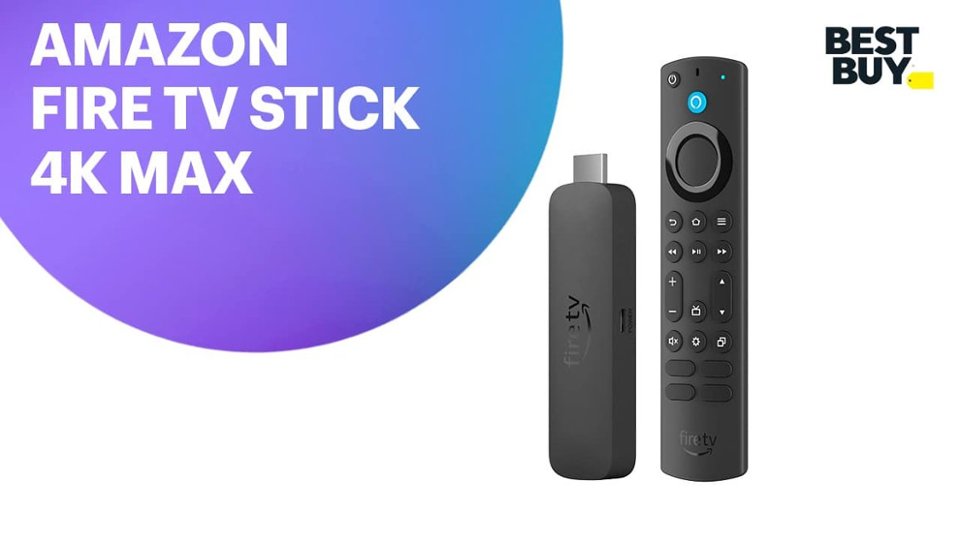
    • Answer Hi Bob! The Fire TV Stick 4K Max is our most power streaming stick to date, featuring 2GB LPDDR4 RAM and 16GB of storage. It supports WiFi 6E as well as Bluetooth 5.2. For video formats it supports HDR 10 and HDR 10+, as well as Dolby Vision and HLG so you never have to worry about getting quality video regardless of your streaming platform. I hope that helps, have a great rest of your day!

      Answered by Amazon Devices Customer Support

  • QuestionDoes it allow access to downloader to install 3rd party streaming service Apollo group TV

    Asked by Jim.

    • Answer Yes

      Answered by Sloppy

  • QuestionWhat apps are free that’s already installed

    Asked by Anonymous.

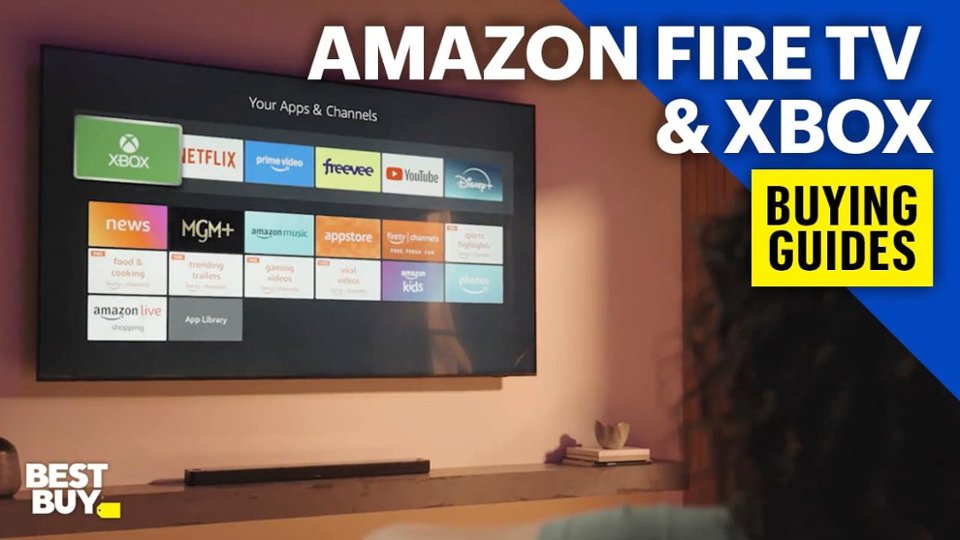
    • Answer Hi there! It comes preloaded with Prime Video, Amazon Freevee, Amazon Photos, Silk Browser and Youtube. You can download other free services such as Pluto TV, Tubi and Plex on the Amazon App store. Hope that helps!

      Answered by Amazon Devices Customer Support

  • QuestionDo you need to use an antenna with this?

    Asked by Arleen.

    • Answer No

      Answered by Sloppy

  • QuestionIs this firestick a vega version

    Asked by Mark.

    • Answer Hi Mark! All newly released Fire TV Sticks feature the Vega OS, but you still find and install apps via the Amazon App Store just like always! I hope that helps, have a great rest of your day!

      Answered by Amazon Devices Customer Support

  • QuestionDo you need a smart TV for a fire stick

    Asked by Anonymous.

    • Answer No just an HDMI input and WiFi

      Answered by User

  • QuestionSorry a little confused, some stated it saves money on paid subscriptions so does this mean I can cancel my Netflix paid subscription and keep my Netflix account and still use Firestick to access Netflix?

    Asked by confusedandtired.

    • Answer There is no savings on any paid streaming apps. The fire stick is a convenient means of providing a simple graphical user interface consolidating all apps in one place. It also gives a voice command to search these apps. I note that the newest gui is poor vs the original format.

      Answered by TheDad

  • QuestionCan this be sideloaded

    Asked by Barkie.

    • Answer Yes

      Answered by Sloppy

  • QuestionWhat is this fire stick compatible to

    Asked by Anonymous.

    • Answer Televisions and display devices which support HDMI cables.

      Answered by Azeem

  • Questiondoes this product work on roku tvs

    Asked by adam.

    • Answer Yes the firestick works with Roku tvs but you have to access the fire stick by selecting it as an app. It won't load automatically as with any smart tv.

      Answered by TheDad

  • QuestionWhat about local channels

    Asked by Anonymous.

    • Answer Had a hard time figuring out how to put the zip code in to bring up the local channels still haven't figured it out but Alexa took me to the local station and once I started to put shows on the DVR that local station comes up in the guide and I can change to that channel to watch live and weather

      Answered by Genius

  • QuestionDoes this particular product record and have streaming capability for DirecTV programs? If not, what equipment does record and have streaming services that can be purchased and uses DirecTV?

    Asked by Anonymous.

    • Answer I have Hulu live with the DVR no problems there

      Answered by Genius