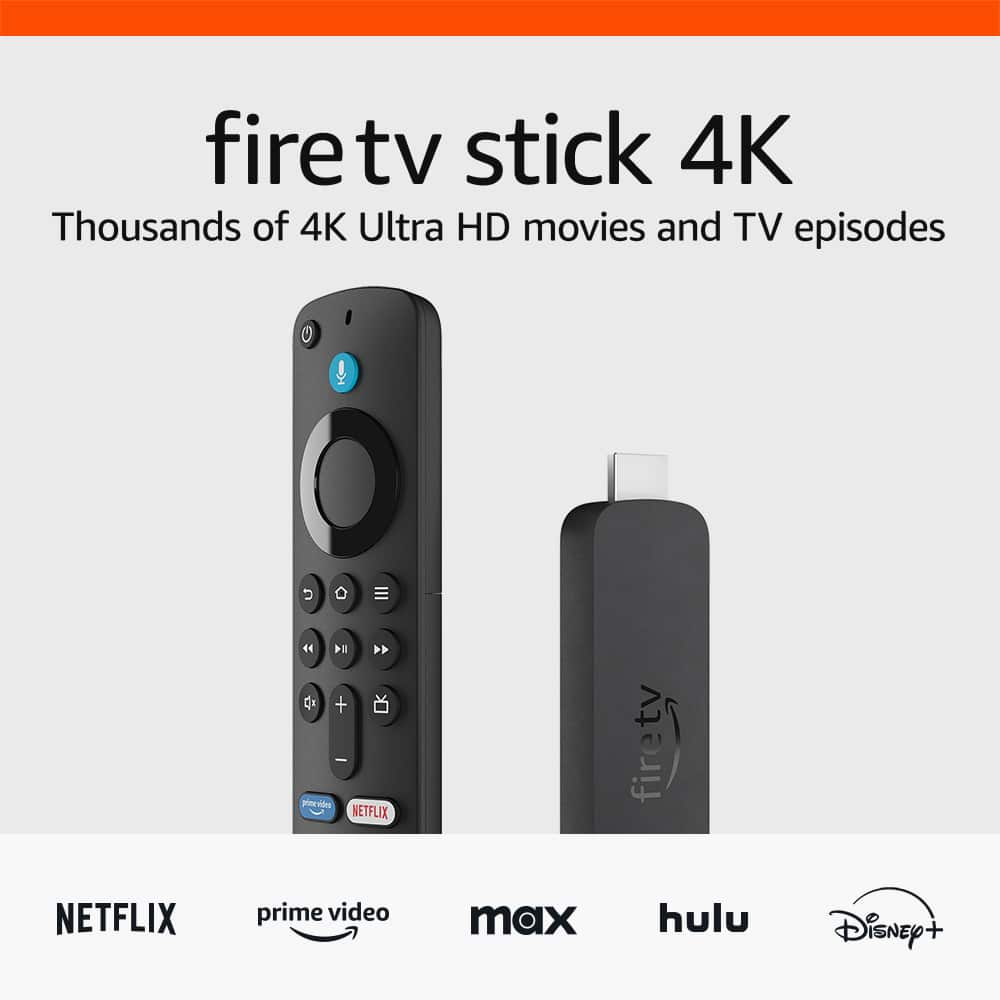
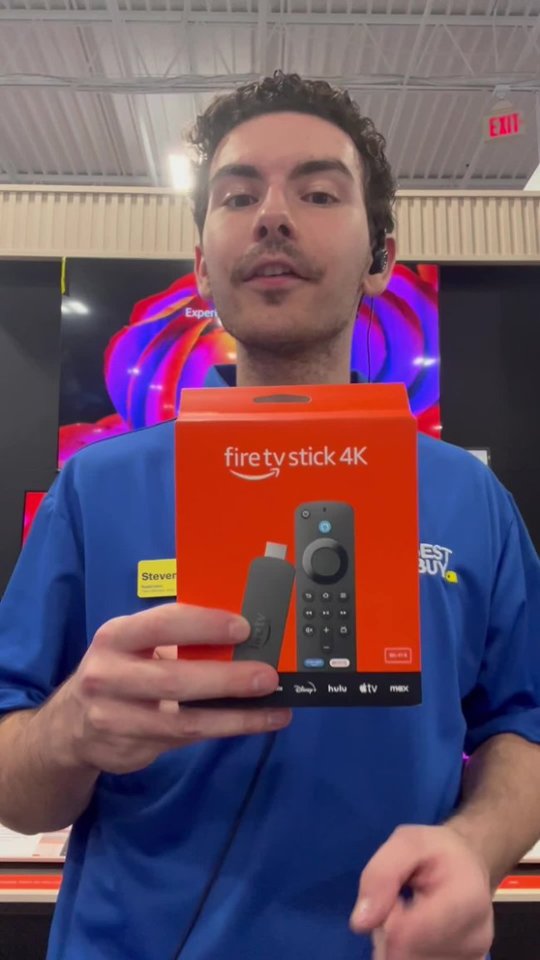
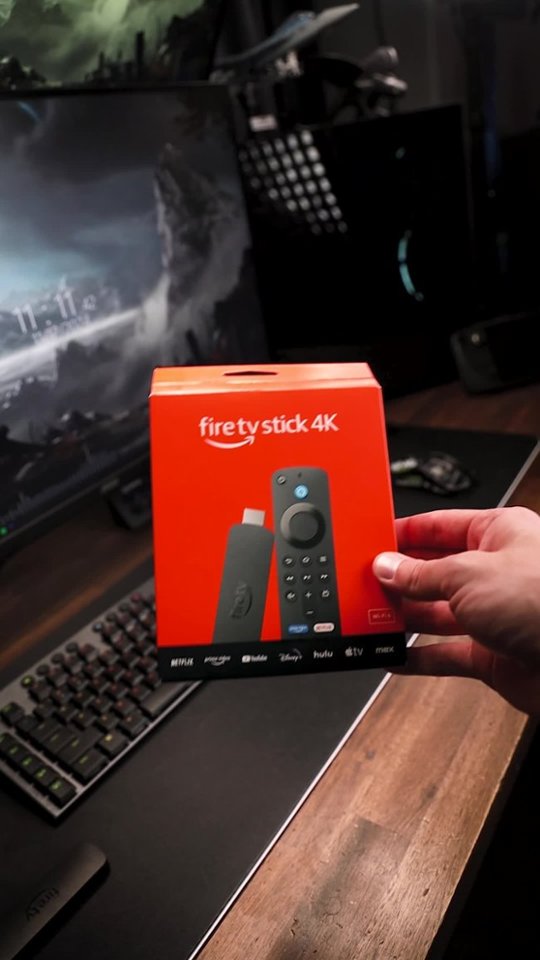
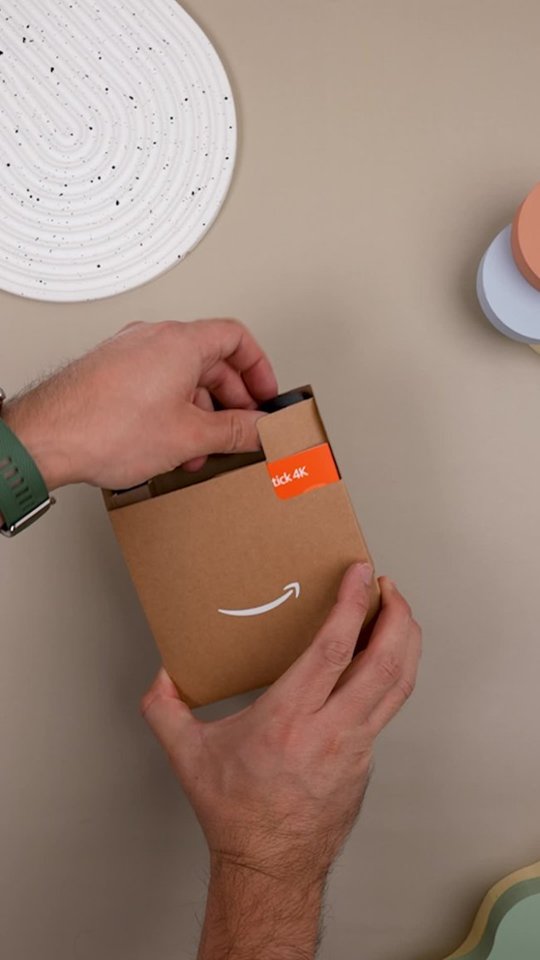
A:AnswerHi there! To set a sleep timer on your Fire TV Stick 4K, just ask Alexa to turn off the Fire TV Stick after a certain amount of time. Something like "Alexa, turn off the TV in an hour" and Alexa will handle the rest! For best results, you'll want to make sure that your TV is set up to let the Fire TV Stick 4K handle the power via HDMI but most modern TVs will work that way out of the box. I hope that helps, have a great rest of your day!
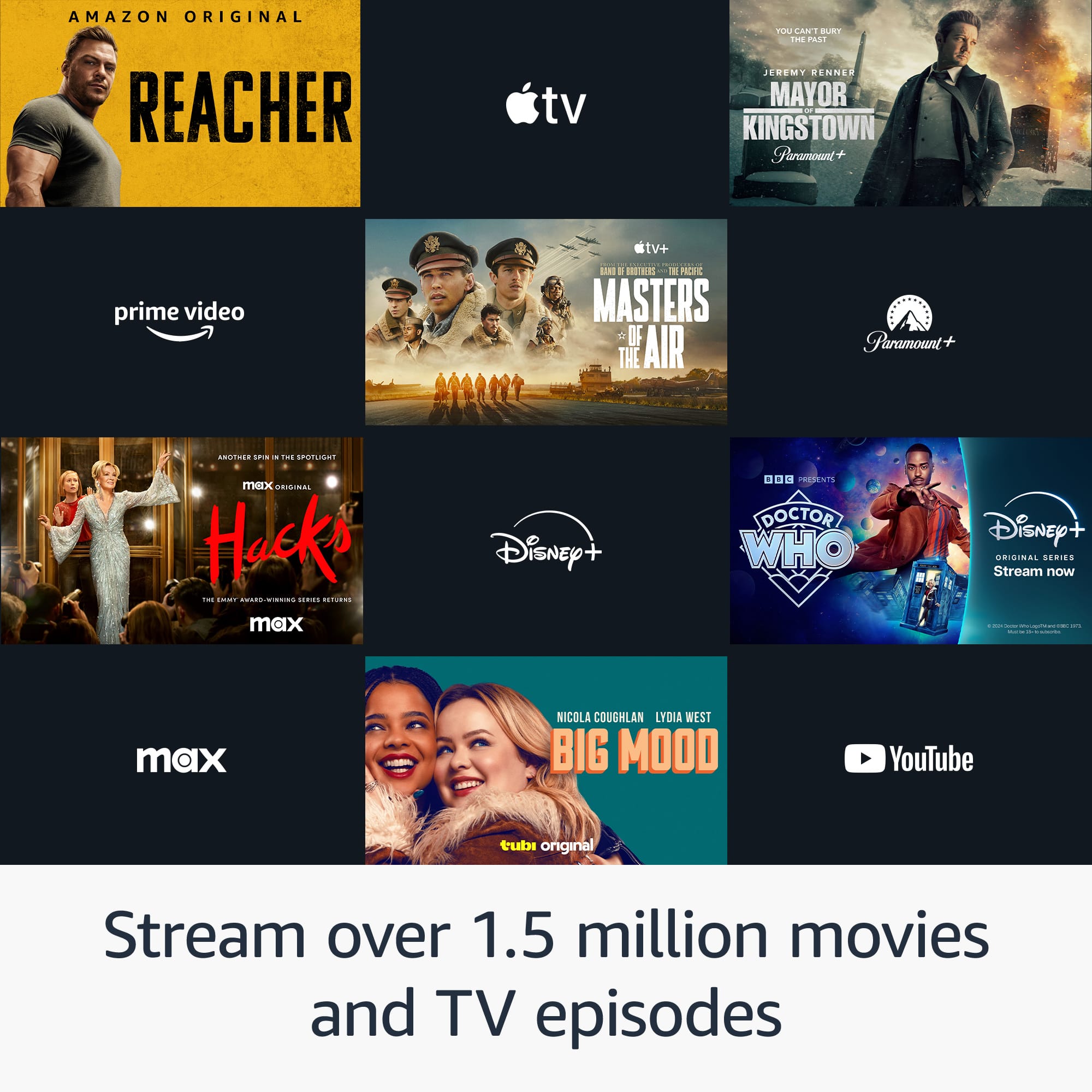
A:AnswerHi Ed! There's tons of great free TV available on the Fire TV Stick 4K, and you can even browse through what's playing now using the built-in Guide feature! Some examples of free TV available are FreeVee, Peacock, Pluto TV, and Crackle. Depending on your location, you may also have access to a variety of local stations. I hope that helps, have a great rest of your day!
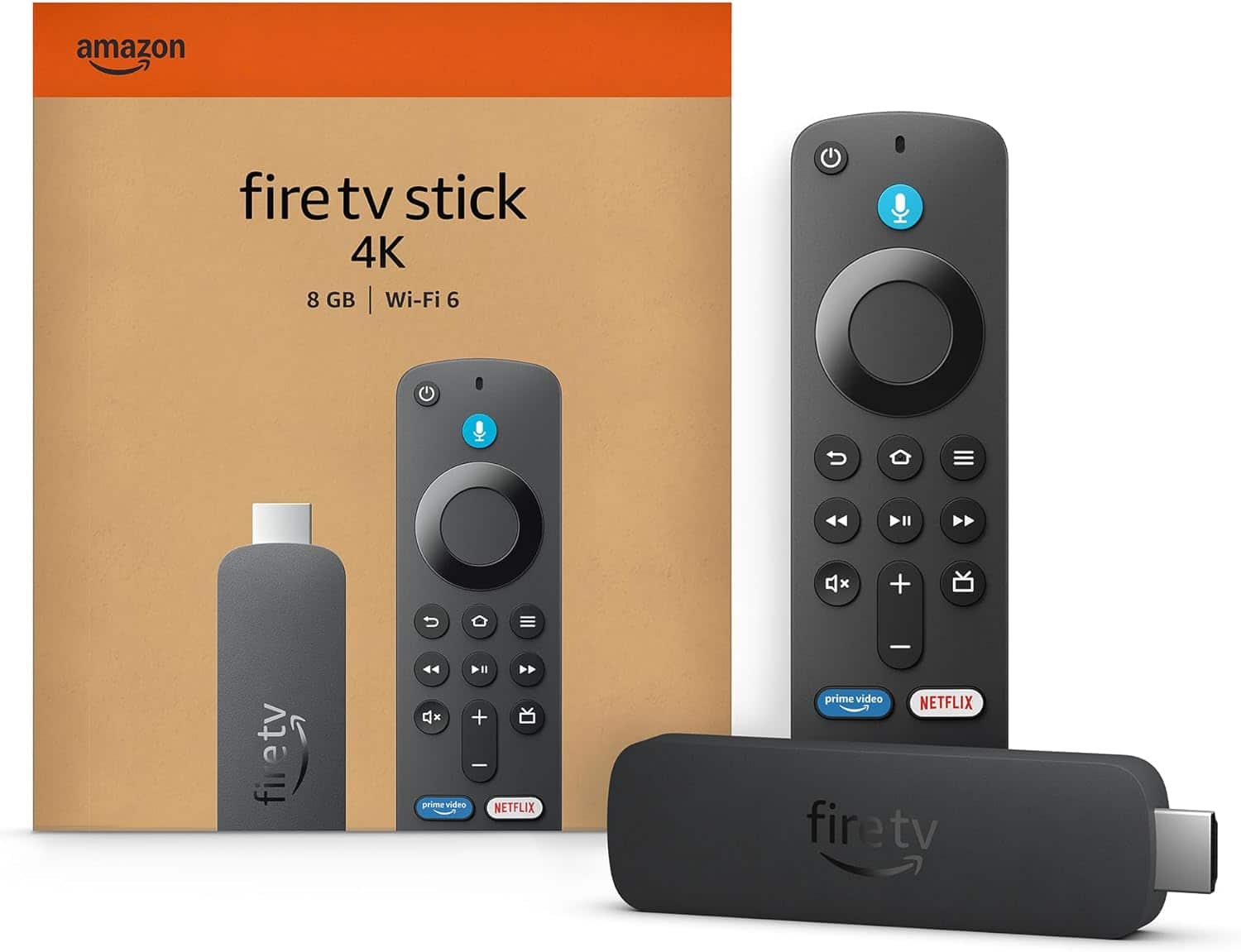
A:AnswerHello Ramon, many Tv's will support you plugging in the Fire TV stick into them for power. The downside is that when the TV is off there is no power going to the Fire TV stick so it will not receive it's updates overnight and you may need to manually install the updates.
Hope that helps, have a great day!
A:AnswerHi Jeri, thanks for your question. The Fire TV Stick 4K is compatible with most major brand TVs, which includes LG. Hopefully this helps. Have a great day!
A:AnswerYes, the 4K fire stick supports fire OS 7 which supports direct tv streaming. Just download the application on the fire stick and submit your login information