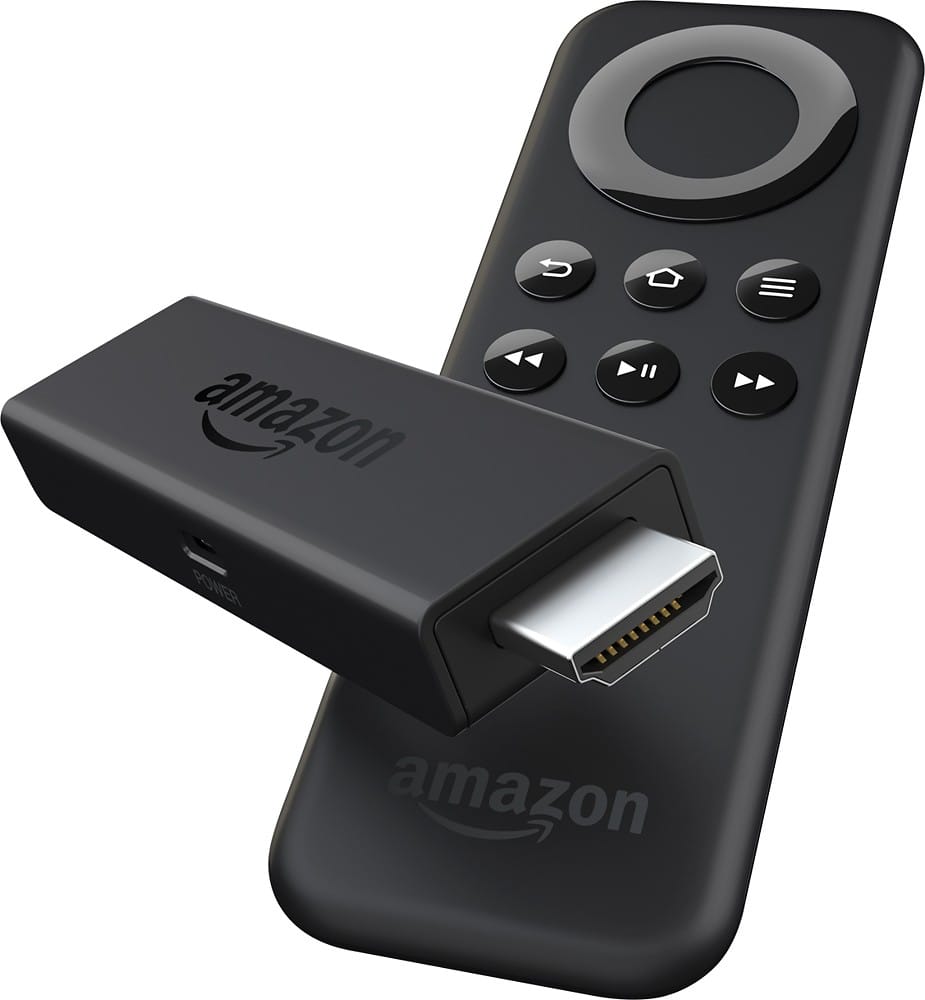
A:AnswerNo, you come sign up for Prime and see a lot of channels but not all 200. There are several other option such as Hulu plus or Netflix which will save you money monthly but have low subscription fees.
A:AnswerYou need to pay for Amazon Prime if you want to use their service.
If you want Netfix you'll need a login.
But you don't need an Amazon Prime account to use the device.
You do need an Amazon account though. (Which is free.)
A:AnswerWorks pretty good with 15 MB connection but would recommend high speed to avoid lots of buffeting and video drop out. 4.8 is very slow for video, it will work great for music.
A:AnswerHopefully, this has been resolved by now. I have been using the Firestick for several years now and I've found that newer users usually figure out what they did wrong fairly quick as this product is highly compatibable with very little maintenance. I have had this question in the past and one immediate fix was moving your router closer to the tv. Once connected it should never need to be reconnected unless the user chooses to.
A:AnswerThese add-ons are sometimes out of date and may simply need you to run the update. Others are just plane gone. If it's not working or there. The developer may have either shut it down or they have started a new service. Try using a different add-on. Go back to YouTube but check the dates of these videos. Things change very rapidly online. The Kidi Eco system is no different.
A:AnswerThere is a way to get tv on the Fire Stick. Go on YouTube and input your question as "tv on fire stick." I'm sure you will be able to find some useful info.
As far as doing away with direct tv. I'm gonna say no right now. The Fire Stick is good but not quite there yet.