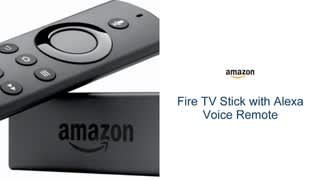
A:AnswerOnce you purchase the fire stick you will not pay a monthly fee to use it. Although you will have to pay a monthly fee for additional streaming services such as Netflix, Hulu or YouTube Tv. When you are browsing the app store each application will give a description and let you know if a monthly fee is required.
A:AnswerYes you can. Go to fire sticks settings and look for the Bluetooth section. Discover the device and your good to go. Not always the easiest thing to do at first, may take a few tries. Also check on Utube.
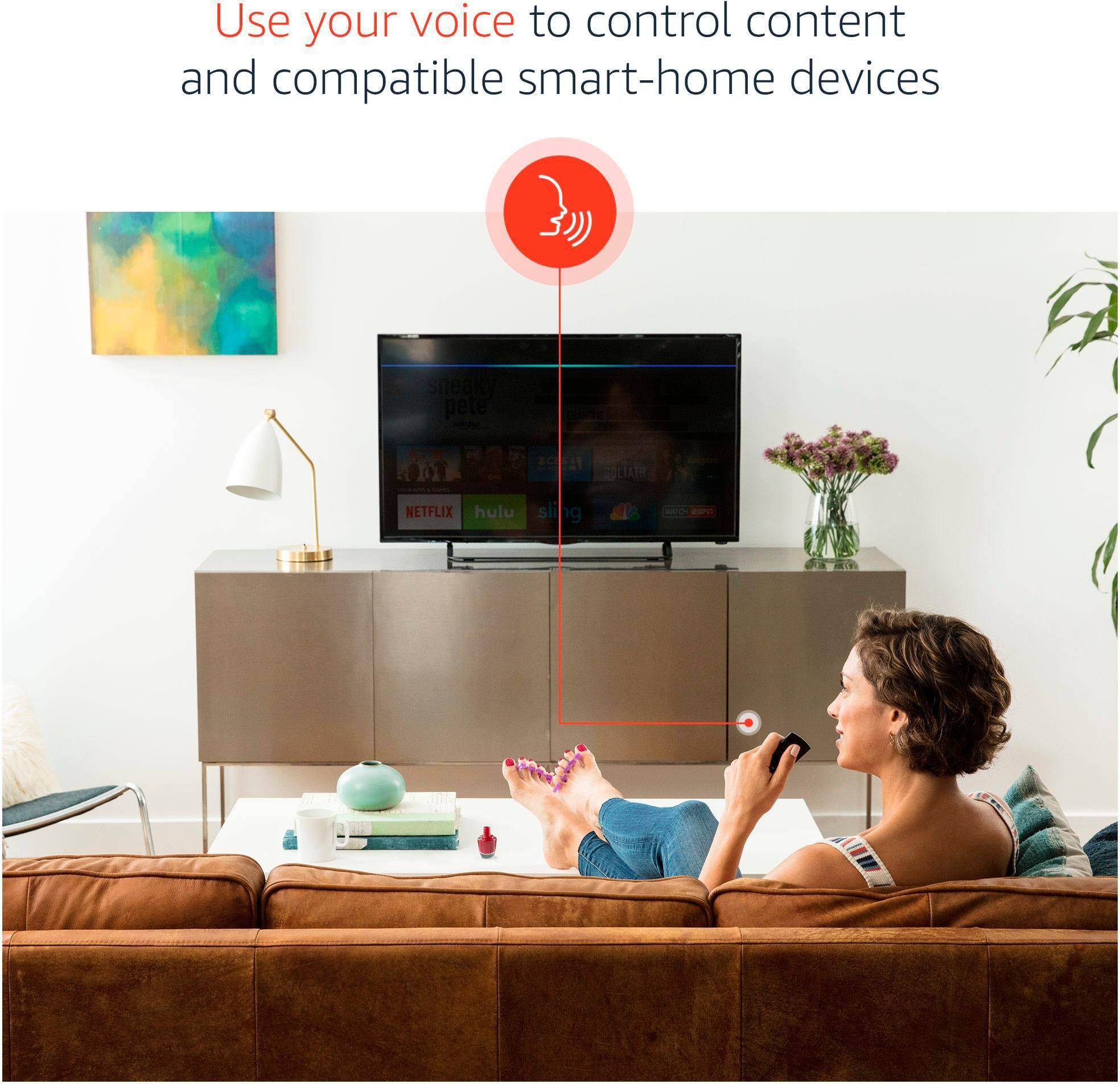
A:AnswerNo the voice remote will give you alexa on your tv you do not need extra devices to make it work, however to run you lights, doors, appliances etc. You do need extra devices, smart lights, smart switches and outlets , and locks etc.
A:AnswerI purchased an antenna for that. 20 buck average, plugs into the coaxial cable port on the tv and with fire stick or roku by choosing antenna. Simple and love it.
A:AnswerFirestick w/KODI ANd The NO LIMITS BUILD along w/CINEMA APK is the ABSOLUTE BEST OPTION. research the two things I just typed and how to install on your Firestick, you will be naming your children after me once you get them installed and see what your now capable of watching for FREE
YOUR WELCOME AND HAPPY VIEWING!!!