A:AnswerYea ultimately it's similar to Google Chromecast, Roku, apple tv etc. They are all just differnt platforms but still provide similar if not the same materials. Each Just with slight unique qualities to make the preference up to you.
A:AnswerIt should work just fine. Buy a Fire Stick and plug it in.
You may have to register with Amazon and set up an account with the entertainment provider such as Netflix. Set those up using your PC.
Enjoy.
A:AnswerIf there is a Best Buy in Canada then you can choose the store over there and I'm sure they can ship it to that store. You will have to paid for it online and make sure you put the name of the person who is going to pick it up.
A:AnswerI have yet to experience a crash while using Kodi 17.4, the only thing that happens is that i didnt expect is that some things dont have a stream available
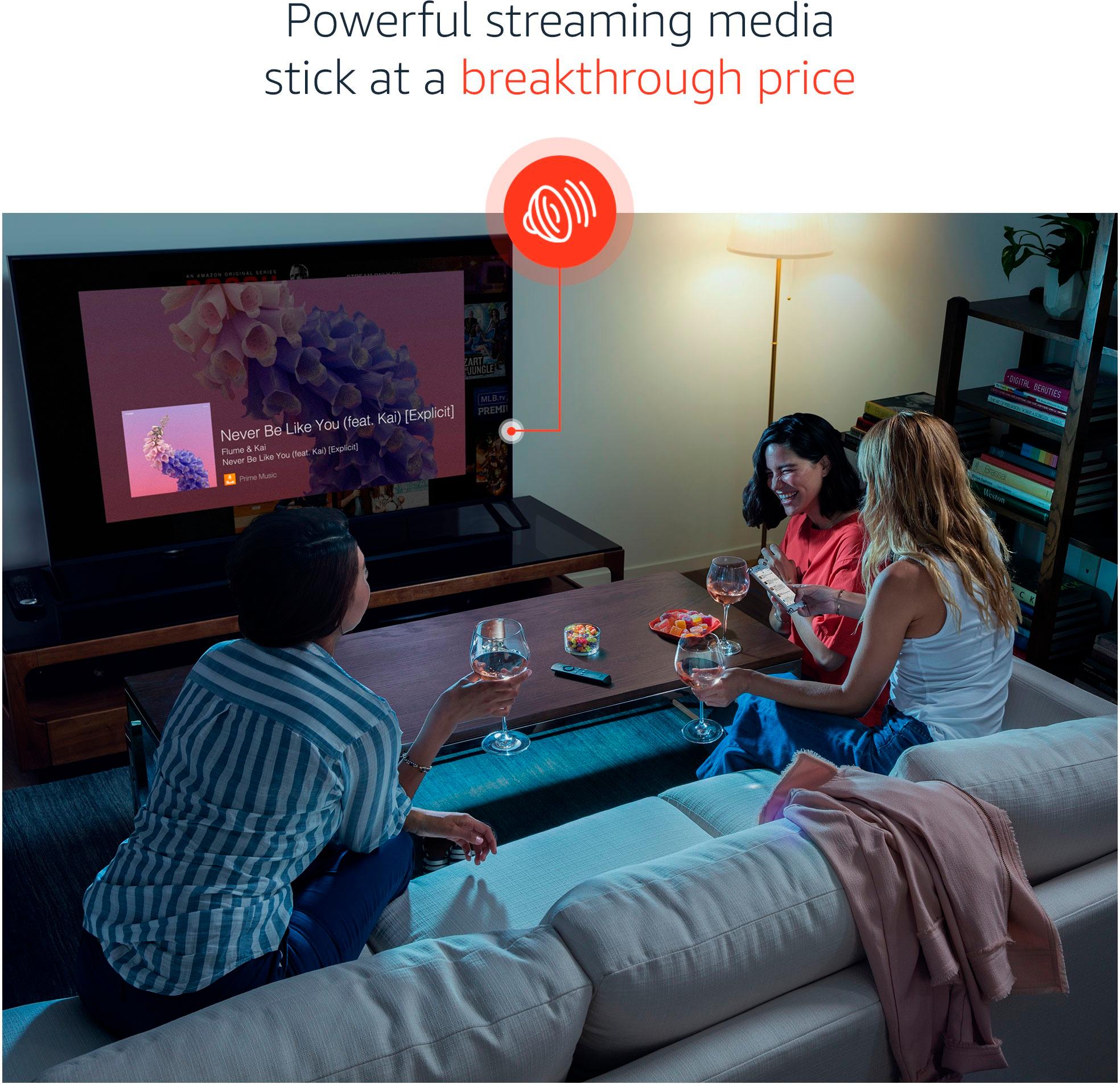
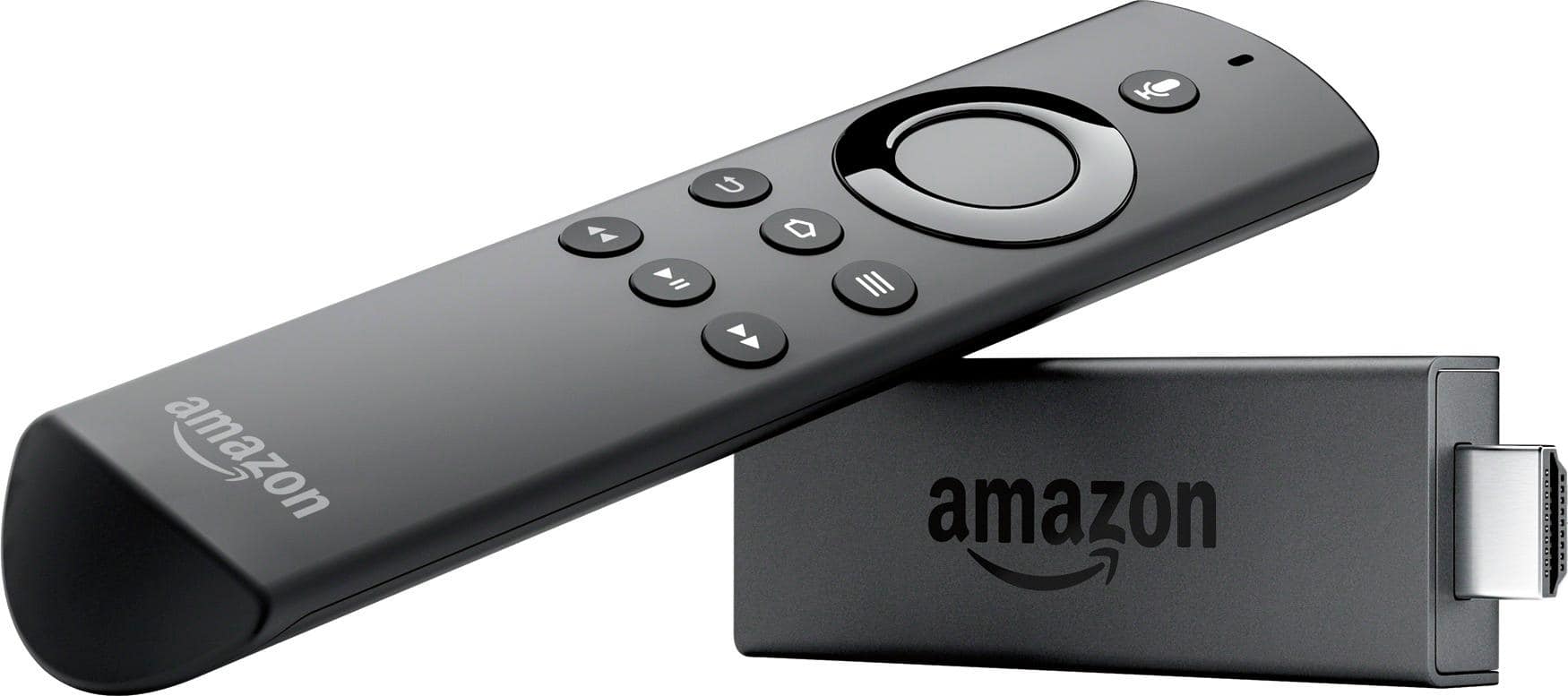
A:AnswerIt hooks up to your wifi unless you get the one with ethernet. You plug it into your TV's HDMI and then hook it up to your wifi then you can pretty much download any app from the play store including games like angry birds or Candy crush just for example. Apps like Netflix,Amazon prime videos,showtime,hbo,direct TV all kinds off apps if your tv is not internet capable or a smart TV this is a must have.
A:AnswerNo unless you have software issues for example my iPhone was jail broken so when ever Apple had an update I had to uninstall the Jailbreak and update my phone and reinstall the Jailbreak. But take note that the old jailbreak may not work with your new device software after you update it.
A:AnswerInstall to hdmi port on the tv (if available) S’pose If your video rcvr has an hdmi input it could go there too... does your surround sound have a video out??
A:AnswerYes, you get local channels with firestick. Jailbreaking for a fire stick is essentially unlocking the device to allow other software to be downloaded