A:AnswerNo, it can be used among multiple tv's, be they 4k or not. I switch mine between three tv's when I want to without any operating issues. e.g. 1) 4k, 2) 1080p 3) 1080p.
A:AnswerSome apps can stream to this device via the ChromeCast logo that appears next to it. Depending on your Cable Service Provider you may be able to find a corresponding app to either stream your entire channel lineup or just logging in to the MSNBC app (if it exists on the FireTV).
A:AnswerGood question-i really don't know-there is no on/off button and no indication if it continues to download when tv is off. I power off my modem when not in use.
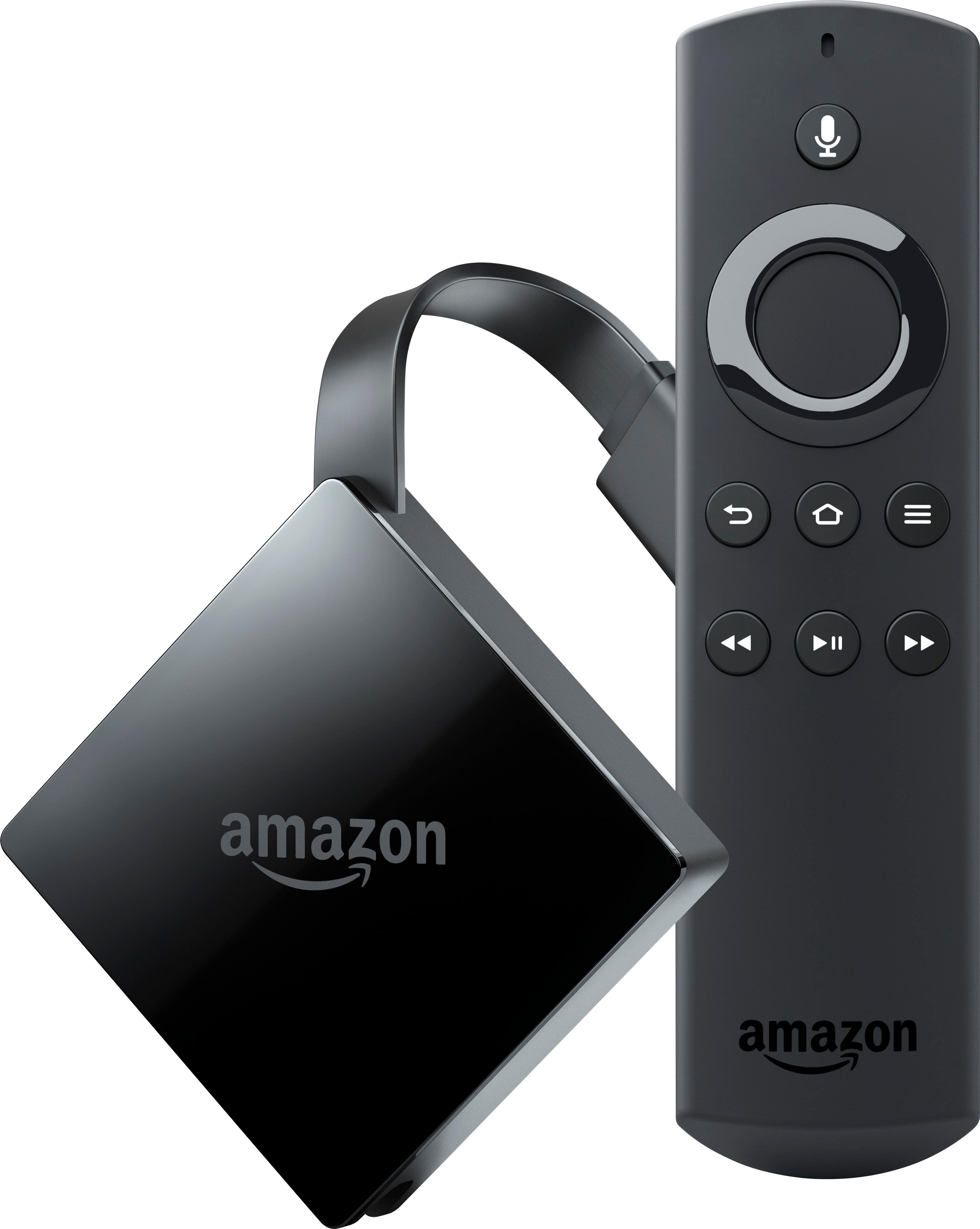
A:AnswerThe FireStick TV:
Output - 1080p
Expandable Storage (Memory Cards) - N/A
Ethernet - N/A
Memory - 1GB
Processor - MediaTek 8127D Quad-Core (32-bit)
GPU - Mali-450 MP4
The FireTV 4K:
Output - 4K
Expandable Storage (Memory Cards) - Up to 128GB
Ethernet - Capable
Memory - 2GB
Processor - MediaTek 8173C Quad-Core (64-bit)
GPU - PowerVR Rogue GX6250
Simply put, the FireTV 4K is a bit faster and can hold more storage for apps and such but if you don’t have a 4K TV or don’t care about 4K and extra apps then.
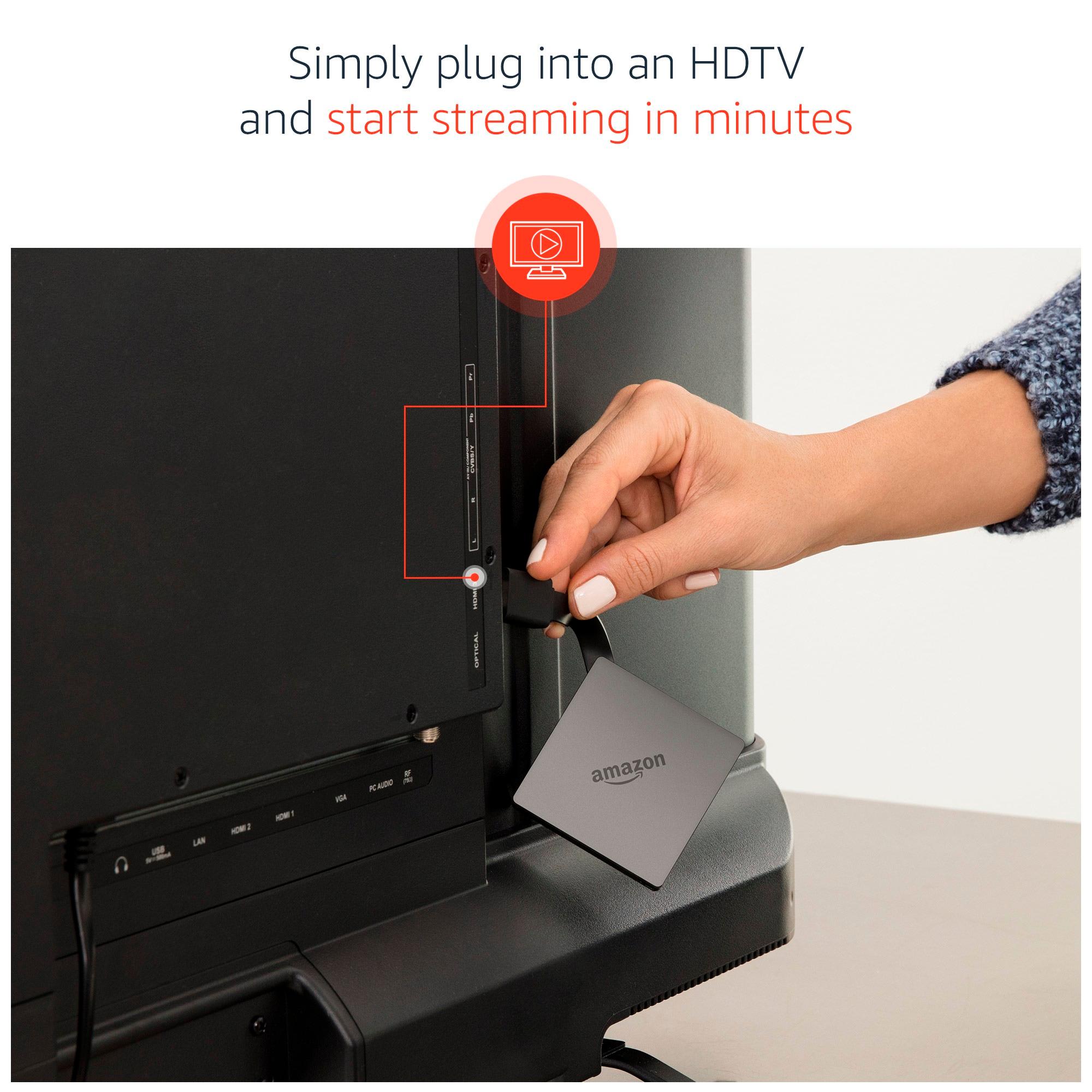
A:AnswerNo this is not a HDTV antenna. This is a device which has built-in apps if your TV isn't one of the new smart TV's with built in apps to watch streaming content.
A:AnswerIt should be available everywhere. It's not like last years Firestick fiasco where they were sold out and on back order forever. However, the best way to determine if the new Fire TV is actually available is to perhaps either go there and find out or heaven forbid actually pick up the phone and call.