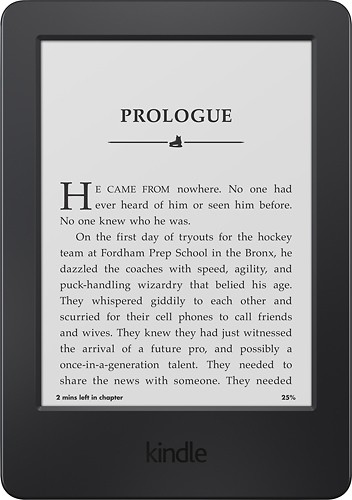
A:Answer Connect your new Kindle to WiFi and go through the steps to register it. Once you do that, go to settings and tap the sync option. Your Kindle will start loading all of your Kindle books in your Amazom library onto your Kindle cloud setting on your Kindle. Once it's done that, just go through your books under the cloud setting and tap on those you want on the ereader and they will download onto your Kindle. If you have any books on your old Kindle that you purchased from a source other than Amazon (in the Mobi or other Kindle formats) you can sideload those onto your Kindle by downloading the books to your computer, plugging your Kindle into your computer, open the Kindle window by clicking on the Kindle icon, clicking on documents, then drag and dropping the book into the documents on the Kindle window.