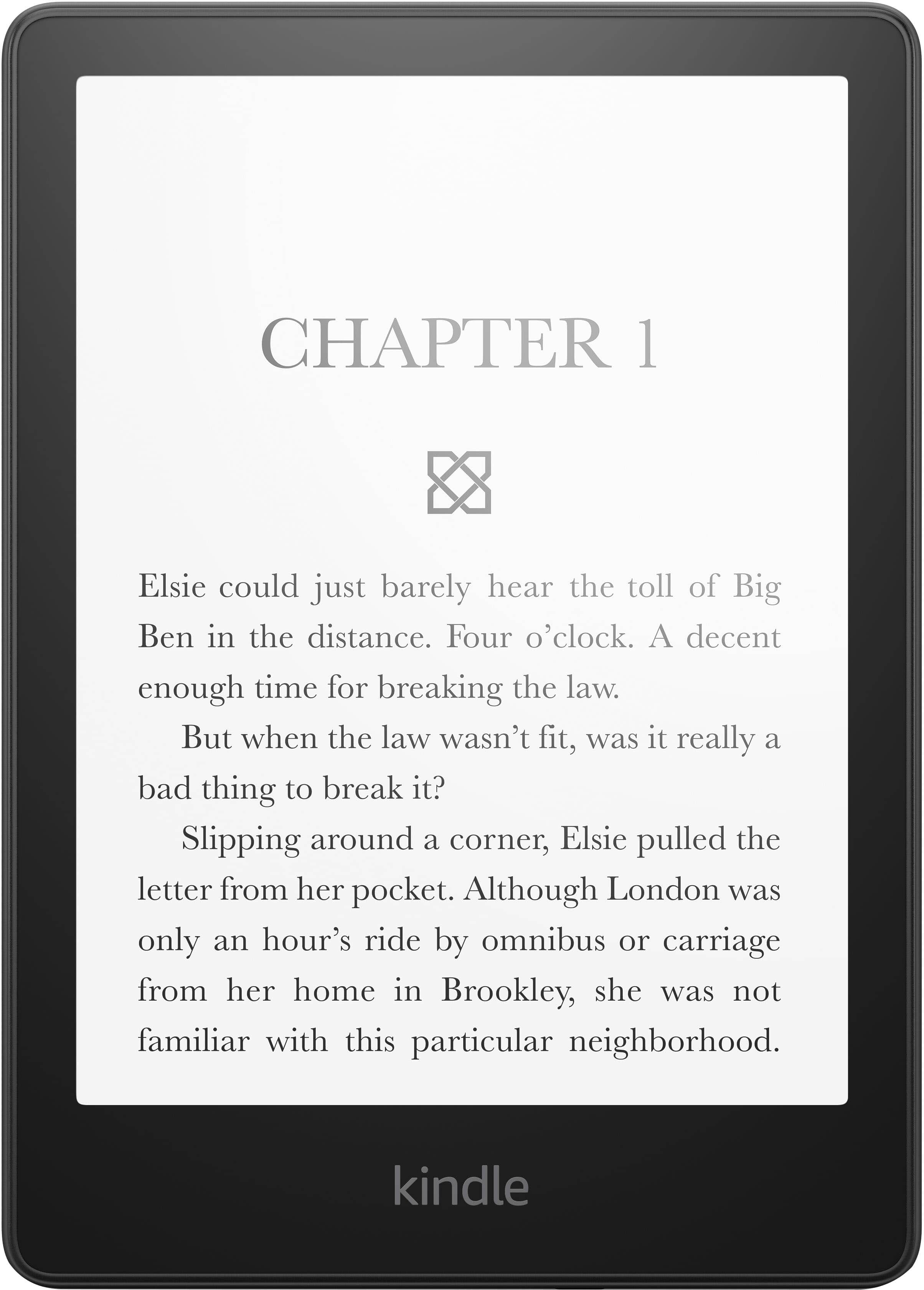
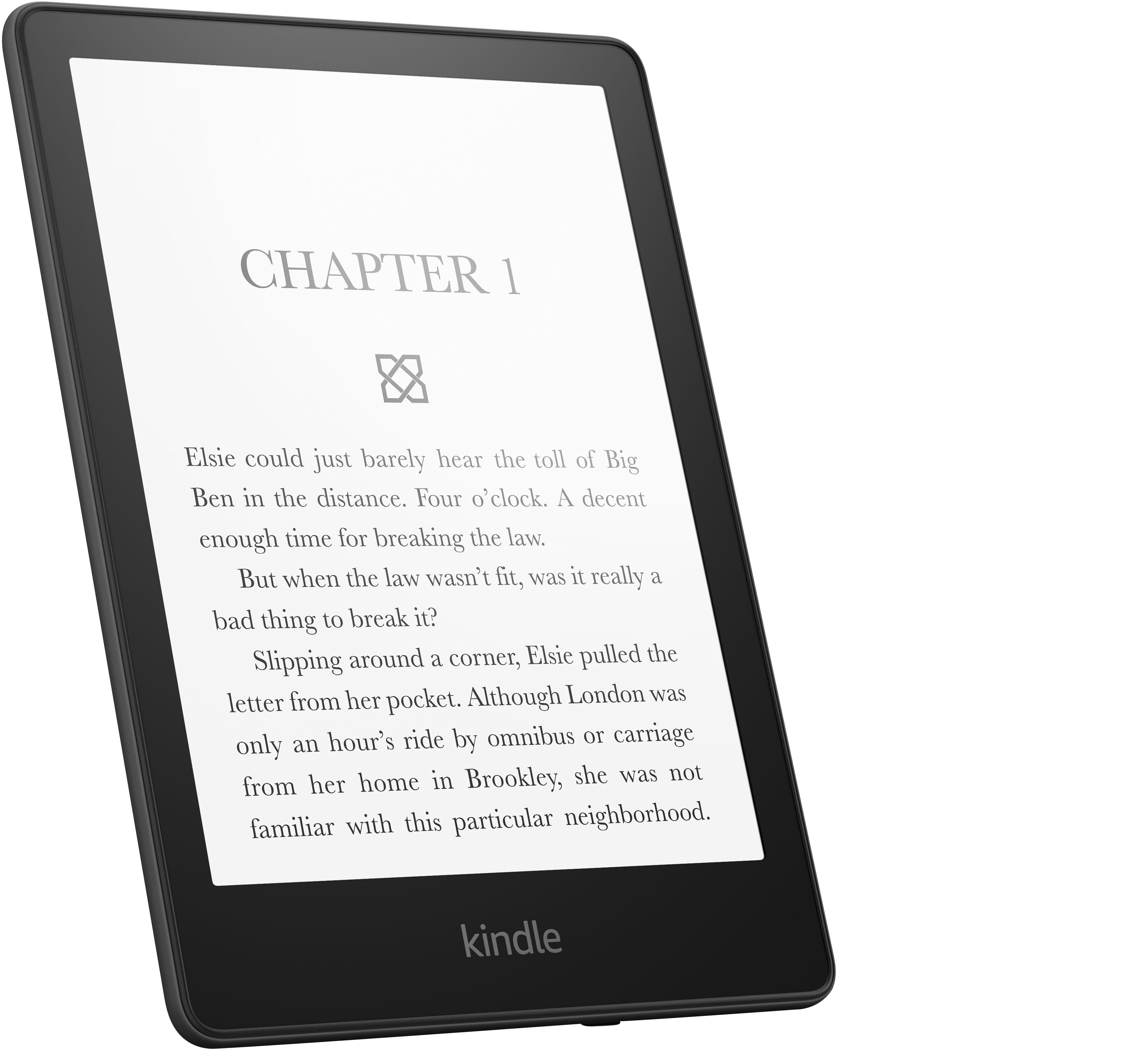
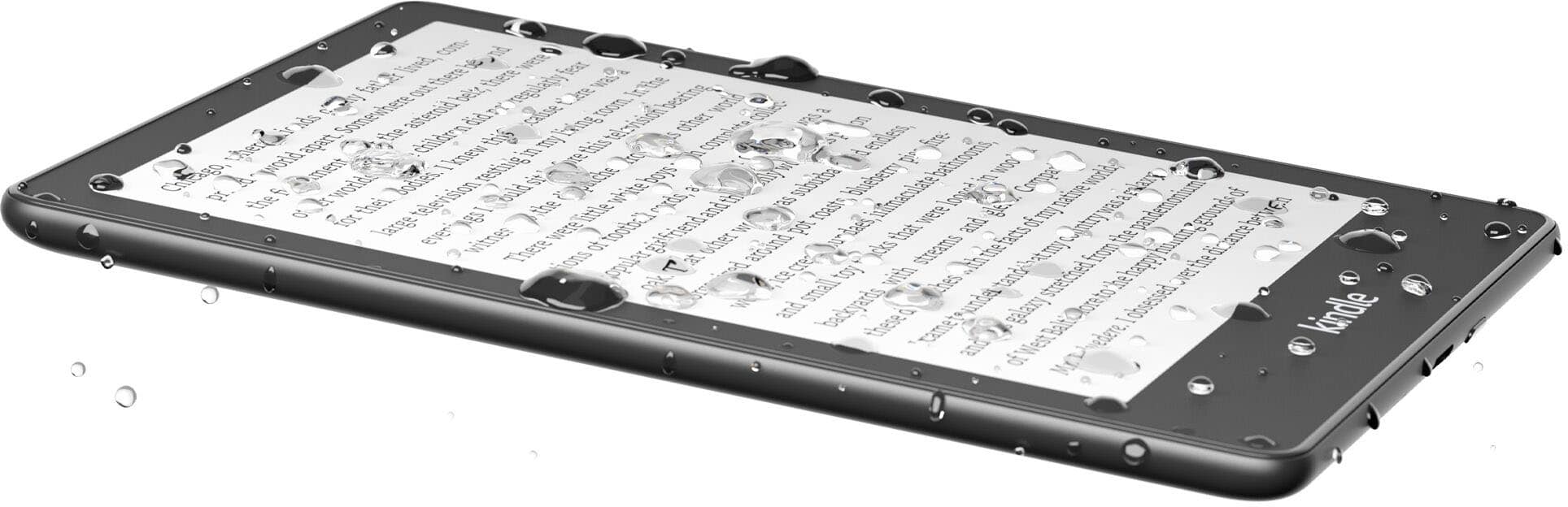
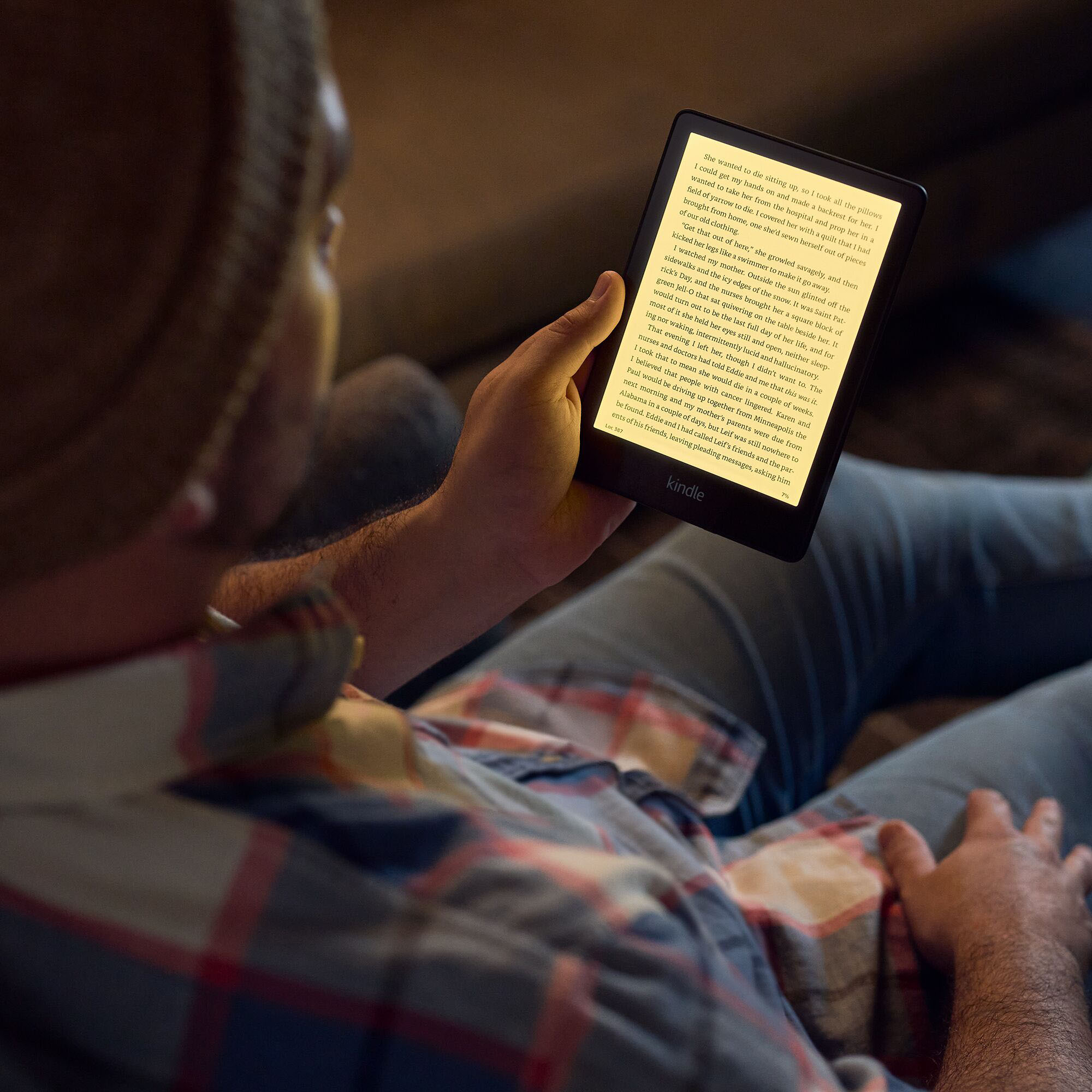
A:Answer Hi Hello! Yes! While reading, tap the center of the screen, and then tap the menu icon Aa in the upper right corner. Tap More, and then tap the switch next to Text-to-Speech to turn it on. In your Kindle book, tap the screen to show the progress bar, and then tap the Play button next to the progress bar to hear the text read aloud. Hope this helps, enjoy your day!