Year-End SaleEnds 1/1/26. Limited quantities. No rainchecks.

Main Content

Questions & Answers

Your price for this item is $327.99
The comparable value price is $399.99
Page Showing 1-8 of 8 questions
  • QuestionCan you use the Kindle Scribe to read regular books?

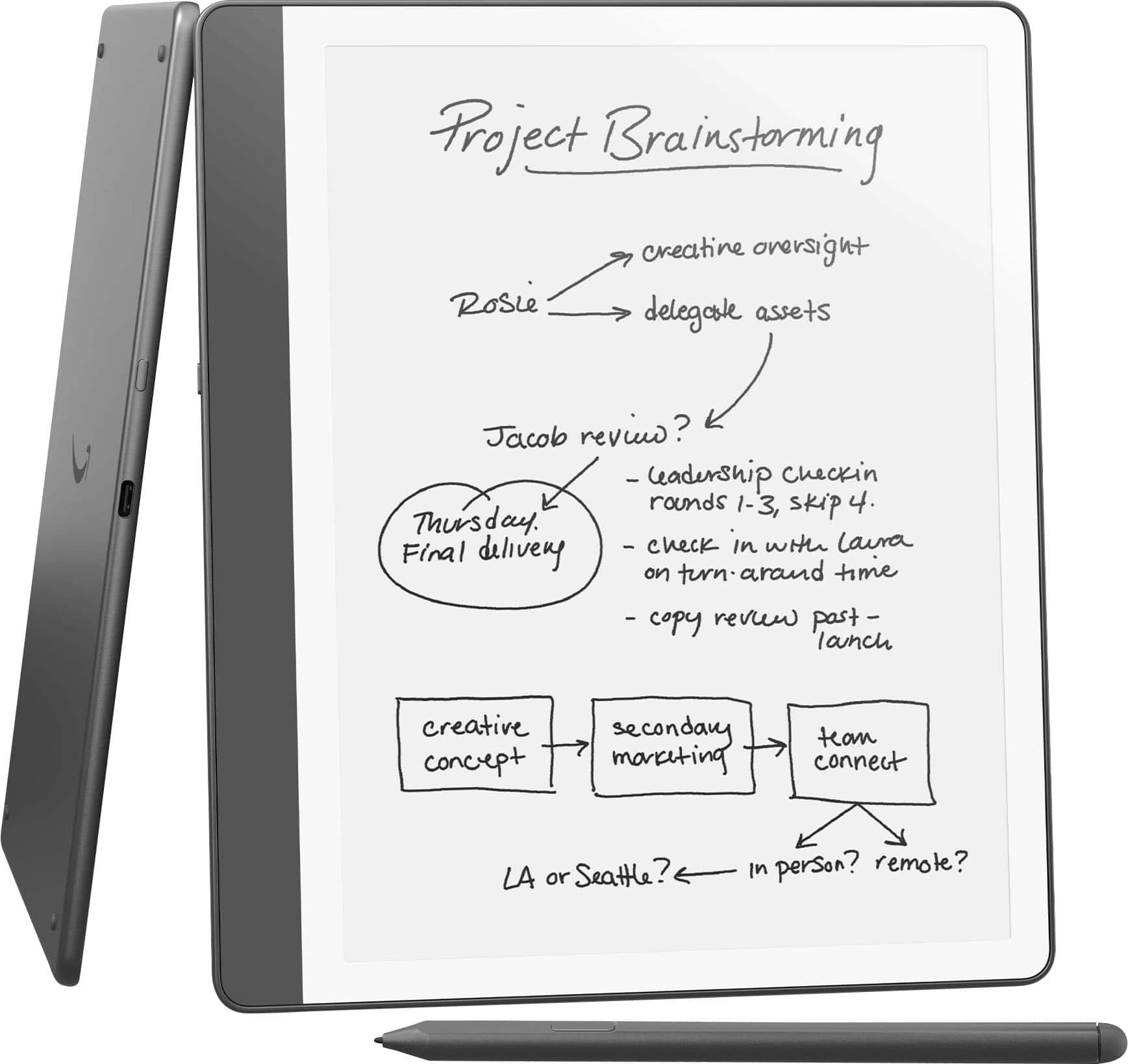
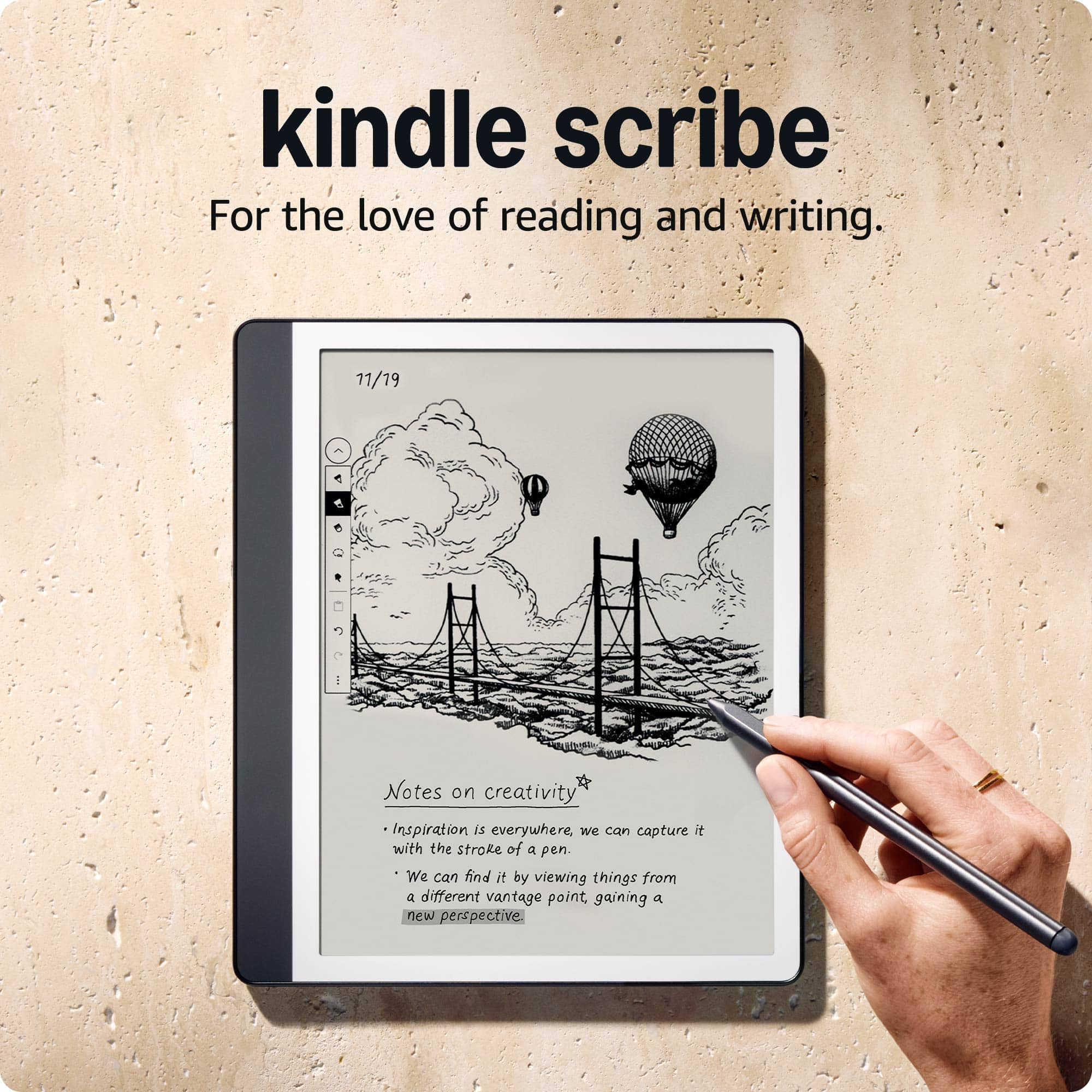
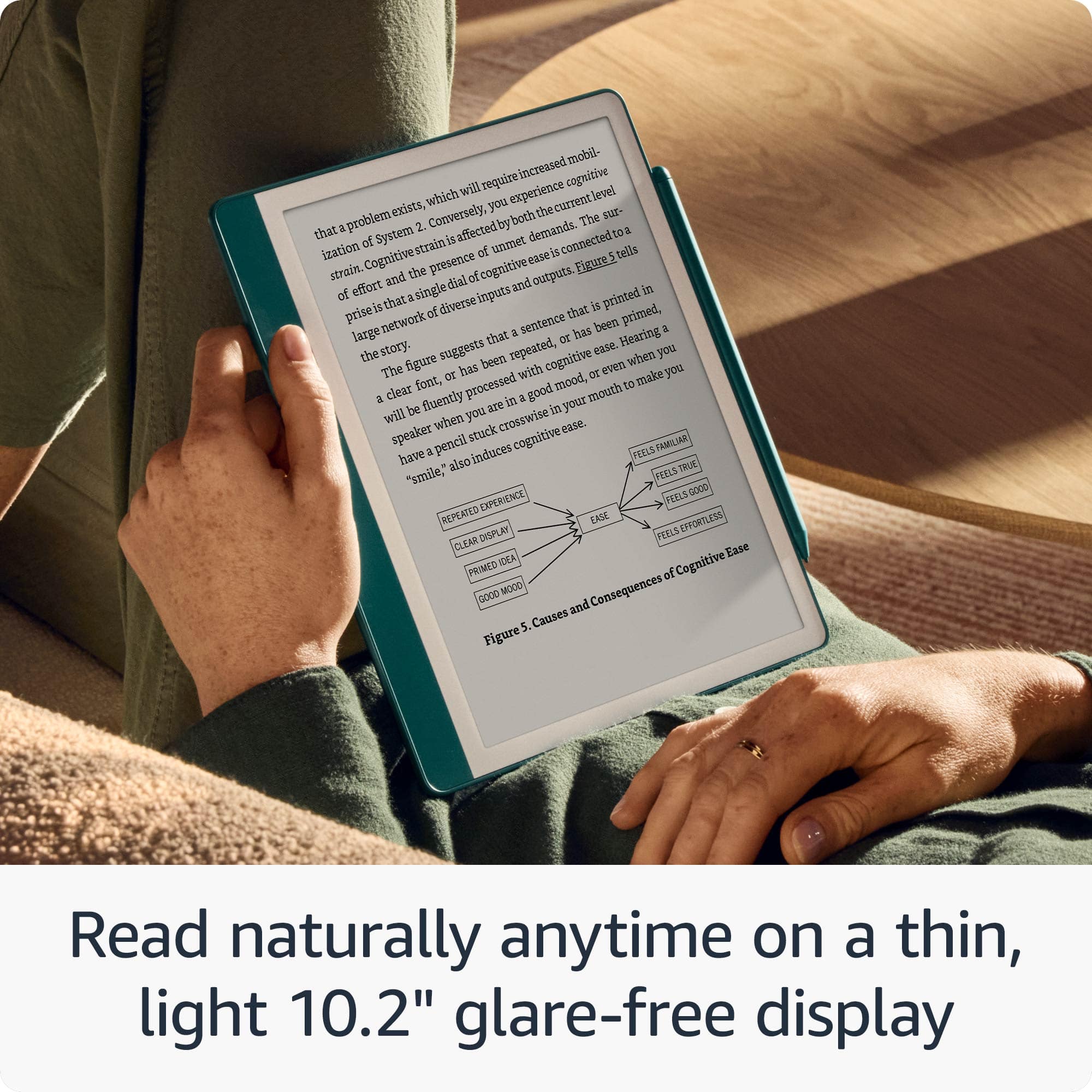
    • Answer The Kindle Scribe is a device that allows you to read books and also functions as a notebook.
    This question and answer was generated by AI based on customer and product data.
  • QuestionWhat is the screen resolution of the Kindle Scribe?

    • Answer The screen resolution of the Kindle Scribe is 300 pixels per inch.
    This question and answer was generated by AI based on customer and product data.
  • QuestionWhat is the warranty period for the Kindle Scribe?

    • Answer The Kindle Scribe comes with a 1-year limited warranty on parts.
    This question and answer was generated by AI based on customer and product data.
  • QuestionCan the kindle scrib upload notes to onenote and pdf? Can I upload and read a pdf on Kindle scrib? Can I reas my email on Kindle scrib?

    Asked by Chad.

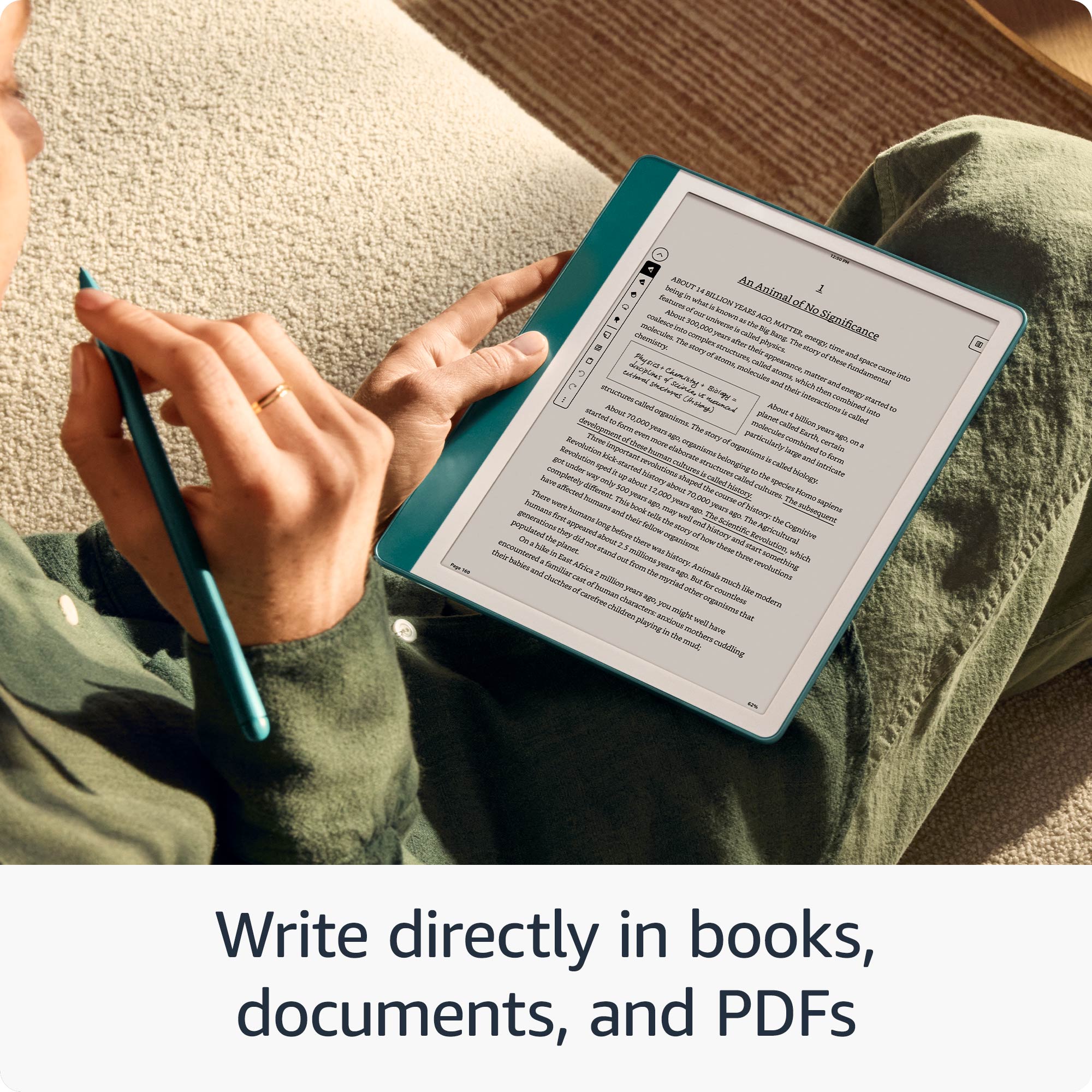
    • Answer Hello Chad! Thank you for your questions. The Kindle Scribe lets you export your handwritten notes as PDFs, though it cannot directly upload notes to OneNote - you'll need to send your notes via email first and then add them to OneNote from there. Yes, you can definitely upload and read PDFs on your Kindle Scribe by sending them through your Amazon account or transferring them via USB cable, and you can write directly on these PDFs too. However, the Kindle Scribe is not designed to read emails, as it's primarily focused on reading, writing, and note-taking features rather than email functionality. I hope that helps and have a great day!

      Answered by Amazon Devices Customer Support

  • QuestionIs this device waterproof or water resistant?

    Asked by Reader1.

    • Answer Hi Reader1, Unfortunately, the Kindle Scribe is not waterproof or water resistant, so it’s best to keep it away from water or moisture. Hope this helps!

      Answered by Amazon Devices Customer Support

  • QuestionCan the kindle convert handwritten notes to digital text to be uploaded

    Asked by Text.

    • Answer Hi Text, thanks for reaching out regarding the Kindle Scribe. You are able to convert handwritten notes to digital text. To access the Convert to text options in the Share menu: Go to the Notebook tab. Pick a downloaded notebook and select the More menu under the notebook’s thumbnail. Select Share and choose one of these options: Convert to text and quick send [to your registered email]. Convert to text and email. A preview window opens and you can edit the text by tapping on each page. You can also access these options by tapping on the Share icon at the top of a notebook. Hope this info helps. Happy Holidays!

      Answered by Amazon Devices Customer Support

  • QuestionDoes it have a program that correctly it and let you know and what should go there if it's a mistake.

    Asked by Denise.

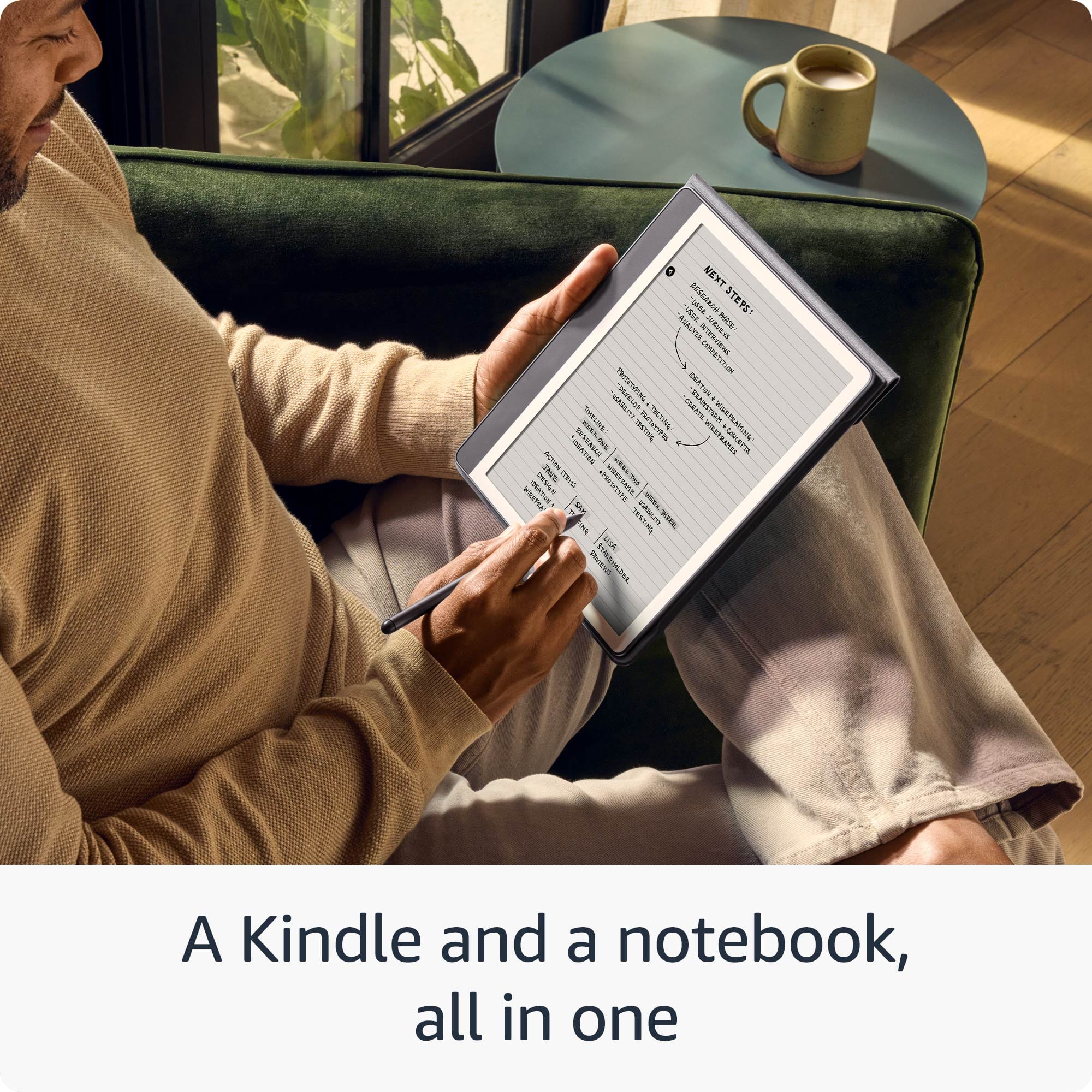
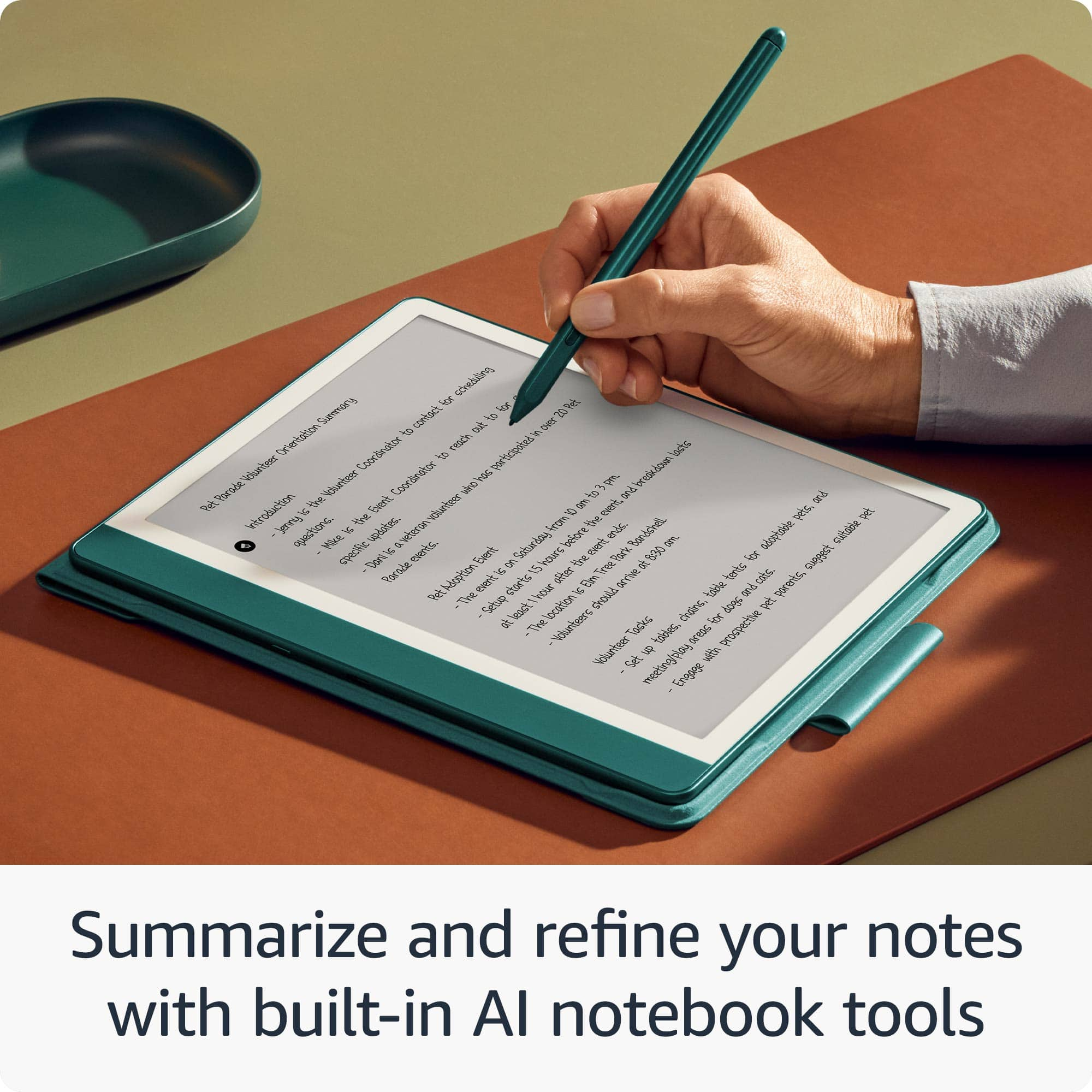
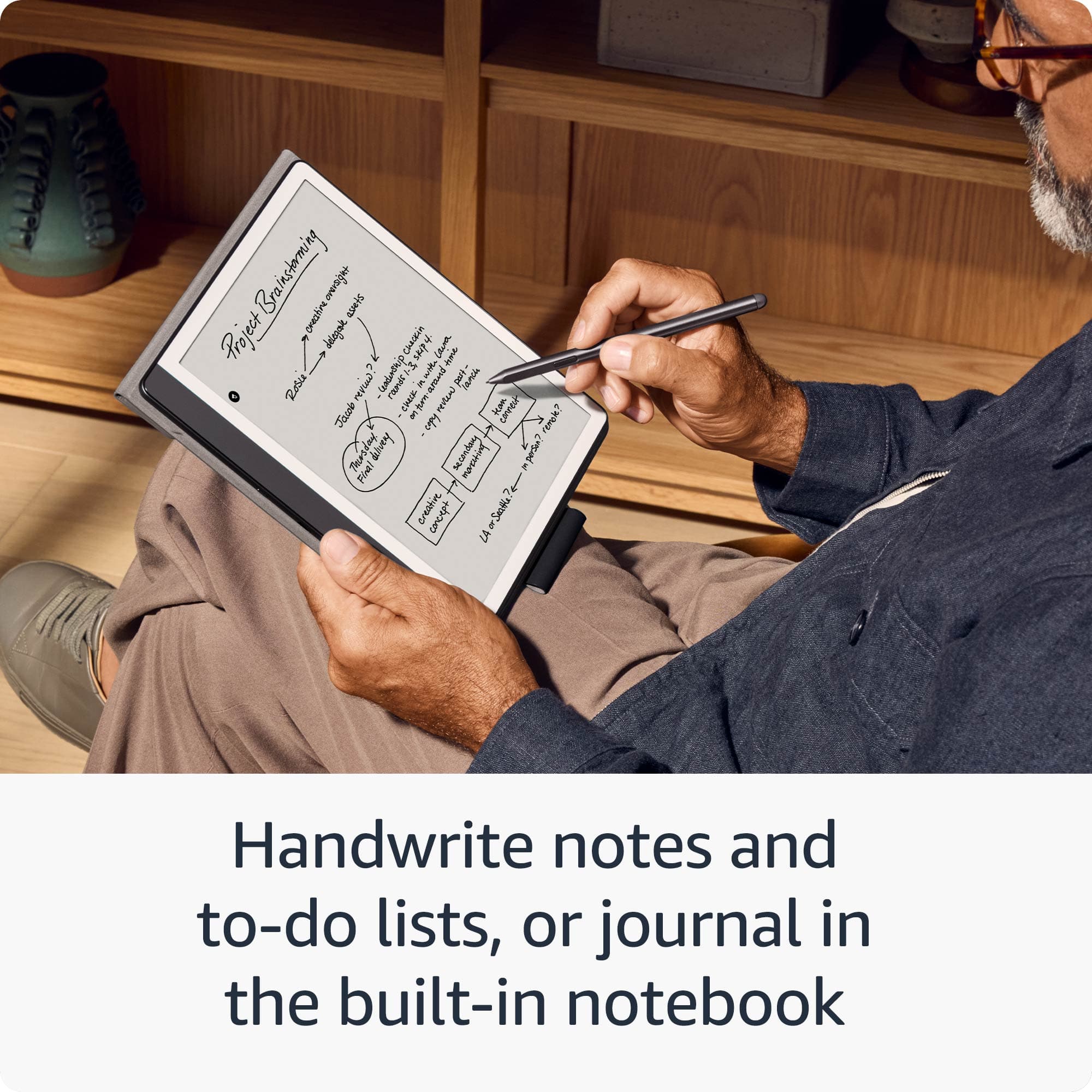
    • Answer Hello Denise! A Kindle and a notebook, all in one - Read and write down thoughts in books and documents, now with Active Canvas. Take notes in the built-in notebook, now with AI notebook tools. Write in books as inspiration strikes - Start writing directly on the page and Active Canvas will create space for your notes. Create notebooks - Journal, sketch, take meeting notes, and more. Summarize and refine your notes with new built-in AI notebook tools. Import and mark up documents - Review and take notes directly on documents and PDFs. I hope this information helps, have a great day!

      Answered by Amazon Devices Customer Support

  • QuestionCan I download books from kindle or amazon on this device?

    Asked by SolvieH.

    • Answer Hello Sol, yes you can download books to the Kindle Scribe from the Amazon Kindle Store. Have a great day!

      Answered by Amazon Devices Customer Support