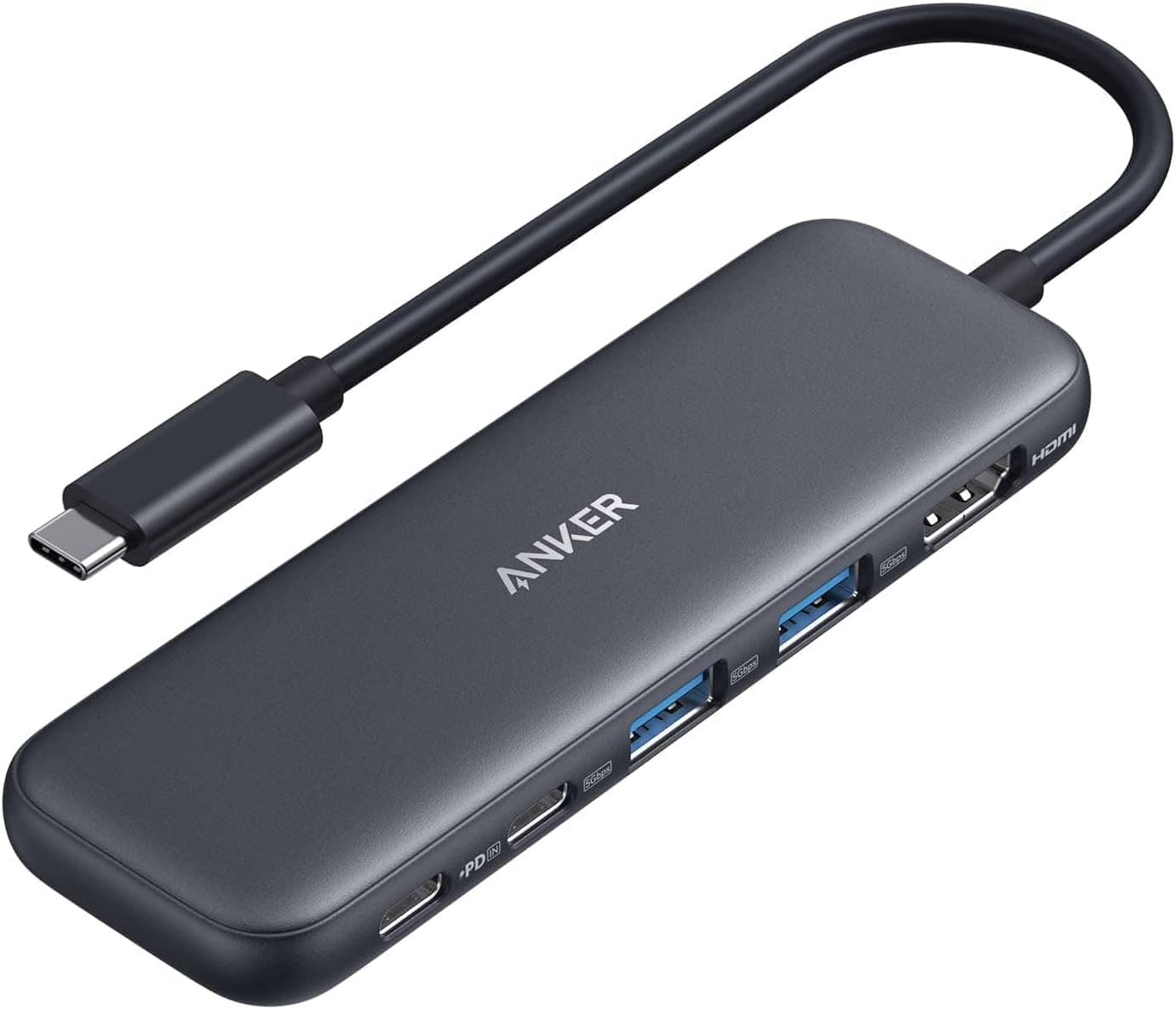
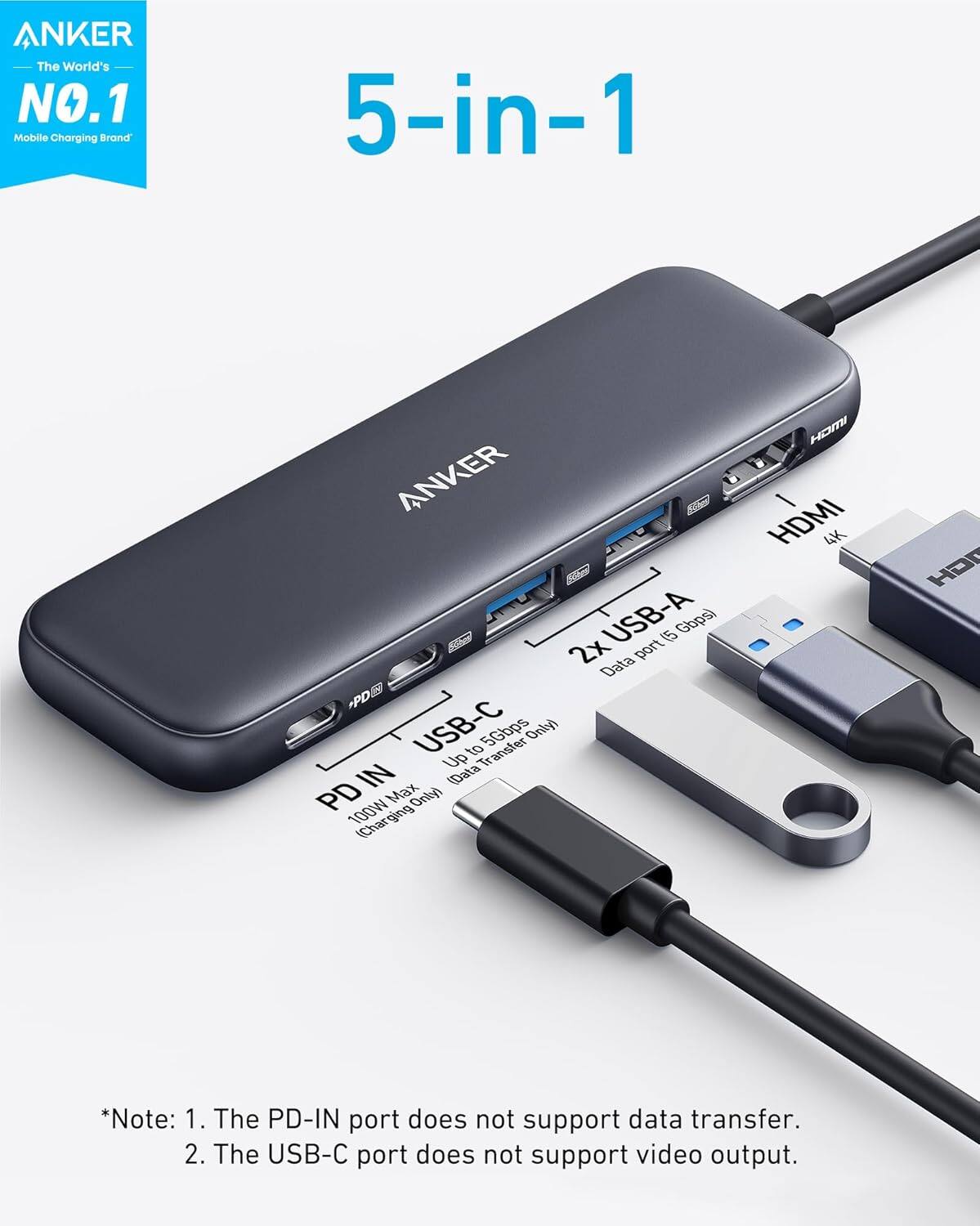
A:Answer If you plug a 65W power adapter into the power in slot instead of a 100W adapter, the hub will not stop working — it will simply output less power to your laptop.
Here is the breakdown based on the product specifications:
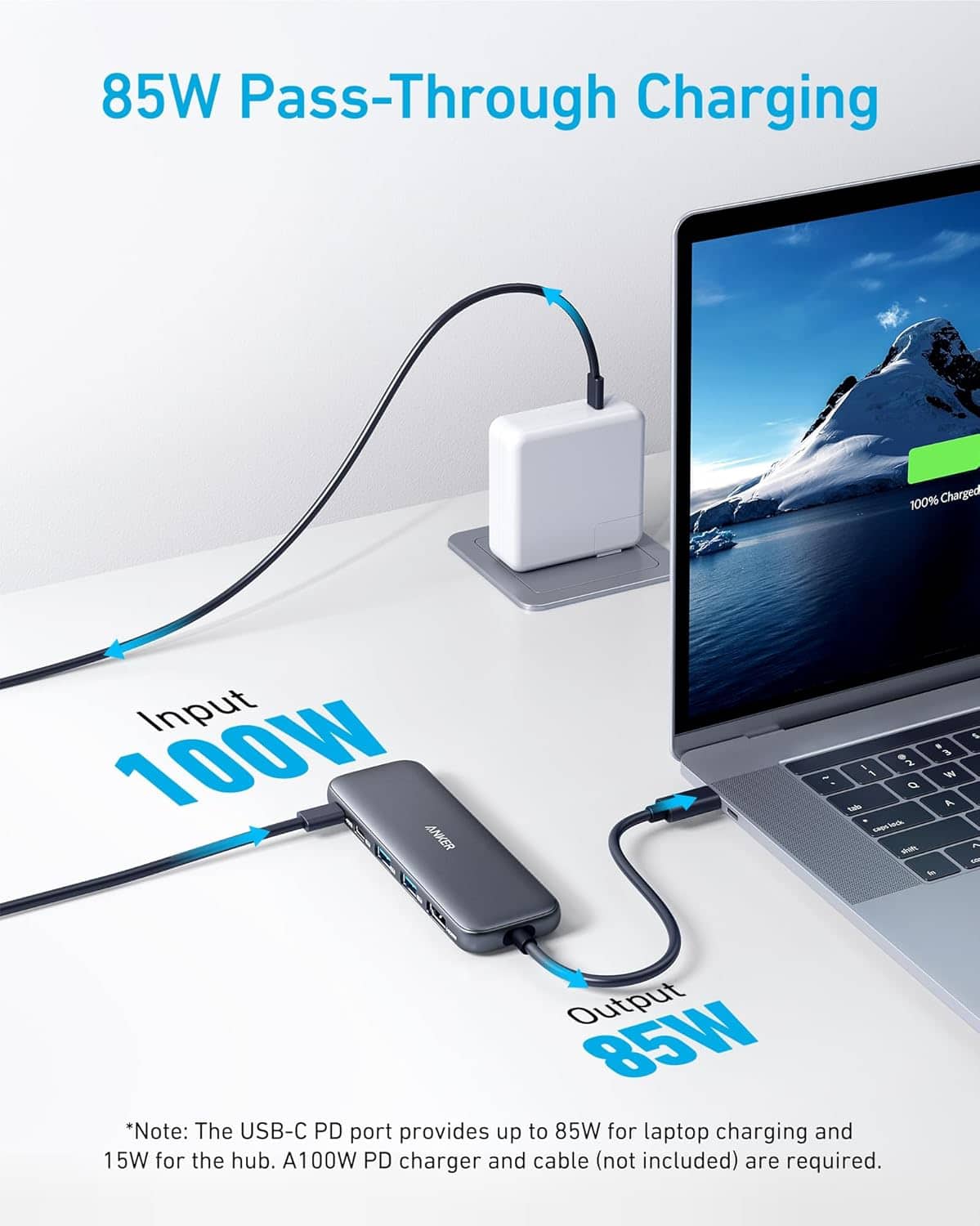
Hub power consumption: The hub itself requires 15W of power to operate (for its internal components and ports).
Pass-through to laptop: With a 100W adapter, the laptop receives 85W (100W input - 15W hub consumption). With a 65W adapter, the laptop will receive approximately 50W (65W - 15W).
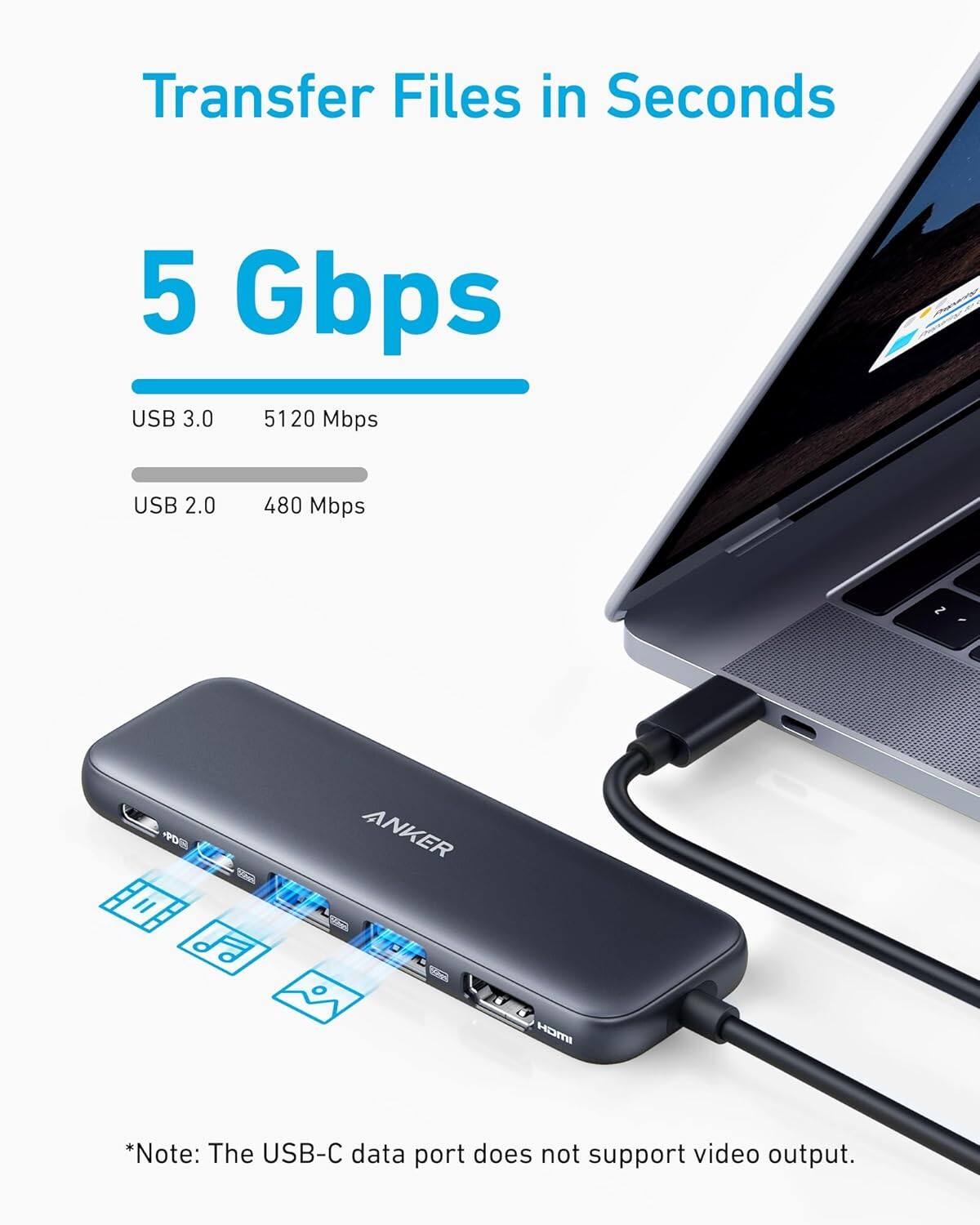
Hub functionality: All hub features (HDMI, USB ports, Ethernet, etc.) will continue to work normally, as the hub is getting enough power to run.
In short: The hub works perfectly with a 65W adapter, but your laptop will charge slower than it would with a 100W adapter.