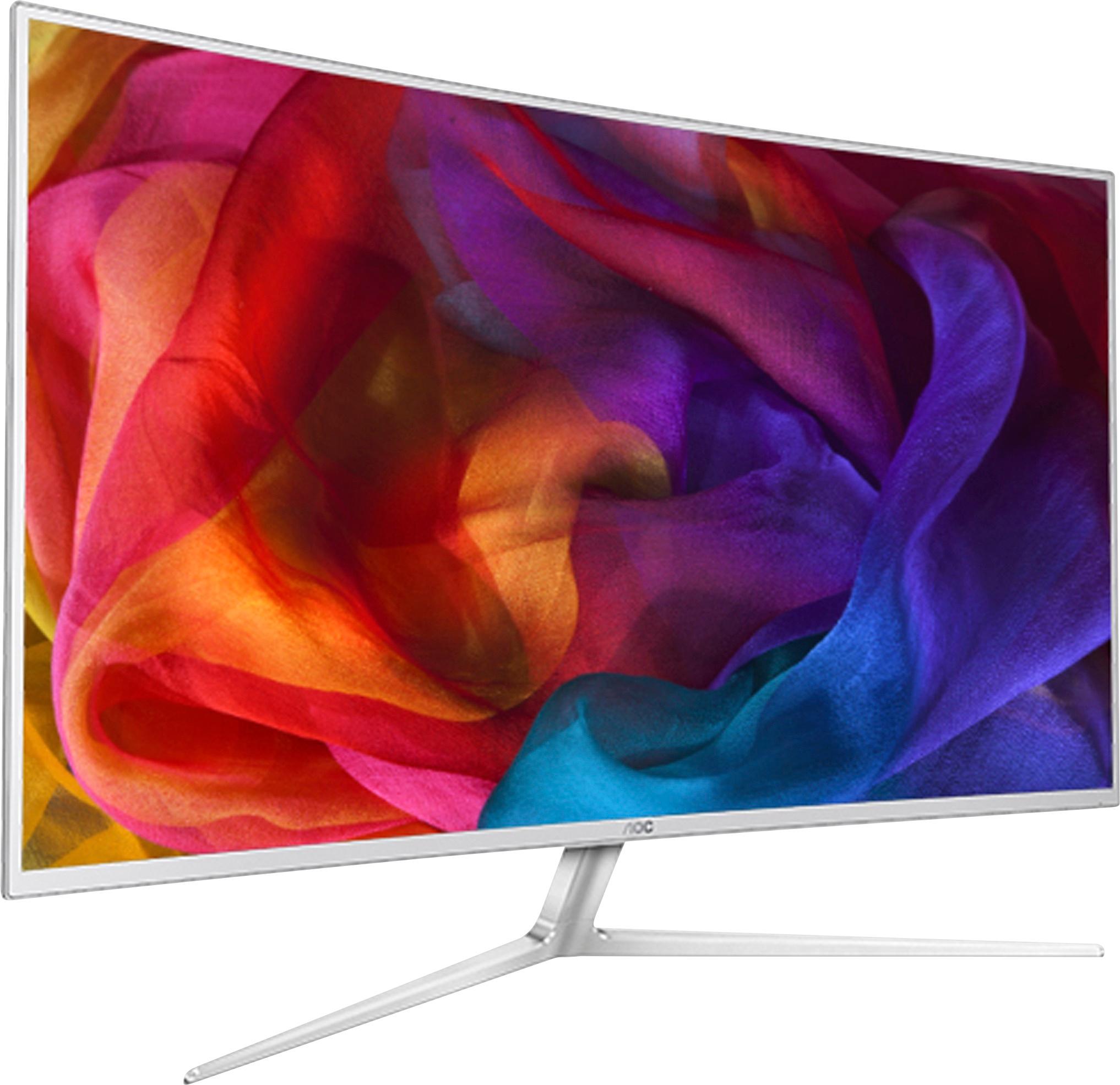
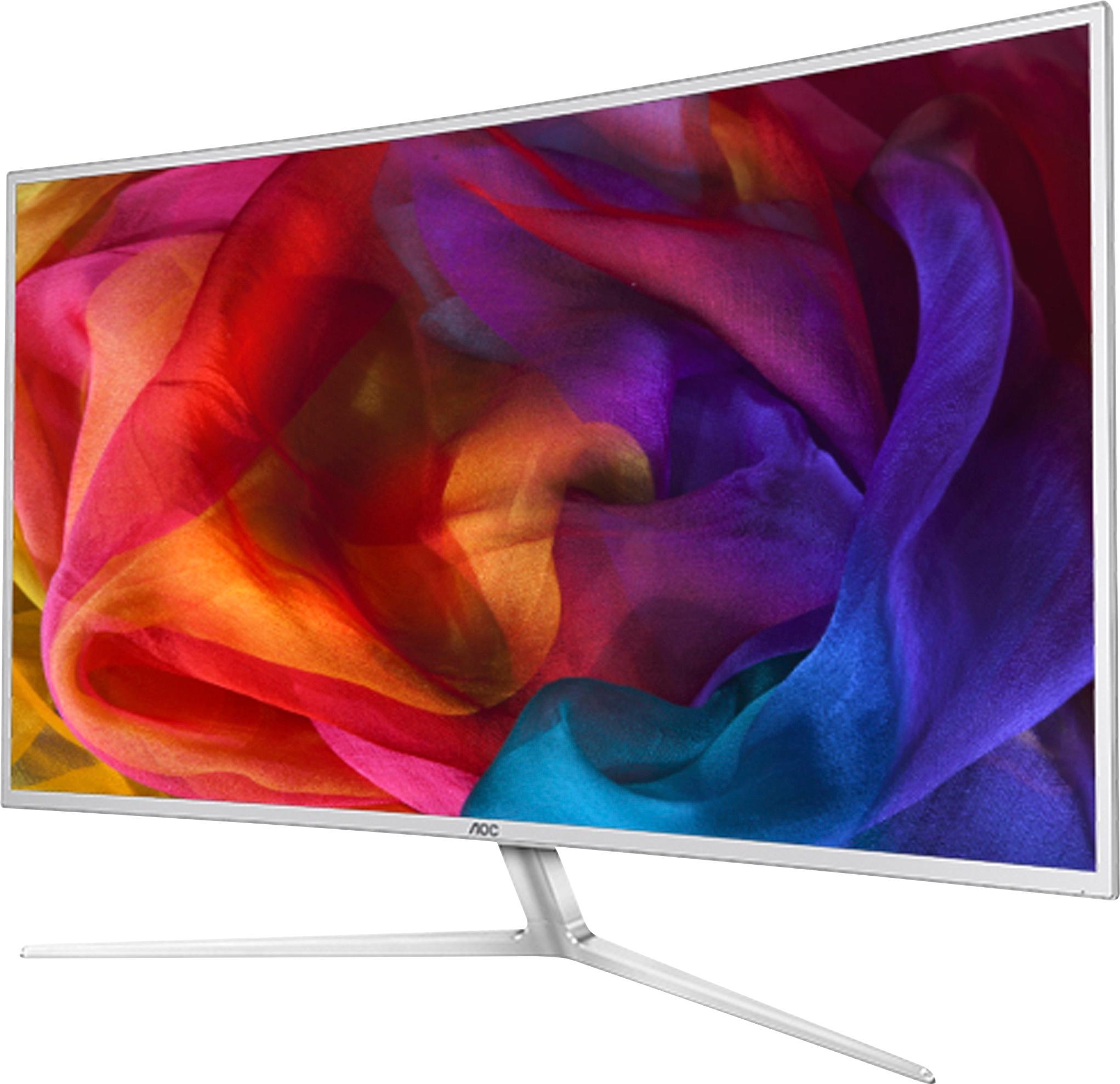
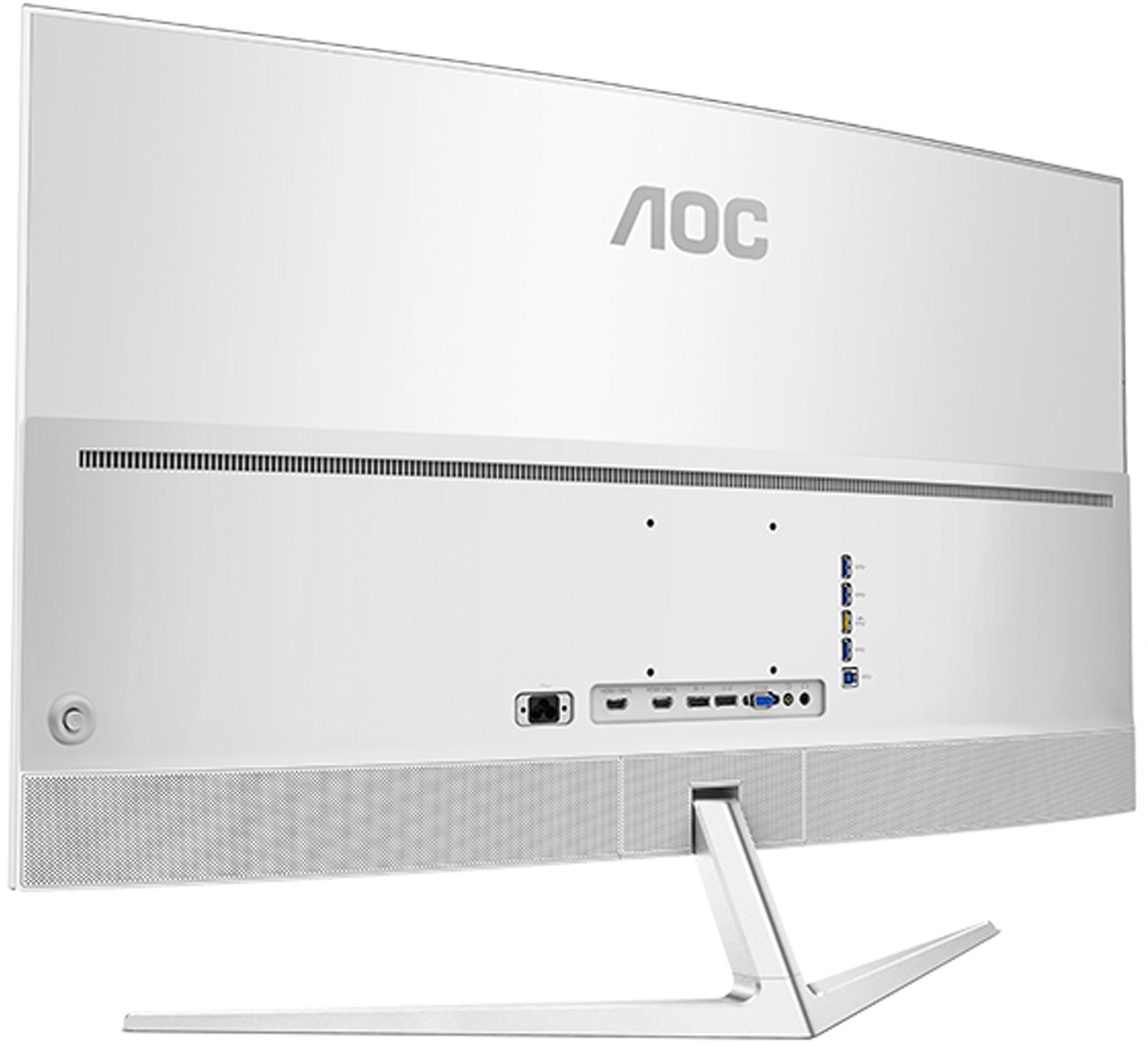
A:Answer I purchased for $300 off on sale and can state YES. At work, routinely working remotely with others so 8 have Google hangouts open with them, then about 5 other apps, plus all the google apps stuck in chrome. Tried managing this all across 2 and 3 monitors and was constantly loosing windows, screens, and lost in tabbed chrome h#**.
With 40 inches and screens+, every window has a position or docking location with screens+. I’m not ever going back to multiple smaller monitors and give up all this flexibility as there is nothing like having what you are working on dead center in the screen, scaled to whatever size you need it, and watching other windows at the sides and being able to switch back and forth by just double-clicking the title bars. I am completely sold on one piece of glass with screen+ to provide 8 docking slots for various windows. And if you don’t want 8, screen+ allows you to break up the space however you want. Again, never going back to separate monitors and being locked into their boundaries.