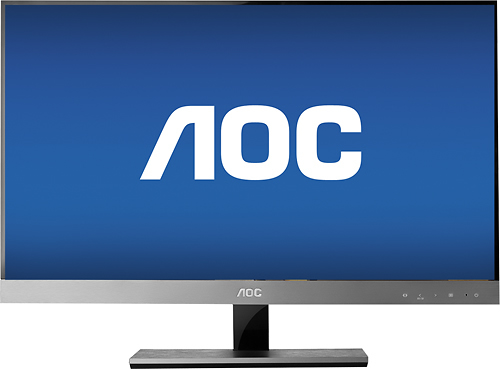
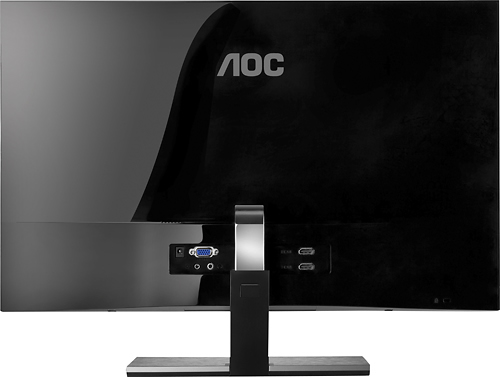
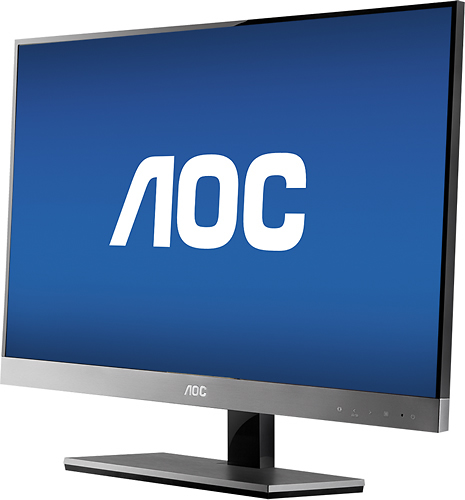
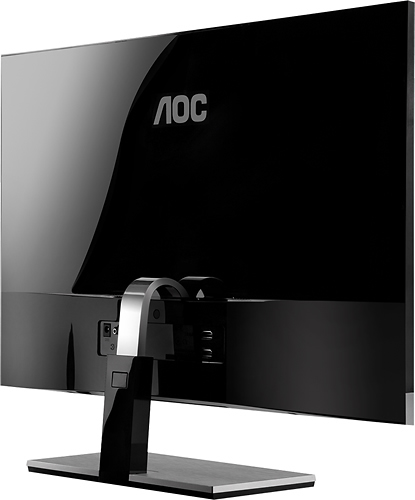
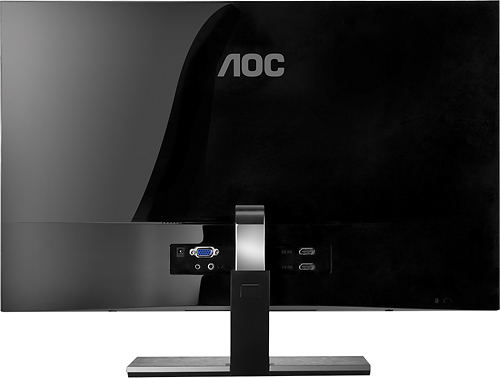
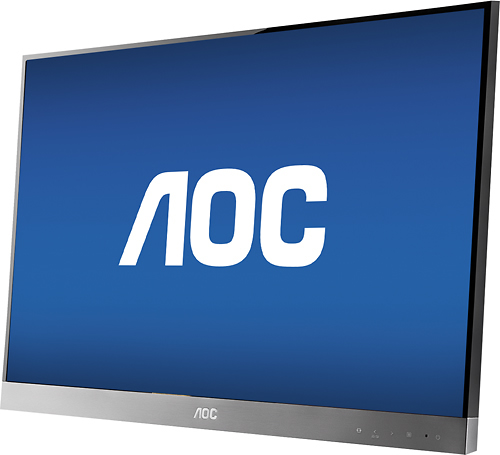
A:AnswerThis monitor doesn't have VESA mounting for mounting to a multi-monitor mount/stand. I did however find a possible solution for this problem on a youtube video: https://www.youtube.com/watch?v=XwsXK-vg1gc.
A:AnswerNo settings required. Just connect HDMI cable from PC to Monitor. If the PC has sound card and drivers it will start working automatically through the integrated speakers on the monitor.
A:AnswerI have experience a problem using two of the AOC monitors at work.
Using a wireless mouse that uses a USB dongle the mouse simply does not function properly( at first I though low batteries).
But unplug the monitor and it works just fine. works fine with other monitors( which are much smaller in size then my work AOC).
Switching to a wired mouse and problem disappears.
Obviously must be electrical noise emitted from the aoc monitors I would conclude. Do not know the model # did not look. but had the problem with two of these.
They look very new and have new 'high tech' touch buttons (w a pretty crappy menu system i must add).
I would recommend keeping away from the aoc if using WiFi. have not had any errors transferring files with Bluetooth back and forth to my phone.
AOC very nice display though, clear and bright display.
would keep away from all the same if emitting this much. causes a problem know matter how far away i move my laptop or mouse, so must be broadcasting pretty high I would think.