Year-End SaleEnds 1/1/26. Limited quantities. No rainchecks.

Main Content

Questions & Answers

Page Showing 21-25 of 25 questions
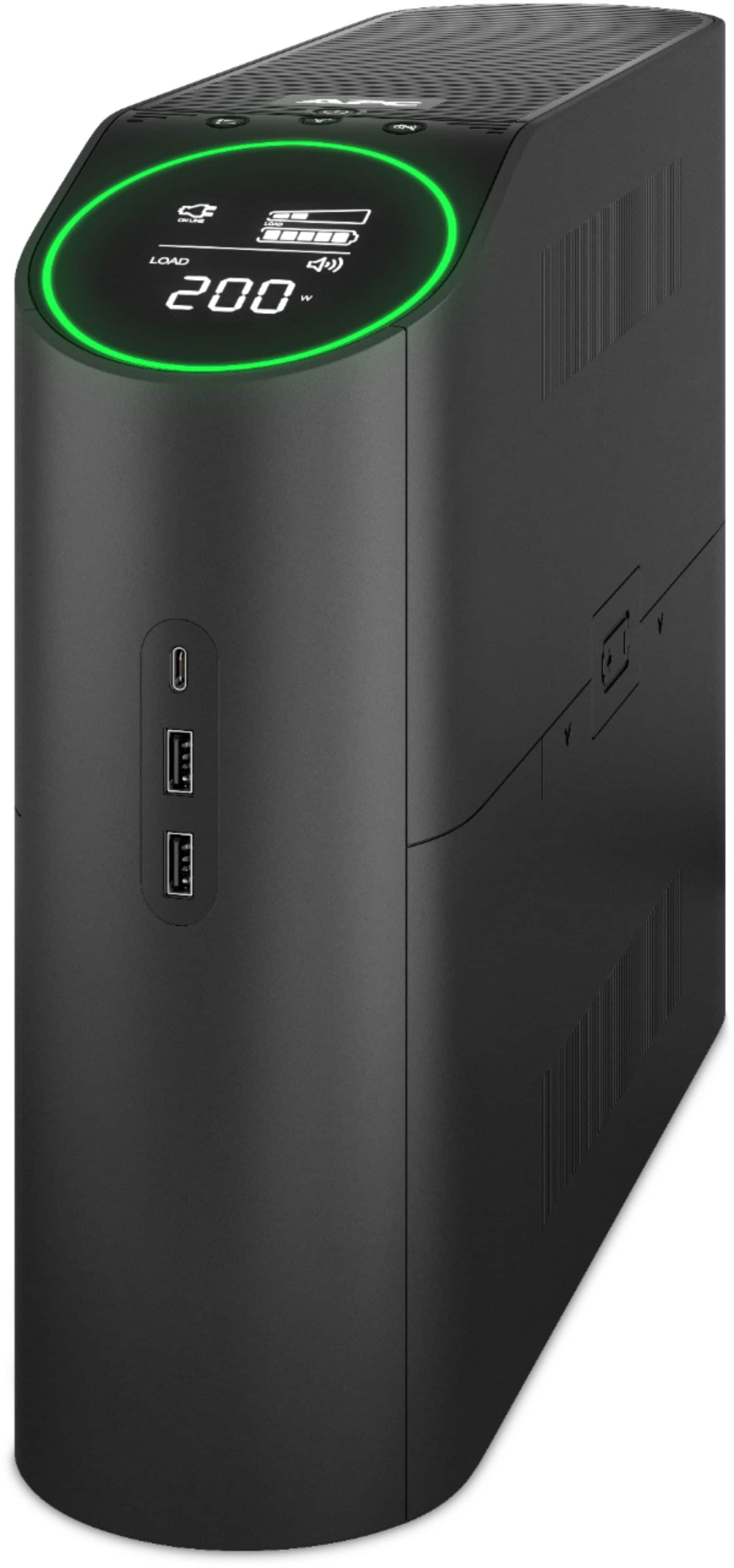
  • QuestionIs there a way to have the information screen stay on instead of turning off automatically?

    Asked by JustAskin.

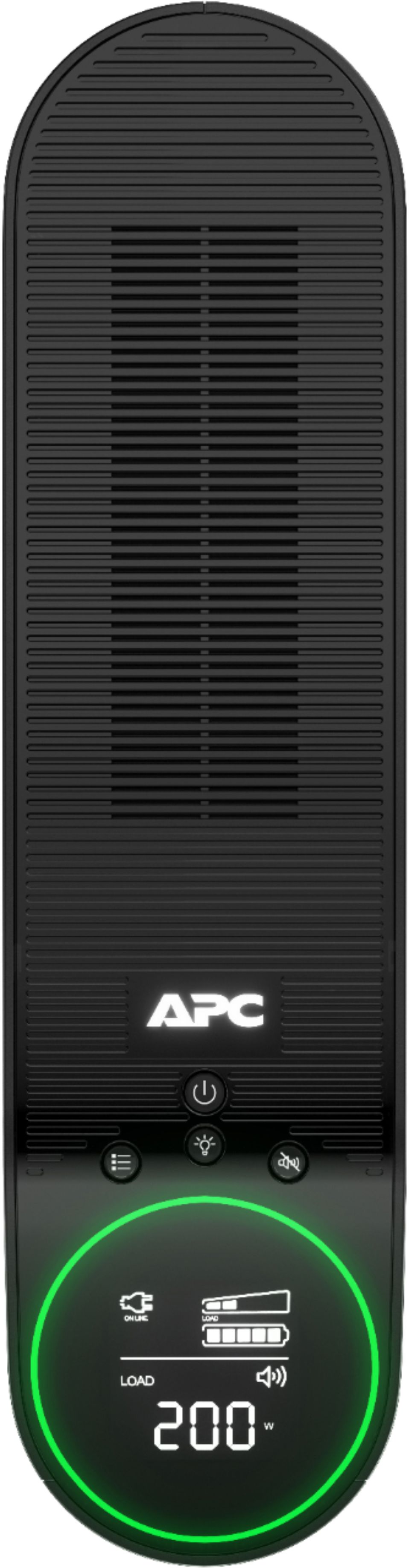
    • Answer The only information screen that I've been able to make stay on is the summary screen showing whether it is using wall power or its battery, the estimated time that it could support the current load, a display showing the current load as a percentage of the maximum load as one of five states (0-20%, 20-40%, 40-60%, 60-89%, 80-100%), and a display showing the current battery charge as a percentage a full charge as one of five states (0-20%, 20-40%, 40-60%, 60-89%, 80-100%).
      Answered by David

  • QuestionWill this unit be able to shut down a pellet stove in the event of a power outage?

    Asked by Claude.

    • Answer Thank you for your interest in our products. Unfortunately the UPS would not have the option to sync up with the pellet stove to trigger it to shutdown. It can provide a power backup but the stove would need to pull less than 900 watts of power. Anything over 900 watts would overload the UPS unfortunately.

      Answered by APCProductSupport

  • QuestionDoes the unit come with software to affect a graceful shutdown of computer?

    Asked by Steve.

    • Answer You download and install PowerChute Personal Edition from APC's website. You can set it up to gracefully shut the machine down.

      Answered by james

  • QuestionDoes this unit come with updated firmware if purchased through bestbuy?

    Asked by TRL.

    • Answer Thank you for your interest in our products. Yes the BGM1500B would come with the latest firmware if you purchase it new at any retailer.

      Answered by APCProductSupport

  • QuestionCan you put a power strip on this unit? The power strip would be powering a computer.

    Asked by aNULLobsession.

    • Answer Wouldn’t recommend it and I’m almost certain the manufacturer wouldn’t recommend it. The idea is you will be directly plugging in the electronics you are trying to surge protect and provide battery back up for. I’d plug other things into the power strip like accessories and run an extension cable or something if you need more outlets. The more important stuff like your PC, Monitor, console, TV, etc should get priority.

      Answered by killarick