A:AnswerThe wifi models will connect to any wifi network, as long as you enter the correct password for the router or use an unsecured public wifi signal.
The wifi + cellular models are not linked to any specific carrier, but can be connected to any of the major cell phone carriers by contacting them and arranging for data plan service.
A:AnswerWith an internet connection and an Apple ID, you can make and receive calls in the FaceTime app (first sign in with your Apple ID, or create an Apple ID, if you don’t have one).
A:AnswerI am sure Best Buy can do this. However, it is very simple to do yourself. If I can do it, anyone can. It comes with detailed instructions to do so.
A:AnswerWifi unlocked just means you can take this to any phone or internet carrier. This would be if you want your phone calls to come over your IPad.
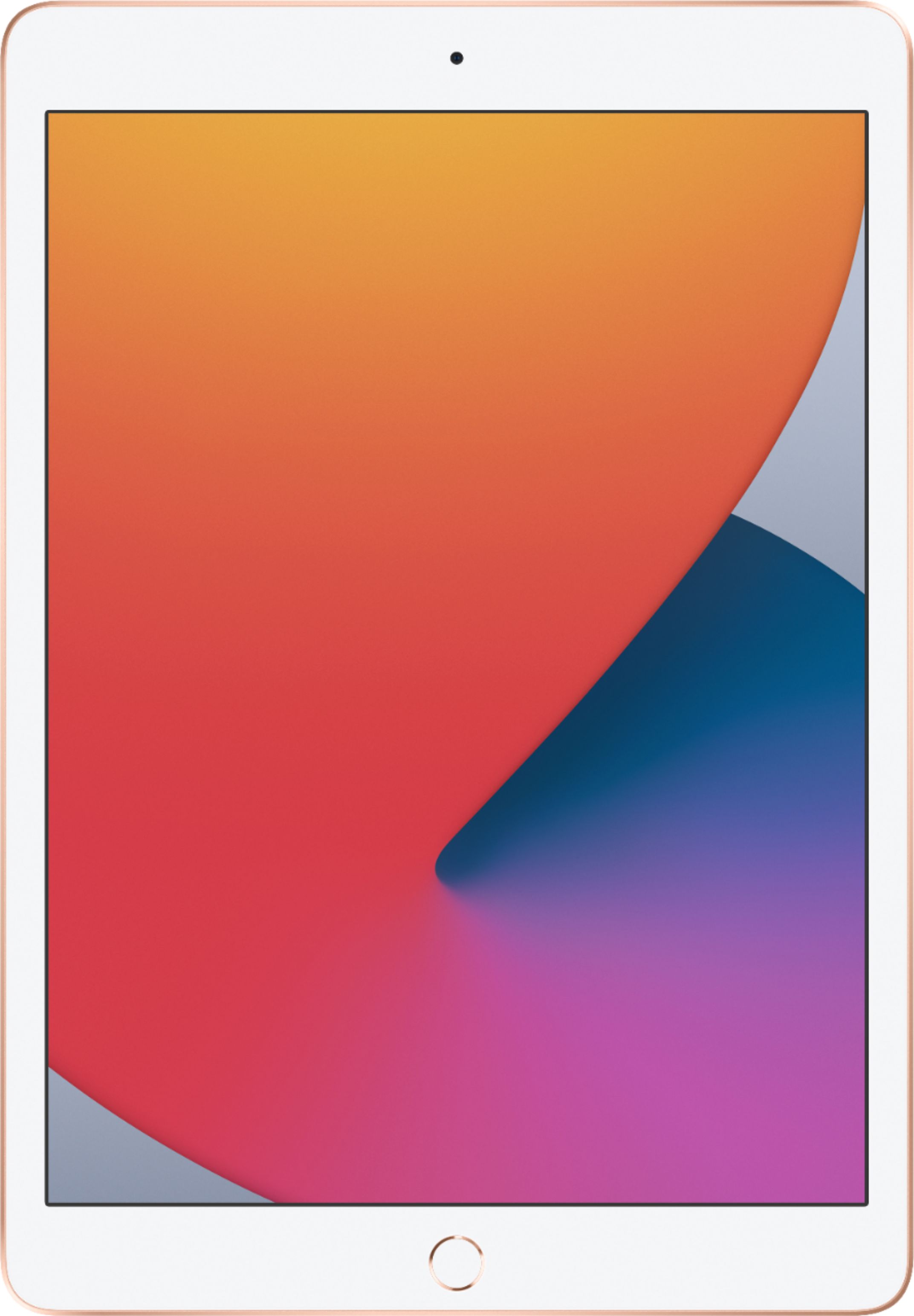
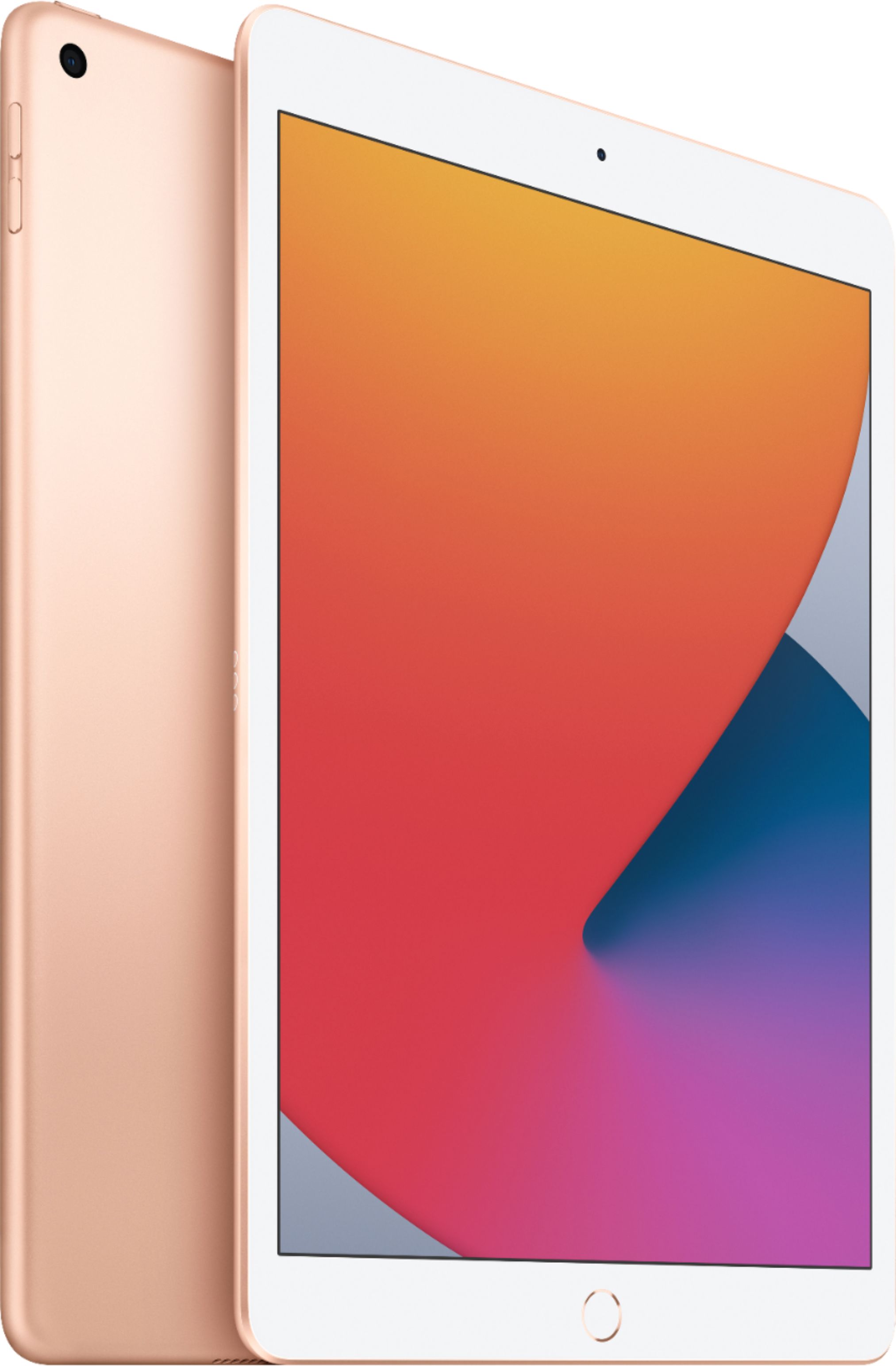
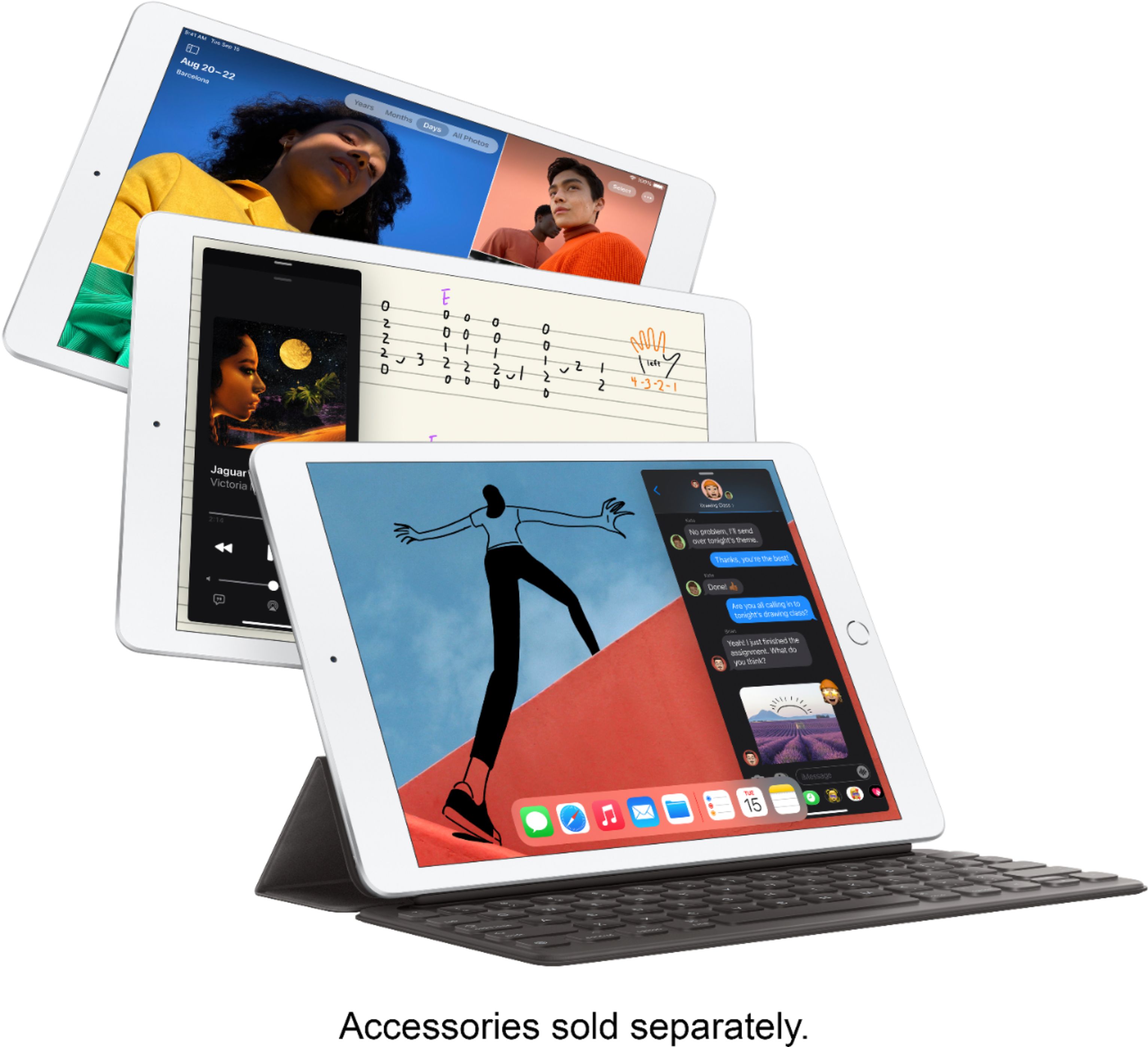
A:AnswerYes the iPad 8th generation supports Wifi + Cellular. The only Wifi option runs at $329 while the Wifi + Cellular runs for $100 more at $429. If you are not planning to take the iPad on the go a lot then the only Wifi option should suffice. I got my girlfriend the only Wifi option because I do not see her being very mobile with the iPad. Also keep in mind that getting the Wifi + Cellular option will contribute to your data plan. The iPad 8th generation does have Facetime. The iPad 8th generation has the A12 bionic chip so no it is not as good as the A14 bionic chip, but it is still really good. Hope this helps :)
A:AnswerIf you want to have your new iPad delivered to you like I did, download the Apple Store app. You can order what you want directly from Apple and even specify the color and the amount of memory you want. You get it within 7 days