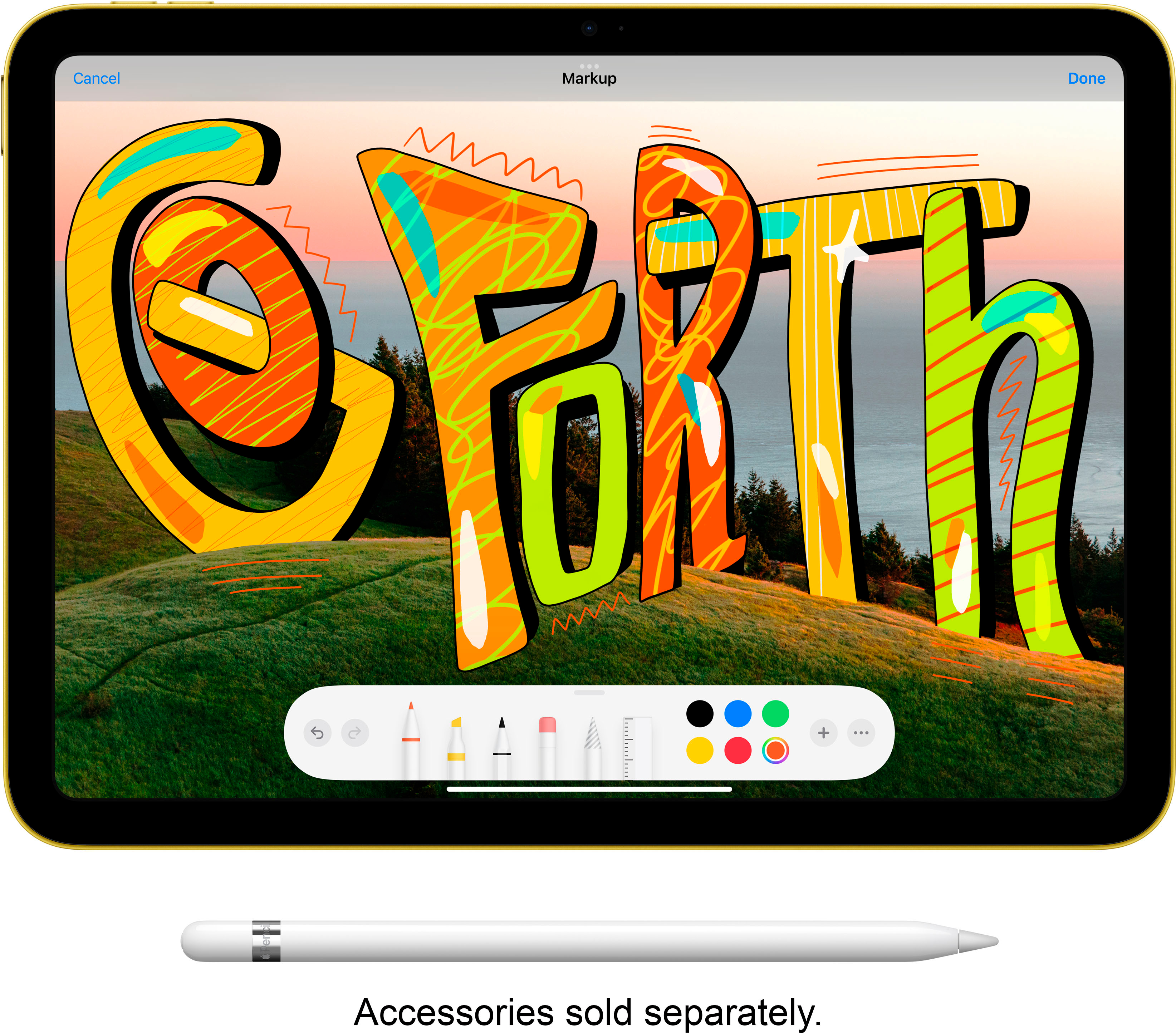
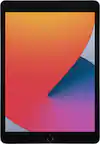
A:AnswerI couldn’t make my gen1 apple pencil i bought in april, connect, nor could i find a lightning to usbc pencil adapter to pair it. After a couple days, I gave up and ordered the Targus anti microbial stylus and its been better than my apple pencil was. If you have to have matching electronics, apple pencil gen2!
A:AnswerThe iPad and MacBook Air are both fantastic Apple devices, but they cater to different needs. Here's a breakdown of their key differences to help you decide which one is right for you:
Form factor:
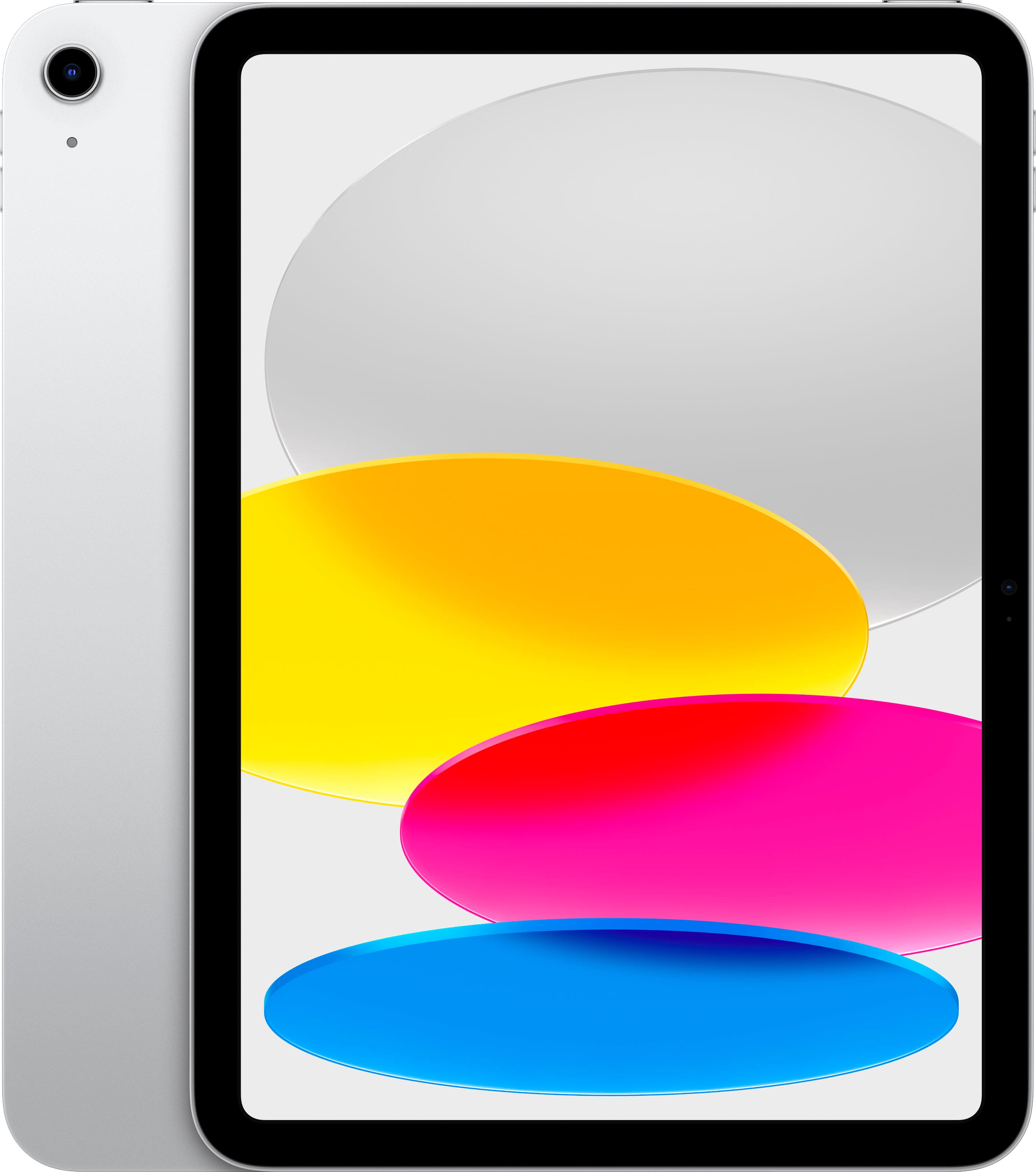
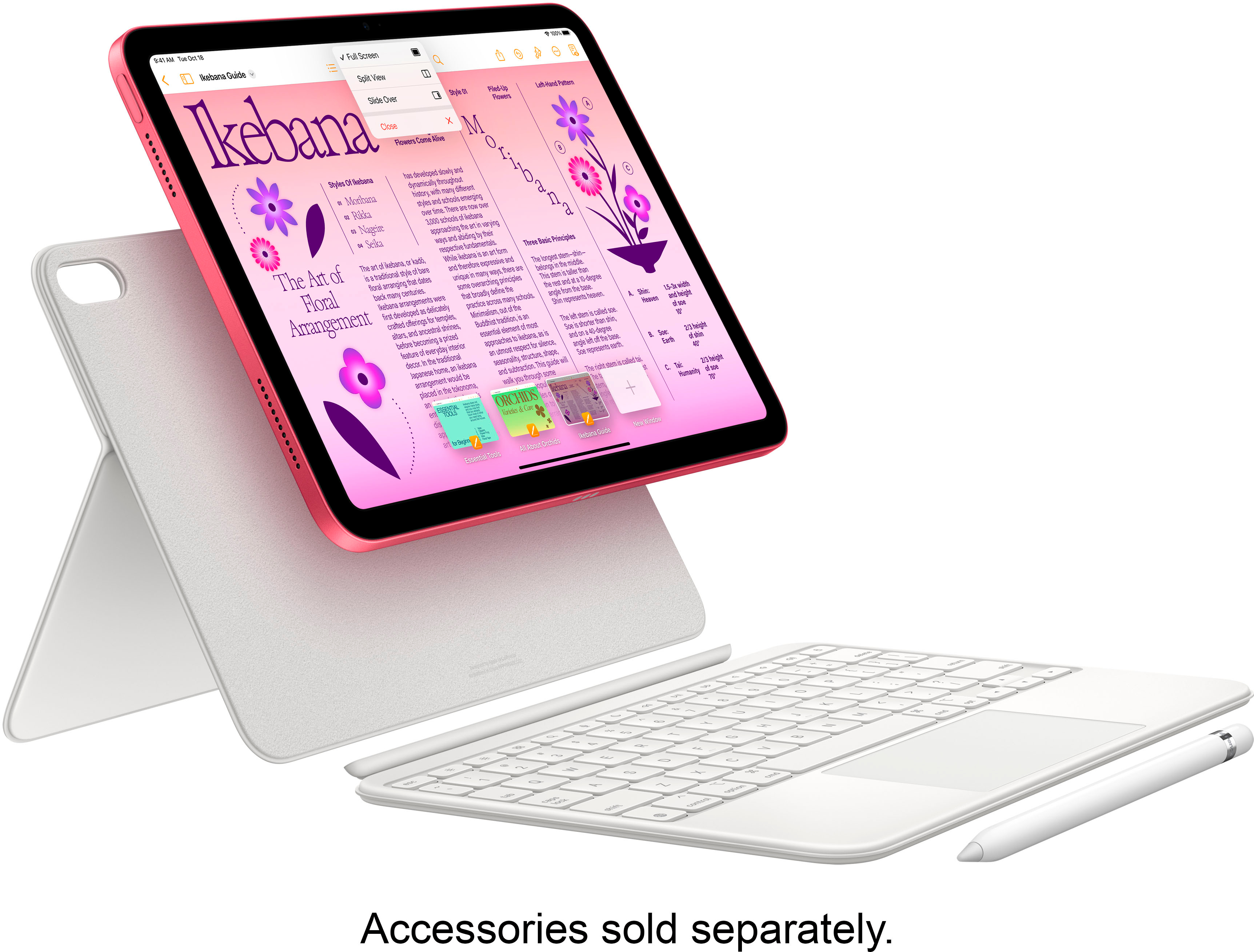
iPad: Tablet design, slim and lightweight, perfect for on-the-go use. Touchscreen interface with stylus compatibility for drawing and note-taking.
MacBook Air: Traditional laptop design with clamshell form factor, keyboard and touchpad for efficient typing and navigation.
Operating System:
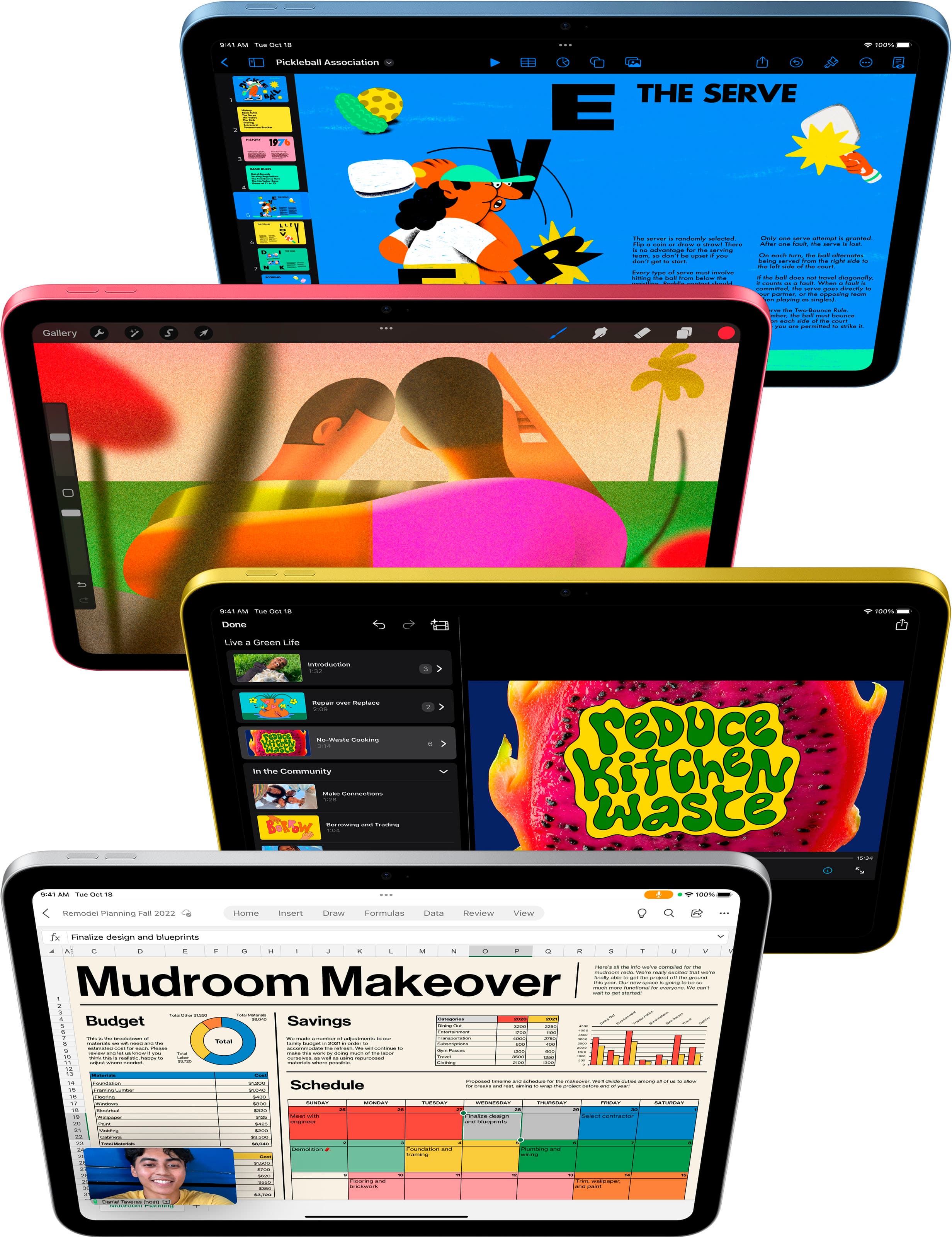
iPad: Runs on iPadOS, a mobile-oriented operating system with a focus on touch screen apps and multitasking.
MacBook Air: Runs on macOS, a desktop-oriented operating system built for productivity, offering full computer applications and advanced multitasking features.
Software and Apps:
iPad: App Store primarily dominated by mobile apps, some optimized for larger screens but may lack feature parity compared to desktop counterparts.
MacBook Air: App Store includes both mobile and Mac apps, offering a wider range of powerful productivity and professional software.
Performance:
iPad: Powerful A-series chip capable of handling everyday tasks and some demanding creative applications.
MacBook Air: M1 or M2 chip offers significantly higher performance for intensive tasks like video editing, coding, and demanding graphics work.
Storage:
iPad: Ranges from 64GB to 2TB, suitable for storing movies, music, and basic documents.
MacBook Air: Starts at 256GB and can go up to 2TB, ideal for handling large files and projects.
Connectivity:
iPad: Wi-Fi models are most common, with cellular options available on some models. Limited ports may require adapters for peripherals.
MacBook Air: Wi-Fi 6 and Bluetooth standard. Thunderbolt 4 ports offer high-speed data transfer and connection to multiple displays and peripherals.
Battery Life:
iPad: Typically lasts longer than a MacBook Air on a single charge, often exceeding 10 hours.
MacBook Air: Offers good battery life, typically around 7-10 hours depending on usage.
Cost:
iPad: Wider range of price points, with base models starting lower than the MacBook Air.
MacBook Air: Generally more expensive than the iPad, especially with higher storage configurations.
A:AnswerWhen I set up my I pad it walked me through taking everything from my old I Pad to the new one. It was so simple that even this 72 year old woman could do it. lol
A:AnswerNo need. Set up fingerprint ID (top, right button -- "on & off" -- and like the facial ID, you're instantly recognized. You can always log on, if fingerprint ID doesn't work for some reason, with your 6-digit code (was a 4-digit code on the old iPad 6 I traded in for the new iPad 10).
A:AnswerYes it does. Go to settings and turn on Wi-Fi. It will show you what networks are available. If you don’t see your network you can type it in and then put it in your password.
A:AnswerThere is no Ipad called 10th gen pro. There are M1 Ipad Pros & M2 Ipad Pros. They have more features, better displays, cameras, and can handle full photoshop applications. The Ipad 10th gen has an A14 chipset which was released in 2020. The current Ipad Air 5, & Ipad Pros have the same chipsets as macbooks with M1 & M2 chips as of now. I would speak with a best buy associate. As its a long question to answer.
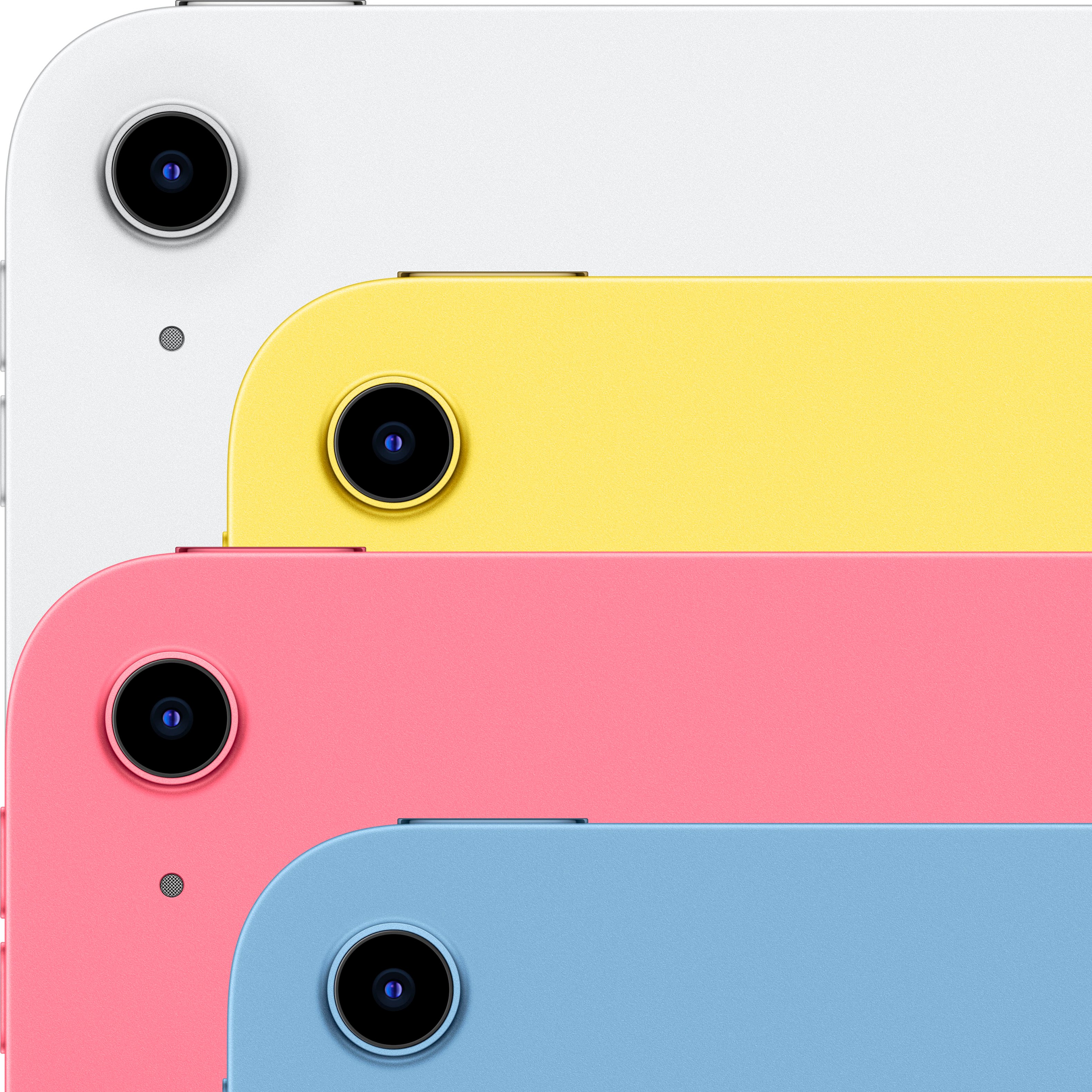
A:AnswerThe difference between model MPQ13LL/A and MPQ93LL/A on the 10th Generation iPad is solely the color:
MPQ13LL/A is the model for the blue 10th Gen iPad.
MPQ93LL/A is the model for the light blue 10th Gen iPad.
Other than the color, both models have the same specifications, including:
Display: 10.9-inch Liquid Retina LCD display with 2360 x 1640 pixels resolution
Processor: A14 Bionic chip
Storage: 64GB or 256GB
Rear Camera: 12MP wide
Front Camera: 12MP ultrawide
Connectivity: Wi-Fi 6, Bluetooth 5.2
Operating System: iPadOS 16