A:AnswerCopy and pasted from my review. (iPad Pro 11 Inch)
Simply the best revision of the iPad in history. I'll give a quick summary, then list the pro's and cons.
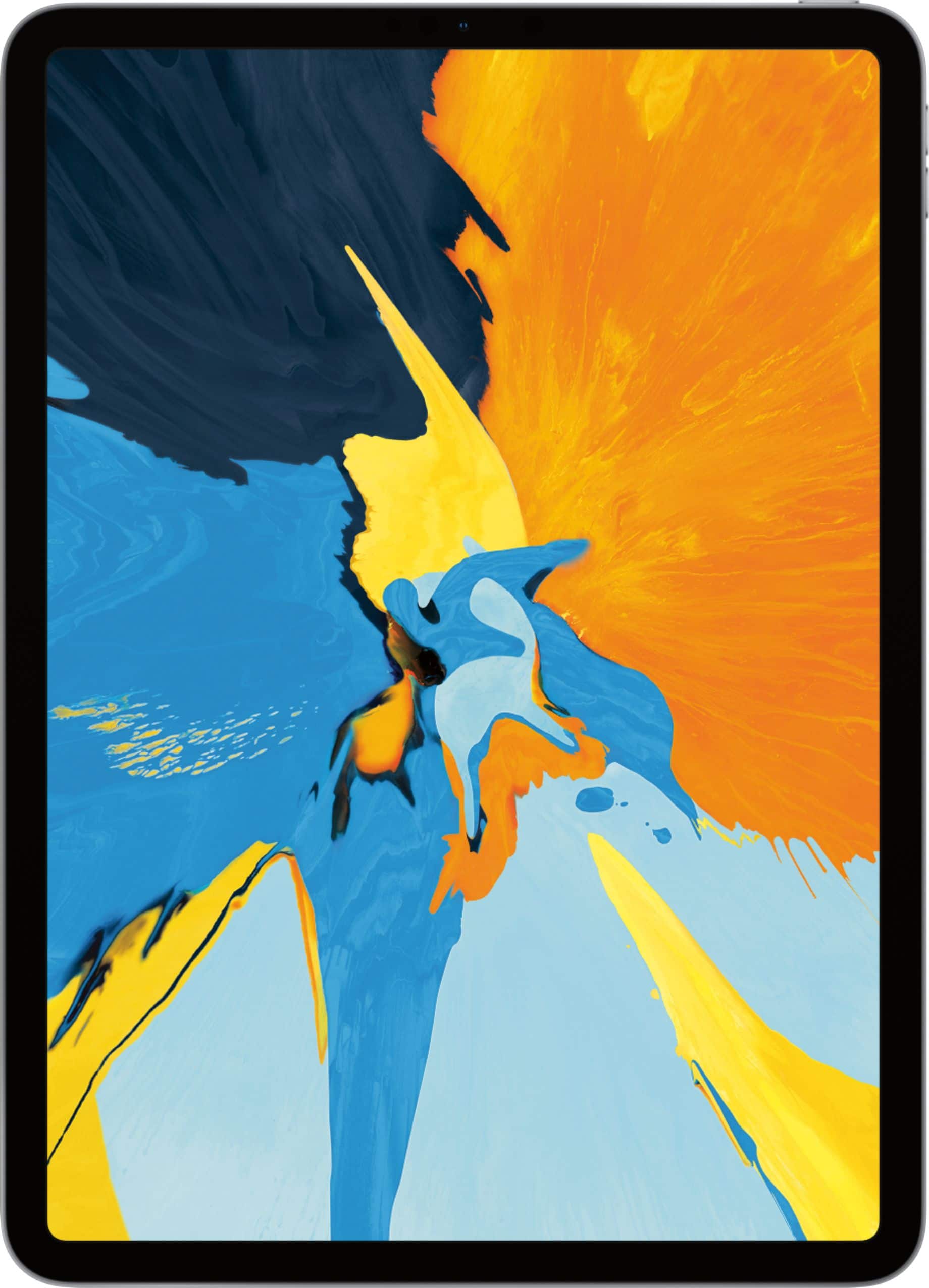
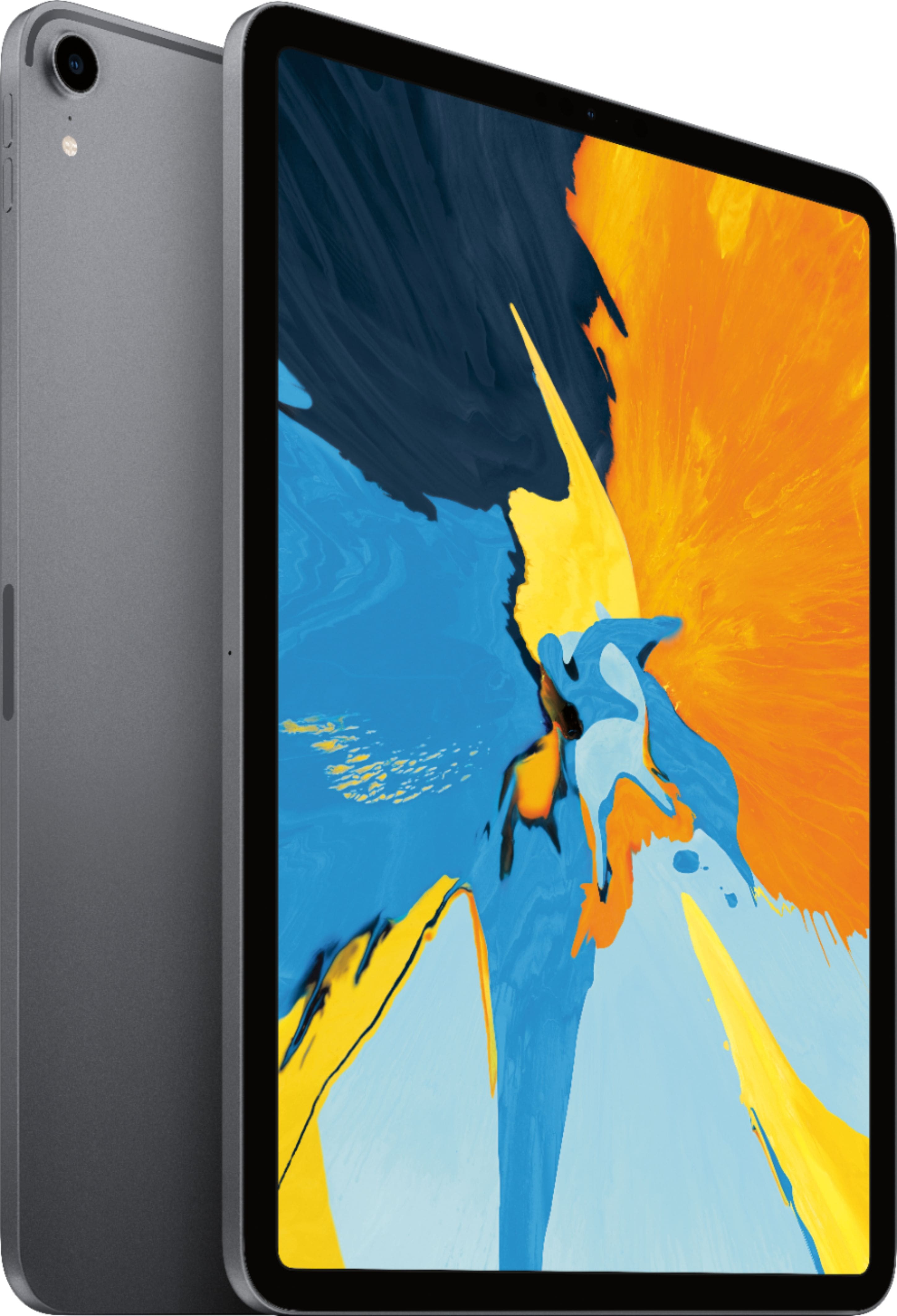
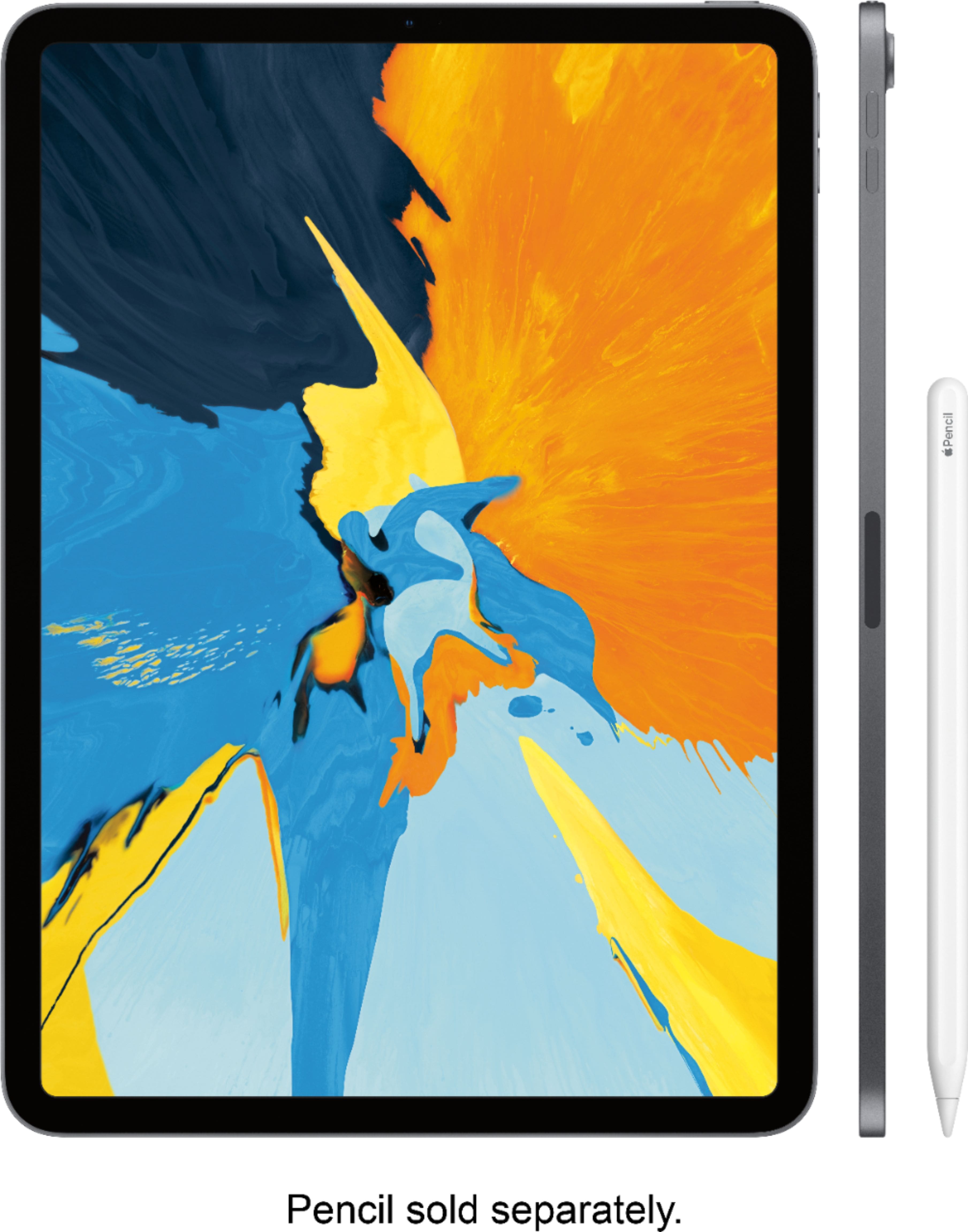
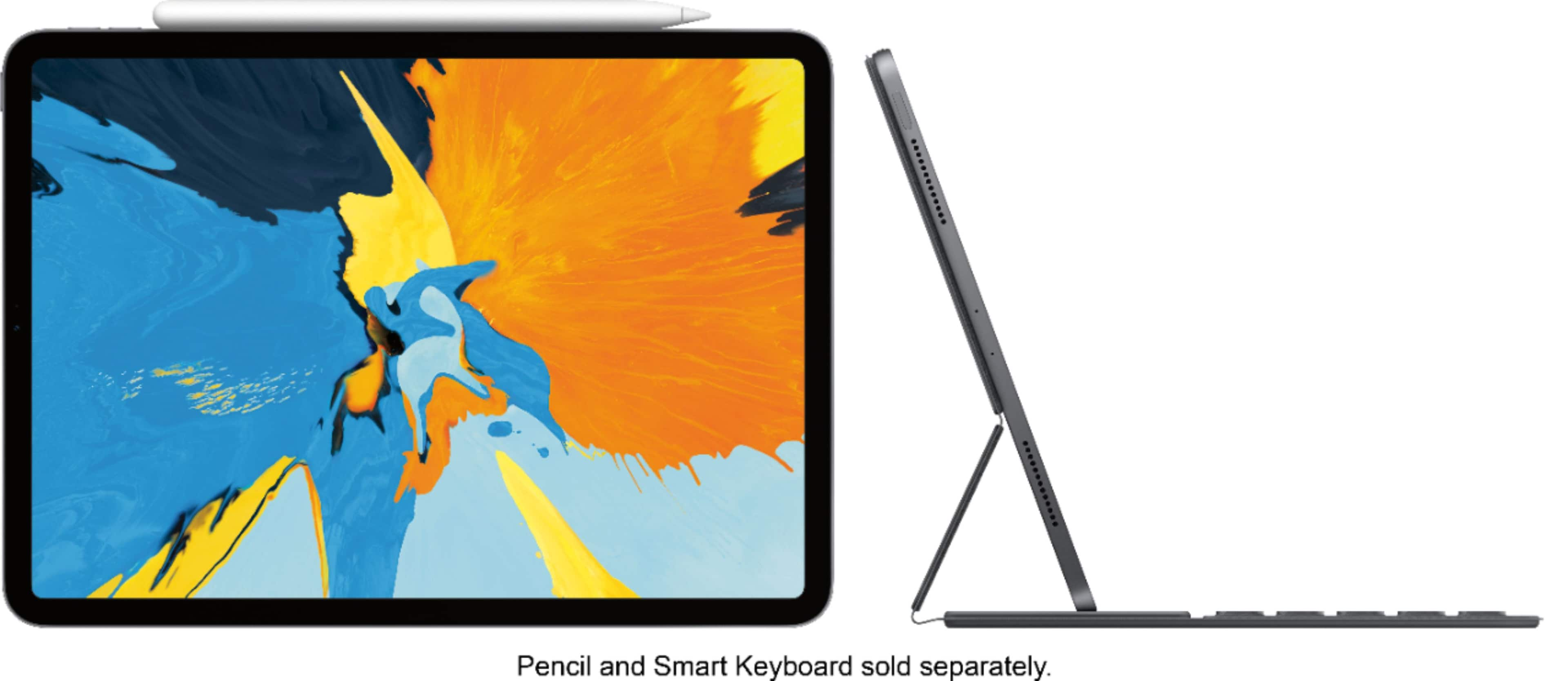
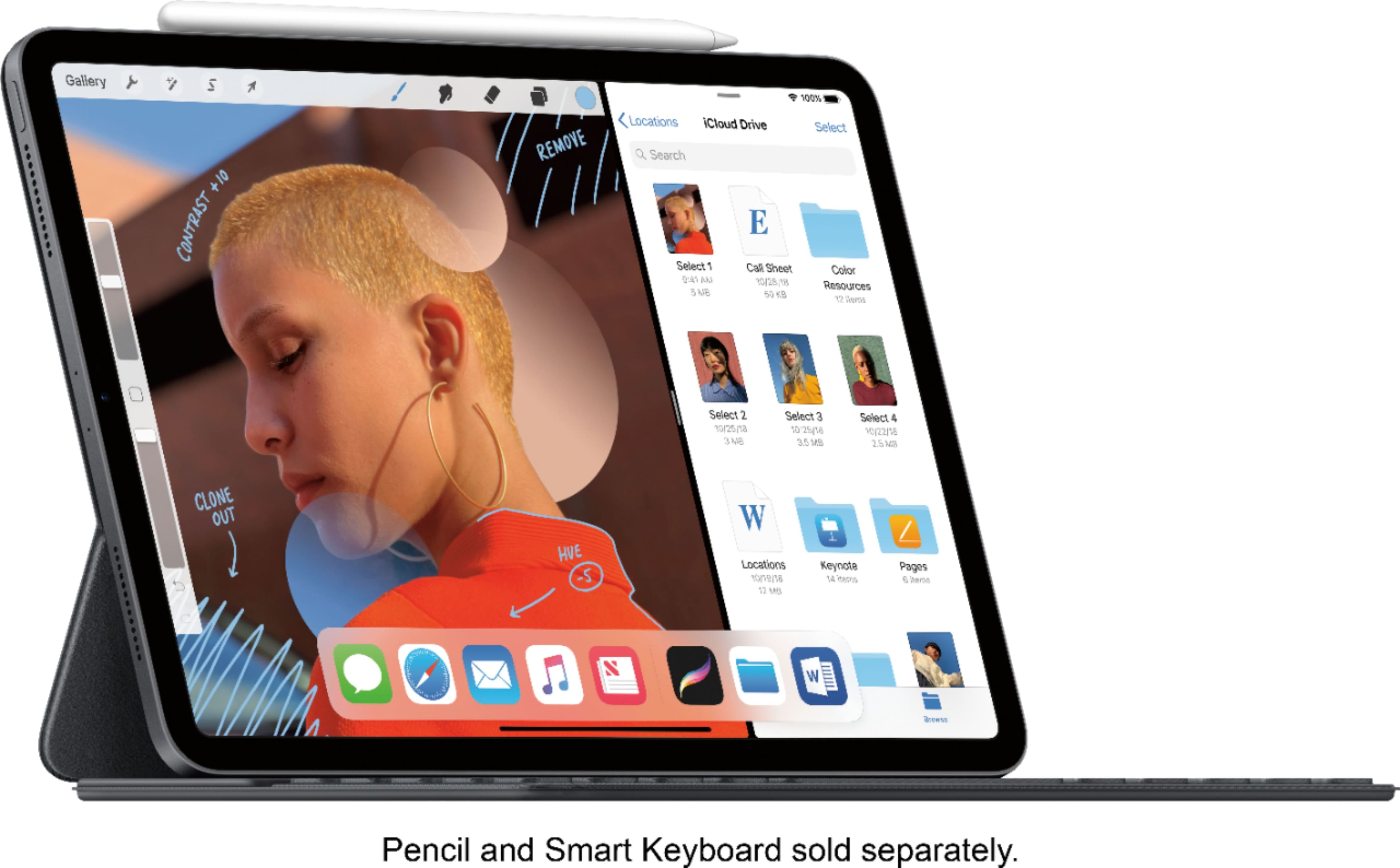
First, this thing is insanely fast, compact, and the new folio keyboard is in my opinion tenfold better than the ladder 10.5 pro keyboard. This is so compact, by the pictures you can see how slim it is with they keyboard over. It now covers the Front AND Back of the iPad, making it completely worth it plus 2 angles. I honestly don't think the iPad Pro 11 is worth it without the folio.
Second, this thing is so compact, i'll be taking it everywhere, and while writing the review i'm playing music on it while taking pictures on it. My laptop I would never do that. If you travel a lot, leave your laptop at home and take this! I can remote into my desktop at home for heavy IT reliant jobs.
Pros:
-Out of this world A12X performance. This 7nm new chip from Apple is honestly evolutionary. It compares to an i7 7700k from Intel! This is a huge watt chip that is in a desktop. Coming from a guy with an MIS (IT) degree, I hate to be dramatic, but it is evolutionary. The claims are true.
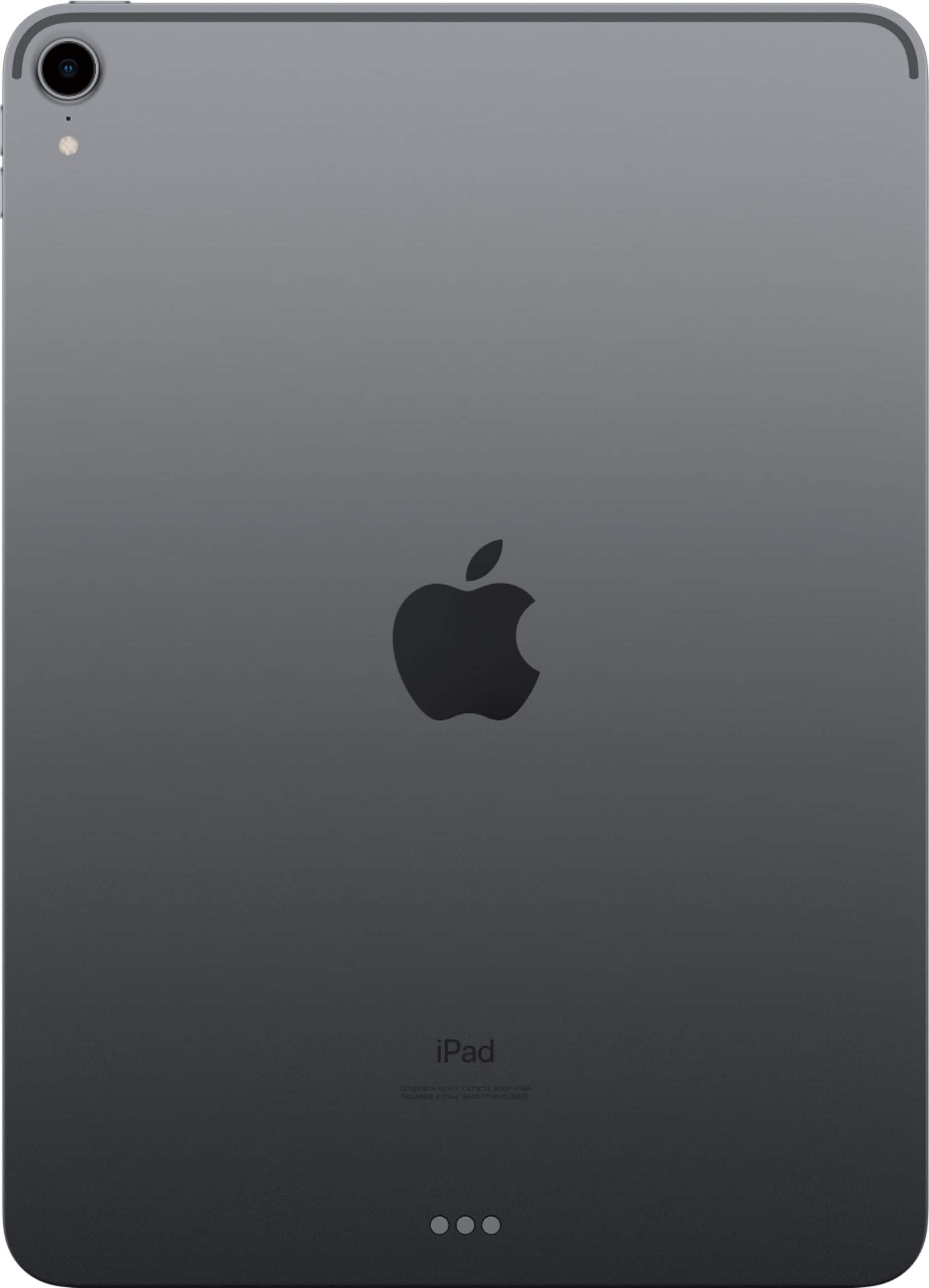
-New compact factor: Finally apple reworked the chassis and made nearly full screen and more compact. Perfect size.
-Great Speakers (playing music while my desktop speakers are in front of me) the speakers are so good.
-New Folio keyboard is so much better this iteration.
-Slim weight and size (boxed)
-USBC was definitely needed for a "laptop replacement" argument
Cons:
There are a few cons that really should be addressed in the iPad Pro 11 Inch "2?"
-USBC port is great, but when I plug directly into my drone, it doesn't read the SD card like cameras are advertised to. Not sure why. Hoping iOS uodates fix this.
-It is quite expensive. I'd rather see this lower around $699 starting. $799 for the 128GB instead of $949 for the 256GB
-Getting rid of the headphone jack really turns me off personally. It could easily fit it, apple wants you to go wireless in their ecosystem and cave in on it. I understand, but it isn't practical yet to get as good of quality as wired earbuds. Until then, i'll use my old wired pair. Hopefully new developments soon on this area.
-Mouse movement would be cool, but would add bulk. Some in between solution would be great of apple to come up with. Perhaps a stylus type deal where you can "draw it" on a counter to move the mouse area.
If you are planning to wait, don't! This is the biggest update in the iPad history. Like a review said online, there will not be a major reworking for a while (like the iPhone X and XS). I am extremely picky and return products with the slightest disappointment, andIi do not regret it at all. 64GB is plenty for me even with 4k drone videos and a lot of pictures. Would rather pay $100 more for 128GB (or should be standard with this price point).
You get what you pay for in the Tech Business!
A:AnswerBest Buy does not offer engraving on iPads, or any apple products for that matter. This is because they are packaged in a retail box and sealed. Apple engraves the product before packaging it and sending it off to you.
A:AnswerAs long as you backup before you trade in your old iPad, it’s really easy. Just ask the store ,if buying in a store, to help you. When you get the new iPad just download your backup to the iPad then you’re done and it will look and act just the old iPad.
A:AnswerSign into your iCloud account and set up your new iPad as a back up to your old iPad. Your cloud contains all your info from your last account and your last backup (which should have been automatic on your old iPad) will restore your new iPad to what your old one had (info wise).
A:AnswerYes. The next generation CPU will help ensure you have a usable device 4 or 5 years from now. That helps increase the value of your investment!
A:AnswerIf you have updated your iPad Pro to iPadOS you don't need a third party app. You can use the IOS files app once you insert your pendrive. It will automatically detect it and you will be able to transfer your PDF.
Vinay.