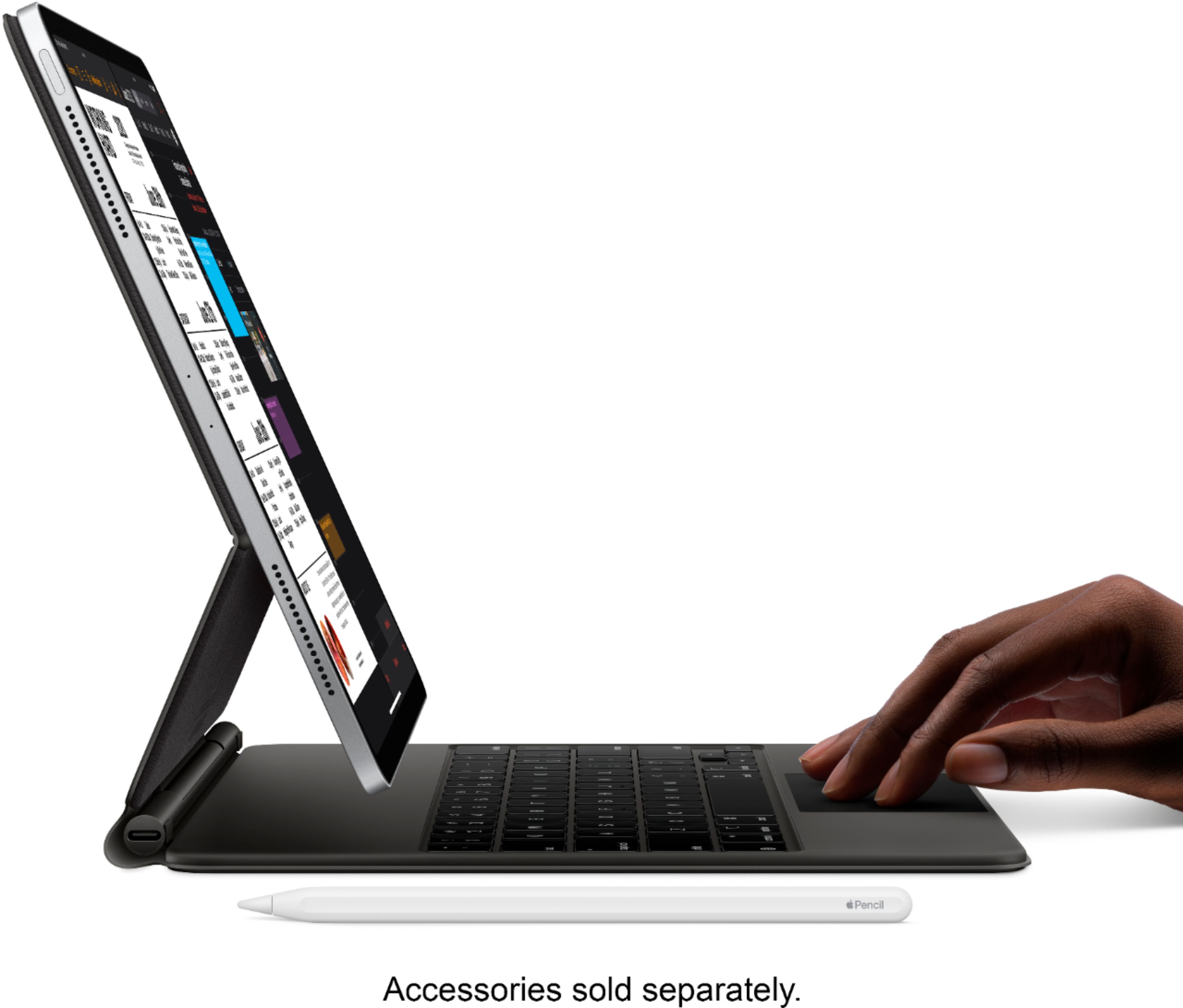
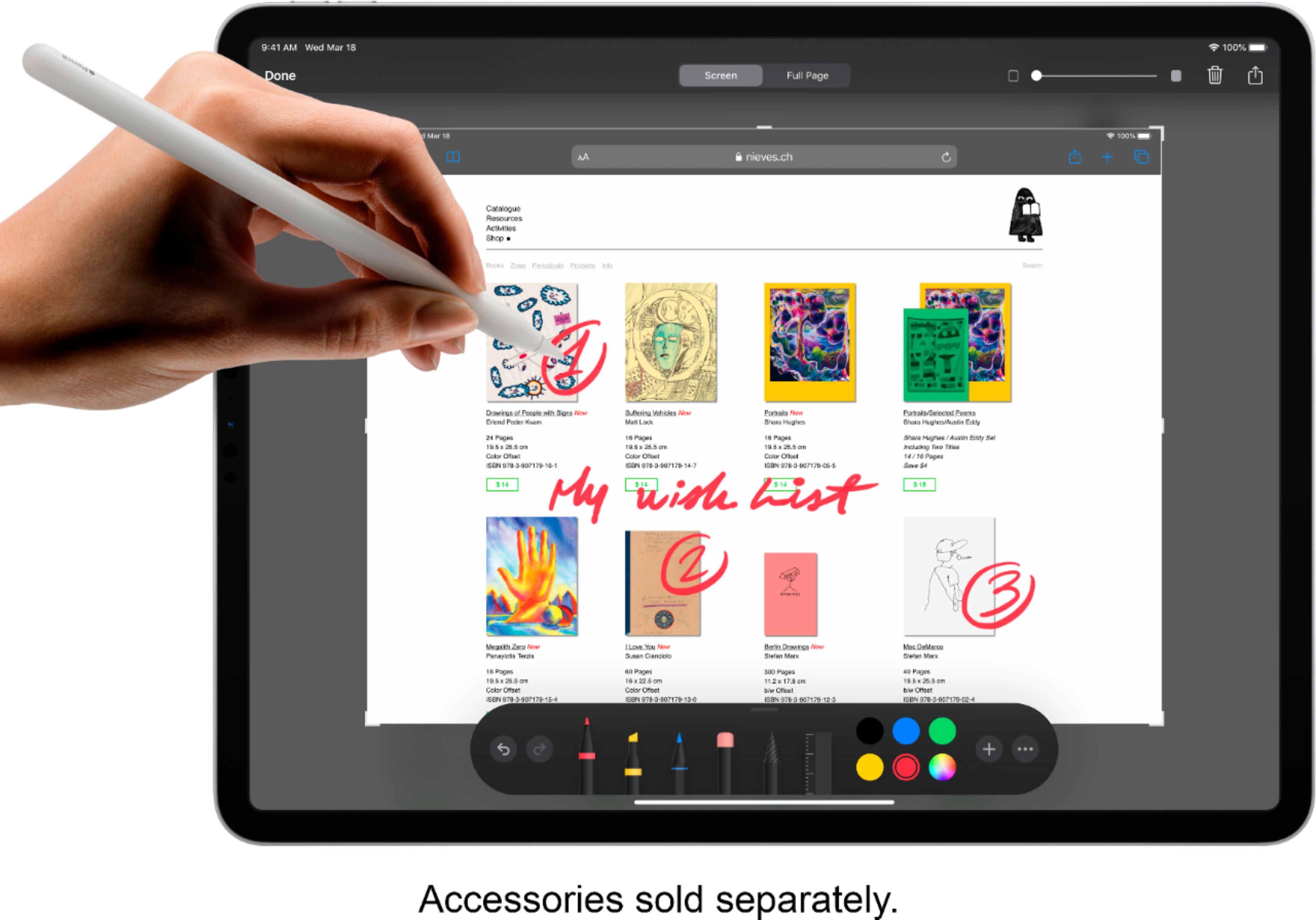
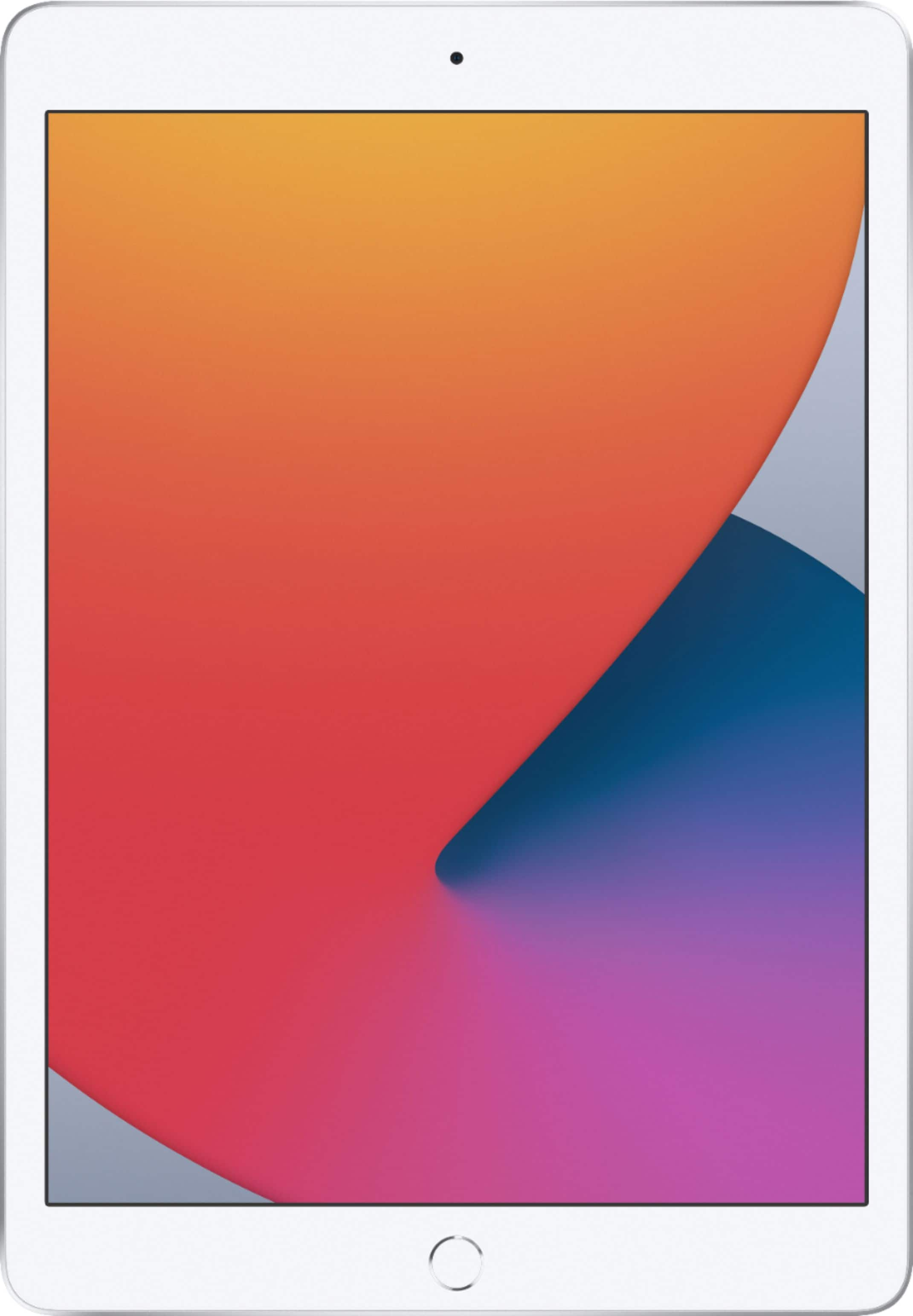
A:Answer The answer depends on what you want to do with it and what you consider to be a "computer". The iPad is fundamentally a computer, but functions a little different due to the nature of the device (it's a touch tablet) and the operating system (iPad OS vs e.g., windows). If you use a computer for large / complex spreadsheets, database management, coding, or creating documents with a lot of complex formatting, etc., or you like working in multiple windows at one (i.e., more than 2 or 3), then this is not for you. If you are a content creator (i.e., videos, blog, etc.), graphic artist, or just want something to read email, consume content (e.g., YouTube), read books, etc., then this is definitely an option.